SadaPay Forgot App PIN in Pakistan: Reset It in 4 Steps, Change Your Card PIN and Freeze a Lost Card
Reset a forgotten SadaPay App PIN in Pakistan with an OTP in 4 steps, change your debit card PIN in the app, and freeze or report a lost card or stolen phone.
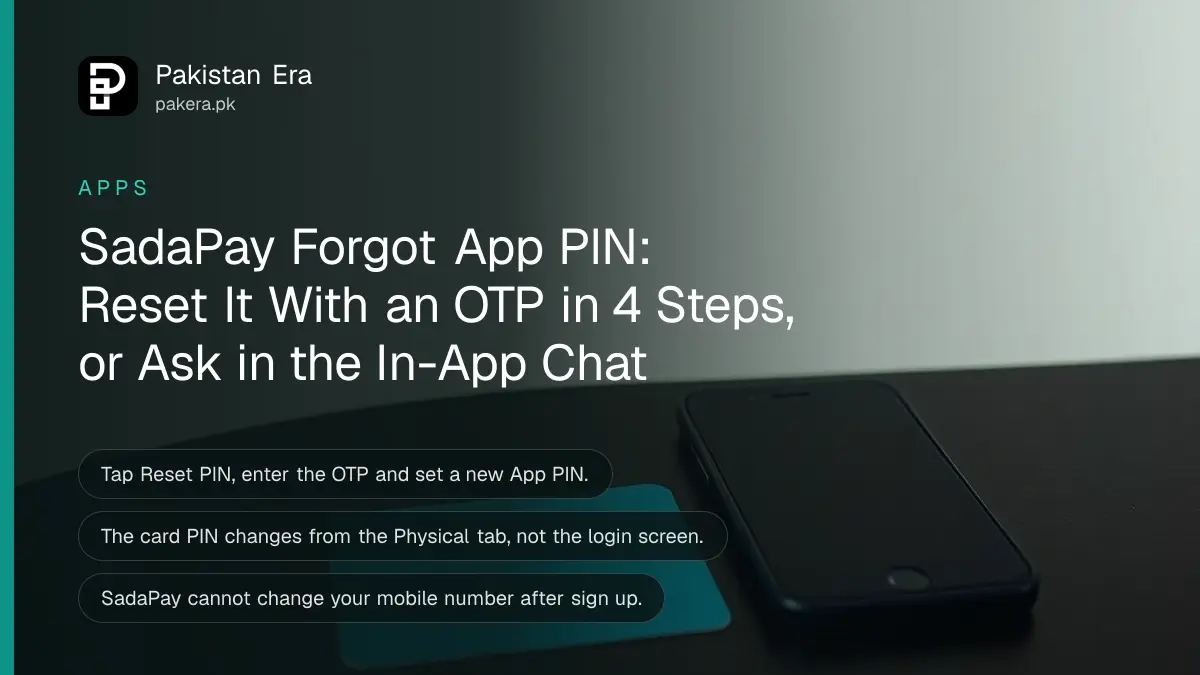
Forgot your SadaPay App PIN? On the PIN screen tap Reset PIN, enter the details SadaPay asks for, type the OTP sent to your mobile number, and set a new App PIN. If the button does not work, ask SadaPay through the in-app chat to reset it for you. The reset is free. Your debit card PIN is separate, and you change it from the card screen in the app.
SadaPay uses two PINs. The App PIN opens the app. The card PIN is for ATMs and shops. People mix them up all the time, so the table below shows which is which before the steps.
SadaPay has two PINs, and they reset in different places
The App PIN logs you in to the SadaPay app and is reset from the login screen with an OTP. The debit card PIN works at ATMs and card machines and is changed inside the app from the card screen. Resetting one does not change the other.
| PIN | Used for | How to reset |
|---|---|---|
| App PIN | Opening the SadaPay app | Reset PIN on the PIN screen, then OTP |
| Debit card PIN | ATM cash and card payments | Balance card, Physical tab, Change card PIN |
| OTP | One time checks, such as a reset or an online payment | Sent fresh each time by SMS |
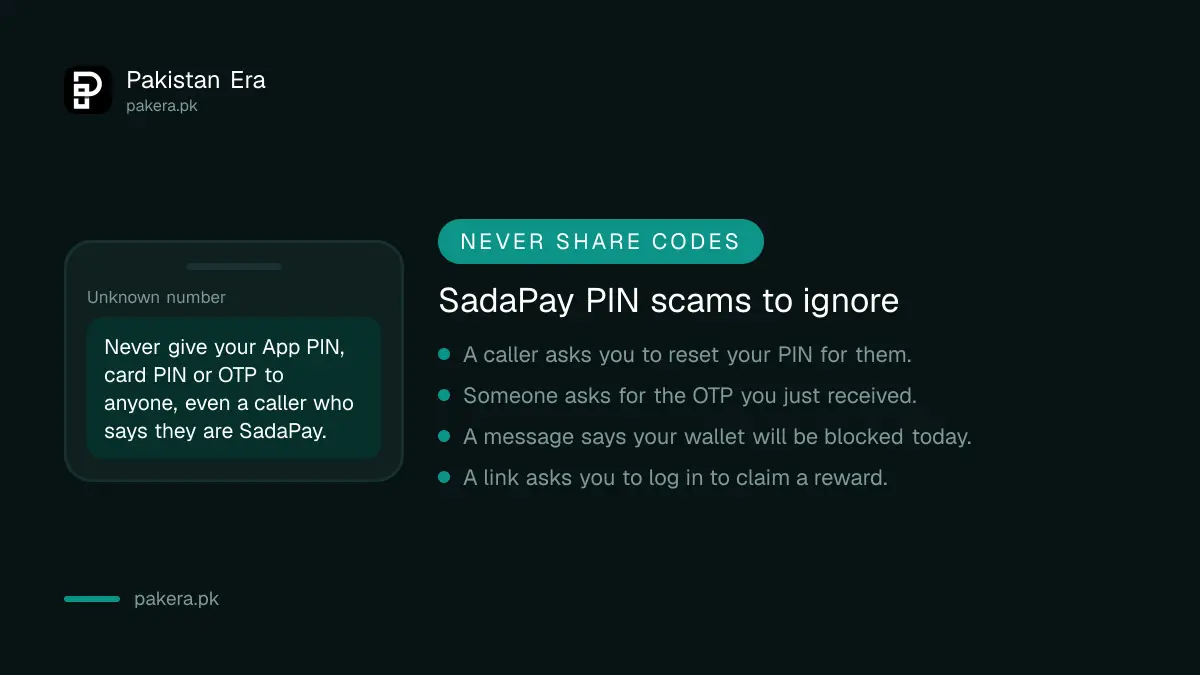
Never share any of these. A SadaPay OTP or PIN in the wrong hands can empty your wallet, and SadaPay staff do not need them to help you.
How to reset your SadaPay App PIN in 4 steps
The App PIN reset runs inside the app and takes a couple of minutes. You need the SIM with your registered SadaPay number in the phone, because the OTP comes by SMS. Once you set a new PIN, use it straight away to log in.
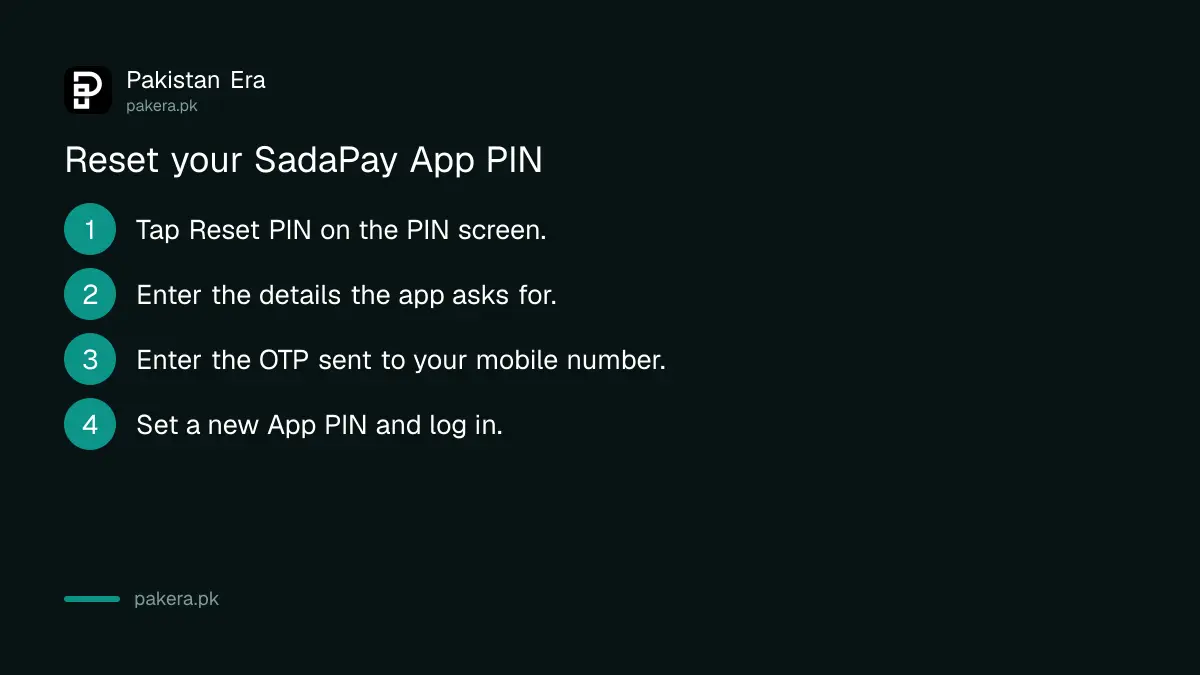
- Open SadaPay and tap the Reset PIN button on the PIN screen.
- Enter the few details the app asks for to confirm it is you.
- Enter the OTP verification code sent to your registered mobile number.
- Set a new SadaPay App PIN of your choice.
Pick a PIN that is not your birth year, your CNIC digits or 1234. Do not reuse your card PIN either. If someone learns one, they should not know the other.
When the Reset PIN button does not work
SadaPay limits the in-app reset as a safety step against scams. If the reset fails or the button is missing, message SadaPay through the in-app chat. After the team resets it, force close the app, open it again, and create your new PIN.
SadaPay says it added this extra check to stop people being talked into resetting a PIN for a scammer. Once you reset the PIN on a new device, you will not need to go through the manual reset again on that device.
- Open the in-app chat and say you cannot reset your App PIN.
- Wait for the team to confirm the reset.
- Force close SadaPay: swipe it away from recent apps, or use Force stop in your Android app settings.
- Open the app again and set a new App PIN.
Can't get into the app at all to open the chat? Use the routes in the SadaPay and NayaPay complaint and helpline guide, which lists the other ways to reach SadaPay.
How to change your SadaPay debit card PIN
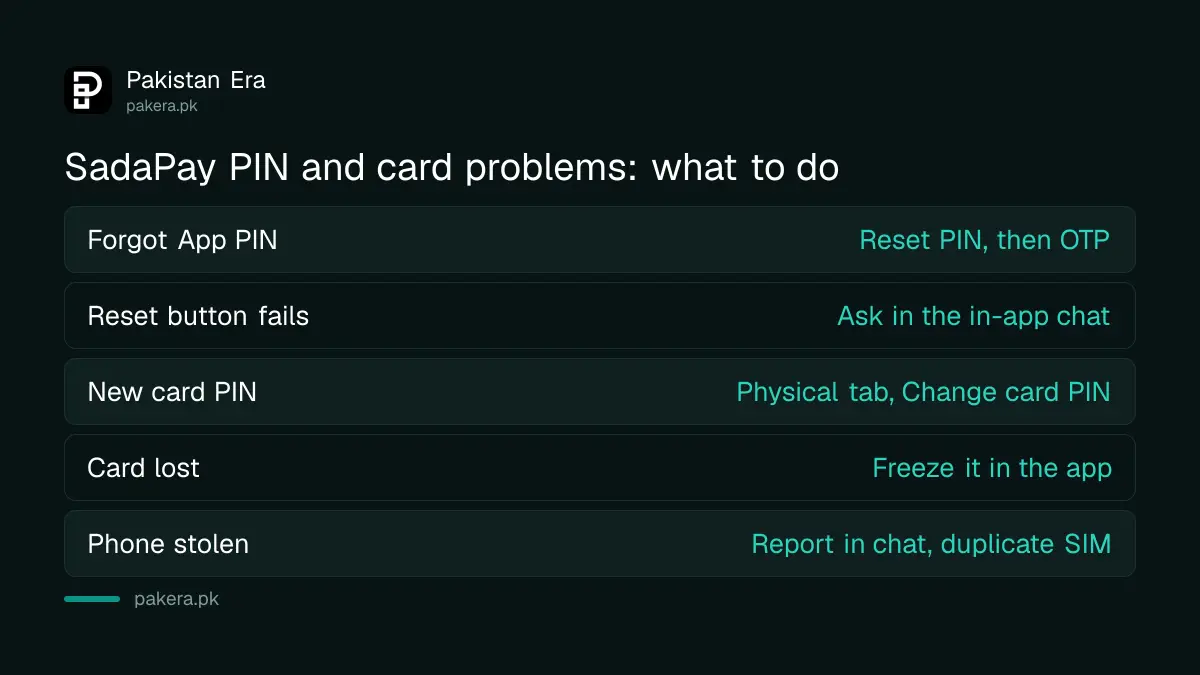
Change the card PIN inside the app: tap the teal card that shows your balance, open the Physical tab, choose Change card PIN and enter the new PIN. The steps SadaPay lists do not ask for the old card PIN, and no branch visit or call is needed.
- Tap the teal card that shows your balance.
- Open the Physical tab.
- Tap Change card PIN.
- Enter your new card PIN, and you are done.
The card PIN works for cash at ATMs across Pakistan. For withdrawal fees and daily caps, see SadaPay limits and charges.
Lost your card or phone: freeze first, then report
If you lose the card, freeze it in the app straight away, or report it stolen to disable it for good. SadaPay then sends a new card, for a fee in its schedule of charges. A stolen phone alone cannot move money, because transfers still need your PIN.
- Card misplaced. Tap the balance card and freeze it. Unfreeze it if the card turns up.
- Card stolen. Report it stolen in the app. This blocks it permanently, and a replacement card is sent.
- Phone or SIM stolen. Report it to SadaPay as soon as possible through chat. Then get a duplicate SIM on the same number from your operator, which needs your CNIC and a biometric check.
- Money gone that you did not send. Freeze both your physical and virtual cards from the current balance tile, then contact the fraud team in chat.
A thief may try a SIM swap to get your OTPs. The warning signs and first steps are in how to stop SIM swap fraud in Pakistan.
Things you cannot change in SadaPay yet
SadaPay does not let you change your mobile number once your account is set up. You can send your new number to support in chat, and they log the request for when the feature arrives. Email can be verified and changed in the app, on Android only for now.
To verify or change the email, go to More, tap verify email, enter the address and follow the link in the verification email. Once verified, you can change it from the same place. The Android only rule matters if you switch to an iPhone.
Common questions about SadaPay PIN reset
Is there a fee to reset a SadaPay PIN?
No. Both the App PIN reset and the card PIN change are done in the app for free. A replacement card after a loss does carry a fee.
Why didn't I get the SadaPay OTP?
The OTP goes by SMS to your registered number only. Check that SIM is in the phone and has signal, then ask for a new code.
Can I change my SadaPay card PIN without my old PIN?
Yes. Tap the balance card, open the Physical tab and choose Change card PIN. The steps SadaPay lists do not include the old card PIN.
Is my SadaPay money safe if my phone is stolen?
SadaPay says your account stays protected because your PIN is needed for any transfer. Report the theft in chat as soon as you can.
Can I change my SadaPay mobile number?
Not yet. SadaPay cannot change the number after you sign up. Send your new number in chat so the team can log the request.
How we verified this
What we checked and where we read it.
Last checked 14 November 2026. Steps come from the SadaPay Help Centre: How can I reset my App Pin?, How can I reset my debit card pin?, and the help articles on a lost or stolen card, a stolen phone or SIM, fraudulent transactions, changing your mobile number and verifying your email. The App PIN article was last updated on 31 May 2024 and shows its steps as app screenshots.
About the author

Technology Journalist & Multimedia Producer
Ahmad Ali is a technology journalist and multimedia producer at Pakistan Era, joining the team in October 2026. He covers consumer technology and digital life for Pakistani readers, combining research with hands-on product testing.