Meezan Bank WhatsApp Banking: Register on 021-111-331-331 With 4 CNIC Digits, Get Your Statement and Tax Certificate
Register for Meezan Bank WhatsApp Banking on 021-111-331-331 with 4 CNIC digits, then check your balance, download a statement and request a tax certificate.
Meezan Bank WhatsApp Banking runs on one number only: 021-111-331-331. Save it, send a message from the mobile number registered with your account, and reply with the last four digits of your CNIC. Once you are registered, a menu lets you check your balance, download a bank statement, generate your IBAN and request a tax certificate. Meezan Bank says it charges no fee for the service.
It works for individual and sole proprietor customers. Corporate accounts cannot use it. The table below shows what the menu offers and what still needs the app or a branch.
How to register for Meezan Bank WhatsApp Banking
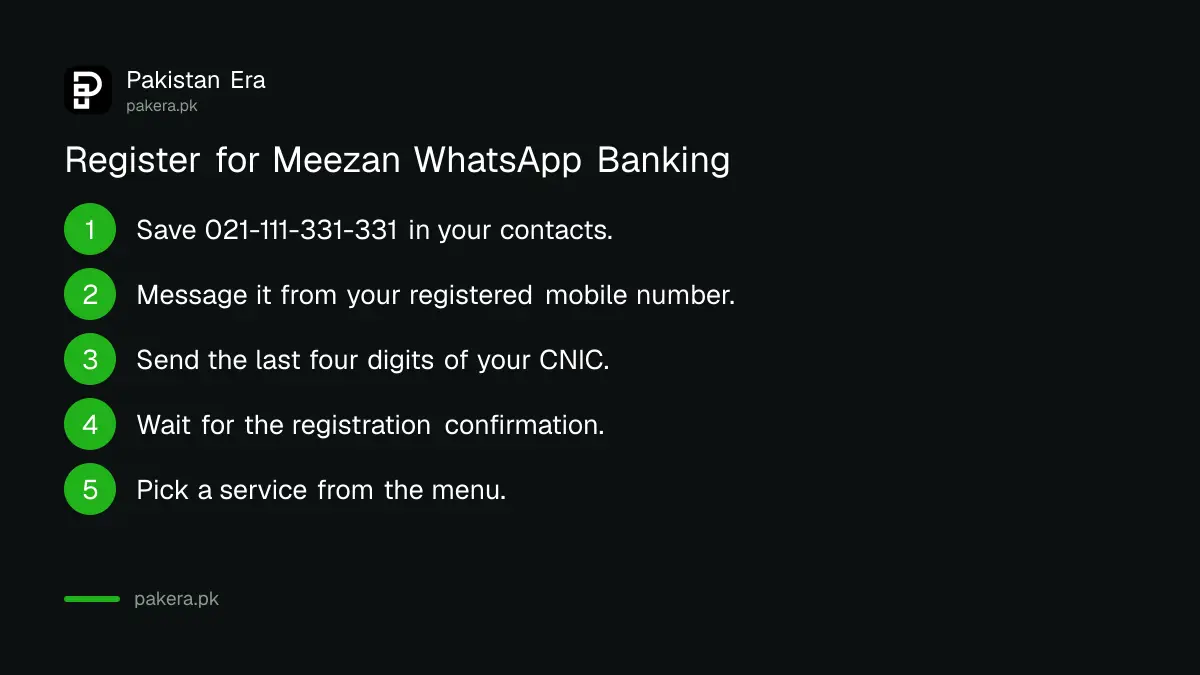
Registration takes one message and four digits. Save 021-111-331-331 on your phone, message it from your registered mobile number, send the last four digits of your CNIC when asked, and wait for the confirmation message. The menu arrives straight after.
- Save 021-111-331-331 in your phone contacts, for example as "Meezan Bank".
- Open WhatsApp and send any message, such as "Hi", to that contact. Use the mobile number that is registered with your Meezan account.
- When the bot asks, send the last four digits of your CNIC.
- Wait for the WhatsApp message confirming your registration.
- Pick a service from the menu that follows.
The registered number matters. If you message from a number the bank does not hold for you, registration will not go through. Changed your mobile number at the branch? Meezan Bank says you must register again on WhatsApp with the new number.
What you can do on Meezan WhatsApp Banking
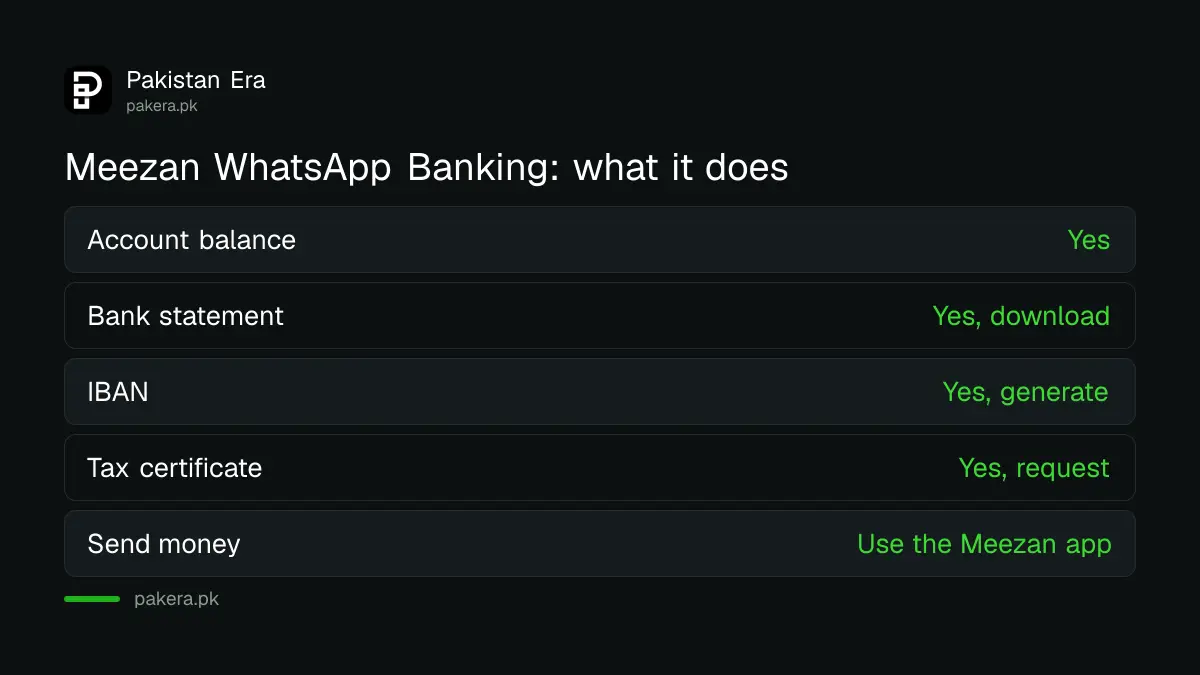
The menu covers information and paperwork, not money transfers. Meezan Bank lists six services: balance enquiry, bank statement download, IBAN generation, tax certificate requests, complaints, and details of its consumer and investment products. It is available around the clock.
| Service | On WhatsApp | Where else |
|---|---|---|
| Account balance | Yes | Meezan app, SMS to 9060 |
| Bank statement | Yes, download | Meezan app, branch |
| IBAN | Yes, generate | Meezan website IBAN generator, app |
| Tax certificate | Yes, request | Branch |
| Complaint | Yes, launch one | Meezan helpline, branch |
| Send money or pay bills | Not listed | Meezan app |
Meezan Bank says an IBAN generated on WhatsApp can be used for financial transactions, so you can share it with an employer or a client. For what each of the 24 characters means, see the Meezan Bank IBAN format.
Transfers stay in the Meezan app. If you have not set that up, the Meezan app registration steps cover sign up and daily limits.
Get your Meezan tax certificate and statement on WhatsApp
Tax season is when this menu earns its place. You can request a tax certificate and download a bank statement from the chat, without visiting a branch. Both help when you file your income tax return or need proof of tax the bank deducted.
Banks deduct withholding tax on the profit paid on savings and term deposits, and on some other transactions. The certificate shows those deductions, so you can claim them as tax already paid in your return. The withholding tax certificate guide explains where each certificate goes in the FBR return.
Who can use it, and who cannot
Every individual and sole proprietor customer of Meezan Bank can register. Corporate account holders cannot. Your mobile number must already be updated in the bank's records, because the chat recognises you by the number you message from.
- Individual accounts: yes.
- Sole proprietor accounts: yes.
- Corporate accounts: no.
- Number not in bank records: update it at your branch first, then register.
If you also want instant alerts when money leaves your account, those are a separate service. Meezan Bank says SMS alert subscription is done at a branch or through the call centre, takes about three working days, and is charged as per the schedule of charges. The Meezan Bank schedule of charges lists the yearly SMS fee.
Balance check by SMS if WhatsApp is not working
Meezan Bank still runs SMS banking on 9060. Once it is active, send MBL BAL with your branch code and the last four digits of your account number to 9060 to get your balance. Normal telecom rates apply to each SMS.
Activate it first with MBL ACTPULL, a space, your branch code, a space, and the last four digits of your account number, sent to 9060. After that:
- Balance: MBL BAL branch code last four digits, to 9060.
- Last three transactions above Rs 50: MBL PAST branch code last four digits, to 9060.
- Block the service: MBL BLKPULL branch code last four digits, to 9060.
Card activation codes on the same short code are in the Meezan debit card activation guide.
Stay safe on Meezan WhatsApp Banking
Meezan Bank says it will never ask for your card number, account details, PIN or password on WhatsApp. The only thing the chat needs is the last four digits of your CNIC, once, at registration. Any other request is a scam.
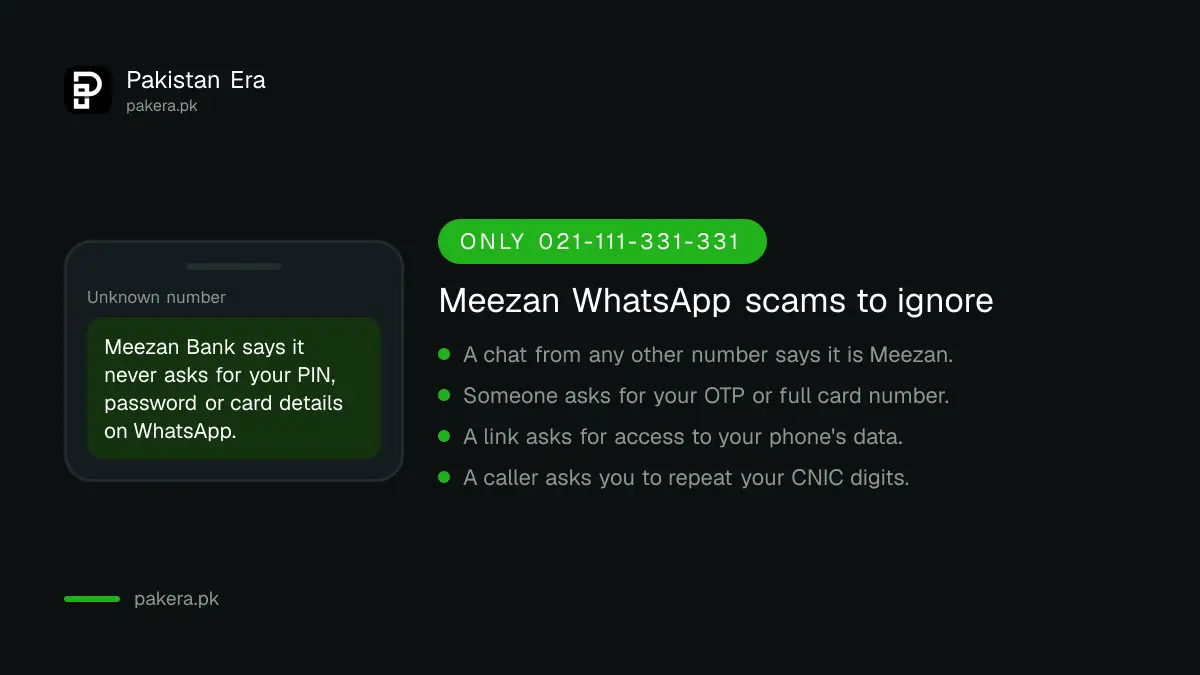
- Meezan Bank says it offers WhatsApp Banking on no other number. A chat from any other number claiming to be Meezan is fake.
- Links the real chat sends open Meezan Bank's own website. They never ask for permission to read your phone's data.
- Never send an OTP, a full card number or a photo of your card in any chat.
- Report anything suspicious to the Meezan helpline straight away. If money has already gone, the digital fraud refund rules set out what the bank must do.
Common questions
What is the Meezan Bank WhatsApp number?
021-111-331-331. Meezan Bank says this is the only number it uses for WhatsApp Banking.
Is Meezan WhatsApp Banking free?
Yes. Meezan Bank says it does not charge customers any fee for the service.
What do I need to register?
Your mobile number registered with Meezan Bank and the last four digits of your CNIC. Nothing else is asked for.
Can I transfer money on Meezan WhatsApp Banking?
Transfers are not among the services Meezan lists for WhatsApp. Use the Meezan app for transfers and bill payments.
I changed my mobile number. Does WhatsApp Banking still work?
No. After the bank updates your new number, register again on WhatsApp from the new number.
Can a company account use Meezan WhatsApp Banking?
No. The service is open to individual and sole proprietor customers only. Corporate accounts are excluded.
How we verified this
What we checked and where we read it.
Last checked 14 November 2026. The number, registration steps, services, eligibility, fee and safety rules come from Meezan Bank's own WhatsApp Banking page and its FAQs. The SMS banking codes for 9060 and the SMS alert terms come from the SMS Banking and SMS and Email Alerts sections on the same page. The page labels the service "Bank with convenience" and links its terms and conditions separately.
About the author

Technology Journalist & Multimedia Producer
Ahmad Ali is a technology journalist and multimedia producer at Pakistan Era, joining the team in October 2026. He covers consumer technology and digital life for Pakistani readers, combining research with hands-on product testing.