WhatsApp Change Number in Pakistan: Keep Your Chats in 5 Steps, and Who Gets Told
Change your WhatsApp number in Pakistan without losing chats: 5 steps with +92, who is told, how to move to a new phone, and fixes when Change number fails.
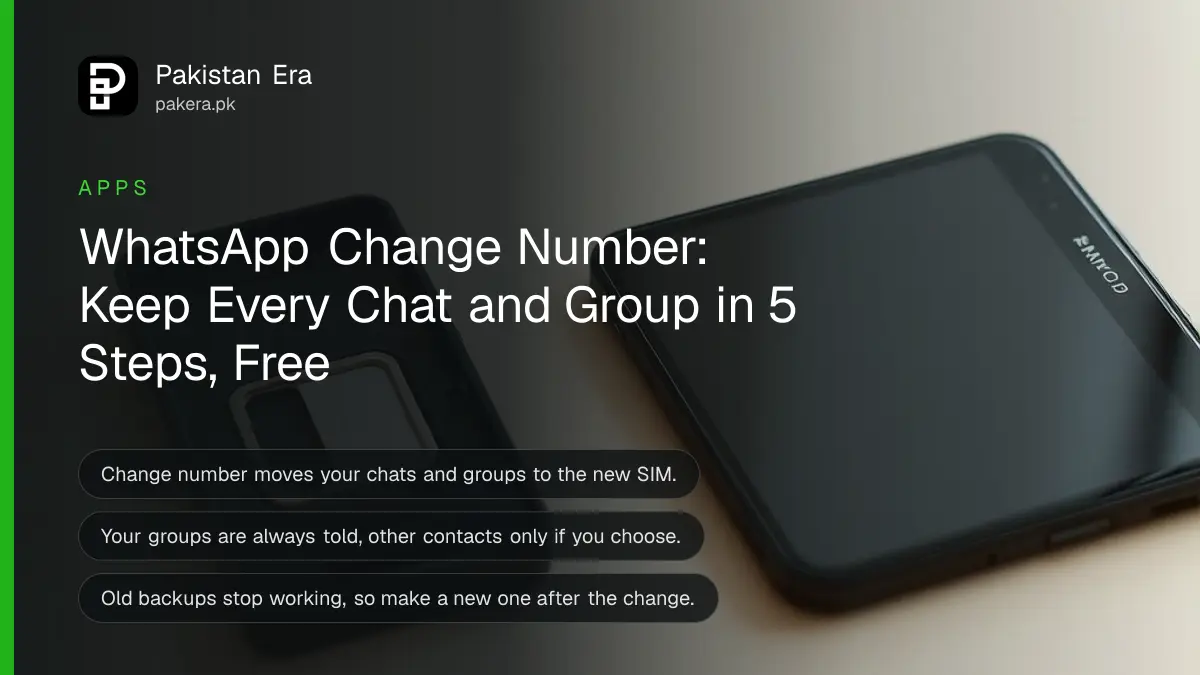
To change your WhatsApp number in Pakistan and keep your chats, put the new SIM in your phone, open WhatsApp, go to Settings, Account, Change number, Next, and enter the old and new numbers with +92. Your chats, groups and settings move to the new number. It is free, and it takes about five minutes on the same phone.
Do it while the old number still works on WhatsApp. If you simply start WhatsApp again on the new SIM instead, you begin with a new, empty account. Then make a fresh backup, because old backups stop working after the change.
How to change your WhatsApp number on the same phone
The Change number feature moves your account from the old number to the new one. Your old number must still be registered on WhatsApp, and the new SIM must be able to receive an SMS or a call for the code.
- Insert the SIM with the new number. Dual SIM phones can keep both SIMs in.
- Open WhatsApp. On Android tap the three dots, then Settings. On iPhone tap Settings or your profile picture.
- Tap Account, then Change number, then Next.
- Enter the old number in the first box and the new number in the second, both in full international format, for example +92 300 1234567.
- Choose whether to notify your contacts, then register the new number with the 6-digit code WhatsApp sends.
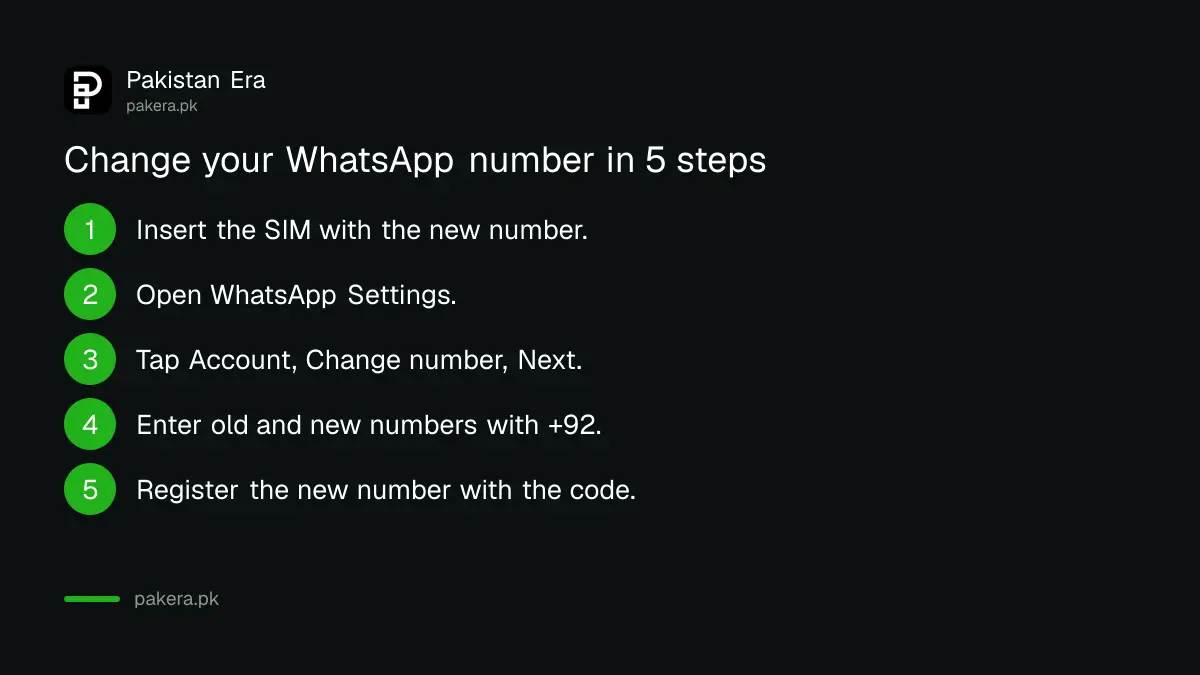
Type the numbers without the first zero. A Jazz number written 0300 1234567 becomes +92 300 1234567. Check both numbers carefully before you tap Next.
Who gets told about your new number
Your groups always see that you changed your number. For other contacts you choose: all contacts, only people you have chats with, or a custom list. Blocked contacts stay blocked and are not told.
| Who | Told about the new number? |
|---|---|
| Groups you are in | Always, you cannot switch this off |
| All contacts | Only if you pick "All contacts" |
| People you have chats with | Only if you pick "Contacts I have chats with" |
| A chosen list | Only if you pick "Custom" and select them |
| Blocked contacts | Never, and they stay blocked |
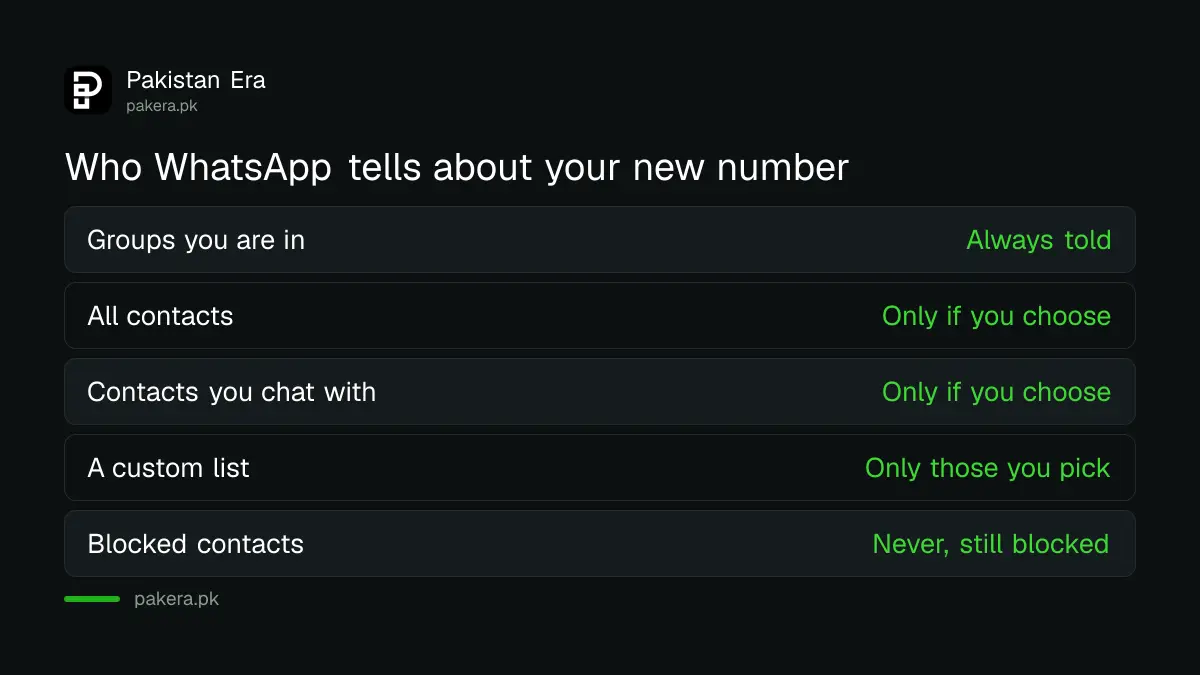
Your contacts still need to save the new number in their phone book. WhatsApp only shows the message in the chat. A short status update or a broadcast message saves people from guessing.
Changing your number and your phone at the same time
Change the number on the old phone first, then back up, then move to the new phone. Backups only restore on the number they were made with, so a backup from the old number will not restore on the new one.
- On the old phone, use Change number as in the steps above.
- Still on the old phone, make a new backup: Google Drive on Android, iCloud on iPhone.
- Install WhatsApp on the new phone and register the new number.
- Restore the backup when WhatsApp offers it.
Our WhatsApp backup and restore guide covers the backup step in detail. Switching between Android and iPhone uses a different transfer tool from the one shown here.
Why Change number fails, and the fixes
The option fails when the old number is not the one registered, the account is banned, the new number is not supported, or you are on WhatsApp Web. Each has a fix below. Check the registered number first under Settings and your profile photo.
- Greyed out option: you are on a linked device such as WhatsApp Web or Desktop. Change number only works on your main phone.
- Old number not registered: register the old number again first, then try the change.
- "This phone number can't use WhatsApp": the account is banned. Tap Request review. WhatsApp says most reviews finish within 24 hours.
- New number already on WhatsApp: this usually means a previous owner of that SIM used it on WhatsApp. Operators reissue numbers that stay unused for a long time.
- No code arrives: check the new SIM has signal and the phone has free storage. Landlines and UAN numbers cannot be used, except landlines on WhatsApp Business.
- Unofficial app: WhatsApp does not support modified versions or rooted phones. See our guide to bans from unofficial apps.
Codes still not coming? Our WhatsApp registration fixes cover missing codes and "login not available" errors.
Lost your old SIM? Keep the number instead
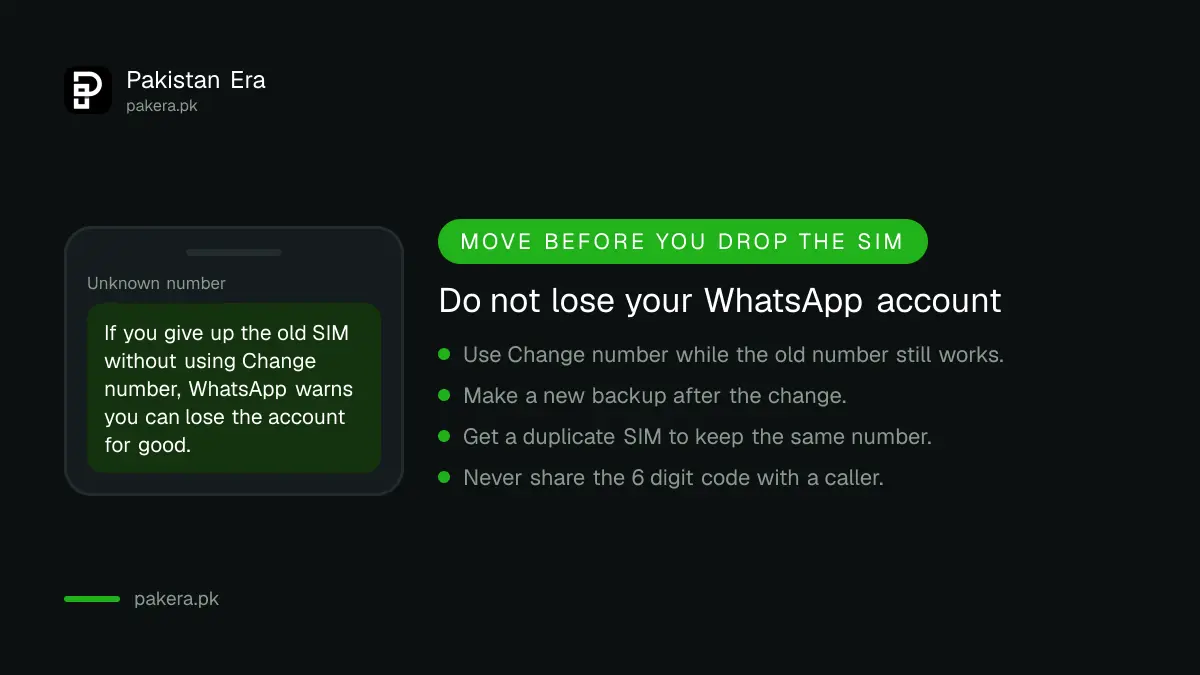
If you lost the old SIM but want the same number, you do not need Change number. Get a replacement SIM on the same number from your operator, then register WhatsApp on it again. Your account comes back with that number.
In Pakistan a replacement SIM needs the owner's CNIC and biometric verification at the operator's franchise. If you stop using the old number and never move WhatsApp off it, WhatsApp warns that you can lose the account for good.
Moving to a different operator with the same number, for example Jazz to Zong, also keeps WhatsApp as it is. The number does not change, so there is nothing to move.
Never share the 6-digit WhatsApp code with anyone who calls or messages you. That code is how accounts are stolen. If it has already happened, use our WhatsApp hacked recovery guide.
Common questions about changing a WhatsApp number in Pakistan
Will I lose my chats if I change my WhatsApp number?
No, not on the same phone. Change number keeps your chats, groups and settings. Make a new backup afterwards, because old backups stop working.
Can I change my WhatsApp number without the old SIM?
Yes, as long as WhatsApp is still active on your phone with the old number. The code goes to the new number, so the old SIM does not need to be in the phone.
Will my contacts know I changed my number?
Your groups always see it. Other contacts see it only if you choose to notify them, and blocked contacts are never told.
Can I change my WhatsApp number on WhatsApp Web?
No. Change number only works on your main phone, and the option is greyed out on WhatsApp Web, Desktop and other linked devices.
Can I use a PTCL landline for WhatsApp?
Only on the WhatsApp Business app. The regular WhatsApp app does not accept landlines or UAN numbers.
How we verified this
What we checked and where we read it.
Last checked 14 November 2026. Steps and rules come from WhatsApp's Help Center: How to change your phone number (Android and iPhone versions) and Can't change phone number.
About the author

Technology Journalist & Multimedia Producer
Ahmad Ali is a technology journalist and multimedia producer at Pakistan Era, joining the team in October 2026. He covers consumer technology and digital life for Pakistani readers, combining research with hands-on product testing.