WhatsApp Registration Failed in Pakistan: Fix Login Not Available, Missing Codes and 5 Other Errors
WhatsApp registration failed in Pakistan? Fix the SIM, +92 format, UAN and code problems, and why Login not available right now is a hold you must wait out.
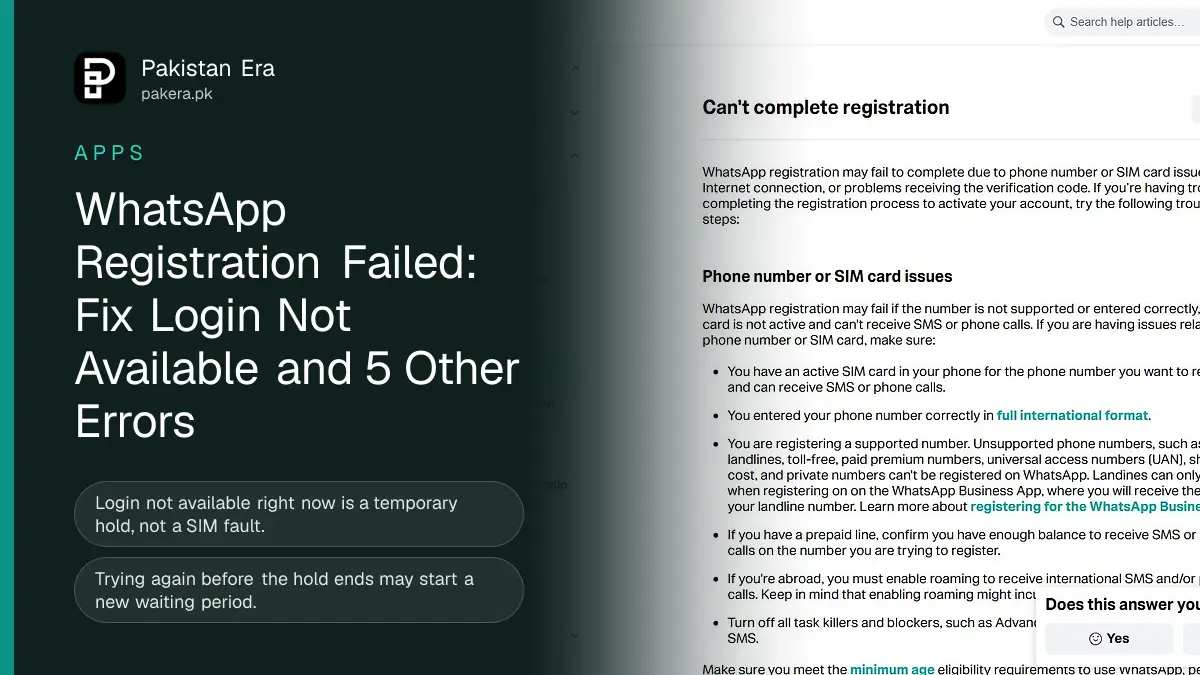
If WhatsApp will not register your number in Pakistan, check four things first: the SIM is active and can receive an SMS or call, the number is typed in full as +92 3XX, it is a mobile number and not a UAN, landline or VoIP line, and a prepaid SIM has balance. If WhatsApp says "Login not available right now", that is a temporary hold. Wait it out and try once, because trying early can restart the wait.
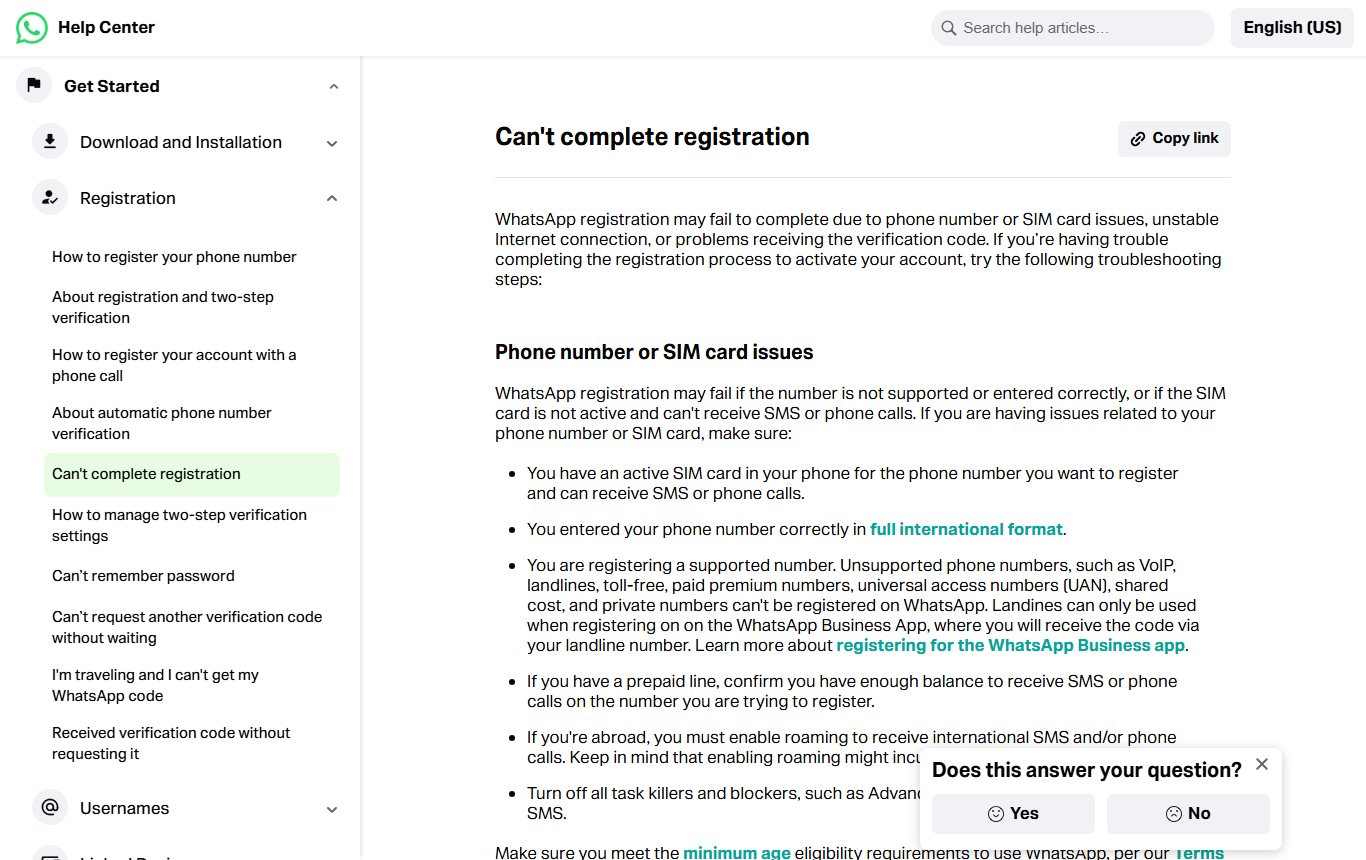
We read WhatsApp's "Can't complete registration" page and its "Login not available right now" page in full on 12 November 2026, and took a screenshot of the first. Registration trouble is one of the most common WhatsApp problems after a phone change, a new SIM or a reinstall. The two pages make one point very clearly that most people miss: some errors are fixed by checking your SIM, and some are holds that no SIM check will fix. Knowing which one you have saves hours.
Match your error to the right fix
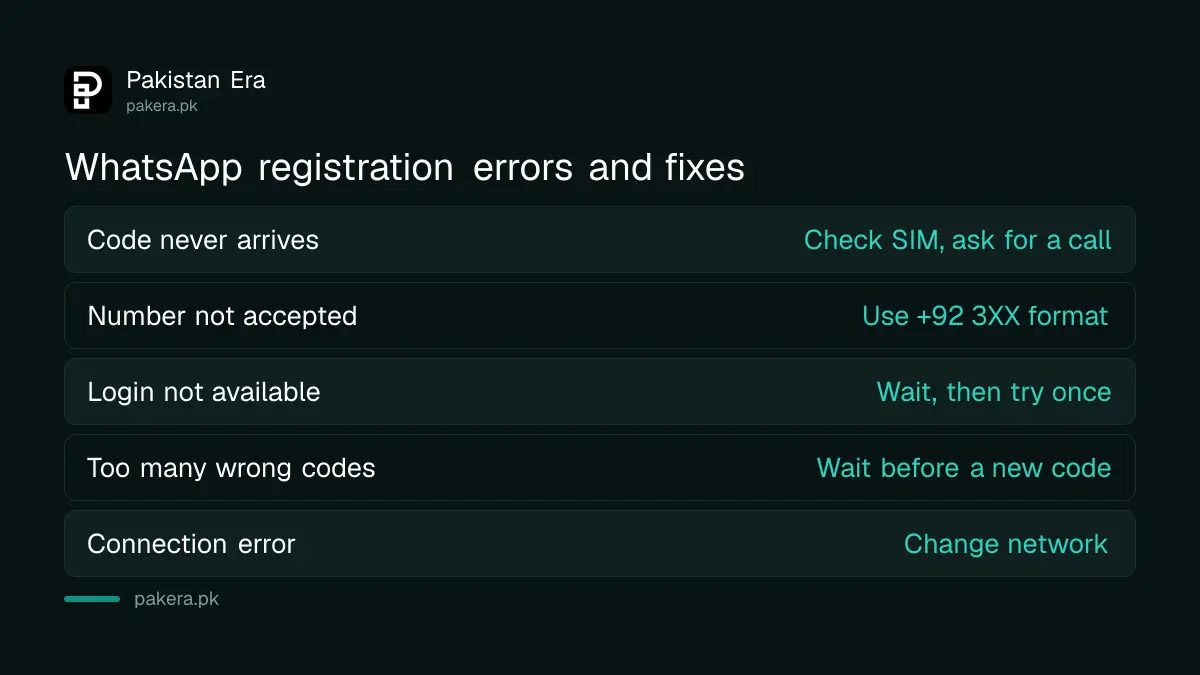
WhatsApp splits registration failures into four kinds: phone number or SIM issues, a weak connection, a temporary hold, and a code that does not arrive. Each has its own fix, and the hold is the only one where waiting is the fix.
| What you see | Likely cause | What to do |
|---|---|---|
| Code never arrives | SIM, balance or signal | Check SIM, ask for a call, then contact your operator |
| Number not accepted | Wrong format or unsupported number | Use +92 3XX, use a mobile number |
| Login not available right now | Temporary hold | Wait the time shown, then try once |
| You have guessed the code too many times | Wrong codes entered | Wait before asking for another code |
| Spinning or connection error | Unstable internet | Change network or move location |
Fix phone number and SIM problems
WhatsApp's page lists the checks for number and SIM issues. We have put them in the order that fits Pakistani SIMs.
- Put the SIM for that number in the phone, and make sure it can receive an SMS or call. Send yourself a test SMS from another phone.
- Type the number in full international format. For a Pakistani mobile that is +92 followed by the number without its first zero, so 0300 1234567 becomes +92 300 1234567.
- For a prepaid SIM, make sure there is enough balance to receive SMS or calls. WhatsApp mentions this directly.
- If you are abroad, turn on roaming so the international SMS or call can reach you. WhatsApp warns roaming may cost extra.
- Turn off any task killer or SMS blocker apps.
- Update WhatsApp to the latest version and check you meet its minimum age.
UAN, landline and VoIP numbers cannot register
WhatsApp lists unsupported numbers: VoIP, landlines, toll-free, paid premium numbers, universal access numbers, shared cost and private numbers. Universal access numbers are the 111 numbers many Pakistani businesses use. They cannot be registered on regular WhatsApp.
There is one exception. WhatsApp says landlines can be used only on the WhatsApp Business app, where the code comes as a call to the landline. So a clinic or shop that wants WhatsApp on its PTCL landline should install WhatsApp Business, not regular WhatsApp. A 111 UAN is a different case. It is on WhatsApp's list of unsupported numbers, and the landline exception does not mention it, so expect it to fail. Our WhatsApp Business setup guide covers the rest of the setup.
"Login not available right now" is a hold, not a SIM fault
WhatsApp says this message may point to suspicious activity or a breach of its Terms of Service. It is a temporary hold. It has nothing to do with whether your SIM works or whether a code arrived, so the SIM checks above will not clear it.
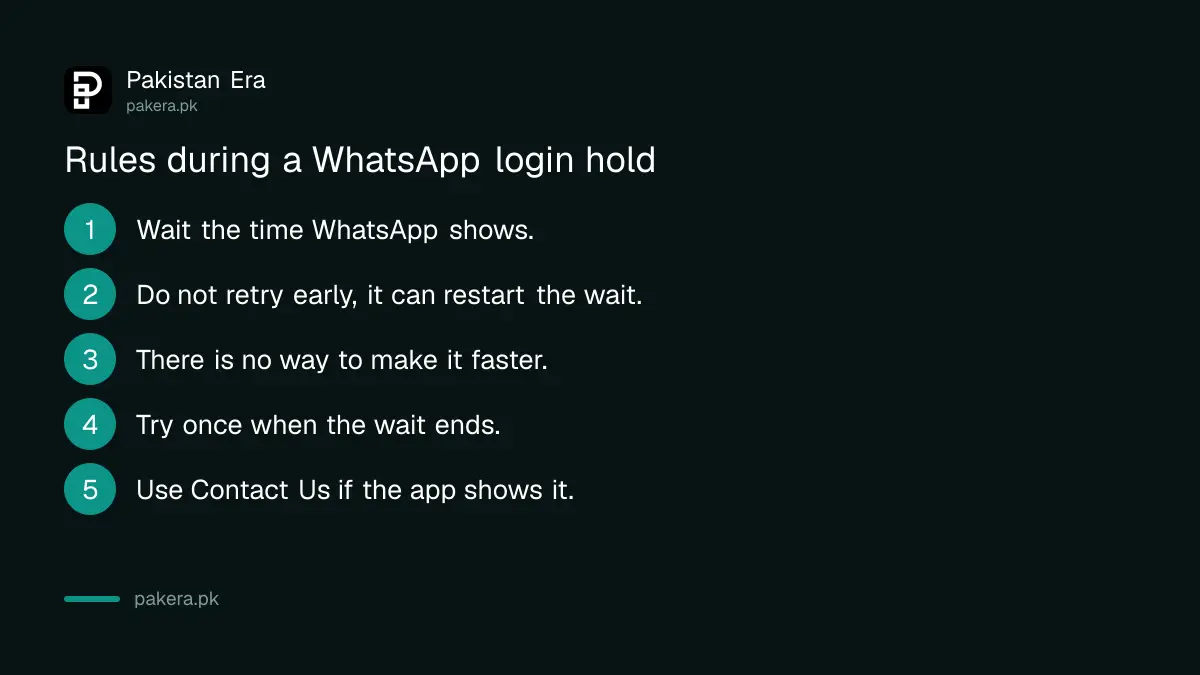
The page sets out what happens during the hold, and the rules are strict:
- You must wait before you can try to register again.
- Trying again before the hold ends may start a new waiting period.
- There is no way to make it faster.
- The hold may happen again on a later attempt.
WhatsApp's advice is to wait, then try once rather than again and again. If a Contact Us option shows in the app, you can use it. The page also points to the Acceptable use part of WhatsApp's terms. If you or the previous owner of the number used a modified WhatsApp app, that is a likely reason. Our guide on fixing a ban after using an unofficial WhatsApp covers that case.
When the verification code does not arrive
Tap Need help getting a code? to choose another way. If the SMS still does not come, tap Call me for a phone call. WhatsApp says in most regions, if voicemail is on, its system leaves the code as a voicemail.
If you have tried both and nothing arrives, WhatsApp says to contact your mobile operator, who can confirm whether SMS or calls to your number are being blocked or delayed. In Pakistan that means Jazz, Zong, Telenor or Ufone's helpline from another phone.
There is one more route for an account you are registering again, not for the first time. If you added and verified an email address in WhatsApp before, you can choose Email under Choose how to verify. WhatsApp says email verification is not available for a first registration.
If codes are arriving that you did not ask for, someone may be trying to take your number. Read our guide on WhatsApp codes you did not request and never share the code with anyone.
Too many wrong codes, and weak internet
If you type the wrong code more than once, WhatsApp may show "You have guessed the code too many times". You must wait the time shown before asking for another. As with the hold, there is no shortcut.
Registration also needs a stable connection. WhatsApp suggests trying a different network or moving somewhere with better signal. It also suggests turning on Wi-Fi Calling in your phone's settings, which lets calls and texts go over Wi-Fi when the mobile signal is weak.
Once you are back in, turn on a passkey or two-step verification so this is harder for someone else to repeat. Our WhatsApp passkey guide has the steps.
Frequently asked questions
Why does WhatsApp say login not available right now?
WhatsApp says it may point to suspicious activity or a breach of its terms. It is a temporary hold. Wait, then try once.
How long is the WhatsApp registration wait?
WhatsApp shows the wait in the app and does not publish a fixed time. Trying before it ends may start a new wait.
Can I register WhatsApp on a PTCL landline?
Only on the WhatsApp Business app, where the code comes by call. Regular WhatsApp does not accept landlines.
Can I use a 111 UAN number on WhatsApp?
No. WhatsApp lists universal access numbers among the numbers that cannot be registered.
My WhatsApp code is not coming. What should I do?
Tap Need help getting a code?, then try Call me. If neither works, ask your mobile operator whether SMS or calls are blocked.
Can I verify WhatsApp by email?
Only when you register an existing account again and had already added and verified an email in WhatsApp.
How we verified this
What we checked and where we read it.
Last checked on 12 November 2026. Every fix and rule here is from WhatsApp's Can't complete registration page, which we read in full and screenshotted, and its Seeing "Login not available right now" page. We did not attempt a registration for this article, and WhatsApp does not publish the length of its holds.
About the author

Technology Journalist & Multimedia Producer
Ahmad Ali is a technology journalist and multimedia producer at Pakistan Era, joining the team in October 2026. He covers consumer technology and digital life for Pakistani readers, combining research with hands-on product testing.