WhatsApp Code Received Without Request in Pakistan: What It Means and 6 Steps to Stop a Takeover
A WhatsApp code you did not request means someone is trying your number. See PKCERT's 4 hijack tricks, the call forwarding check and the 6 steps to take now.
A WhatsApp code you did not request means someone typed your phone number into WhatsApp on their own phone. Do not share that 6-digit code with anyone, not even a friend or "WhatsApp Support". Without it they cannot get in. Then turn on two-step verification with an email address, check that your calls are not being forwarded, and look at your linked devices.
The code itself is harmless while it sits on your phone. The danger is the message that follows it: "I sent my code to your number by mistake, please forward it." Pakistan's national computer emergency team, PKCERT, lists that exact trick first in its advisory on WhatsApp account hijacking. We read the advisory, two more from PKCERT and WhatsApp's own help pages on 25 October 2026.
Someone is trying to register your number, and only the code stops them
WhatsApp ties an account to a phone number. When anyone starts registration with your number, WhatsApp sends the code to your SIM by SMS or voice call. Whoever enters that code first controls the account, so keeping it secret is the whole defence.
WhatsApp's help page says plainly that you should never share your registration code with others, "not even friends or family". PKCERT explains why: the attacker starts registration on their own device, the code lands on your phone, and once you pass it on, they finish registration and you are logged out.
Often the request comes from a friend's real account that was hijacked the same way an hour earlier. That is why the message feels genuine.
PKCERT lists four ways attackers get the code
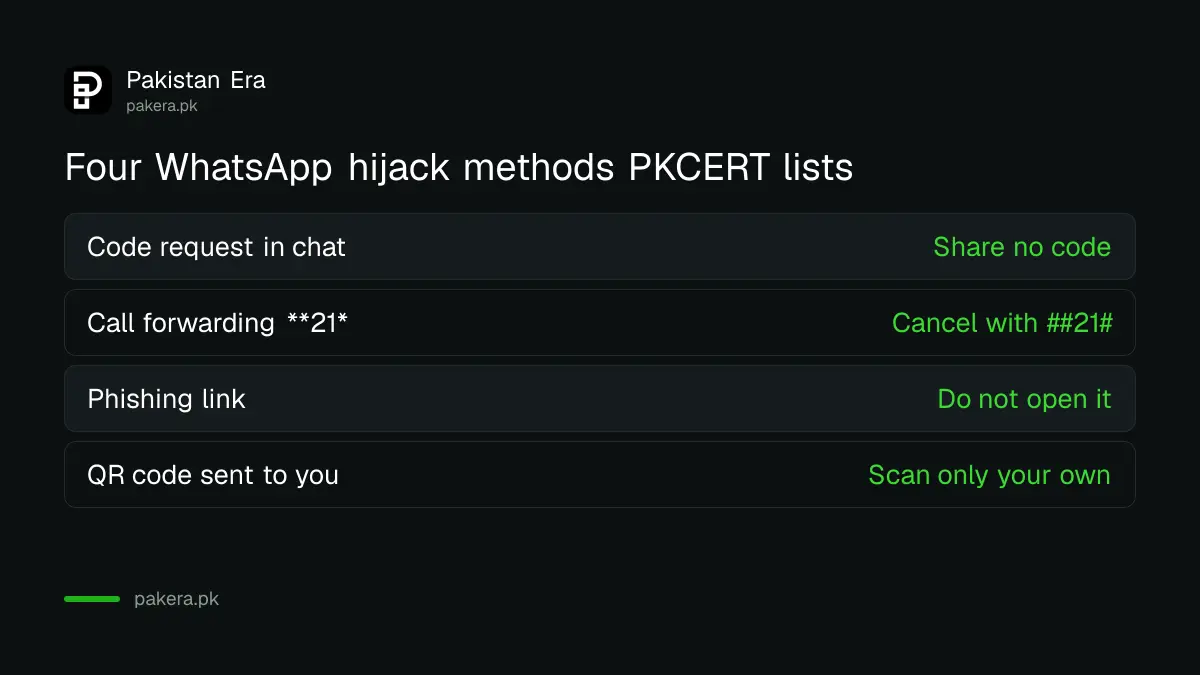
PKCERT's advisory on WhatsApp hijacking names four methods: asking for the code in a chat, call forwarding so the voice code reaches the attacker, fake login pages, and QR codes that link your account to their computer. Each needs you to do something, which is the good news.
| Method | What the attacker does | How you stop it |
|---|---|---|
| Code request in chat | Poses as a friend or support and asks for the code | Never share any code |
| Call forwarding | Gets you to dial a code starting **21* so calls go to them | Check with *#21#, cancel with ##21# |
| Phishing link | Sends a prize or "account expiring" page that asks for the code | Do not open the link |
| QR code | Sends a QR for "WhatsApp Web login" or "verification" | Scan QR codes only from your own Linked devices screen |
The call forwarding trick is the sneaky one. If the SMS code fails, WhatsApp can read the code out in a voice call. With forwarding on, that call rings on the attacker's phone. Our steps to check and cancel call forwarding give the codes for every network, including ##002#, which cancels all forwarding at once.
Do these six things the moment an unrequested code arrives
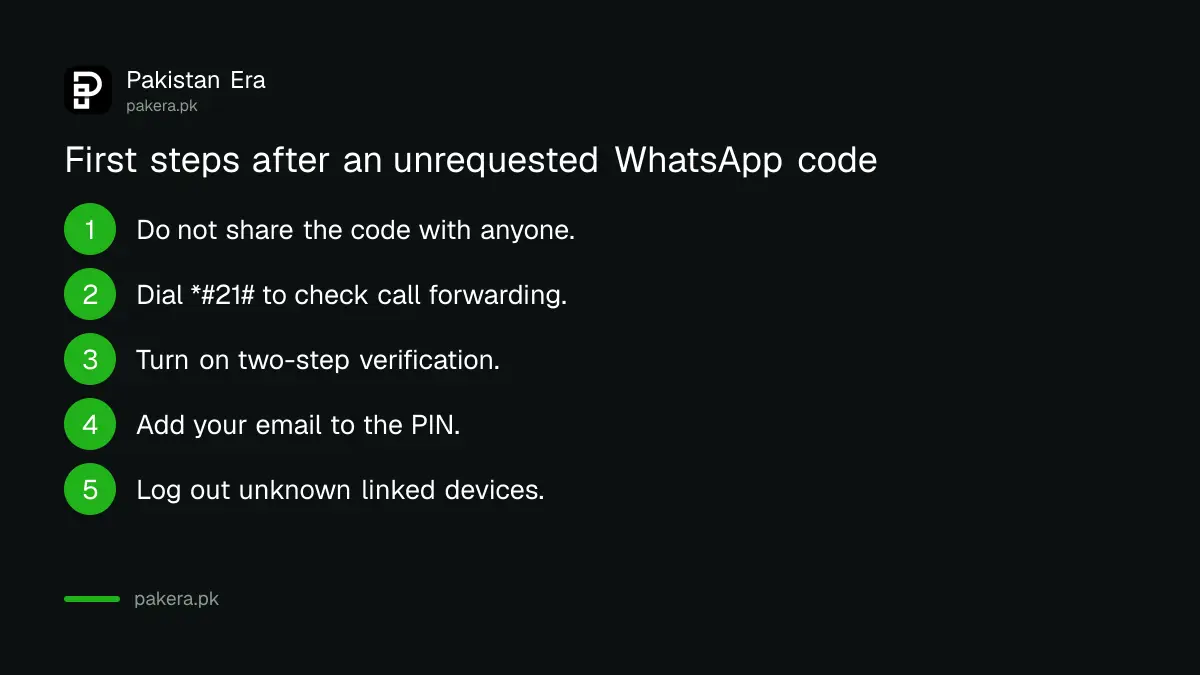
Ignore the code, then lock the account so the next attempt fails too. Two-step verification with an email address is the key step, because it adds a PIN that the attacker would also need, and the email lets you reset that PIN quickly.
- Do not share the code. Delete the message if it helps you stop thinking about it.
- Dial *#21# to check call forwarding, and ##21# to turn it off if it is on.
- Turn on two-step verification. On Android, tap the three dots, then Settings, Account, Two-step verification, Turn on. On iPhone, tap Settings, Account, Two-step verification, Enable.
- Create a 6-digit PIN and add your email address. PKCERT says "do not skip" the email.
- Open Settings, then Linked devices, and log out anything you do not recognise.
- Warn the friend whose account asked you for the code, by phone call, not in that chat.
Add a passkey too if your phone supports it. The steps to turn on a WhatsApp passkey tie the account to your fingerprint or screen lock. WhatsApp's security page also lists a password option, app lock and chat lock.
A "registered on a new device" message means act within minutes
If WhatsApp shows that your number was registered on a new device, someone has already used a code. WhatsApp says you can use your own phone to log them out. Tap Log back in, then Continue, and enter the new code sent to your phone.
Entering a fresh SMS code on your own phone logs the other person out of all devices, according to both WhatsApp and PKCERT. The table below shows what happens next, depending on what the attacker did.
| Situation | What you do | How long |
|---|---|---|
| Attacker set no PIN | Re-register with your SMS code | Minutes |
| Attacker set a PIN, you have an email on the account | Tap Forgot PIN and reset it by email | Minutes |
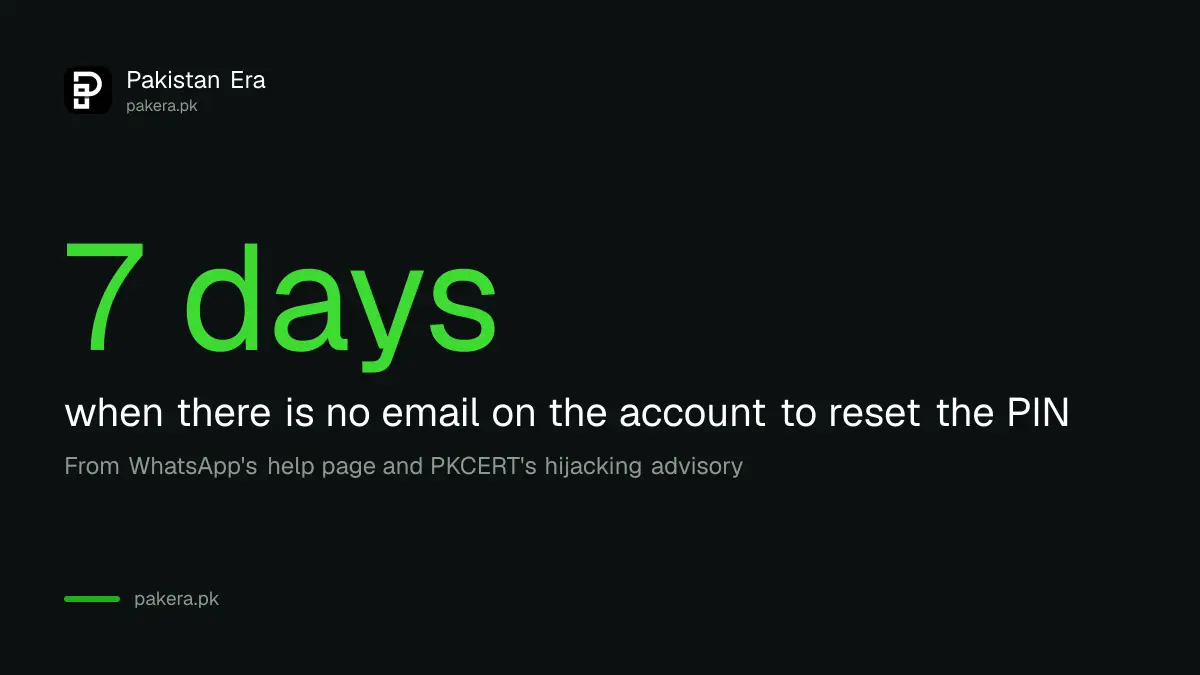
| Attacker set a PIN, no email | Wait, then set a new PIN | 7 days |
| You set the PIN but forgot it | Reset by email, or wait | Minutes or 7 days |
During the 7-day wait, PKCERT says neither you nor the attacker can read your messages after you enter your SMS code. Tell your contacts right away, because the attacker may already have asked people for money in your name. The full recovery path is in our steps to recover a hacked WhatsApp account.
PKCERT warned on 23 October about WhatsApp Web on Windows
PKCERT's advisory NCA-22, dated 23 October 2026, warns of targeted phishing and malware sent through WhatsApp Web, WhatsApp Desktop and email to government officials and other high-value users. Infected Windows computers can expose open WhatsApp Web sessions and let attackers impersonate the user.
The advisory rates the threat high and says no specific attacker addresses were supplied. Its advice for everyone is simple: reject unverified files and links even from known contacts, end WhatsApp Web and Desktop sessions you do not need, review Linked devices on your phone, and turn on two-step verification. It tells officials to avoid WhatsApp Web and Desktop on Windows altogether, including for personal use.
If a computer may be infected, PKCERT says to disconnect it from the internet and end unknown sessions from your phone. Keeping WhatsApp Web safe from risky Chrome extensions closes another route PKCERT flagged earlier this year.
Report a takeover to WhatsApp and the NCCIA
Recover the account first, then report. Contact WhatsApp support from inside the app, and if money was asked for or taken in your name, complain to the National Cyber Crime Investigation Agency (NCCIA) on its 1799 helpline or at complaint.nccia.gov.pk.
Take screenshots before anything else: the code message, the chat that asked for it, and any messages sent from your account. WhatsApp also offers strict account settings for the few people who may be targets of advanced attacks. It turns on two-step verification and limits who can contact you, but chats with people outside your contacts become limited.
Common questions
Why did I get a WhatsApp code when I did not ask for one?
Someone entered your number to register WhatsApp, either by mistake or to take your account. Nothing happens as long as you do not share the code.
Can someone hack my WhatsApp without the code?
Not by registering your number, unless they get the voice code through call forwarding. They can also link your account through a QR code you scan, so scan only from your own screen.
My friend asked me to send the code he sent by mistake. Should I?
No. That is the most common hijacking trick. Call your friend on a normal call to check, because his account is probably already taken.
What is the WhatsApp two-step verification PIN?
A 6-digit PIN you choose, asked when your number is registered on a new phone. Add an email so you can reset it.
How do I check if my calls are forwarded?
Dial *#21# on your phone. If forwarding is on, dial ##21# to turn it off, or ##002# to cancel all forwarding.
How long is the WhatsApp 7-day wait?
Seven days, if a PIN is set on the account and there is no email to reset it. With an email, you can reset the PIN at once.
How we verified this
What we checked, where we read it, and what we could not confirm.
We read PKCERT's advisory on widespread WhatsApp account hijacking and its advisory NCA-22 on WhatsApp Web and Desktop malware on Windows, plus WhatsApp's help pages on compromised accounts, new-device registration, account security and strict account settings, on 25 October 2026. NCCIA details come from our read of its site on 24 October 2026. We did not test call forwarding codes on every network today.
About the author

Technology Journalist & Multimedia Producer
Ahmad Ali is a technology journalist and multimedia producer at Pakistan Era, joining the team in October 2026. He covers consumer technology and digital life for Pakistani readers, combining research with hands-on product testing.