Facebook Forgot Password in Pakistan: Reset It in 5 Steps, Even Without Your Old Email or Number
Reset a forgotten Facebook password in Pakistan in 5 steps with your email, +92 number or name, and recover the account even without your old email or SIM.
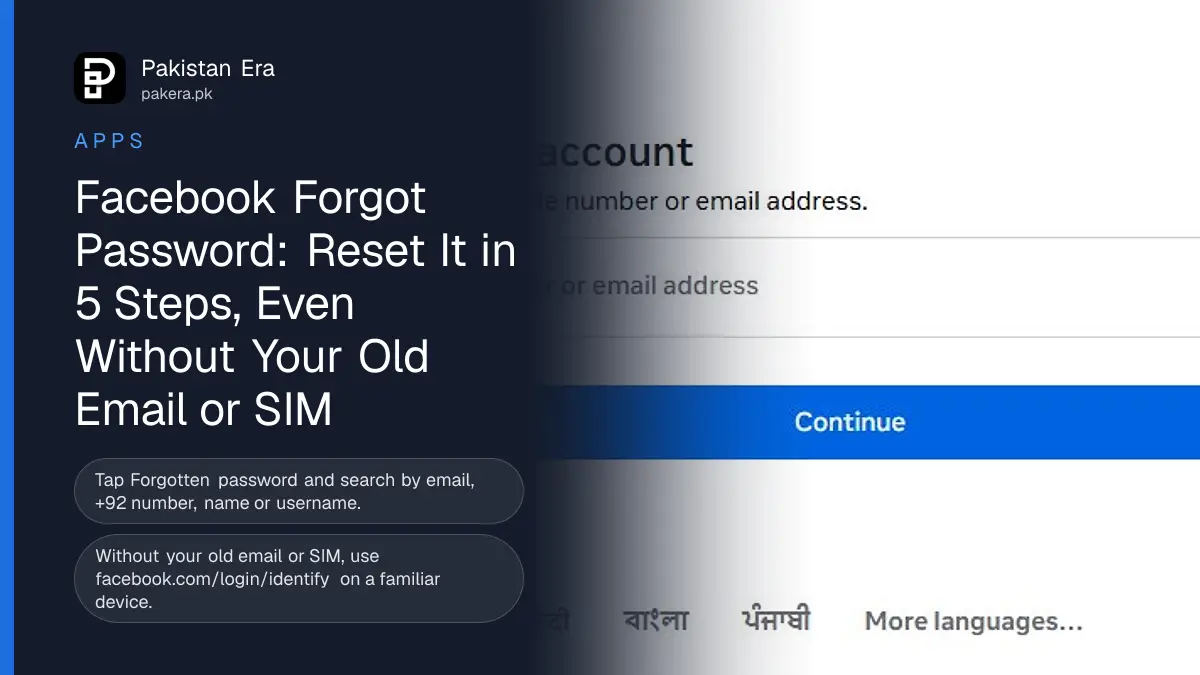
Forgot your Facebook password? On the login screen tap "Forgotten password?", enter your email, mobile number, full name or username, tap Search, and follow the steps to get a reset code. In a browser, go straight to facebook.com/login/identify. The reset is free and takes a few minutes when you still have the email or number on the account.
No longer have that email or SIM? Facebook has a separate route for that, set out below. It works best on a phone or computer you have used for Facebook before.
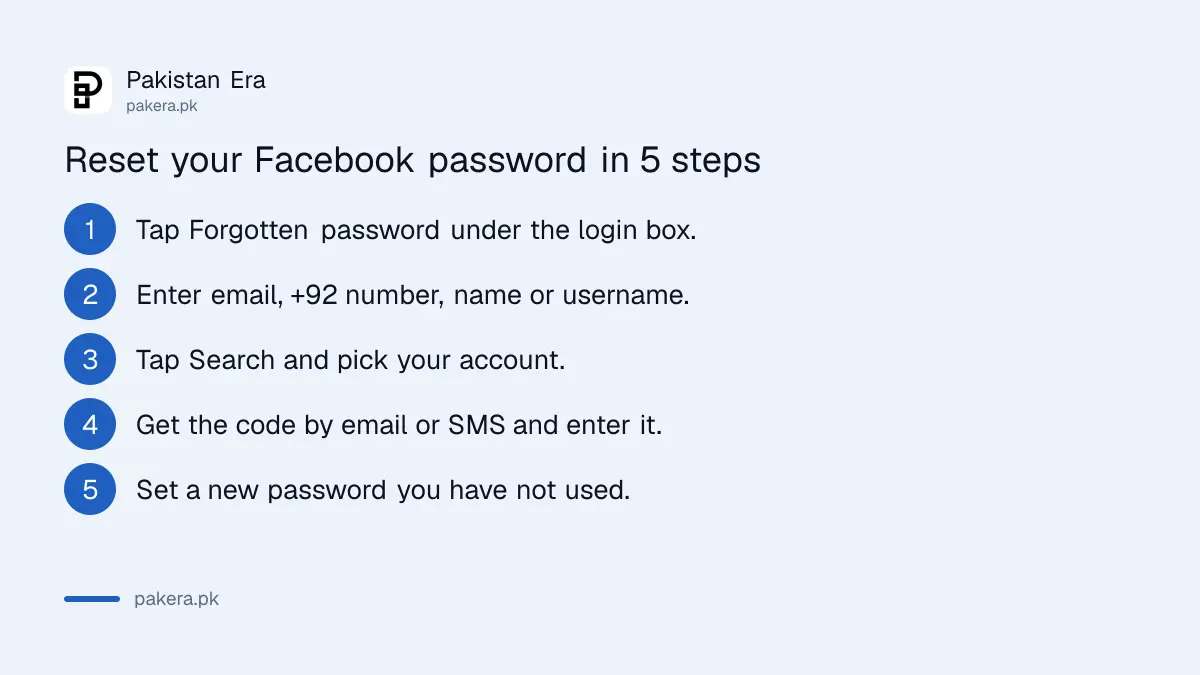
How to reset your Facebook password in 5 steps
The reset starts from the login screen. Facebook finds your account, sends a code to the email or number on it, and lets you set a new password once you enter that code. Use a device you have logged in on before if you can.
- Open the Facebook app or facebook.com and tap Forgotten password? under the login box.
- On the "Find your account" screen, enter the email address, mobile number, full name or username on the account.
- Tap Search or Continue, then pick your account if more than one appears.
- Choose where to get the code, by email or SMS, and enter the code Facebook sends.
- Type a new password you have not used before, then log in with it.
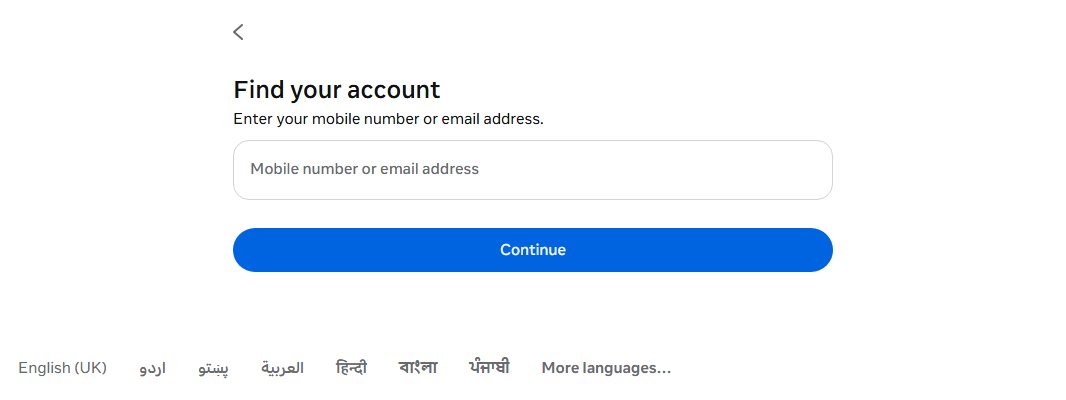
For a Pakistani number, type it with the country code, for example +92 300 1234567. Facebook's own help says to try the country code when a number is not found. The page can also be switched to Urdu at the bottom.
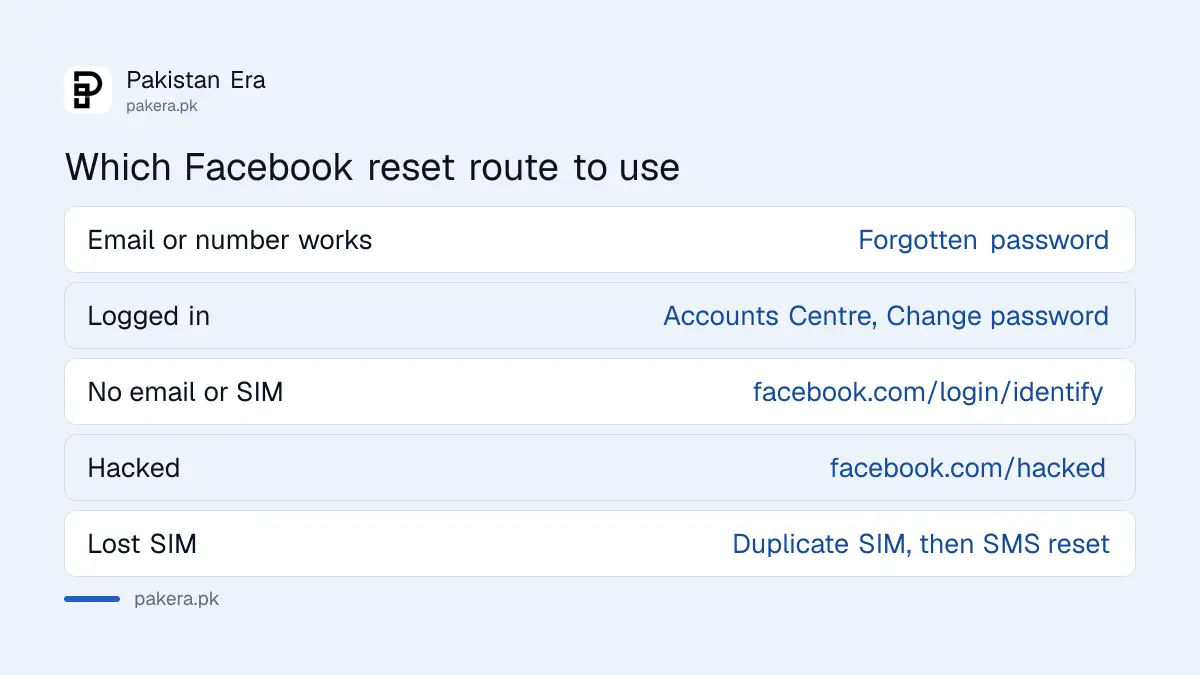
Which reset route to use
Pick the route that matches what you still have. An email or number on the account means the normal reset. No access to either means the "No longer have access" route. Signs of hacking mean facebook.com/hacked.
| Your situation | Where to go |
|---|---|
| You have the email or number on the account | Forgotten password? on the login screen |
| Logged in but forgot the current password | Settings and privacy, Accounts Centre, Password and security, Change password |
| No access to the email or SIM | facebook.com/login/identify, then "No longer have access to these?" |
| Password, email or name changed by someone else | facebook.com/hacked on a device you used before |
| Lost SIM, same number wanted | Duplicate SIM from your operator, then reset by SMS |
Two limits catch people out. Facebook only lets you reset a password a set number of times a day, so do not keep retrying. And if two-factor authentication is on, the number you use for two-factor codes cannot also be used for the reset. Add a second email or number to the account to avoid that.
Reset without your old email or phone number
Facebook can still recover the account if the old email and SIM are gone. Find the account on a familiar device, choose "No longer have access to these?", give new contact details and pass Facebook's checks.
- On a phone or computer you have used for Facebook before, open your usual browser and type facebook.com/login/identify.
- Enter any email or mobile number you may have added to the account in the past.
- If that fails, enter your name or username. A friend can copy your username from the web address of your profile.
- Select No longer have access to these? It may read "Forgotten account?" or "Recover" instead.
- Give a new email or number that has never been used on your Facebook account, then follow the checks to confirm it is you.
Try every old address first. If you signed up years ago, you may have used a different SIM or an old Gmail. Your email provider may also help you get back into an old inbox, which is quicker than Facebook's checks. For Gmail, see our Gmail recovery guide.
If you think the account was hacked
A changed password you did not make is a hacking sign, not a forgotten password. Go to facebook.com/hacked on a device you have used before. Facebook also emails your old address with a link to undo an email change.
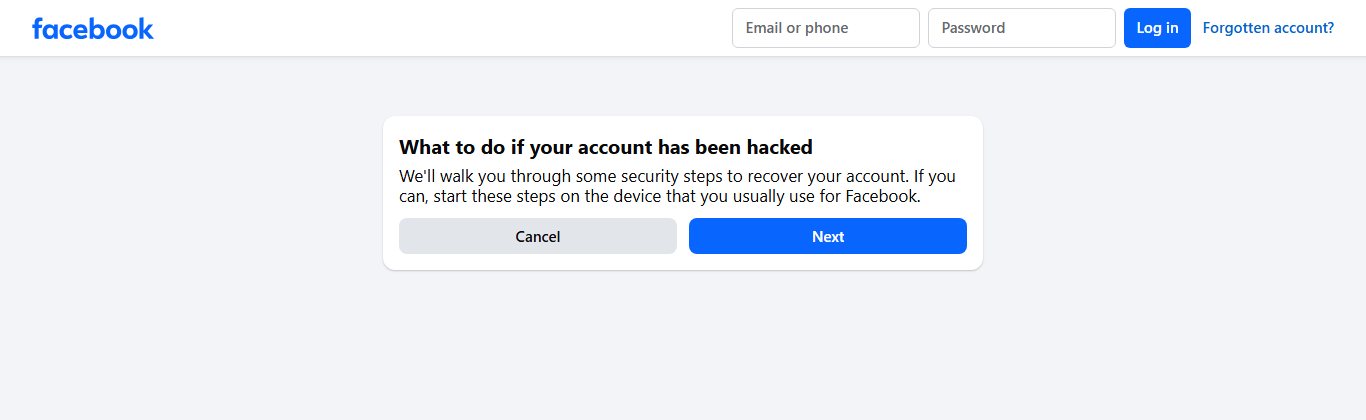
Other signs Facebook lists: a new profile picture, posts or messages you did not write, login alerts that were not you, and emails saying your email, number or password changed. Our full guide on recovering a hacked Facebook account covers each step.
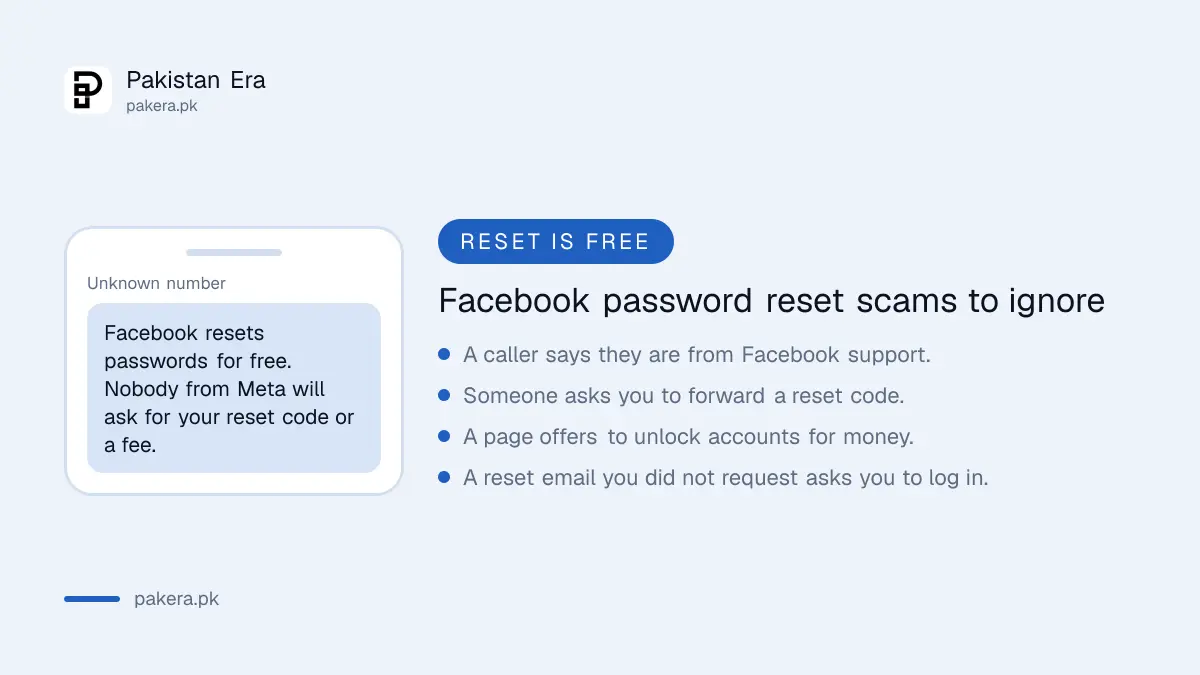
- Never share the reset code with anyone, even someone claiming to be from Facebook or Meta.
- Ignore messages that offer to unlock your account for a fee.
- Check reset emails are really from Facebook before you tap anything.
Secure the account after the reset
Once you are back in, spend five minutes closing the gaps. Log out unknown devices, check your email and number, and turn on two-factor login with a second contact method so the next reset is easier.
- Go to Settings and privacy, then Accounts Centre, then Password and security.
- Open "Where you're logged in" and log out any device you do not know.
- Check the email and mobile number under Personal details are yours.
- Turn on two-factor authentication, and add a second email or number for resets.
- Consider a passkey, which Facebook now supports, so there is no password to forget.
Codes not arriving for two-factor login? See our fix for missing Facebook login codes. If Facebook shows a checkpoint or a locked screen instead, use the locked account guide.
Common questions about Facebook password reset in Pakistan
How do I reset my Facebook password without email?
Use your mobile number with +92 on the Forgotten password screen. If you have neither, go to facebook.com/login/identify on a familiar device and choose "No longer have access to these?".
Why is Facebook not sending me a reset code?
Check spam and the SIM's signal, and wait before asking again. Facebook limits resets per day, and your two-factor number cannot receive reset codes.
Can I reset my Facebook password with my name only?
Yes, you can search by full name or username on the Find your account page. The code still goes to an email or number on the account.
How do I change my Facebook password when logged in?
Go to Settings and privacy, Accounts Centre, Password and security, Change password. Enter your current password and the new one.
Does Facebook charge to recover an account in Pakistan?
No. Password reset and recovery are free. Anyone asking for money to unlock your Facebook is not from Meta.
How we verified this
What we checked and where we read it.
Last checked 14 November 2026. Steps come from Facebook's Help Centre pages Change your password, Recover your account if you can't access your email or mobile number and Recover your account if you were hacked. Screenshots are of the public pages facebook.com/login/identify and facebook.com/hacked.
About the author

Technology Journalist & Multimedia Producer
Ahmad Ali is a technology journalist and multimedia producer at Pakistan Era, joining the team in October 2026. He covers consumer technology and digital life for Pakistani readers, combining research with hands-on product testing.