Facebook Account Locked in Pakistan: Unlock It, Fix Missing Codes and the 24-Hour Wait
Facebook account locked in Pakistan? Unlock it with Get started, fix a confirmation code that never arrives, and recover it when your old number is gone.
To unlock a locked Facebook account in Pakistan, open Facebook, tap Get started on the lock message and follow the on-screen steps. Facebook may ask you to confirm your identity, and it may then make you wait 24 hours before you can log in again. If the confirmation code never arrives, the fixes are different, and they are listed below together with what to do when you cannot log in at all.
A locked account is not the same as a disabled or hacked one. Each has its own route, and people in Pakistan often lose days by using the wrong one. We read Facebook's own Help Center pages on locked accounts, identity checks and recovery on 27 October 2026, and every step here comes from them.
Facebook locks an account when it sees unusual activity
Facebook says it may lock your account for security if it notices unusual activity. You will know because you get an email from Facebook saying so, or you see a lock message when you log in. A lock protects the account; it is not a punishment.
That is the key difference from a disabled account. A disabled account is closed for breaking the rules and needs an appeal. A locked account only needs you to prove it is yours. Readers who see "Your account has been disabled" should follow the steps for a suspended or disabled Facebook account instead.
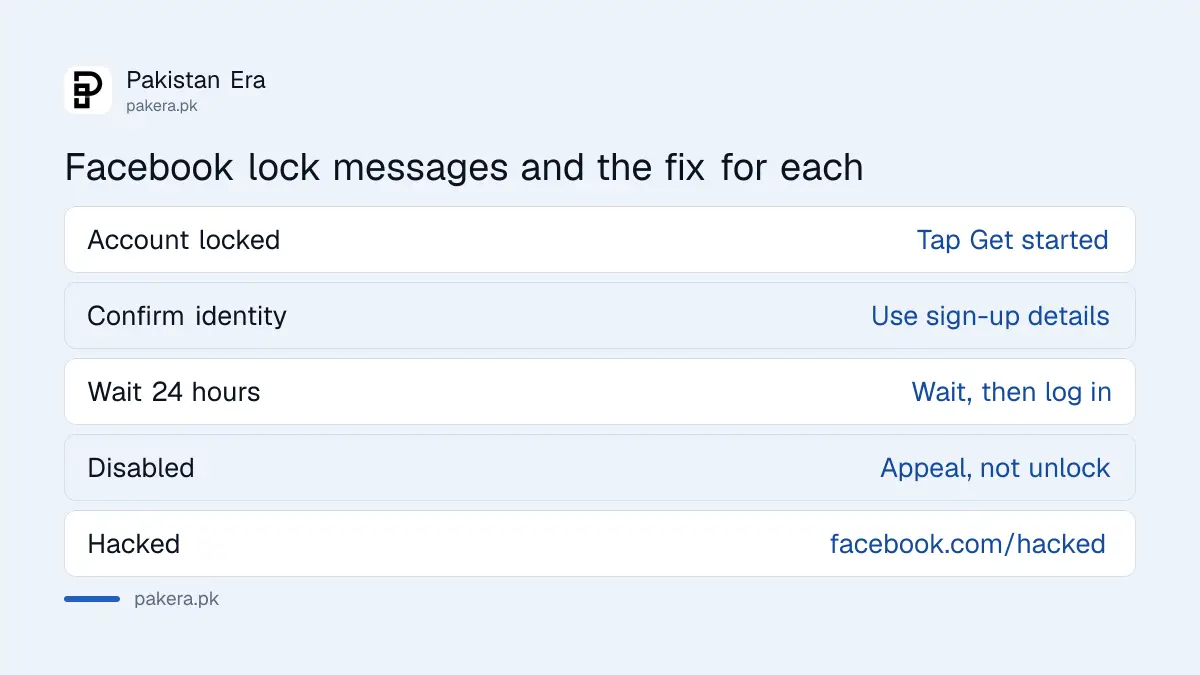
| What you see | What it means | What to do |
|---|---|---|
| "Your account has been locked" | Security lock after unusual activity | Tap Get started and follow the steps |
| Asked to confirm your identity | Security check | Answer with the details you gave at sign-up |
| "Wait 24 hours" | Waiting period after a security check | Wait, then log in again |
| Account disabled or suspended | Rules violation | Appeal, not unlock |
| Password or email changed by someone else | Possibly hacked | Go to facebook.com/hacked |
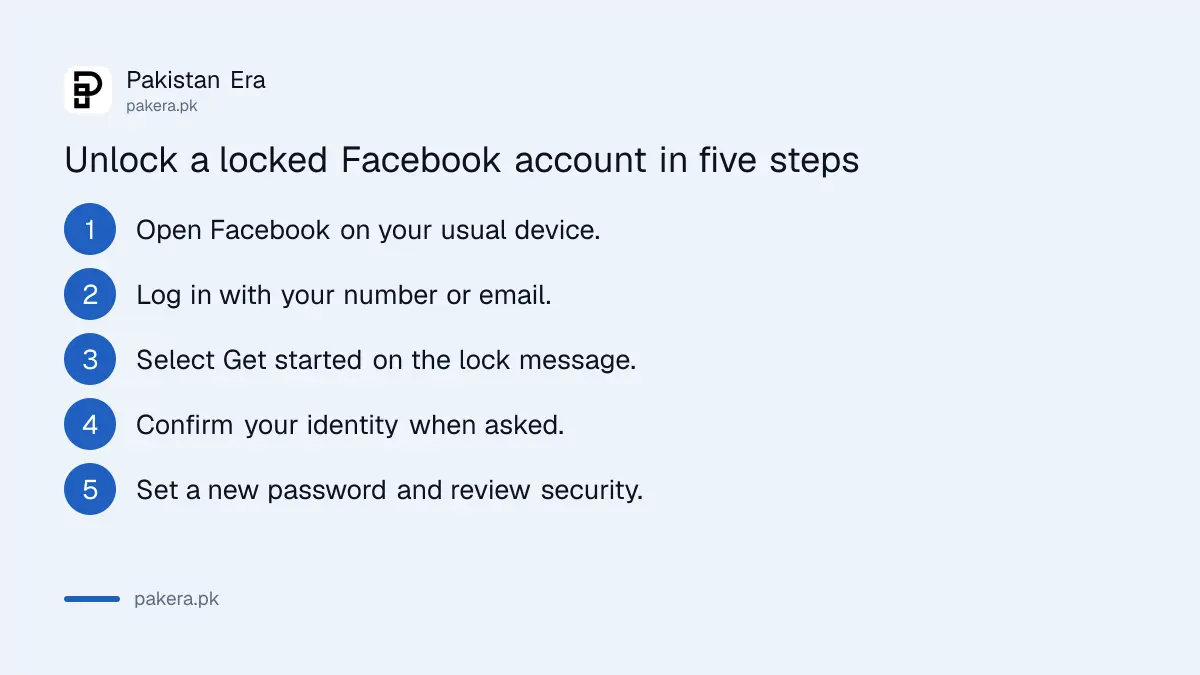
Unlock a locked Facebook account in 5 steps
Facebook's own route is short. You open Facebook, select Get started, and work through the screens it shows you. You can also start from the link in Facebook's lock email. Most people finish in a few minutes if the code arrives.
- Open the Facebook app or facebook.com on a phone or computer you normally use.
- Log in with your usual phone number or email and password.
- On the lock message, select Get started.
- Follow each on-screen step, including any request to confirm your identity.
- Set a new password if asked, then review your security settings.
When Facebook asks for your date of birth, it means the date you gave when you signed up. Many Pakistani users typed a random year as teenagers. If that is you, try the date you would have used then, not your real one from your CNIC.
If you picked a security question you cannot answer, Facebook says you may be able to go back and pick another question, or try again later. Do not guess repeatedly in one sitting.
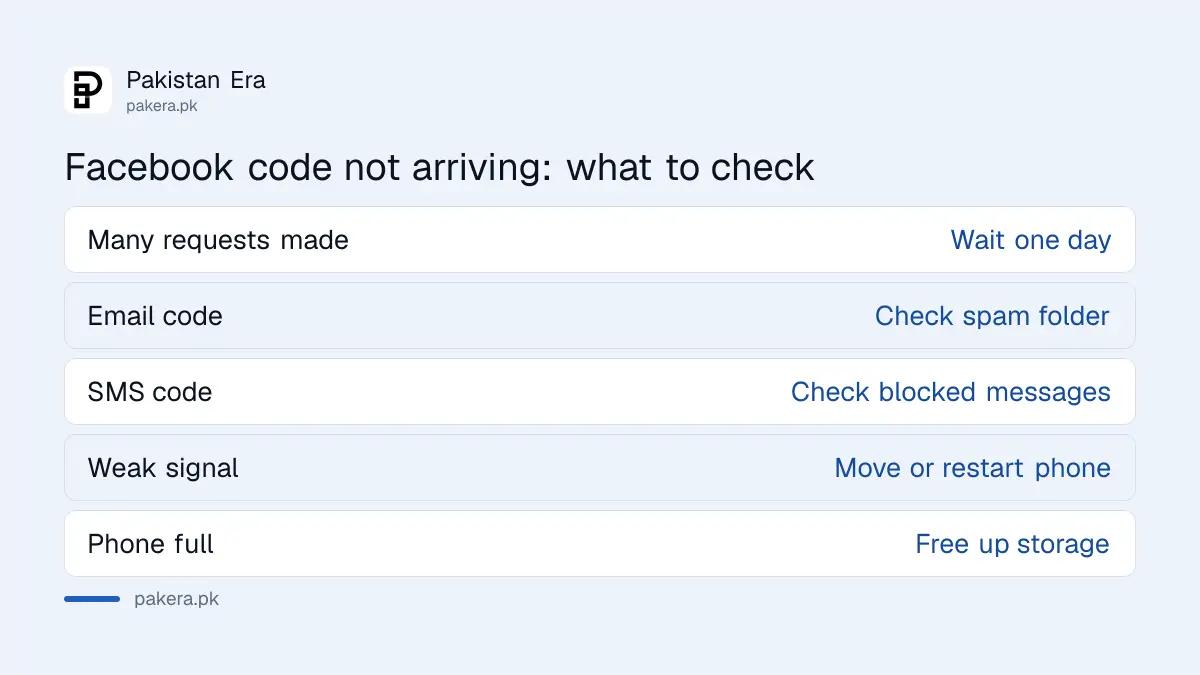
A confirmation code that does not arrive has eight fixes
Facebook lists eight checks when the code does not come by SMS or email. The most important is patience: if you have asked for several codes already, Facebook says to wait a day before trying again. Asking again and again does not speed it up.
- Wait. Codes can take longer to arrive. After several requests, wait one day.
- Check that you are looking at the right phone number or email address.
- Look in your email spam folder.
- Check your phone's blocked or spam messages. Some phones screen code texts.
- Check your network signal. A weak signal can stop the SMS.
- Free up space on your phone so it can receive a text.
- Restart your phone.
- Ask your mobile network what kind of messages your plan allows.
That last point matters in Pakistan. A SIM that has been blocked, suspended for biometric reasons or replaced may stop receiving texts without warning. If you suspect the SIM itself, see how to restore a blocked SIM before you request another code.
The 24-hour wait after a security check is normal
After you complete a security check, Facebook makes you wait 24 hours before you can log in. Your friends can still see your profile during that time, but you cannot use it. Facebook calls this an extra security step, and there is no way to skip it.
People often panic here and start the process again, which can reset their progress. Note the time you finished the check, put the phone away and come back the next day. Trying to log in from several devices at once during the wait is the kind of unusual activity that caused the lock in the first place.
If you cannot log in at all, use facebook.com/login/identify
When the lock appears but you no longer have the phone number or email on the account, Facebook sends you to its recovery route. Use a phone or laptop you have logged in from before, and open facebook.com/login/identify in your usual browser.
- Enter any email or phone number that might be on the account. Include the country code, so a Pakistani number starts with +92.
- If that fails, enter your account name or username. A friend can copy your username from your profile link.
- Select No longer have access to these?, or Forgot account or Recover if you see those instead.
- Give new contact details that were never used on the account before.
- Pass the security checks, then set a new password.
Facebook also says to try facebook.com/hacked first, even if you are not sure you were hacked. If someone changed your password or email, the steps to recover a hacked Facebook account apply.
Nobody can unlock your account for money
Facebook's own steps are free and are done by you. Pages and WhatsApp numbers offering to unlock accounts for a fee cannot do anything Facebook's screens do not already offer. Many ask for your password or the code Facebook sends you, and then take the account.
Never share a Facebook code with anyone, including someone who says they work for Meta. If you have already paid or shared a code, read about OTP scams in Pakistan and report the fraud. Once you are back in, check where your Facebook is logged in and turn on two-factor authentication so the next lock is easier to clear.
Common questions
Why did Facebook lock my account?
Facebook says it locks accounts when it sees unusual activity, such as a login from a new place or device. It does not publish the exact trigger for each case.
How long does a Facebook lock last?
Until you complete the steps. After a security check, Facebook adds a 24-hour wait before you can log in.
What if I keep asking for a code and nothing comes?
Stop and wait a day, as Facebook advises. Then check spam, blocked messages, signal and phone storage before trying again.
Can I unlock Facebook without my old number?
Yes, try facebook.com/login/identify on a device you used before and choose No longer have access to these. Facebook will ask for new contact details.
Is a locked account the same as a disabled account?
No. A locked account needs you to prove it is yours. A disabled account broke the rules and needs an appeal.
How we verified this
What we checked, where we read it, and what we could not confirm.
We read Facebook's Help Center pages Unlock your Facebook account, Confirm your identity on Facebook, Wait 24 hours to access your account, and Recover your account if you can't access your email or phone on 27 October 2026. We did not test a locked account, so we could not confirm which identity checks Facebook shows to users in Pakistan or whether it accepts a CNIC for ID upload.
About the author

Technology Journalist & Multimedia Producer
Ahmad Ali is a technology journalist and multimedia producer at Pakistan Era, joining the team in October 2026. He covers consumer technology and digital life for Pakistani readers, combining research with hands-on product testing.