Change Your Google Account Recovery Phone and Email in Pakistan Before You Get Locked Out
Change the recovery phone and recovery email on your Google Account in Pakistan, why changes can take 7 days, and what to update before you switch SIMs.
To add or change the recovery phone on your Google Account, open your Google Account, go to Security & sign-in, and under "How you sign in to Google" tap Recovery phone. Tap Edit to change the number or Delete to remove it. The recovery email sits in the same list. It is free and takes about two minutes, but you must do it while you can still sign in.
Google says you cannot add recovery details while you are locked out. That is the whole reason to do it today. A Pakistani number that you stop recharging, or a SIM you leave behind when you move abroad, can quietly become the only way back into your Gmail.
Recovery details are how Google gets you back in
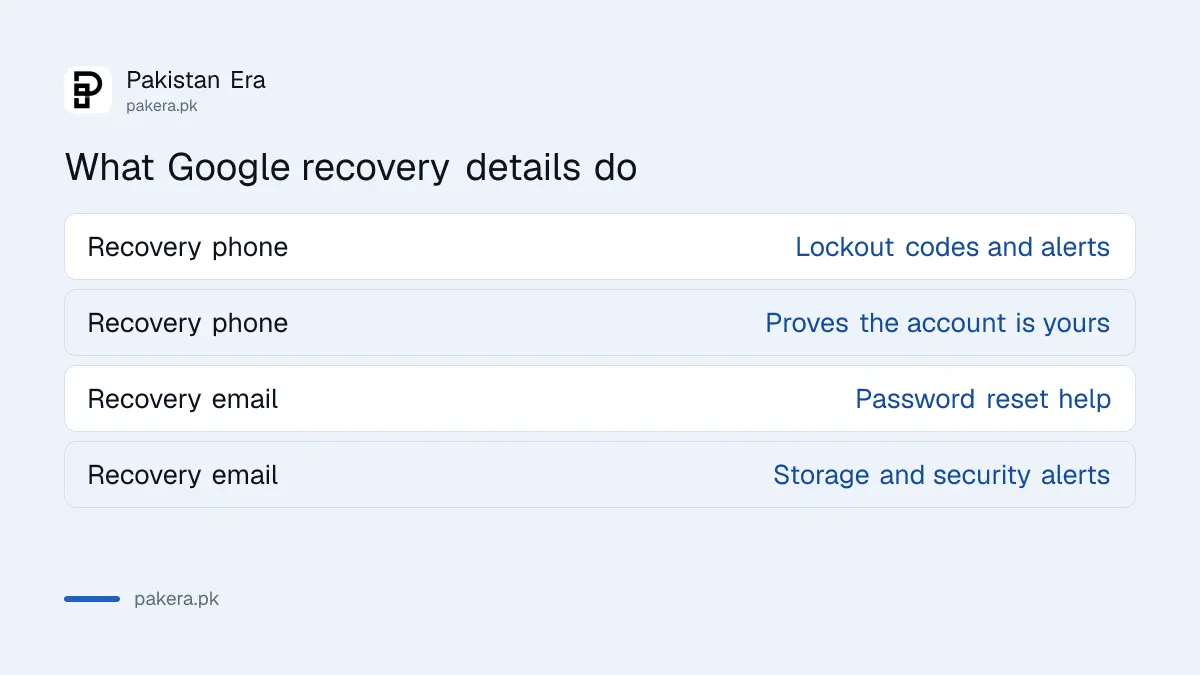
The recovery phone gets a code when you are locked out and alerts you to suspicious activity. The recovery email helps you reset a forgotten password, warns you when storage is nearly full, and also gets security alerts. Both help prove the account is yours.
| Recovery phone is used to | Recovery email is used to |
|---|---|
| Send a code if you are locked out | Help you in if you forget your password |
| Block others from using your account | Confirm your username after sign up |
| Help prove the account is yours | Warn you when storage is nearly full |
| Alert you to suspicious activity | Alert you to suspicious activity |
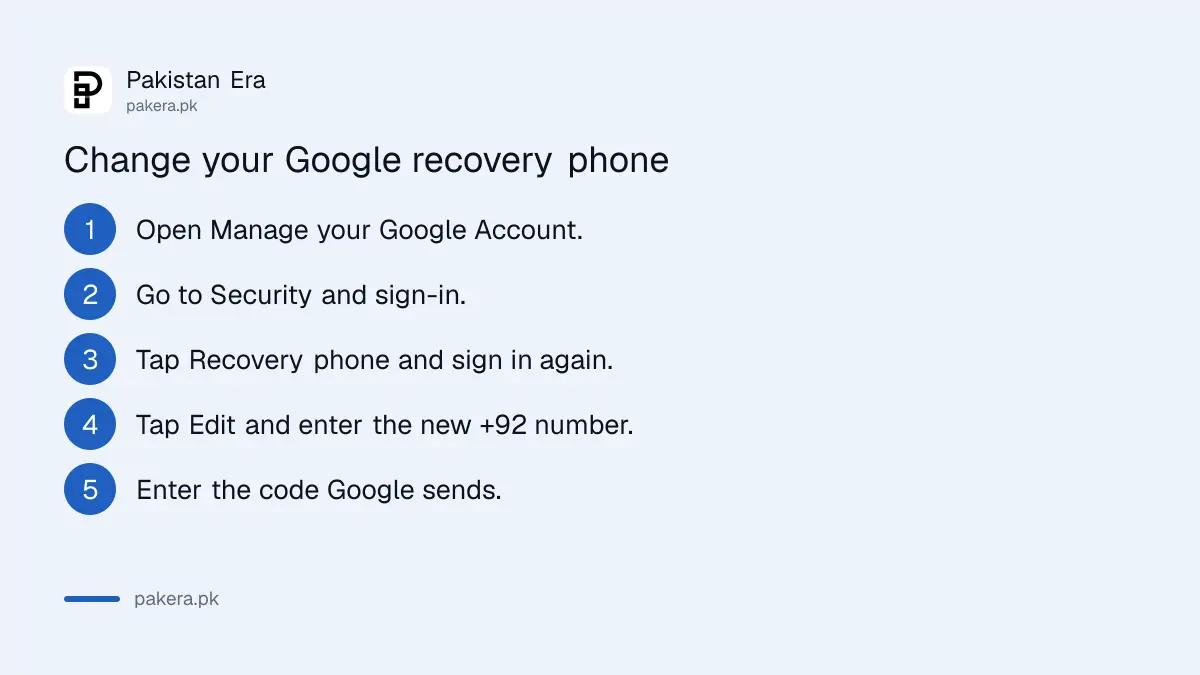
Change your recovery phone in four steps
Open your Google Account, go to Security & sign-in, and tap Recovery phone under "How you sign in to Google". Sign in again if asked, then tap Edit to change the number. Enter the new Pakistani number with +92 and confirm the code.
- On Android, open Settings, tap Google, then Manage your Google Account. On iPhone or a computer, go to myaccount.google.com.
- Open Security & sign-in.
- Under "How you sign in to Google", tap Recovery phone. Sign in again if asked.
- Tap Edit next to the number, type the new one with +92 and without the first zero, and follow the steps. Tap Delete instead to remove it.
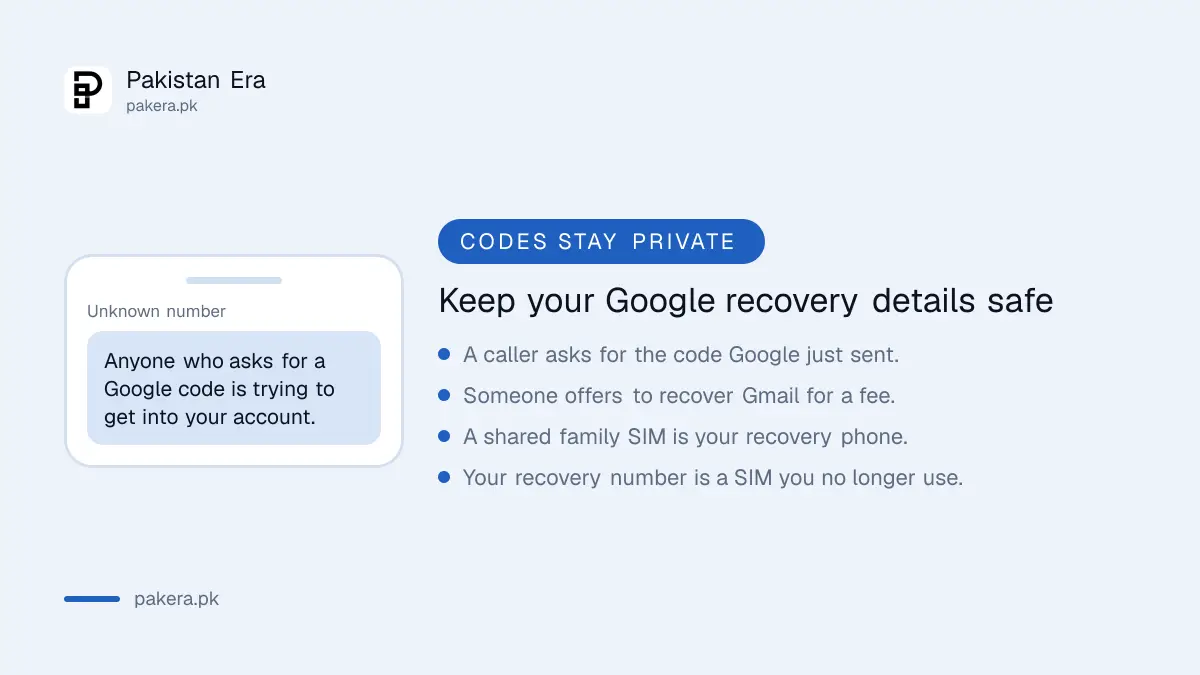
Google asks for a mobile number that gets text messages and belongs only to you. A shared family SIM is a weak choice, because anyone holding it can receive your codes. Do not use a Google Voice number as a recovery phone.
Add or change the recovery email the same way
The recovery email is set in the same Security & sign-in section. Tap Recovery email, then Edit or Delete. Google asks for an address you check often, but not the Gmail address you are protecting.
- Open your Google Account and go to Security & sign-in.
- Under "How you sign in to Google", tap Recovery email.
- Tap Edit, type the new address and follow the steps.
- Open the new inbox and confirm the email from Google.
A second Gmail you actually open works well. So does an Outlook or a work address. Avoid an old university or office email that will close when you leave. If you need a fresh address for this, creating a new Gmail account takes a few minutes.
Changes can take up to 7 days
Google says a recovery phone change can take up to 7 days to take effect, and it may still send codes to the old details for 7 days. A passkey or security key already on the account may make the change faster.
This waiting period protects you. If a thief gets into your account and swaps the recovery phone, the old number still gets warnings for a week. It also means you should change details calmly, not on the day you need them.
- Change failed? Google suggests trying again from a device and place you normally use, or from your current device the following week.
- Got a warning about a suspicious recovery method? You have 30 days to confirm it before Google deletes it.
- Removed an old number? It may still be used for other Google services, so check those too.
- Work or school account? These steps may not work. Ask your administrator.
Setting up a passkey on your Google Account is worth doing at the same time. It is one of the things Google names as helping changes go through faster.
Update recovery details before you change your SIM
The best time to update is before an old number stops working. Add the new number while the old SIM still works, so any code Google sends during the switch still reaches you. Then remove the old one.
- Before porting, changing networks or moving abroad, add the new number as recovery phone.
- Keep the old SIM active for at least a week while the change settles.
- Save a set of Google backup codes somewhere off the phone.
- Run a security check in your Google Account to confirm the new details show up.
Never share a code Google sends to your phone. Anyone who asks for it is trying to get into your account. If someone else has already changed your recovery details, go straight to Gmail account recovery and answer from a device you have used before.
Common questions about Google recovery details in Pakistan
Can I use a Pakistani number as my Google recovery phone?
Yes. Use a mobile number that gets text messages and belongs only to you. Enter it with +92 and drop the first zero.
Why can't I change my recovery phone number?
Google may block changes from an unfamiliar device or place. Try from a device you normally use, or wait a week and try again from your current device.
How long does a recovery phone change take?
Google says it can take up to 7 days to take effect. During that time codes may still go to your old details.
Can I use my own Gmail address as the recovery email?
No. Google asks for an address you use regularly but not the one you sign in with. A second Gmail or a work email works.
Can I add a recovery phone while locked out?
No. Google says you cannot add recovery information while you are locked out. Use the account recovery form instead.
How we verified this
What we checked and where we read it.
Last checked 15 November 2026. We read Google Account Help's page Set up recovery options for the steps, the 7 day rule and the 30 day warning window, and Google's page Change your Google Account picture, name and other info for the Android route to Manage your Google Account. Menu names can differ slightly between Android, iPhone and the web.
About the author

Technology Journalist & Multimedia Producer
Ahmad Ali is a technology journalist and multimedia producer at Pakistan Era, joining the team in October 2026. He covers consumer technology and digital life for Pakistani readers, combining research with hands-on product testing.