Change Your Apple Account Trusted Phone Number in Pakistan, and Fix a Code That Never Arrives
Change the trusted phone number on your Apple Account in Pakistan, get the six-digit code when it does not arrive, and what to do after losing the old SIM.
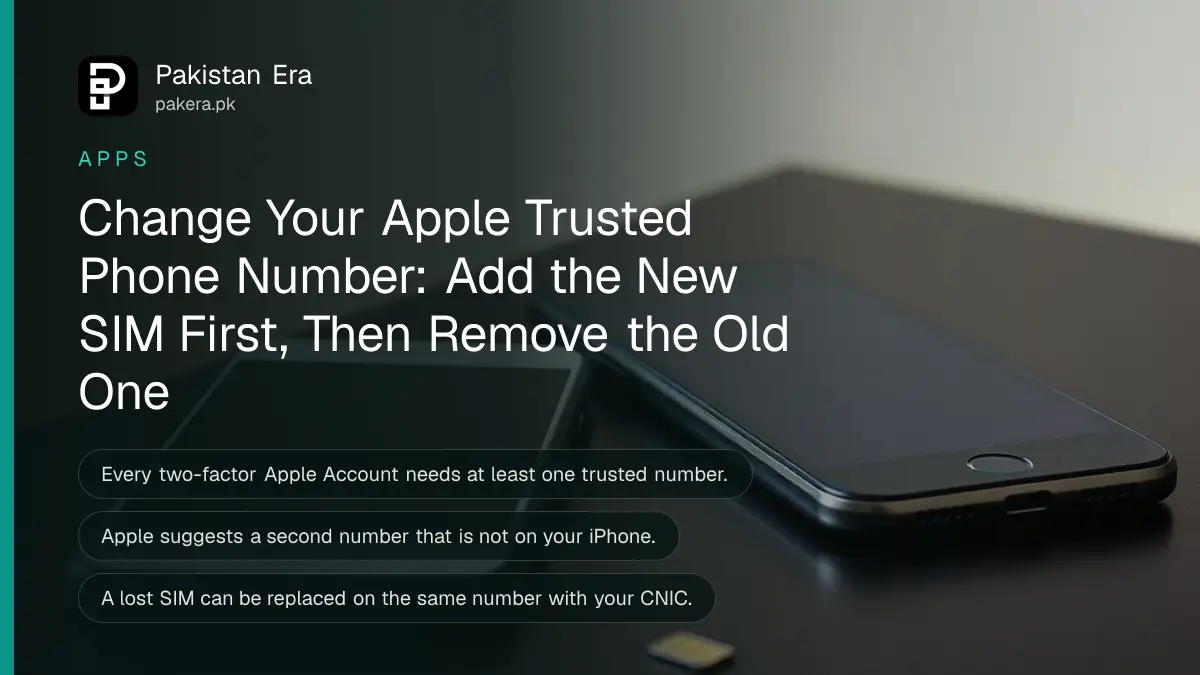
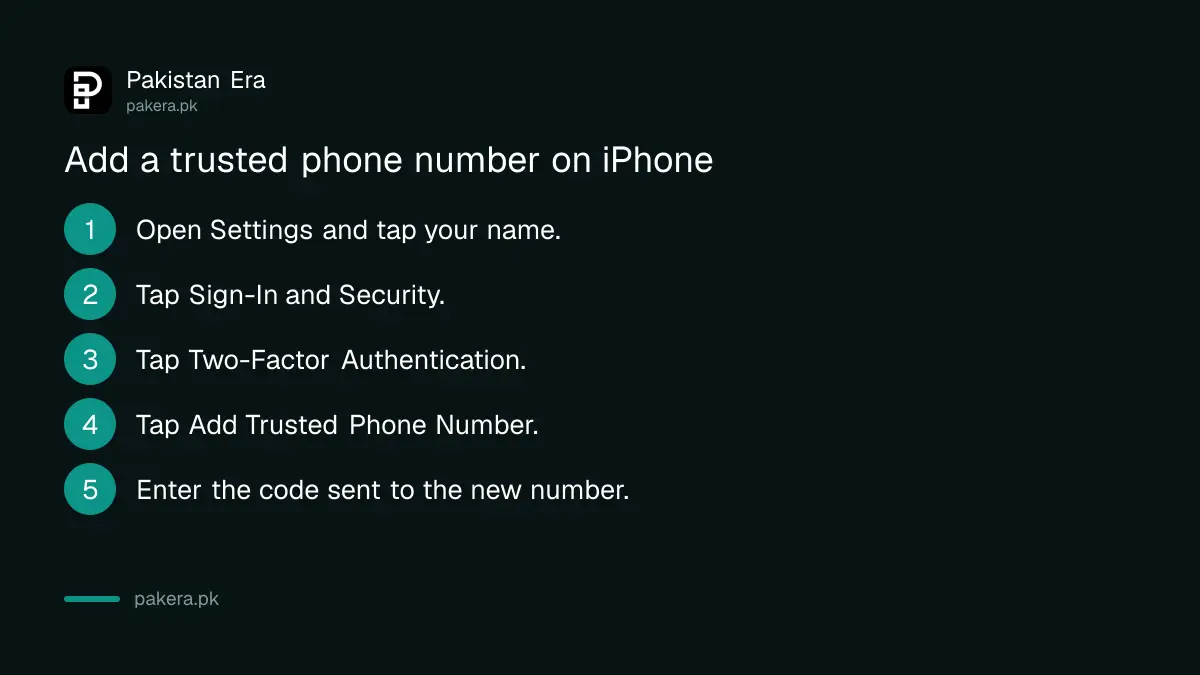
To change the trusted phone number on your Apple Account, open Settings on your iPhone, tap your name, tap Sign-In & Security, then Two-Factor Authentication, and tap Add Trusted Phone Number. Add the new number first, then remove the old one. On a computer, do the same at account.apple.com under Sign-In and Security.
This matters in Pakistan because numbers change often. People switch networks, lose a SIM while travelling, or let an old prepaid number expire. If the old number is the only trusted one, Apple's six-digit verification code goes to a SIM you no longer have.
A trusted phone number receives your Apple sign-in codes
With two-factor authentication on, Apple asks for a six-digit code whenever you sign in on a new device or browser. The code appears on your trusted devices, or Apple sends it by text or call to your trusted phone number.
Apple requires at least one trusted phone number on every account that uses two-factor authentication. It also suggests a second number that is not linked to your iPhone. The reason is simple: if your iPhone is your only trusted device and holds your only trusted SIM, losing that phone means losing every route to the code.
A family member's number works as a second trusted number. So does your own second SIM, such as a work number on another network.
Add or change the trusted number on iPhone, Mac or the web
You can add a trusted number from any device that is signed in. On iPhone use Settings, on a Mac use System Settings, and on any browser use account.apple.com. Add the new number before removing the old one.
On iPhone or iPad
- Open Settings and tap your name at the top.
- Tap Sign-In & Security.
- Tap Two-Factor Authentication.
- Below the list of devices and numbers, tap Add Trusted Phone Number.
- Type the new number with +92 and without the first zero, and choose text or call.
- Enter the code Apple sends to the new number.
On a Mac or the web
- Mac: Apple menu, System Settings, your name, Sign-In & Security, Two-Factor Authentication, then Add Trusted Phone Number.
- Web: go to account.apple.com, click Sign-In and Security, then Account Security. Add or remove numbers in the Trusted Phone Number section.
Once the new number is verified, remove the old one from the same list. Keep at least one number you will still have in a year.
Get the code when it does not arrive
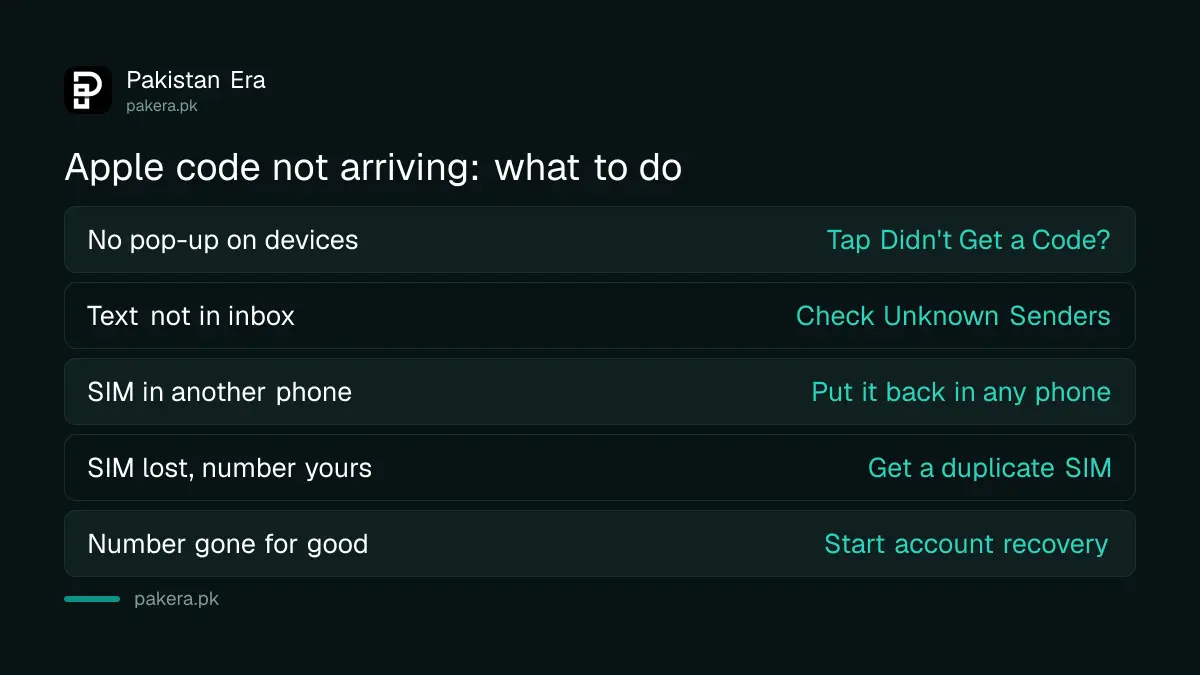
If no code appears, tap "Didn't Get a Code?" or "Can't get to your devices?" on the code screen. Apple then lets you get the code by text or phone call to your trusted number. Check filtered messages too.
| Problem | Fix |
|---|---|
| No pop-up on your other Apple devices | Tap Didn't Get a Code? and choose text or call |
| Text not in your inbox | Look in Unknown Senders in the Messages app |
| Trusted SIM is in another phone | Put it back in any phone and receive the text |
| SIM lost, number still yours | Get a duplicate SIM on the same number |
| Number gone for good | Choose Can't use [number] and start account recovery |
If you filter Unknown Senders on iPhone, Apple's code may land there. To get time-sensitive codes in your main inbox, go to Settings, Apps, Messages, then the Unknown Senders section, tap Allow Notifications and turn on Time Sensitive. The Screen Unknown Senders setting on iOS 26 works the same way.
The sign-in pop-up can show a map of the attempt. Apple says the location comes from the network, not the exact place. If it is you signing in and the city looks wrong, you can still tap Allow.
Lost the old SIM: get a duplicate first
Apple's fastest fix for a number you can get back is to wait until you have it, then sign in. In Pakistan that means a duplicate SIM on the same number from your network's franchise, which needs the owner's CNIC and a biometric check.
- Visit your network's franchise or customer centre with the CNIC of the person the SIM is registered to.
- Ask for a duplicate SIM on the same number and pass the fingerprint check.
- Put the new SIM in any phone, sign in to your Apple Account and get the code.
- Add a second trusted number straight away, so this does not happen again.
If the phone was stolen, block the handset and the SIM before anything else. The steps to block a lost phone with PTA explain the official route.
No access to any trusted number: start account recovery
If the number is gone for good and no trusted device is signed in, choose "Can't use [phone number]" on the code screen and follow the steps. Apple says recovery may take a few days or longer, and contacting Apple cannot speed it up.
- Try to sign in to your Apple Account.
- Tap Didn't Get a Code? or Can't get to your devices?
- Choose Can't use [phone number].
- Follow the steps on screen to start account recovery.
The more account details you can give, the smoother recovery tends to go. Use the same email and number each time you check its status. A recovery contact on your Apple Account can also help you get back in, if you added one earlier.
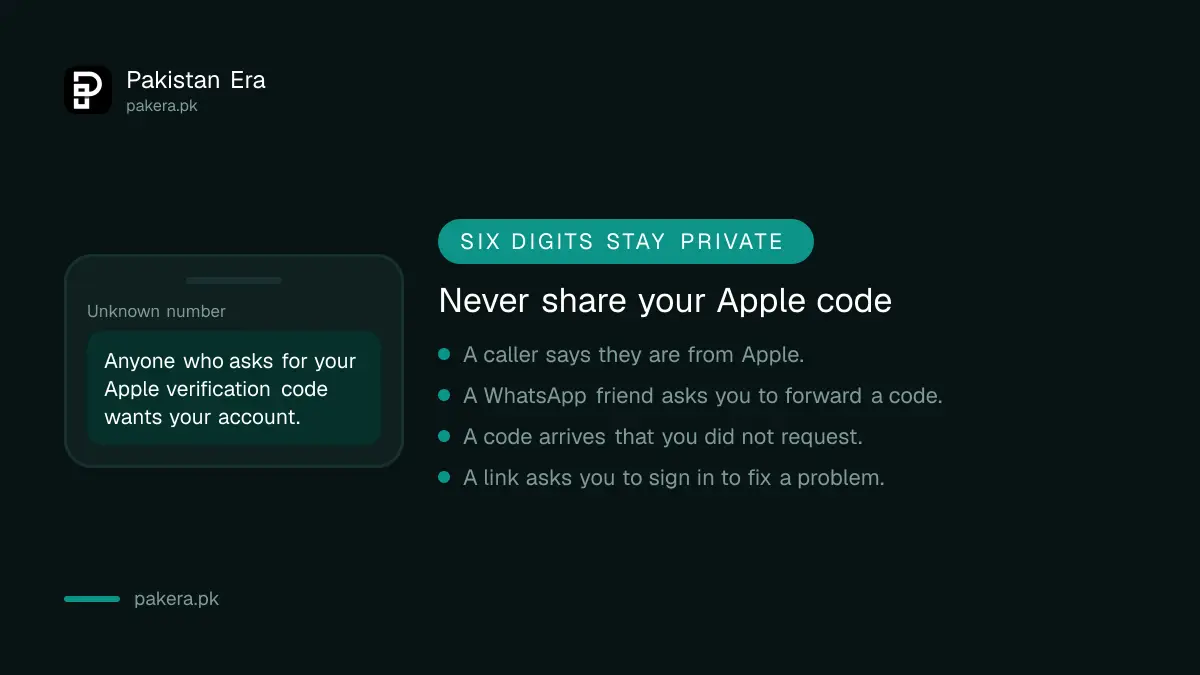
Never share your six-digit code. Anyone who asks for it on a call, WhatsApp or SMS is trying to take over your account. If a code arrives that you did not request, tap Don't Allow and change your password. The signs of an Apple Account that was hacked are worth checking at that point.
Common questions about Apple trusted phone numbers in Pakistan
Can I add a Pakistani number as a trusted phone number?
Yes. Enter it with the +92 country code and drop the first zero. The number must be able to receive a text or a phone call from Apple.
Should I add more than one trusted phone number?
Yes. Apple asks for at least one and suggests adding another number that is not tied to your iPhone, so you can still get codes if the phone is lost.
Why am I not getting the Apple verification code by SMS?
Check Unknown Senders in Messages, then choose the phone call option. If the SIM is not in a phone, put it back in or get a duplicate.
Can I remove my old number before adding a new one?
Add the new number first. Two-factor authentication needs at least one trusted number, so keep a working one on file at all times.
Can I turn off two-factor authentication to skip the code?
Usually no. Apple says accounts created with two-factor authentication cannot remove it. Recently enrolled accounts have only a two-week window.
How we verified this
What we checked and where we read it.
Last checked 15 November 2026. We read Apple Support's pages About trusted phone numbers and trusted devices for Apple Account (dated 14 September 2026), Get a verification code and sign in with two-factor authentication and Two-factor authentication for Apple Account. The duplicate SIM step reflects the CNIC and biometric rule Pakistani networks apply for SIM replacement.
About the author

Technology Journalist & Multimedia Producer
Ahmad Ali is a technology journalist and multimedia producer at Pakistan Era, joining the team in October 2026. He covers consumer technology and digital life for Pakistani readers, combining research with hands-on product testing.