How to Block a Lost or Stolen Phone With PTA's CMS App in Pakistan
Block a lost or stolen phone through PTA's CMS app. See the details to have ready, the OTP that goes to the SIM inside it, and the 0800-55055 fallback.
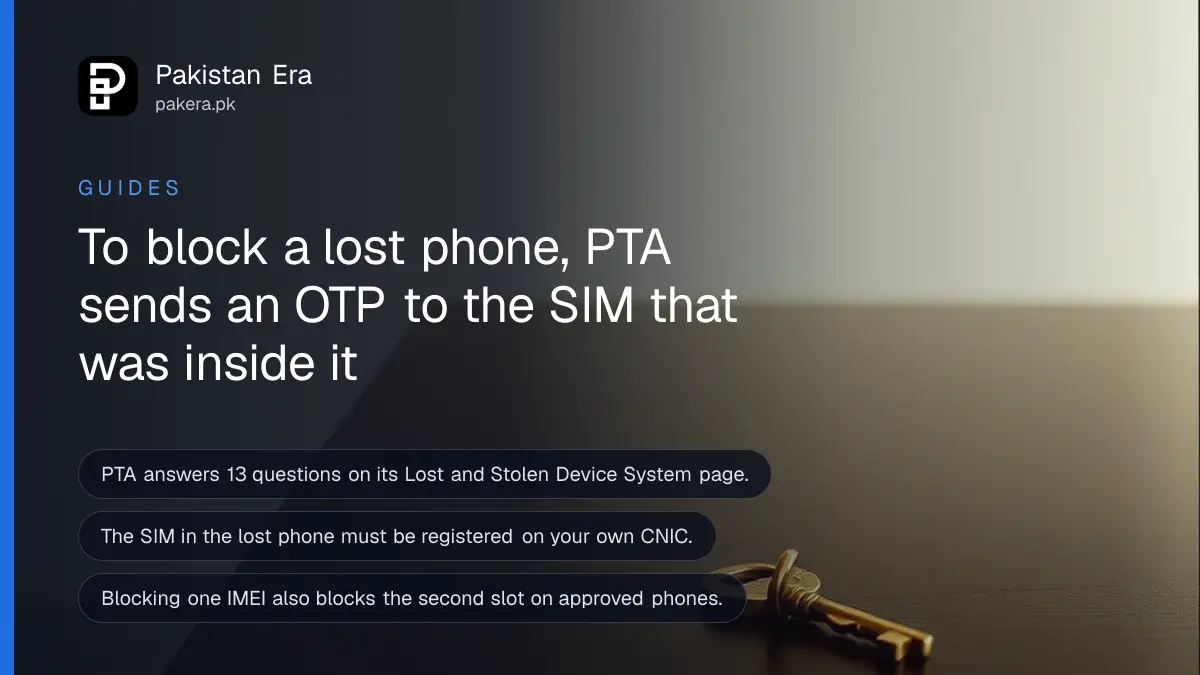
Short answer: To block a lost, stolen or snatched phone in Pakistan, file a request in the PTA CMS mobile app (Android or iOS) with your CNIC, the phone's IMEI and the mobile number used in it during the last 6 months. PTA sends a one time password to that SIM. If you cannot file online, call 0800-55055.
A man in Lahore loses his phone on a Friday evening. He calls his network, blocks the SIM, and thinks he is done. Then he finds that the form to block the handset wants a code, and the code goes to the SIM he just blocked. That trap is real, and PTA's own list of questions explains it.
We read PTA's Lost and Stolen Device System FAQ page on 12 October 2026. It holds 13 questions and answers, and the page address carries a date of 8 September 2026. Everything below comes from it, and we say where we are reading between the lines.
PTA blocks lost phones through its CMS app
PTA's Lost and Stolen Device System, short name LSDS, is the service that blocks or unblocks a phone that was lost, stolen or snatched. The FAQ page says you file the request through the PTA CMS mobile app on Android or iOS, or on the CMS complaint website.
The same app is the one that takes complaints against operators. We covered what changed in the upgraded PTA CMS app in September, including the OTP sign-in. You need a profile in it before you can file, so install it and register before anything is lost if you can.
PTA's FAQ also gives a web address for the same form, complaint.pta.gov.pk/registeruser.aspx. When we requested that exact address on 12 October from a script, the server answered "404 not found" and the main complaint site answered "403 forbidden". That may be a block on automated visits, not a fault for people. If the web form will not open for you, use the app.
You must have these details ready before you start
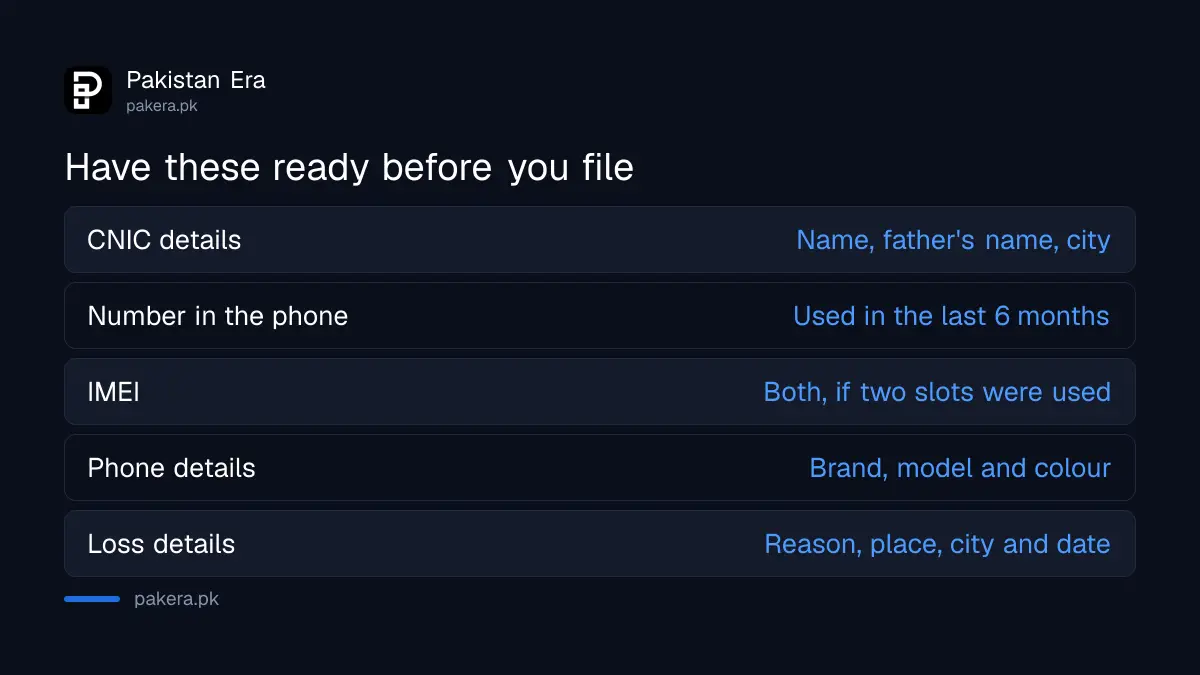
PTA lists what the form asks for: your name, father's name, CNIC and city, the mobile number used in the phone, the IMEI, the phone's brand, model and colour, and the reason, place and date of the loss. The email, postal address and FIR number are optional.
| Detail | Required | Where to find it |
|---|---|---|
| Name, father's name, CNIC, city | Yes | Your CNIC |
| Mobile number used in the phone in the last 6 months | Yes | Your SIM or operator account |
| IMEI of the phone (both, if two slots were used) | Yes | Phone box, invoice or your Google or Apple account |
| Brand, model and colour | Yes | Invoice or box |
| Reason, place, city and date of loss | Yes | Your memory |
| FIR number | No | Police station |
| Email and postal address | No | Your own details |
The IMEI is the 15 digit number that identifies one phone. If the phone is gone, the box, the shop invoice or your Google or Apple account page are the usual places to find it. Our note on what to do in the first hour after a theft lists more.
The OTP goes to the SIM that was in the lost phone
PTA's FAQ says the one time password is sent to the SIM used in the lost handset, and that SIM must be registered on your CNIC. So the number has to be working when you file. A SIM that is blocked and not replaced cannot receive the code.
This is the point most people miss. PTA's FAQ does not spell out how to get the code after you block the SIM. Our reading is simple. Block the SIM to protect your bank and wallet codes, then get a replacement SIM on the same number from your operator, and only then file the request. Our guide to blocking a lost SIM and keeping the number shows how each network does it.
If the phone had no Pakistani SIM at all, PTA says you cannot use this route. The FAQ states that the device must have been used with a Pakistani SIM.
File the request in seven steps
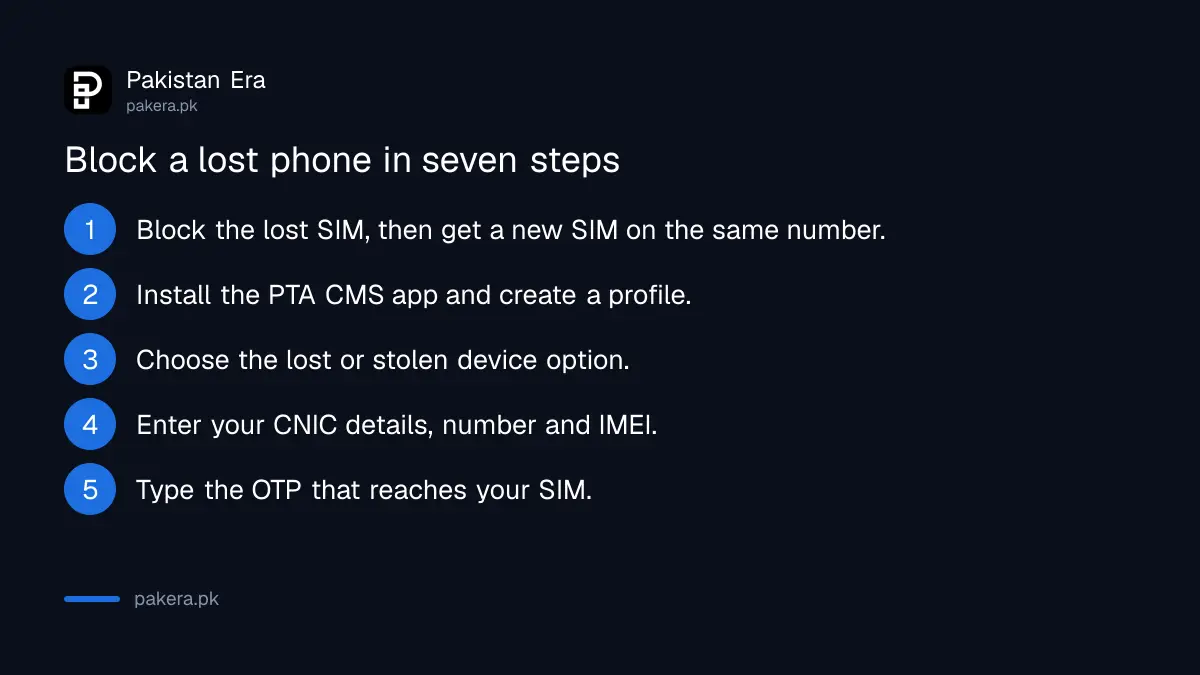
Install the PTA CMS app, sign in, open the lost or stolen device request, enter the details above, confirm the OTP, submit, and keep the reference number from the SMS. You will need that number again if the phone is found.
- Block the lost SIM with your operator, then get a replacement SIM on the same number.
- Install the PTA CMS app and create a profile with that number.
- Choose the option to block a lost or stolen device.
- Enter your CNIC details, the number, the IMEI and the phone's description.
- Type the OTP that arrives on the SIM.
- Submit and save the reference number sent by SMS.
- Report the loss to the police if you have not, and keep the FIR copy.
What blocking does and does not do
A blocked phone will not work on any mobile network in Pakistan. PTA's FAQ says it cannot recover the phone for you. For recovery, go to your local police, or to the CPLC in the cities where it works.
If your phone has two IMEIs, the FAQ says blocking one blocks the other for PTA approved devices. It also says you can still file for a phone lost long ago, if you hold the correct IMEI and details. If the IMEI and number you enter do not match PTA's records, the request is rejected and you must give valid information.
Blocking is not a lock on your data. Change your passwords and remove the device from your Google or Apple account. Setting a PIN on your SIM before a theft helps too, because a thief cannot use the SIM in another phone.
Common questions
Can I block a lost phone without a SIM in it?
No. PTA's FAQ says the device must have been used with a Pakistani SIM to process the request through the CMS app.
Which number do I enter?
Enter the mobile number used in the phone in the last 6 months. It must be registered on your own CNIC, and PTA sends the OTP to it.
What if I cannot file online?
Call PTA's helpline 0800-55055, or visit the nearest PTA office. Both are named in PTA's FAQ as the fallback.
Does blocking one IMEI block the second slot?
Yes, for PTA approved devices. The FAQ says blocking one of two IMEIs automatically blocks the other.
Will PTA find my phone?
No. PTA says it cannot help recover a stolen phone. Go to the police or the CPLC for that.
How do I check if the block worked?
Send the IMEI to 8484 by SMS, use the DIRBS website, or use the PTA DVS app. The FAQ lists all three ways.
How we verified this
What we checked, where we read it, and what we could not confirm.
We read PTA's Lost and Stolen Device System FAQs on 12 October 2026. The complaint website and the DIRBS portal are PTA's own: dirbs.pta.gov.pk. We could not open the CMS web form ourselves, so steps inside the app are as PTA describes them. Confirm on the day.
About the author

Technology Journalist & Multimedia Producer
Ahmad Ali is a technology journalist and multimedia producer at Pakistan Era, joining the team in October 2026. He covers consumer technology and digital life for Pakistani readers, combining research with hands-on product testing.