Lock Your SIM With a PIN in Pakistan So a Stolen Phone Cannot Get Your OTPs
Set a SIM PIN on iPhone or Samsung in Pakistan so a thief cannot use your SIM for WhatsApp or JazzCash codes. Steps, the PUK risk, and why you must not guess.
A SIM PIN stops a thief from moving your SIM into another phone and receiving your WhatsApp, bank and JazzCash codes. On iPhone, go to Settings, Cellular, SIM PIN. On Samsung, go to Settings, Lock screen and security, Other security settings, Set up SIM card lock. Never guess the PIN.
When a phone is snatched in Pakistan, the screen lock protects the phone. It does not protect the SIM. A thief can pull the SIM out, put it in any cheap handset, and start receiving your one-time codes within minutes. Your number is the key to WhatsApp, most mobile wallets and many bank apps.
A SIM PIN closes that gap. We read Apple's SIM PIN page, Samsung's SIM card lock page and Jazz's PUK instructions on 2 October 2026. Here is how to turn it on safely without locking yourself out.
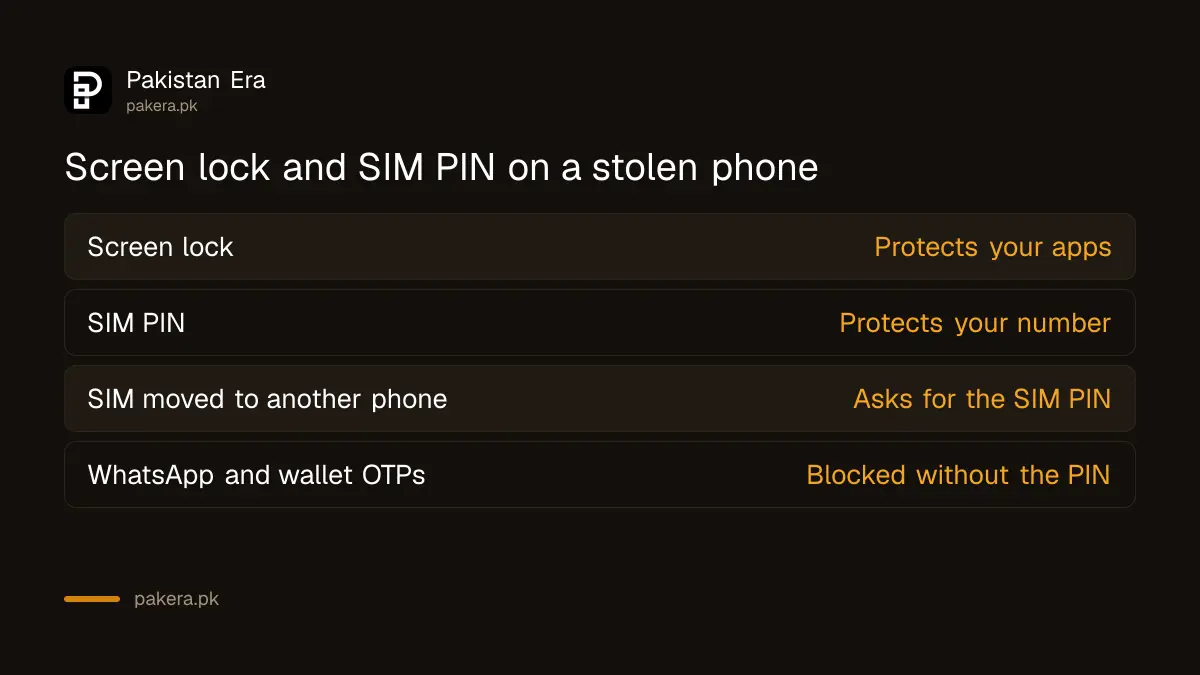
A SIM PIN locks the SIM, not the phone
A SIM PIN is a short code that belongs to the SIM card itself, not the phone. Once it is on, the SIM locks every time the phone restarts or the card is moved. Without the code, nobody can make calls, use data or receive SMS on your number.
Apple puts it simply. With a SIM PIN on, "every time you restart your device or remove the SIM card, your SIM card or eSIM will automatically lock". The status bar then shows "Locked SIM". Samsung says its SIM card lock protects the SIM from being used on other phones.
| If a thief has your phone | Screen lock only | Screen lock and SIM PIN |
|---|---|---|
| Opens your apps | Blocked | Blocked |
| Moves the SIM to another phone | SIM works at once | SIM asks for the PIN |
| Receives WhatsApp and wallet OTPs | Possible | Blocked |
| Restarts the phone | SIM works | SIM asks for the PIN |
It works on eSIMs too. Apple says the same PIN option covers an eSIM on iPhone.
Find your current SIM PIN before you start
Turning the lock on asks for the SIM's current PIN. Apple says to use the default PIN from your operator. Apple's advice is firm: if you do not know it, do not guess. Check with your operator, because wrong guesses can lock the SIM for good.
Apple warns that "the wrong guess can permanently lock your SIM card or eSIM, which means that you would need a new SIM card or eSIM". After a few wrong PIN entries the SIM asks for a PUK code, short for Personal Unblocking Key. Wrong PUK entries can finish the SIM completely.
Default codes differ between operators and between batches of SIMs, so we do not list one here. Ask your operator's helpline, or check the card holder the SIM came in. Jazz's own instructions say that after you unlock a SIM with a PUK, you set the PIN to 0000. That tells you what Jazz expects, but confirm before you type.

How to turn on the SIM PIN on iPhone and Samsung
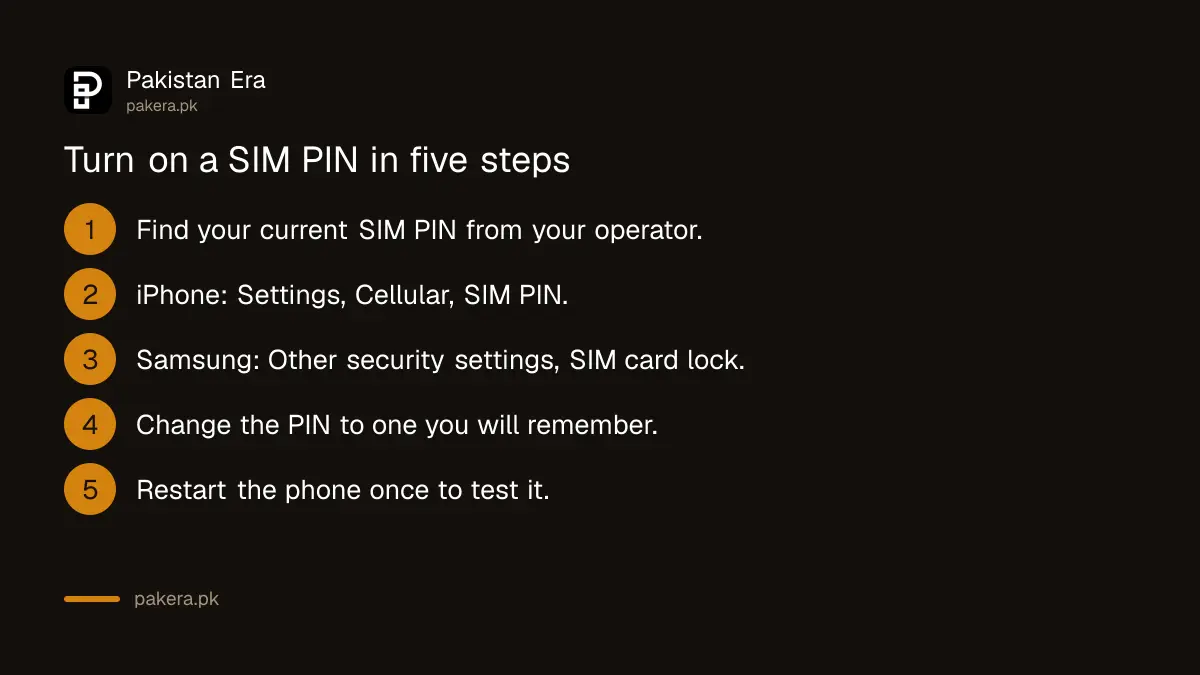
On iPhone the switch is under Settings, Cellular, SIM PIN. On Samsung it is under Settings, Lock screen and security, Other security settings, Set up SIM card lock. Enter the current PIN, then change it to a new code you will remember.
- iPhone: open Settings and tap Cellular. With one SIM, tap SIM PIN. With two SIMs, tap the number first, then SIM PIN. Turn it on and enter the current PIN.
- Samsung: open Settings, tap Lock screen and security, then Other security settings, then Set up SIM card lock. Turn on Lock SIM card and enter the current PIN. Menu names vary a little by model.
- Other Android phones: open Settings and search for "SIM lock" or "SIM card lock". The option usually sits in the security section.
- Change the PIN. On Samsung, tap Change SIM card PIN. On iPhone, the change option sits under the same SIM PIN screen once the lock is on. Pick four digits that are not your birth year and not 0000 or 1234.
- Restart the phone once to test it. It should ask for the SIM PIN as it starts. Enter it, and make sure calls and data work.
Write the new PIN somewhere safe at home, not on the phone and not in the SIM tray. And keep the PUK somewhere too, if your operator gave you one with the SIM pack.
A locked SIM after wrong tries needs the PUK
If you enter the wrong PIN too many times, the SIM asks for a PUK. Get it from your operator only. On Jazz, send your full number by SMS to 7023 from the Jazz number. If the PUK fails too, the operator issues a replacement SIM.
Jazz warns that entering the wrong PUK may block the SIM, so it needs replacing. It also warns that contacts saved on the SIM may be lost and that Jazz has no backup of them. Keep your contacts in your phone's account, not on the SIM.
Each network has its own route. The Jazz steps are in how to reactivate a Jazz SIM blocked by a wrong PIN, and Zong users can unblock a Zong SIM with a PUK code. If the PUK is used up, your phone may show "PUK exhausted". Apple says to ask your operator for a new SIM at that point.
A PUK lock is different from a SIM the operator has blocked. If the operator shut the number for another reason, the fix is to get a blocked SIM reopened.
A SIM PIN does not replace blocking a stolen SIM
The SIM PIN slows a thief down, but it is not the full answer. Fraudsters can still try to get a duplicate SIM on your number at a shop. After a theft, block the SIM with your operator at once, then deal with the phone and your accounts.
- Block the number. Jazz says to dial *8822# and follow the instructions, or call its 111 helpline, to block a stolen SIM.
- Block the handset. The PTA process for this is in how to block a lost or stolen phone.
- Protect WhatsApp. A WhatsApp two-step verification PIN stops anyone from moving your account even with your SIM.
- Check your CNIC for unknown SIMs now and then, using the SIMs registered on your CNIC check, so a duplicate on your name does not go unnoticed.
Used together, a SIM PIN and a WhatsApp two-step PIN make a stolen phone far less useful to a thief.
Common questions
What is the default SIM PIN for Jazz, Zong, Telenor and Ufone?
It depends on the SIM. Ask your operator before you try. Apple and Jazz both warn that wrong guesses can block the SIM.
Will a SIM PIN ask me for the code every time I unlock my phone?
No. It asks only when the phone restarts or the SIM is moved. Your normal screen lock is separate.
Can I use a SIM PIN on an eSIM?
Yes. Apple says the SIM PIN setting works for both a physical SIM and an eSIM on iPhone.
How do I get my Jazz PUK code?
Send your complete number by SMS to 7023 from your Jazz number, according to Jazz.
What happens if I enter the wrong PUK?
The SIM can be permanently blocked. You then need a replacement SIM from the operator, with biometric verification.
Does a SIM PIN stop SIM swap fraud?
Not on its own. It stops use of your stolen SIM card, but a fraudster could still try for a duplicate SIM. Block the number fast after a theft.
How we verified this
What we checked, where we read it, and what we could not confirm.
Last checked on 2 October 2026. We read Apple's Use a SIM PIN for your iPhone or iPad, Samsung's SIM card lock steps, and Jazz's FAQs for the 7023 PUK SMS, the 0000 PIN instruction and the *8822# block code. We did not find a published default PIN from Zong, Telenor or Ufone, so we do not list one. We did not lock a SIM ourselves to test the steps, and menu names vary by phone model.
About the author

Tax, Bills and Technology Writer
Ali Akhtar is a young and curious voice here at Pakistan Era. He is currently pursuing his A-Levels and has a growing interest in Pakistan’s changing industrial landscape and educational trends. Ali likes to write in a way that helps him explain and explore the world around him. His writing reflects the perspective of the new generation navigating the evolving trends of Pakistan where technology, youth innovation, and shifting opportunities are reshaping the country’s future.