How to Unblock a Zong SIM With a PUK Code
Your Zong PUK is on the SIM card holder, or from 310 and a service centre. Too many wrong tries mean a Rs 400 replacement. Sources checked.
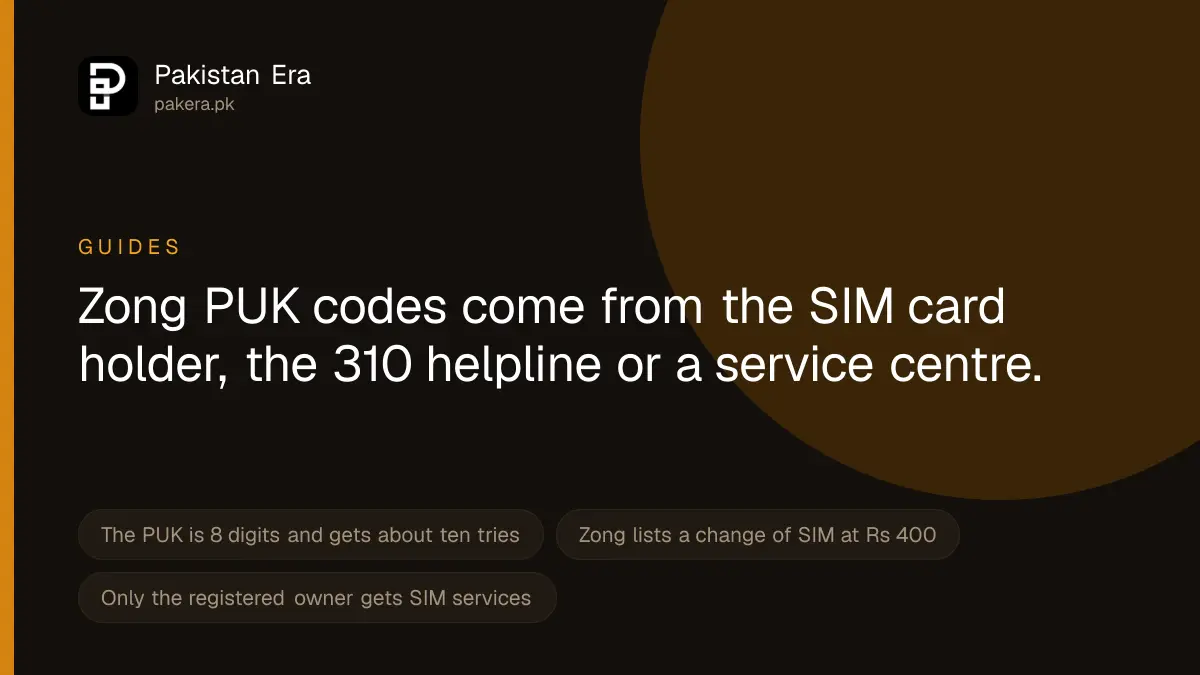
If your Zong SIM asks for a PUK code, the PIN was typed wrong too many times. Find the 8 digit PUK on the card your SIM came in, or get it from Zong by calling 310 from another Zong number or 051-111-222-111 from any other network. Enter it, then set a new PIN. If the PUK is also typed wrong too many times, the SIM is dead for good and you need a replacement, which Zong lists at Rs 400.
We read Zong's contact, SIM price and terms pages on 22 September 2026. Zong does not publish a PUK procedure of its own, so where a figure comes from the general SIM standard rather than from Zong, we say so.
What a PUK lock means
Your SIM has a PIN, a short code that stops a stranger using it in another phone. Most people never switch the PIN on. If it is on and the wrong PIN is entered too many times, the SIM locks itself and asks for a PUK, short for Personal Unblocking Key.
On most SIMs the limit is three wrong PINs. The PUK then gets ten tries. These counts come from the GSM standard that all SIM cards follow, not from Zong, which publishes no figure. Your phone usually shows how many tries are left. Look at that number before you type anything.
A PUK lock is not the same as a SIM that Zong or PTA has blocked. It is also not the same as a SIM you blocked yourself after losing your phone. Each has a different fix:
| What you see | What it is | Where to go |
|---|---|---|
| Phone asks for PUK | PIN typed wrong too often | Follow the steps below |
| No signal after you reported the SIM lost | You blocked it yourself | Reactivate a self-blocked Zong SIM |
| SIM unused for months, now dead | Expired for non-use | Reactivate an expired SIM |
| Blocked by Zong or PTA | Compliance or ownership block | Get a blocked SIM reopened |
| "PUK blocked" or "SIM permanently blocked" | PUK tries used up | Replacement SIM, Rs 400 |
Where to find your Zong PUK code
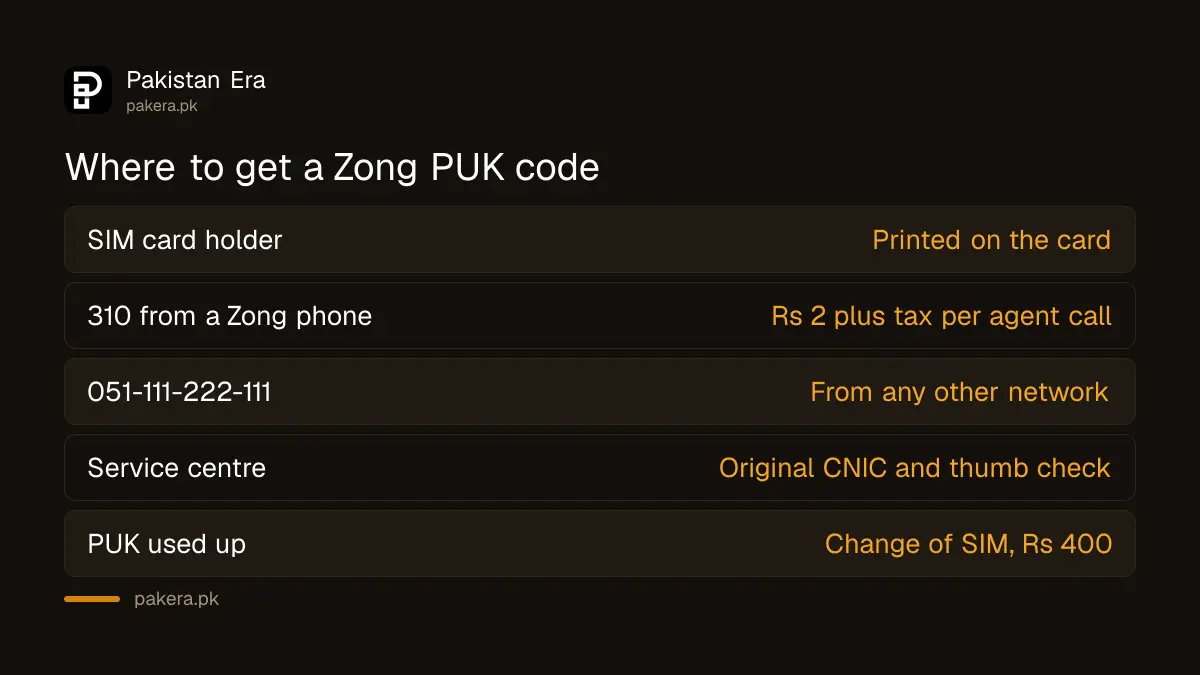
There are three places to look. Try them in this order.
- The SIM card holder. Every SIM comes in a plastic card, often inside a starter pack. The PUK is printed on it, usually under a scratch strip or next to the PIN. If you still have that card, you do not need anyone else.
- The Zong helpline. Zong's contact page lists 310 from a Zong number, open 24 hours, and 051-111-222-111 from any other network. Your locked SIM cannot make the call, so use a family member's Zong phone or any other phone. Zong says a call to 310 that reaches a customer service officer costs Rs 2 plus tax. Expect the officer to ask questions that confirm you own the number, such as your CNIC number, before giving the PUK.
- A Zong service centre or franchise. Take your original CNIC. If the helpline cannot verify you, or the SIM needs replacing, this is where it gets done.
Several websites say you can get the PUK by sending an SMS with your number to 308. We did not find this on any Zong page, so we cannot confirm it. The helpline and the service centre are the routes Zong itself publishes.
How to enter the PUK and set a new PIN
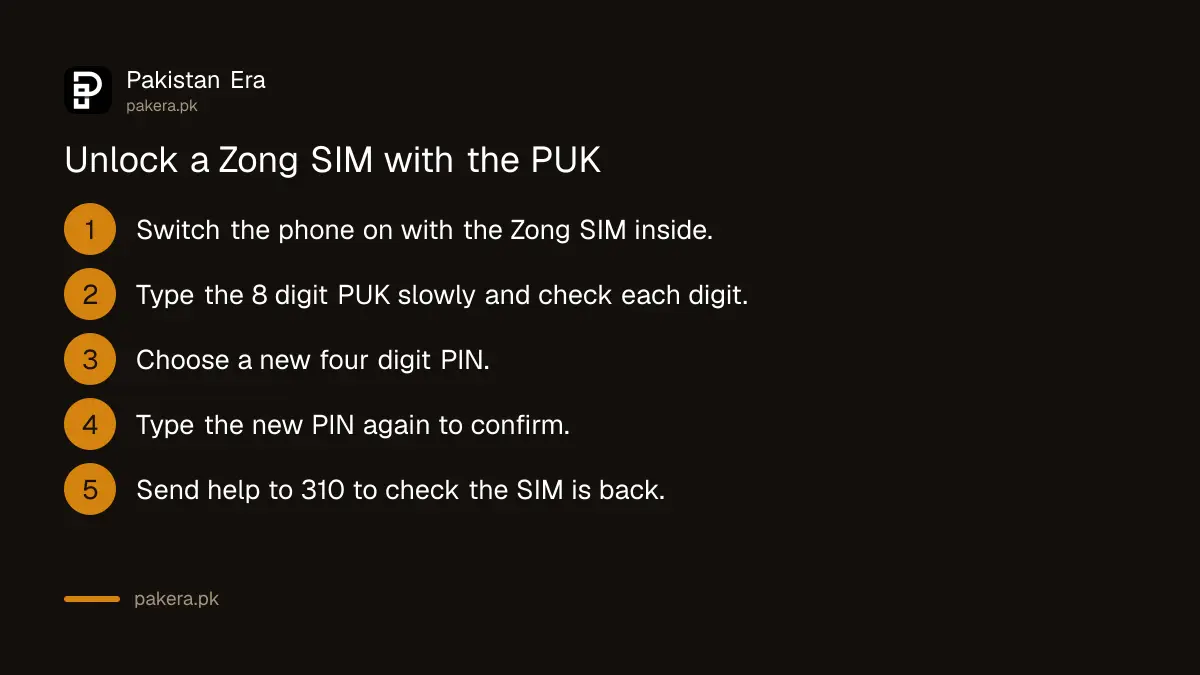
Once you have the code, do this slowly. Every wrong attempt uses one of your last tries.
- Keep the Zong SIM in the phone and switch the phone on. It shows a PUK screen.
- Type the 8 digit PUK exactly as written. Check each digit before you press OK.
- The phone asks for a new PIN. Choose four digits you will remember. Avoid 0000 and 1234.
- Type the new PIN again to confirm it.
- Wait for the signal bars to return. This can take a minute.
Some phones use a code instead of a screen. On those, dial **05*PUK*newPIN*newPIN#. This is a standard GSM code, not a Zong one, and most phones show the screen anyway.
How to check the SIM works again
Do not assume it worked because the PUK screen went away. Check three things:
- Signal bars and the network name show on the screen.
- Call another number and let it ring.
- Send an SMS with the word help to 310. Zong says this SMS is free, and a reply proves the SIM is on the network.
Then decide about the PIN. If you do not need it, you can turn it off in your phone's SIM security settings. You will need the new PIN to do that.
When the PUK does not work
The phone says "PUK blocked" or "SIM permanently blocked". All the PUK tries are used. No code can open it now. The fix is a replacement SIM on the same number. Zong's SIM price page lists "Change of SIM" at Rs 400. If you want an eSIM instead, Zong lists that at Rs 1,500. You must go in person with your original CNIC and pass a thumb check to get a Zong duplicate SIM.
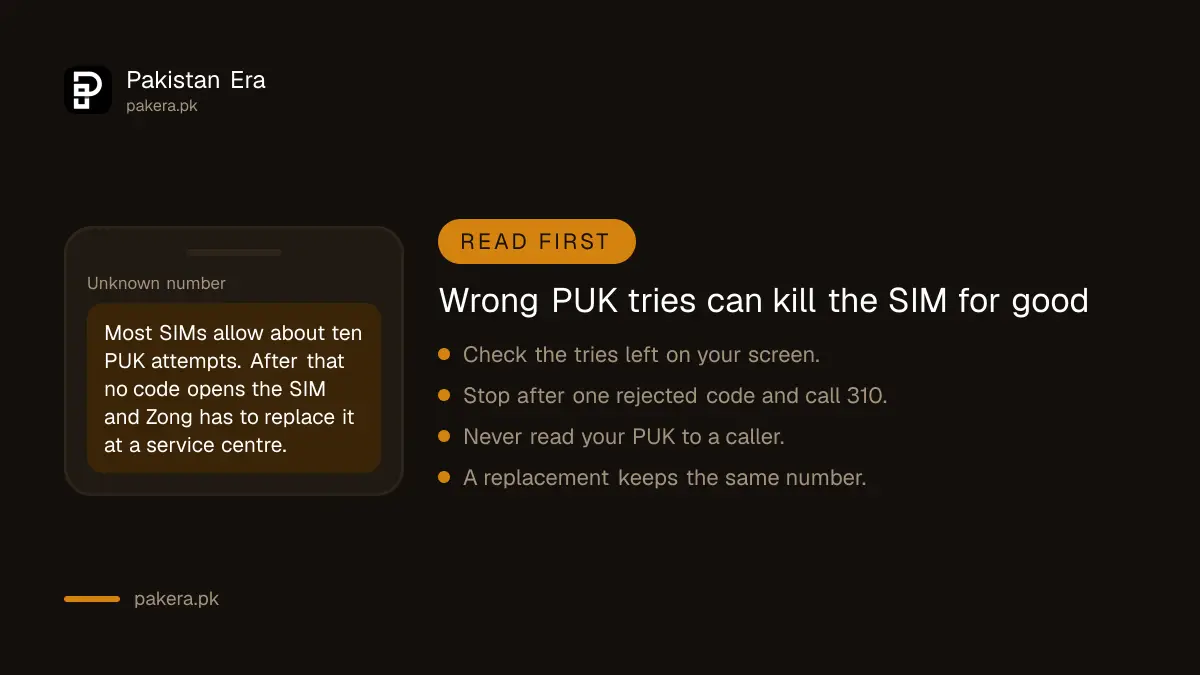
The code from the card is rejected. The card may belong to a different SIM, or you may be reading the PIN instead of the PUK. Stop after one failed try and call the helpline.
The SIM is registered to someone else. Zong gives SIM services to the registered owner. If the SIM is in a parent's or relative's name, that person has to call or visit. You can check which SIMs are on your own CNIC before you go.
The helpline cannot verify you. Go to a service centre. Zong's terms say SIM services such as duplicates use the same biometric check with NADRA as a new SIM.
Keep your PUK safe
A PUK on its own cannot take over your number. But fraudsters who are trying to get a SIM swapped often ask for PUK codes, CNIC details and one time passwords together. Zong will never need you to read your PUK to a caller. If someone calls you, says they are from Zong and asks for it, hang up. Call 310 yourself if you are unsure.
Keep the SIM card holder somewhere safe at home, not in your wallet with the phone. If both are stolen together, the PUK is no protection.
If Zong does not help
If the helpline and the service centre both fail you, register a complaint with Zong and write down the complaint number. Zong's own page says its live chat is unavailable until further notice, so use the phone or a visit. If Zong does not fix it, you can take the complaint to PTA. Before you call any number, make sure it is one of the real telecom helplines, not a fake.
Common questions
What is the Zong PUK code?
It is an 8 digit code printed on the card your SIM came in. Zong's helpline and service centres are the routes for the registered owner who has lost that card.
Can I get my Zong PUK code online?
We did not find an online PUK service on Zong's website. The routes Zong publishes are the helpline and its service centres.
How many times can I try the PUK?
On most SIMs, ten times. That figure comes from the GSM standard, not from Zong. Your phone usually shows how many tries remain.
How much does a new Zong SIM cost if the PUK is blocked?
Zong's SIM price page lists a change of SIM at Rs 400 and an eSIM at Rs 1,500. You keep the same number.
Will I lose my balance and contacts?
A replacement SIM keeps your number. Contacts saved on the old SIM card itself, rather than on the phone or your Google or Apple account, may be lost if the SIM is replaced.
Can someone else unlock my SIM for me?
SIM services go to the registered owner, and Zong checks the owner's identity first.
How we verified this
What we checked, where we read it, and what we could not confirm.
Last checked 22 September 2026. The helpline 310, its 24 hour availability and its Rs 2 plus tax charge per call connected to an officer, the number 051-111-222-111 for other networks and the free "help" SMS to 310 are from zong.com.pk/contact-us. The Rs 400 change of SIM fee and the Rs 1,500 eSIM fee are from zong.com.pk/sim-price. The biometric check with NADRA for duplicate SIMs is from Zong's PTA terms page at zong.com.pk/pta-terms-conditions. The notice that live chat is unavailable is from zong.com.pk/live-chat-notification--zong-5g. The three PIN and ten PUK attempts, the 8 digit PUK length and the **05* phone code come from the GSM SIM standard, because Zong publishes no figure. The SMS to 308 method is repeated by other websites but not by Zong, and we could not confirm it. We did not call the helpline or unlock a SIM ourselves.
About the author

Senior Writer, Public Services and Technology
Shahid joined us in 2024 as an author. He is a senior contributor to Pakistan's leading technology websites. He writes detailed articles, mostly covering his expertise in the latest tech, mobiles, apps, gadgets, and step-by-step guides. His ideology is to help people understand the latest trends and explain complex methods through very easy-to-understand guides.