How to Reactivate a Self-Blocked Ufone SIM
A Ufone SIM you blocked yourself is reopened only in person. Take your original CNIC to a franchise for biometric checks. No home code works.
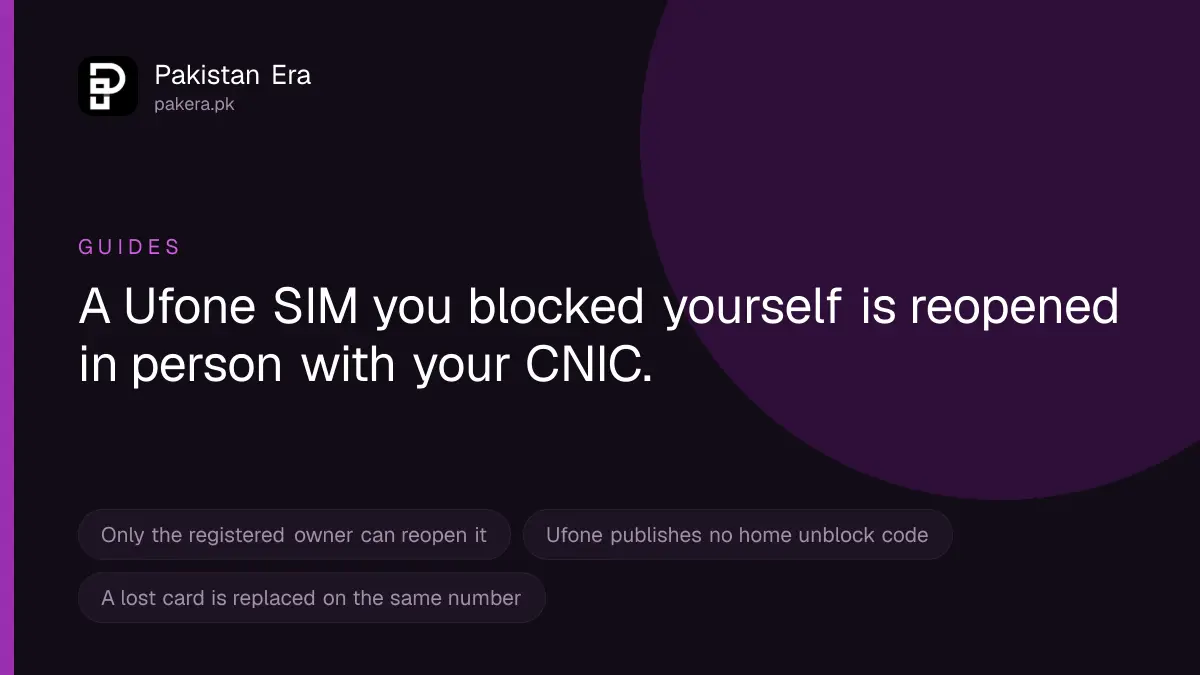
If you blocked your own Ufone SIM, for example after losing your phone, the registered owner must reopen it in person. Take your original CNIC to a Ufone Business Centre or franchise and give your thumbprint. If you still have the SIM card, it is unblocked. If the card is lost, ask for a replacement SIM on the same number. Ufone does not publish any code that unblocks a SIM from home.
We searched Ufone's website for its SIM blocking and unblocking rules on 22 September 2026 and read its support, WhatsApp, ownership and SIM change pages. We found no self-service unblock route, so the steps below send you to a counter.
First check which kind of block you have
"Blocked" means different things, and each needs a different fix. Find yours before you travel to a franchise.
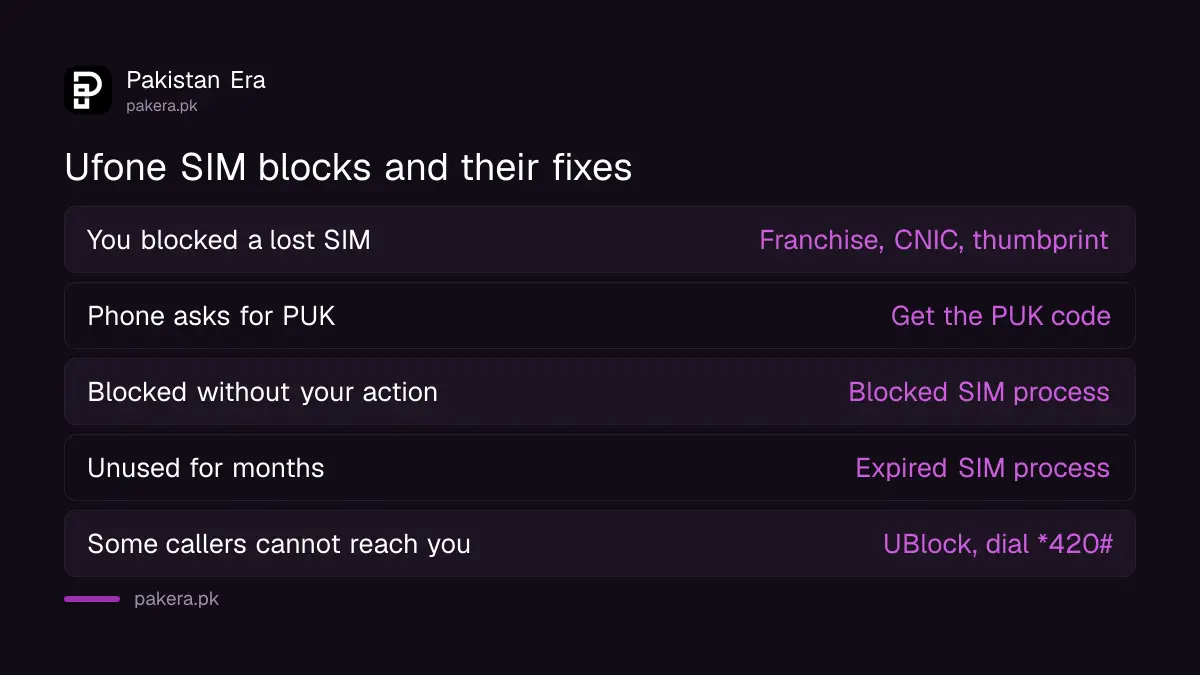
| What happened | What it is | How to fix it |
|---|---|---|
| You called Ufone to block a lost or stolen SIM | A self-block | Visit a franchise with your CNIC, as below |
| You typed the PIN wrong and the phone asks for a PUK | A PIN lock, not a block | Get the Ufone PUK code |
| You did nothing and the SIM stopped | Blocked by Ufone or on PTA's orders | Get the blocked SIM reopened |
| You did not use or recharge the SIM for months | Expired number | Reactivate the expired SIM |
| Some people cannot call or text you | Ufone's UBlock caller blacklist | Dial *420# to remove them |
The last row catches people out. UBlock is a paid Ufone service that stops chosen numbers from calling or texting you. Ufone's UBlock page lists it at Rs 2 a day including tax, with up to twenty numbers on the list. Dial *420# to add, remove or unsubscribe. Ufone says unsubscribing deletes your whole blacklist.
How to reactivate a self-blocked Ufone SIM
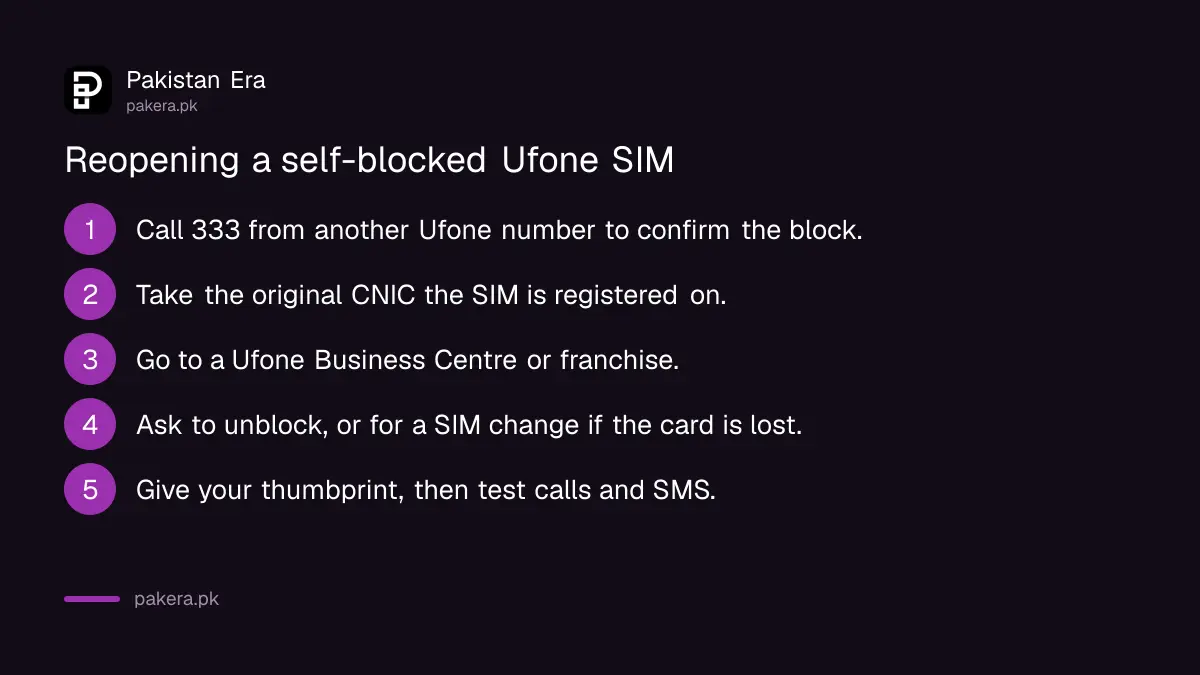
- Confirm the block first. Call 333 from another Ufone number, or 051-111-333-100 from any other network, and ask for the status of your number. These are the helplines Ufone lists on its customer care and FAQs pages.
- Take your original CNIC. It must be the CNIC the SIM is registered on. A copy will not do.
- Go to a Ufone Business Centre or franchise. A small retailer who sells load cannot do this.
- Ask to reactivate, or unblock, the number. If you do not have the SIM card, ask for a Ufone duplicate SIM on the same number.
- Give your thumbprint. Every Ufone page carries PTA's rule that SIMs are issued through biometric verification, and a SIM change is issued the same way.
- Test the number before you leave. Make a call and send an SMS. Then check that your WhatsApp and bank app still receive codes.
Ufone does not publish a fee or a waiting time for unblocking or for a replacement SIM. Ask at the counter before you start.
Why there is no home unblock code
Several websites say you can dial *333# from any Ufone number and enter the blocked number and CNIC to unblock it. We searched Ufone's website and did not find this code anywhere. 333 is Ufone's helpline number, not a USSD unblock code. We do not recommend relying on a code that the operator itself does not publish.
Ufone's WhatsApp self service, on 0331-1333100, lists many features, including PIN and PUK inquiry, SIM purchase and complaint registration. It does not list SIM unblocking. It also works "from your Ufone number", so it cannot help if your only Ufone number is the blocked one.
There is a good reason for this. If a stranger could unblock a SIM with a code and a CNIC number, anybody who found your CNIC details could take back a number you had blocked to protect yourself. The in-person thumbprint check is what stops that.
If the SIM owner has died or cannot come
Only the registered owner can unblock the SIM. There is no letter of authority route on Ufone's pages.
If the owner has died, Ufone's change of ownership page says a relative can take over the number under PTA rules. Take these to a Ufone Sales and Service Centre:
- The death certificate from the local court.
- A succession certificate naming the legal heirs.
- A no objection certificate from the other heirs, if there is more than one.
- The deceased person's SIM.
- The last recharge or call history of the number.
Ufone says only relatives can use this facility.
Before you reactivate after a theft
If you blocked the SIM because your phone was stolen, a few checks will protect you once the number is live again:
- Check the SIMs on your CNIC. A thief with your documents may have issued another SIM in your name.
- Change your passwords. Start with email, WhatsApp, JazzCash, Easypaisa, UPaisa and your bank app.
- Block the stolen handset. PTA's complaint portal has a Stolen Device category that blocks a phone by its IMEI.
When the franchise cannot help
- Fingerprint does not match. Try other fingers. If none work, you may need to update your fingerprints at NADRA first.
- The SIM is on a relative's CNIC. That relative must come. If you use the number for banking, move it to your own name through Ufone's change of ownership process.
- The number has been given to someone else. Numbers left blocked or unused for a long time can go back to the pool.
- You are refused with no reason. Email customercare@ufone.com with your number and CNIC, or complain to PTA on its helpline, 0800-55055.
Safety warning: Never give your CNIC number, a photo of your CNIC or an OTP to anybody who offers to unblock your SIM by phone or WhatsApp. Ufone's pages describe no remote unblock, only its own counters and your thumbprint. Treat anyone offering to do it remotely as a fraudster.
Common questions
Can I reactivate a self-blocked Ufone SIM online?
We found no online route on Ufone's website. The owner must visit a Ufone Business Centre or franchise with the original CNIC for biometric verification.
Does *333# unblock a Ufone SIM?
Ufone does not list *333# as an unblock code anywhere on its website. 333 is Ufone's helpline, which you call to ask about a block.
Can someone else unblock my Ufone SIM for me?
No. Ufone works through biometric verification of the registered owner, so the owner must come in person.
Will I get the same number back?
Yes, if the number is still yours. A replacement SIM is issued on the same number when the original card is lost.
What documents do I need?
Your original CNIC, the one the SIM is registered on. For a deceased owner's SIM, the documents are listed above.
How do I unblock a number I blocked with UBlock?
Dial *420# and remove it from your blacklist. That is a different service from blocking your own SIM.
How we verified this
What we checked, where we read it, and what we could not confirm.
Last checked 22 September 2026. We searched ufone.com for SIM blocking terms and read its Support, Customer Care, FAQs and WhatsApp Self Service pages; none describes a self-service unblock or a *333# code. Helplines 333 and 051-111-333-100 and the email address are from Ufone's customer care and FAQs pages. The biometric rule is the PTA line printed on every Ufone page. UBlock's price, the twenty number limit and *420# are from Ufone's UBlock page. The deceased owner documents are from Ufone's Change of Ownership page. PTA's Stolen Device complaint category and helpline 0800-55055 are from PTA's complaint portal, as recorded in our PTA complaint and blocked SIM guides. Ufone publishes no fee or processing time for unblocking, so we give none. We did not block or unblock a SIM.
About the author

Senior Writer, Public Services and Technology
Shahid joined us in 2024 as an author. He is a senior contributor to Pakistan's leading technology websites. He writes detailed articles, mostly covering his expertise in the latest tech, mobiles, apps, gadgets, and step-by-step guides. His ideology is to help people understand the latest trends and explain complex methods through very easy-to-understand guides.