Zong Complaint in Pakistan: Register Online With a PIN, Call 310 or Email
Register a Zong complaint online with a 6 digit PIN, call 310 for Rs 2 plus tax, or email Zong. What to do when the SIM is dead and how to escalate to PTA.
To register a Zong complaint online, open complaint.zong.com.pk, enter your Zong number and the captcha, then tap Generate PIN and type the 6 digit PIN Zong sends to that number. You can also call 310 from your Zong SIM or email customercare@zong.com.pk. If Zong does not fix it, go to PTA on 0800-55055.
We read Zong's complaints page, contact page and online complaint portal on 7 November 2026. We did not file a complaint, so we cannot show the form behind the PIN screen. Below is which route suits which problem, what each one costs, what to do when your SIM is dead, and how to take a Zong complaint to PTA.
Zong gives you five ways to complain
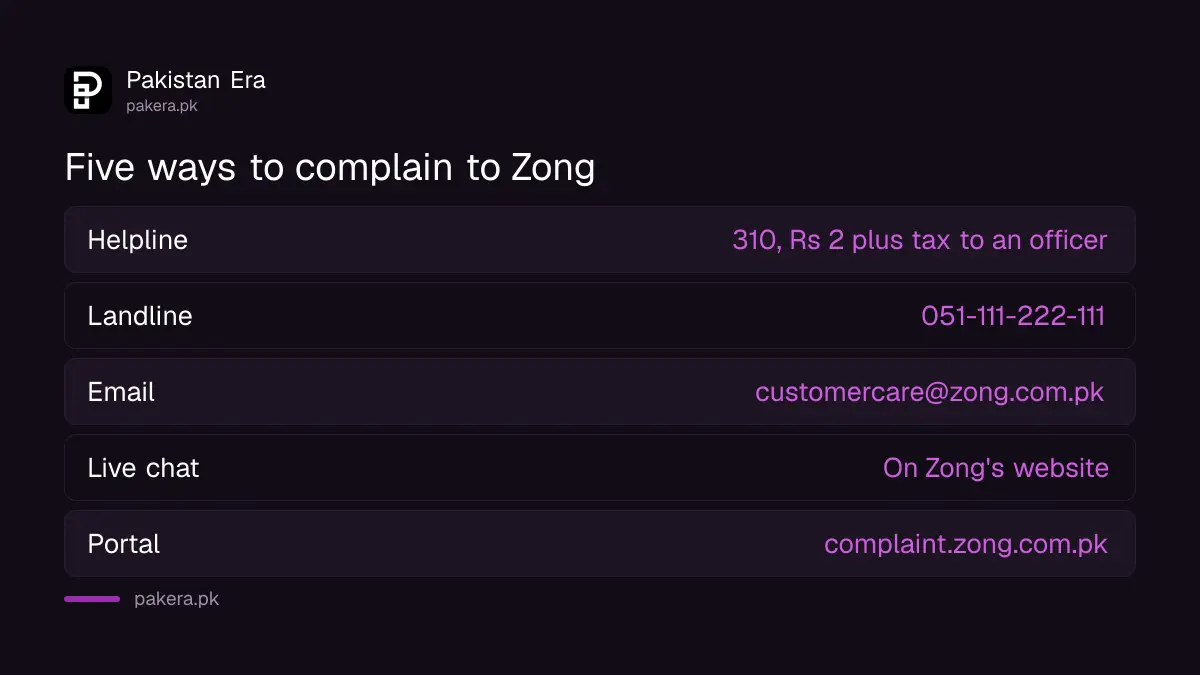
Zong's own pages list the 310 helpline, a landline number, email, live chat and an online complaint portal. The 310 line is the quickest for a live fault, while the portal and email leave a written record you can show PTA later.
| Route | Details | Cost on Zong's page |
|---|---|---|
| Helpline | 310 from a Zong number, 24/7 | Rs 2 plus tax per call that reaches an officer |
| Landline number | (051) 111-222-111 | Normal call charges |
| customercare@zong.com.pk | Free, your internet only | |
| Live chat | Through Zong's website | Free, your internet only |
| Online portal | complaint.zong.com.pk | No fee shown |
Zong also takes product questions by SMS. Write "help" and send it to 310, and Zong says that SMS is free. That suits a question about a package, not a fault report. All of these numbers are collected, with the rest of Zong's contact details, in the Zong helpline numbers.
How to register a Zong complaint online in 5 steps
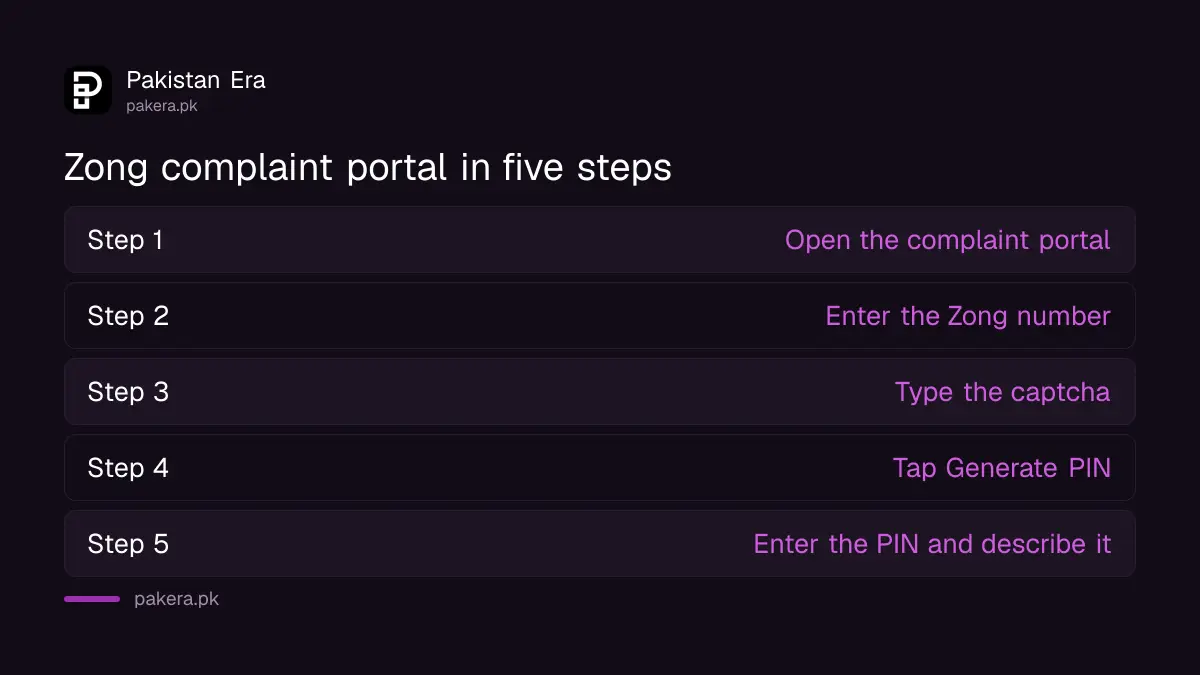
The portal first proves you own the number. It asks for the Zong number with the problem, a captcha, then a 6 digit PIN sent by SMS to that same number. You need a working Zong SIM to get past this screen.
- Open Zong's Customer Complaint portal.
- Enter the Zong mobile number that has the problem.
- Type the captcha code shown on the page.
- Tap Generate PIN, then wait for the 6 digit PIN on that Zong number.
- Enter the PIN, describe the problem and submit it.
Take a screenshot of whatever appears at the end, especially any complaint or reference number. You will need it if you go to PTA. Zong also warns on its complaints page that duplicate or misleading entries can affect your ability to use the portal, so send one clear complaint rather than five short ones.
If your Zong SIM is dead, use email or another phone
A blocked or dead Zong SIM cannot receive the portal's PIN and cannot dial 310. Use another phone to call (051) 111-222-111, or email customercare@zong.com.pk with your number and the problem. Zong service centres can also check the SIM in person.
Before you complain, spend two minutes ruling out the phone. Put the SIM in a second handset, and restart both. A SIM that fails in two phones points to the SIM or the network, and the common Zong SIM fixes may solve it without a complaint. A PIN lock has a different fix, explained in reactivating a Zong SIM with a PUK code.
Money taken from your balance is a separate problem again. Check first whether a paid service is running, because stopping Zong packages and services ends the charge faster than waiting on a complaint.
Put these details in every Zong complaint
A complaint with a place, a time and proof is harder to close without action. Give the number, what went wrong, when it started and where. For a balance deduction, give the date and the amount from your SMS or the My Zong app.
| Problem | What to include |
|---|---|
| Weak signal or no signal | Street or sector, city, time of day, network type shown on the phone |
| Slow internet | Speed test screenshots from the same spot, bundle name |
| Balance deducted | Date, amount, service name in the SMS if any |
| Package not given | Code you dialled, price paid, reply SMS |
| Postpaid bill wrong | Bill month, the charge you dispute, the amount |
Be plain about what you want: a refund, a repair date, or a service removed. A complaint that says only "network is bad" tends to get a stock reply. For a speed complaint, it helps to know what is normal, and normal mobile internet speed in Pakistan gives a fair comparison.
Take the Zong complaint to PTA if nothing changes
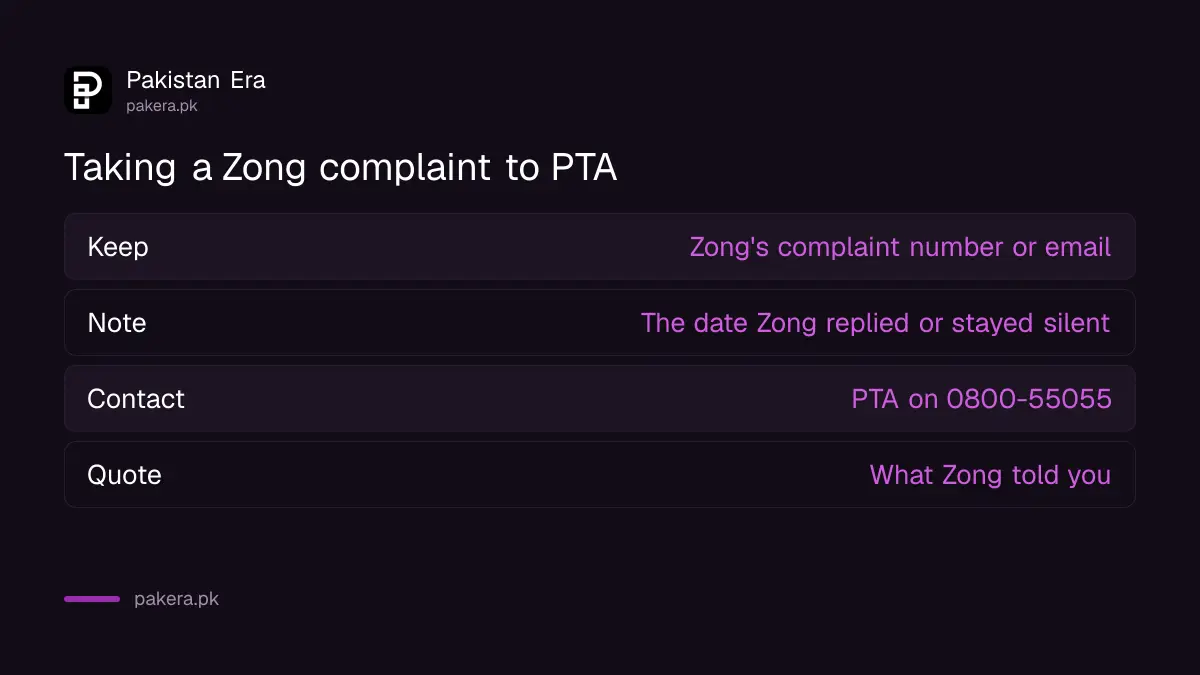
PTA expects you to try Zong first. If Zong does not fix the fault, or closes the complaint without a fix, contact PTA on its toll free helpline 0800-55055 or through its online complaint system, and quote what Zong told you.
- Keep Zong's complaint number, or your email and its reply.
- Give Zong a fair chance to answer, then note the date it replied or stayed silent.
- Open a complaint with PTA, with your proof attached.
- Note PTA's reference number and follow up with that number.
The full route, with the form and timings, is in how to file a PTA telecom complaint. PTA does not take every kind of dispute, and what PTA accepts and rejects can save you a wasted form. Ufone customers have a different set of forms, covered in Ufone's complaint forms.
Common questions about Zong complaints
What is the Zong complaint number?
Call 310 from your Zong SIM, 24/7. From any other phone, call (051) 111-222-111 at normal call charges.
Does a call to Zong 310 cost money?
Zong's contact page says Rs 2 plus tax is charged for each call connected to a customer services officer.
Can I complain to Zong without a working SIM?
Yes, by email at customercare@zong.com.pk or on (051) 111-222-111 from another phone. The online portal needs a PIN on the Zong number, so a dead SIM cannot use it.
How do I track my Zong complaint?
Zong's complaints page shows no separate tracking link. Keep your complaint number, then ask on 310 or by email for the status.
Where do I complain about Zong other than Zong itself?
PTA, on 0800-55055 or its online complaint system. Complain to Zong first and keep the reference.
Can I report spam SMS as a Zong complaint?
You can, but there are quicker routes. Zong has its own promotional SMS block.
How we verified this
What we checked, where we read it, and what we could not confirm.
Last checked 7 November 2026. The routes come from Zong's complaints page and Zong's contact page. The PIN steps come from Zong's complaint portal, read up to the PIN screen. We did not submit a complaint, so we cannot say what the later screens ask or how long Zong takes to answer. PTA's helpline comes from pta.gov.pk.
About the author

Technology Journalist & Multimedia Producer
Ahmad Ali is a technology journalist and multimedia producer at Pakistan Era, joining the team in October 2026. He covers consumer technology and digital life for Pakistani readers, combining research with hands-on product testing.