Stop Zong Promotional SMS in Pakistan: Block Page, 9000 Format and 3627
Stop Zong promotional SMS on Zong's own block page, report spammers to 9000 in the right format, and use REG to 3627. Which route stops what, and what next.
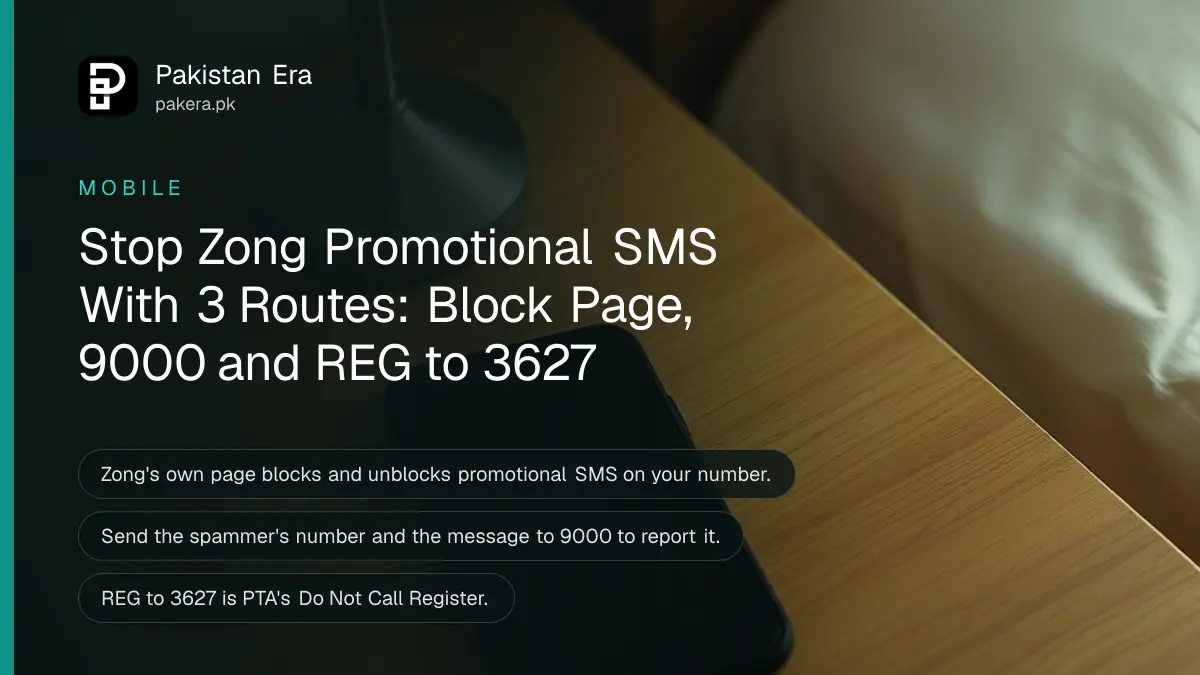
To stop promotional SMS on Zong, use Zong's Promotional SMS Blocking Service page: enter your mobile number and the verification code, then choose block. The same page unblocks you later. To report a person sending spam, send the spammer's number and the message to 9000, and to cover marketing calls too, send REG to 3627.
We read Zong's contact page and its blocking page on 7 November 2026. We did not submit a number, so we cannot show the screens after the first form. Below is which route stops what, the exact format for 9000, and what to do about fraud messages, which need a different answer.
Zong has its own promotional SMS block page
Zong's contact page links to a Promotional SMS Blocking Service. It says you can block and unblock promotional SMS on your number. The form asks for your mobile number and a verification code. It works for Zong's own numbers, so other networks need another route.
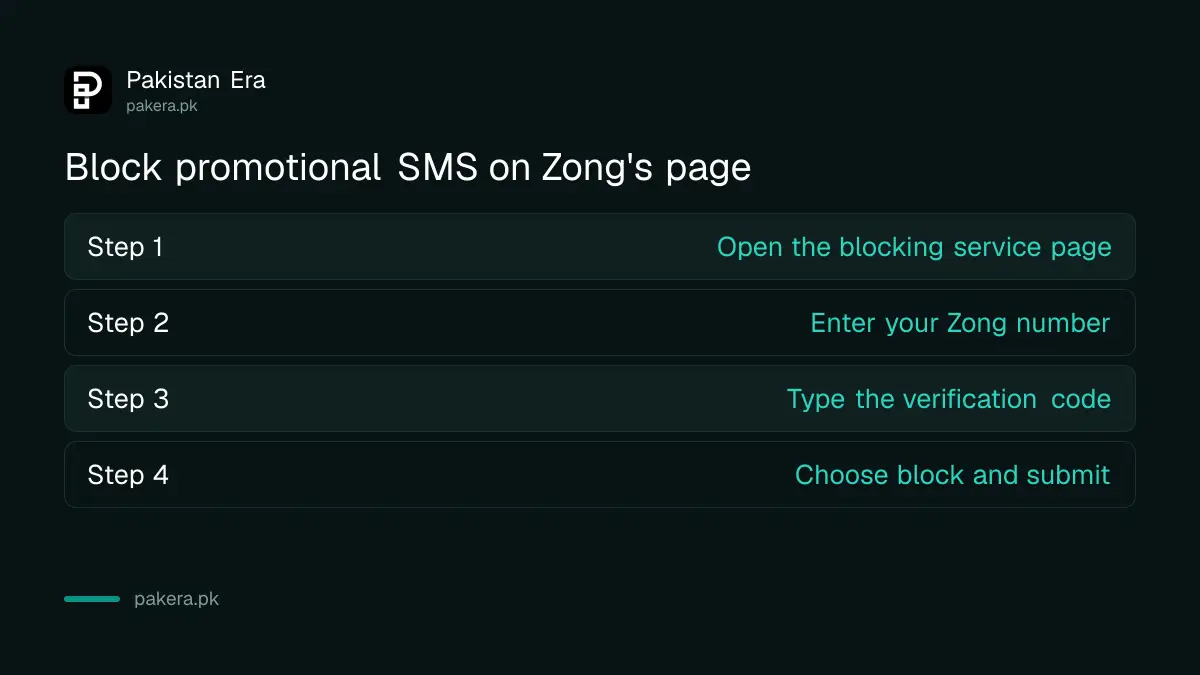
- Open Zong's Promotional SMS Blocking Service.
- Enter your Zong mobile number.
- Type the verification code shown on the page.
- Choose the block option and submit it.
- Return to the same page if you later want these messages back.
A block on promotional SMS may also stop offers you actually want, such as discounted bundle messages. That is a fair trade for most people, and you can always check packages yourself using Zong's dial codes. Zong's page speaks only of promotional messages. It does not mention service SMS, such as your bundle balance or a bank's one time password, so watch for your next one after you block.
Three routes do three different jobs
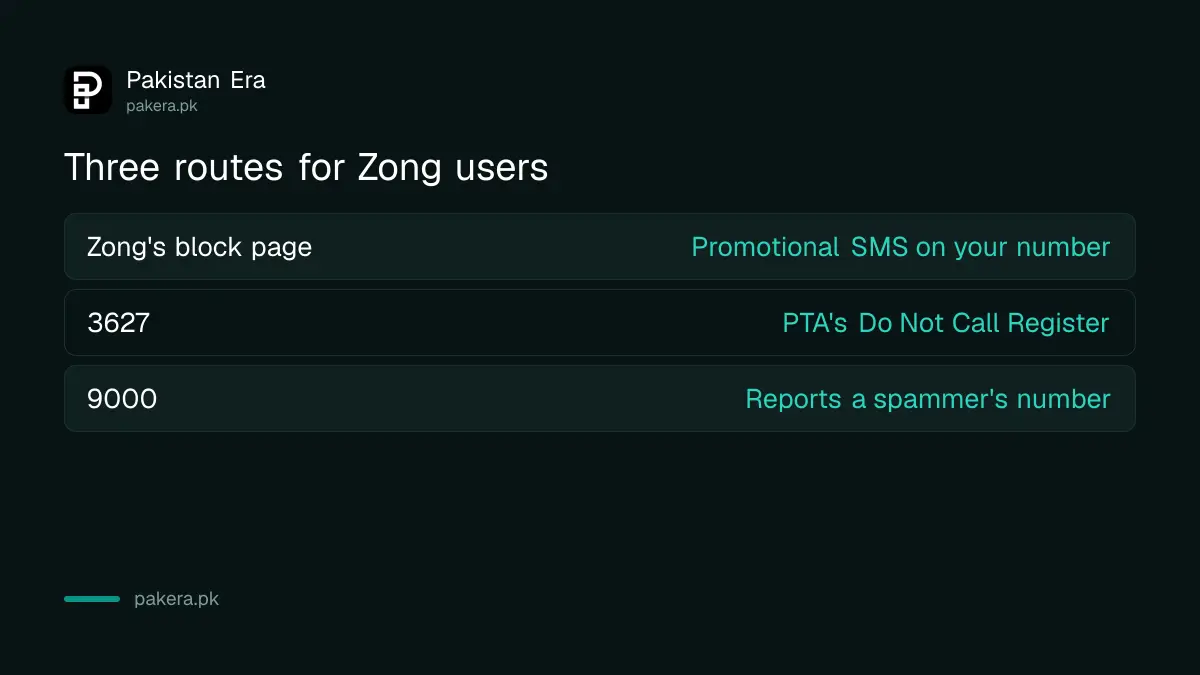
Zong's page handles promotional SMS on your Zong number. 3627 is PTA's Do Not Call Register, which covers marketing SMS and calls. 9000 is where you report a person's number sending spam or fraud. Mixing them up is the usual reason a block seems not to work.
| Route | What it does | How |
|---|---|---|
| Zong's block page | Blocks or unblocks promotional SMS on your Zong number | Number and verification code on the page |
| 3627 | PTA's Do Not Call Register, for marketing SMS and calls | Send REG to 3627 from the number |
| 9000 | Reports a spammer's number | Spammer's number, a space, then the message |
| Call block | Stops one number reaching you | Service or phone settings |
The PTA routes, with the rules behind them, are in stopping spam SMS and calls with 3627. To stop one particular caller, blocking a number on Jazz, Zong and Ufone shows the options. Use both Zong's page and 3627 if the messages keep coming.
Report a spammer to 9000 in Zong's format
Zong's contact page calls this the ShortCode 9000 SMS Blocking Service. Send one SMS to 9000 with the spammer's number first and the spam message after it. Put the number first, as Zong's format shows.
- Copy the sender's mobile number.
- Start a new SMS to 9000.
- Type the sender's number, then a space, then paste the spam message.
- Send it, and keep the original message on your phone until you hear back.
Zong prints the format as "MSISDN of the spammer" followed by "spam message". MSISDN just means the mobile number. Do this once for each sender rather than repeating it for the same one. Keep the original SMS on your phone, as you may need it if the issue goes further.
Fraud messages need more than a block
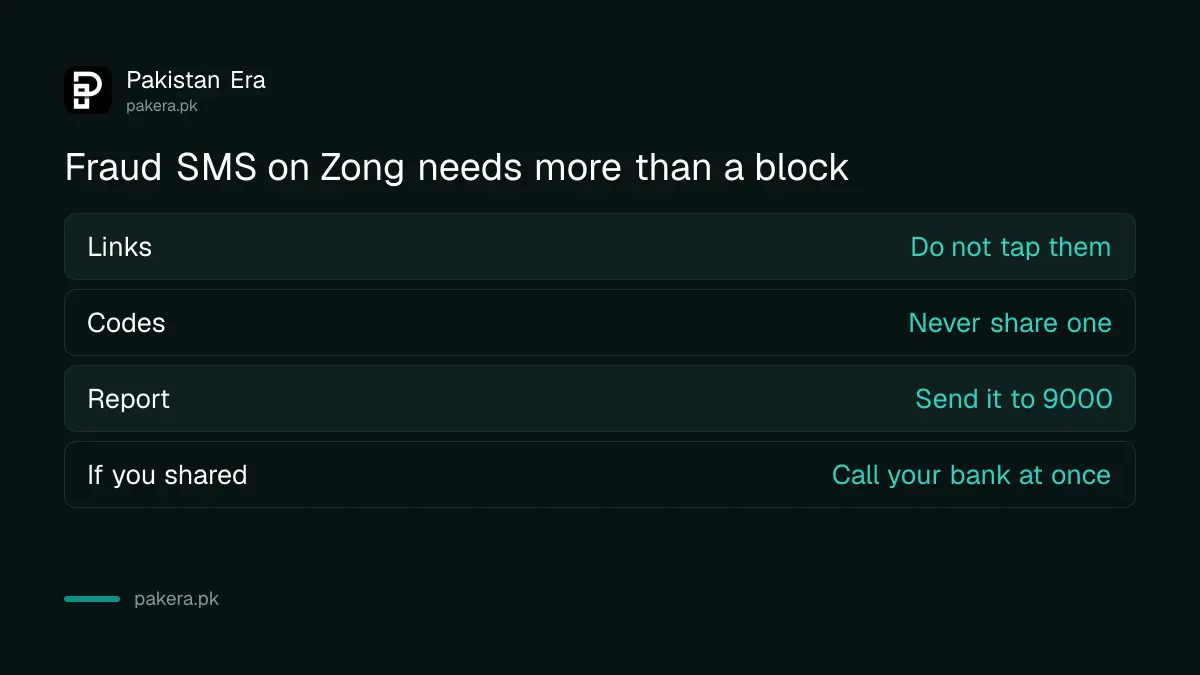
A message claiming you won a prize, or that your SIM or bank account will close, is not just spam. Do not tap its link or share a code. Report it through 9000, then tell your bank at once if you shared anything. Blocking alone does not protect your money.
| Message says | What to do |
|---|---|
| "You won a prize" | Ignore, report to 9000 |
| "SIM will close, verify now" | Ignore the link, call 310 yourself |
| "Share your code" | Never share it, even with staff |
| Bank warning with a link | Call the number on your card instead |
| You already shared a code | Call your bank now, then report |
Calls pretending to be PTA or a bank are covered in fake PTA and bank calls, and the formal reporting route is in reporting a scam number to PTA.
If the messages continue, complain with proof
Allow some time for a block to take effect, since Zong's page gives no timing. If promotional SMS keeps arriving after that, complain to Zong with screenshots showing the sender and date. If Zong does nothing, you can take the complaint to PTA on 0800-55055.
A charge alongside the messages is a different problem. If balance is going, a paid service may be running, so first read stopping a service you never agreed to. The Zong side is in registering a Zong complaint online. Keep your evidence short and clear: three screenshots beat a long story.
Common questions about blocking Zong SMS
How do I stop promotional SMS on Zong?
Use Zong's Promotional SMS Blocking Service page with your number and the verification code, or send REG to 3627.
Can I turn Zong promotional SMS back on?
Yes. Zong says the same page lets you block and unblock.
What is the format for 9000?
The spammer's mobile number, a space, then the spam message. Send it to 9000.
Does 3627 work on Zong?
It is PTA's Do Not Call Register, which applies across networks. Send REG to 3627 from the number that gets the messages.
Will this stop my bank's OTP?
Zong's block page speaks only of promotional SMS. Watch for your next OTP after blocking, and undo the block if it stops arriving.
Who do I contact if blocking does not work?
Call 310 or use Zong's complaint portal, then PTA on 0800-55055 if Zong does not fix it.
How we verified this
What we checked, where we read it, and what we could not confirm.
Last checked 7 November 2026. The block page and 9000 format come from Zong's contact page and Zong's blocking page. The 3627 route comes from PTA's consumer awareness page, as read for our earlier coverage. We did not submit a number, so block timing and later screens are unknown. PTA's helpline comes from pta.gov.pk.
About the author

Technology Journalist & Multimedia Producer
Ahmad Ali is a technology journalist and multimedia producer at Pakistan Era, joining the team in October 2026. He covers consumer technology and digital life for Pakistani readers, combining research with hands-on product testing.