How to Test a Samsung Phone's Hardware in Pakistan With Phone Diagnostics, Free
Test a Samsung Galaxy's screen, speaker, camera, battery and sensors free with Phone diagnostics in Device care or Samsung Members, before buying or a repair.
To test a Samsung Galaxy phone's hardware, open Settings, tap Device care, then Diagnostics, then Phone diagnostics, and tap Test all. Older phones use the Samsung Members app: Diagnostics, Phone diagnostics, Test all. It is free, built in, and checks the screen, speakers, cameras, battery, sensors and more in a few minutes.
That one test is the most useful thing you can run before buying a used Galaxy, and the best evidence to carry into a Samsung service centre. A faulty part shows up on the screen, in Samsung's own words, before any money changes hands.
| Your phone | Where the test is | Path |
|---|---|---|
| Galaxy on Android 12 or later | Settings | Device care, Diagnostics, Phone diagnostics, Test all |
| Any Galaxy with Samsung Members | Samsung Members app | Diagnostics, Phone diagnostics, Test all |
| Galaxy without Samsung Members | Galaxy Store or Play Store | Install Samsung Members, then use the path above |
Run Phone diagnostics from Settings in five steps
Samsung says Device care diagnostics are available on Galaxy phones running Android 12 or later. The full test runs each check in turn and asks you to tap, listen or look when a check needs you. Keep the phone charged above half and take off any case.
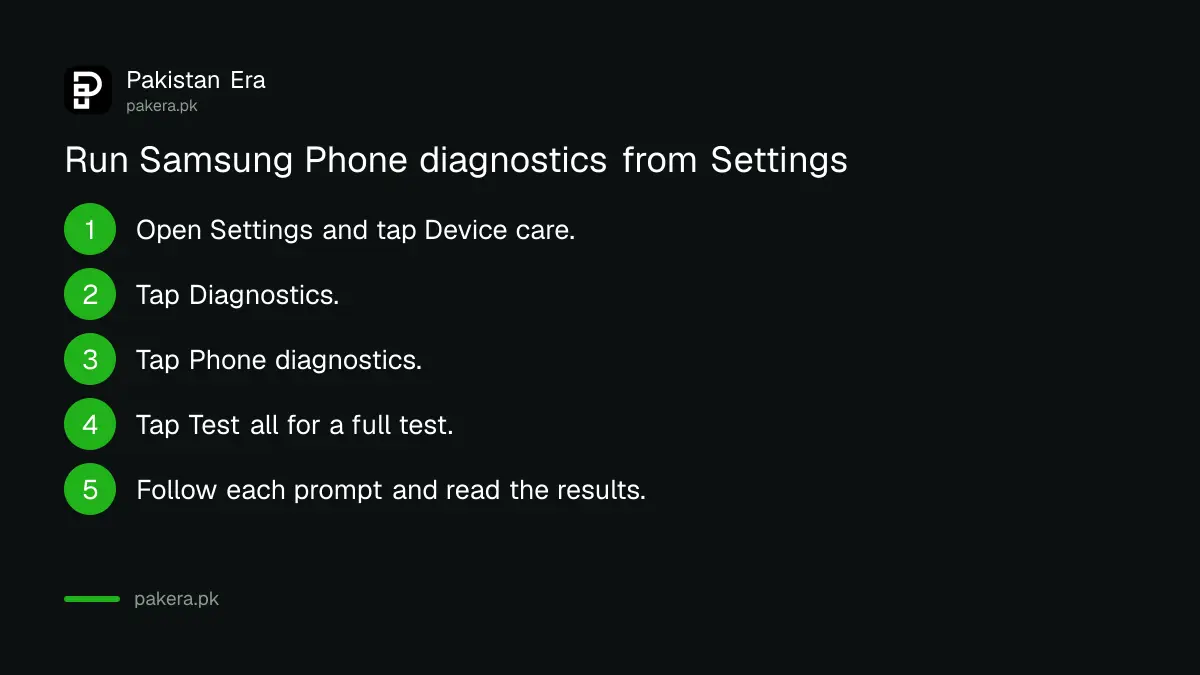
- Open Settings and tap Device care.
- Tap Diagnostics.
- Tap Phone diagnostics.
- Tap Test all for a full test.
- Follow each prompt, then read the results. Stop at any point to test single items instead.
Samsung notes that the first time you run diagnostics in Samsung Members, a full scan starts by itself. The same tool also sits under the Support tab of the app. If you cannot find Device care, search for "Diagnostics" in the Settings search bar.
Samsung Members covers older Galaxy phones
On phones without the Settings option, the Samsung Members app runs the same checks. Open the app, sign in with a Samsung account if it asks, tap Diagnostics, then Phone diagnostics, and Test all. Single tests, such as only the camera or only the speaker, are also listed.
If Samsung Members is not on the phone, install it from the Galaxy Store or the Play Store. It is Samsung's own app, so check the developer name reads Samsung Electronics before you install.
What the tests check, and what a failure means
Samsung lists display and touch response, speakers, microphone and headset, cameras and flash, battery and charging, and sensors such as the gyroscope and accelerometer. A failed item is a fault to fix or to price in before buying, not a reason to guess.
| Test area | If it fails on a used phone | If it fails on your own phone |
|---|---|---|
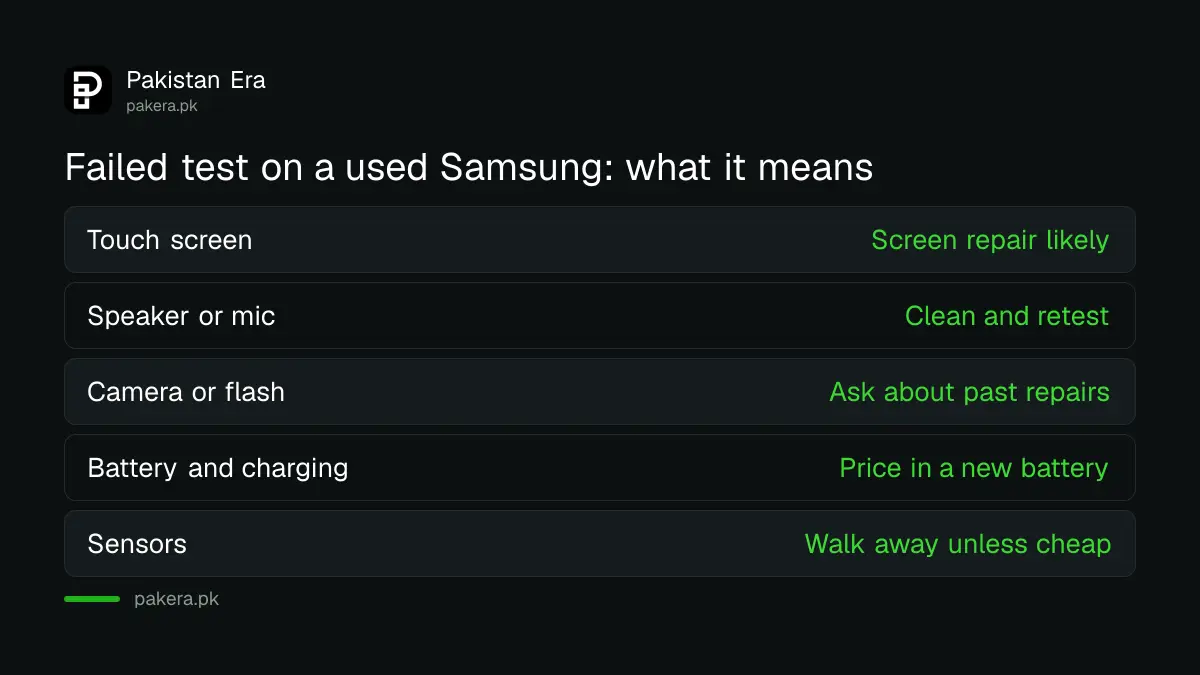
| Touch screen and display | Expect a screen repair, often the costliest part | Book a service centre visit |
| Speaker and microphone | Calls and voice notes will suffer | Clean the grilles, restart and test again |
| Camera and flash | Ask the seller about past repairs | Remove the case and test again |
| Battery and charging | Price in a new battery | Try another Samsung cable and charger |
| Sensors such as the gyroscope | Walk away unless the price is very low | Restart, update software and retest |
Run a failed test twice before you decide. A dirty speaker grille, a thick case or a weak cable can fail a check on a healthy phone. For battery worries, the steps to check battery health on Android and iPhone add detail the diagnostics screen does not show.
Use the result at a Samsung service centre
When a test fails, Samsung Members lets you tap Report Issue, describe the fault and attach screenshots or a short video for Samsung support. In Pakistan, take a screenshot of the failed result and show it at the service centre with your invoice.
The list of Samsung service centres in Pakistan has addresses, the helpline and Maintenance Mode, which hides your data during a repair. To know whether the repair should be free, the steps to check phone warranty by IMEI cover Samsung's warranty and the invoice it needs.
Test a used Galaxy before you pay
Run Test all in front of the seller, with the phone signed out of their accounts. Ten minutes of testing protects thousands of rupees. A seller who refuses to let you run Samsung's own test has told you something about the phone.
- Dial *#06# and note the IMEI. Match it to the box and check its PTA status.
- Run Test all from Settings or Samsung Members and screenshot the result.
- Insert your own SIM, make a call and send a voice note.
- Check that the seller's Samsung and Google accounts are removed from Settings.
- Pay only after all four pass.
The IMEI step matters as much as the hardware. Here is how to check an IMEI number in Pakistan with PTA's DIRBS.
Common questions
How do I run a hardware test on a Samsung phone?
Open Settings, Device care, Diagnostics, Phone diagnostics and tap Test all. On older phones, open Samsung Members, tap Diagnostics, Phone diagnostics and Test all.
Do I need a Samsung account for Phone diagnostics?
Samsung Members may ask you to sign in with a Samsung account first, as Samsung's own steps note. The Device care route sits inside Settings, so try it first on Android 12 or later.
Why can't I find Diagnostics in Device care?
Samsung says Device care diagnostics need Android 12 or later. On older software, use the Samsung Members app instead, or update the phone first.
Can I test only one part, such as the speaker?
Yes. Stop the full test and select the single item you want, such as speaker, camera or touch screen, then run it on its own.
Does Phone diagnostics delete my data?
No. The tests check hardware and do not erase anything. You still should back up before a repair visit, in case parts are replaced.
Is Phone diagnostics free?
Yes. It is built into Settings on newer Galaxy phones and into Samsung's free Samsung Members app on older ones.
How we verified this
What we checked and where we read it.
Last checked 24 November 2026. We read Samsung Support's How to check your Samsung Galaxy device status and run diagnostics, which gives both paths, the Android 12 requirement and the single-test option, and How to use Samsung Members Diagnostics, which lists the test areas and the Report Issue step. Both are Samsung's regional pages for Galaxy phones. Menu names can differ slightly by model and One UI version.
Free on WhatsApp
Get last dates and rule changes on WhatsApp
We post new last dates, fee changes and fixes for common problems, a few short posts a day.
Follow Pakera on WhatsAppOther followers cannot see your number.
Pakera Solves It
Which online process wasted your time this week?
A portal that will not load, a form nobody explains, a complaint that went nowhere. Tell us. Every week we pick one, solve it step by step and publish the answer.
About the author

Technology Journalist & Multimedia Producer
Ahmad Ali is a technology journalist and multimedia producer at Pakistan Era, joining the team in October 2026. He covers consumer technology and digital life for Pakistani readers, combining research with hands-on product testing.