How to Check Battery Health on Android and iPhone in Pakistan
Check battery health on iPhone, Samsung and Pixel in Pakistan, learn when to replace the battery and how to spot a fake one. Follow the steps before you pay.
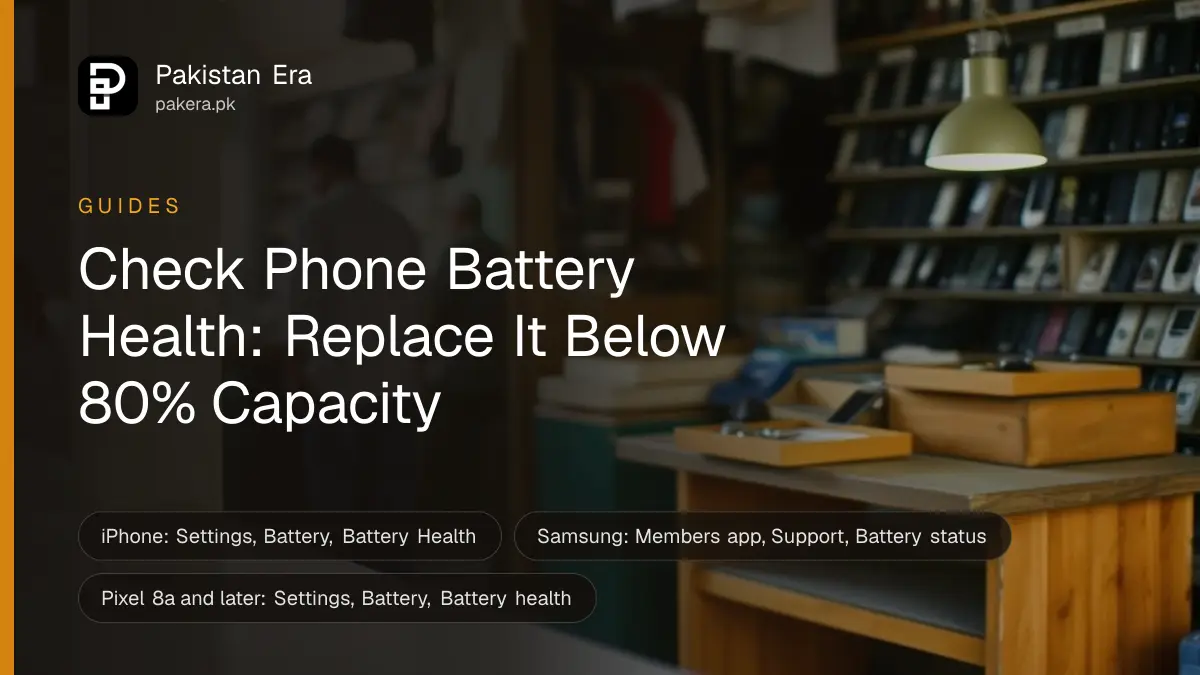
On iPhone, open Settings, tap Battery, then Battery Health. On a Samsung Galaxy, open the Samsung Members app, tap Support and run Battery status. On a Pixel 8a or later, open Settings, Battery, then Battery health. If the result is poor, replace the battery, but only at a place you trust.
A phone that dies at 30 per cent or switches off in the cold is usually telling you something about its battery. Before you pay a shop in the market for a new one, check what the phone itself reports.
Check battery health on an iPhone in Pakistan
Open Settings, tap Battery, then tap Battery Health. You will see Maximum Capacity, shown as a percentage of what the battery held when new. It is also one of the first numbers to read when you are buying a used iPhone in Pakistan. Apple says a battery under ideal conditions keeps 80 per cent of its capacity after 500 full charge cycles on iPhone 14 and earlier, and 1000 cycles on iPhone 15.
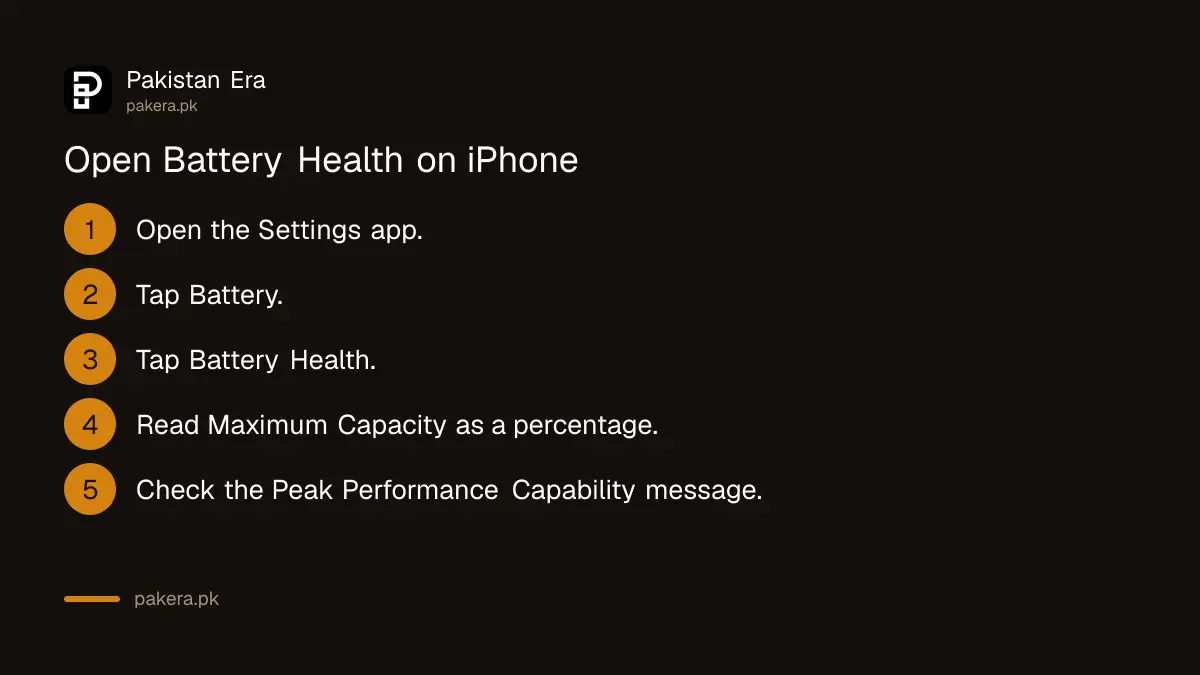
The same screen shows Peak Performance Capability. If the battery cannot supply enough power, iOS can slow some parts of the phone to stop sudden shutdowns. Apple says that on a badly worn battery you may see a message that the battery's health is significantly degraded, and that it does not signal a safety problem.
Check battery health on Samsung, Pixel and Xiaomi
Android makers each use their own menu. Samsung uses a diagnostic in the Samsung Members app. Google shows Battery health on newer Pixel phones. Xiaomi puts battery tools in its own Battery settings, and the exact path changes between models.
| Phone | Where to check | What you see |
|---|---|---|
| iPhone | Settings, Battery, Battery Health | Maximum Capacity as a percentage |
| Samsung Galaxy | Samsung Members, Support, Get started, Battery status | Normal, Weak or Bad |
| Google Pixel 8a and later | Settings, Battery, Battery health | Normal or Reduced, plus Battery capacity |
| Xiaomi | Settings, Battery | Varies by model, check the maker's page |
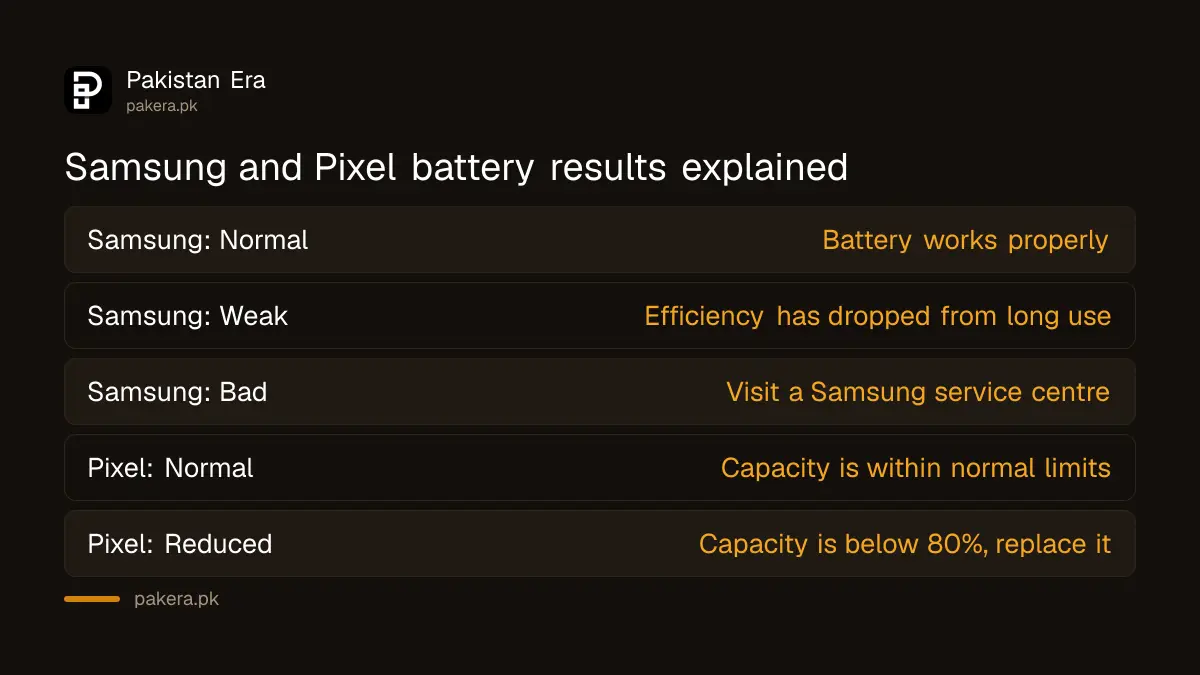
Samsung says a Bad result means you should visit a Samsung service centre. Google says Reduced means capacity is below 80 per cent, and recommends replacement. Google also notes that Pixel 6a, Pixel 7, Pixel 7 Pro, Pixel 7a, Pixel 8 and Pixel 8 Pro do not show a battery health status at all.
We could not open Xiaomi's own battery help page in full, so we give no Xiaomi steps here. Look in Settings, Battery on your phone, and check Xiaomi's support pages for your model.
Know when a battery needs replacing
Replace the battery when capacity falls under about 80 per cent, or when the phone shuts down by itself. Google recommends replacement below 80 per cent capacity or after 800 charge cycles on Pixel 3 to Pixel 8 Pro, and 1000 cycles on Pixel 8a and later.
- Open the health screen for your phone and note the result.
- Check whether capacity is under 80 per cent or the status says Weak, Bad or Reduced.
- Check your warranty date before paying anyone.
- Book the maker's authorised service centre, not a roadside stall.
- Ask for the battery to be tested again after the repair.
Keep the charge cycle limits in perspective. They describe ideal conditions. Heat and fast charging in a hot room wear a battery faster, and Apple advises keeping an iPhone out of hot places and direct sun for long periods.
Avoid fake batteries and unknown repair shops
A fake or poor battery can show a wrong health number and, worse, can be unsafe. On iPhone XS, XR and later, Apple shows a message when it cannot verify a genuine Apple battery, and says the health data may not be accurate.
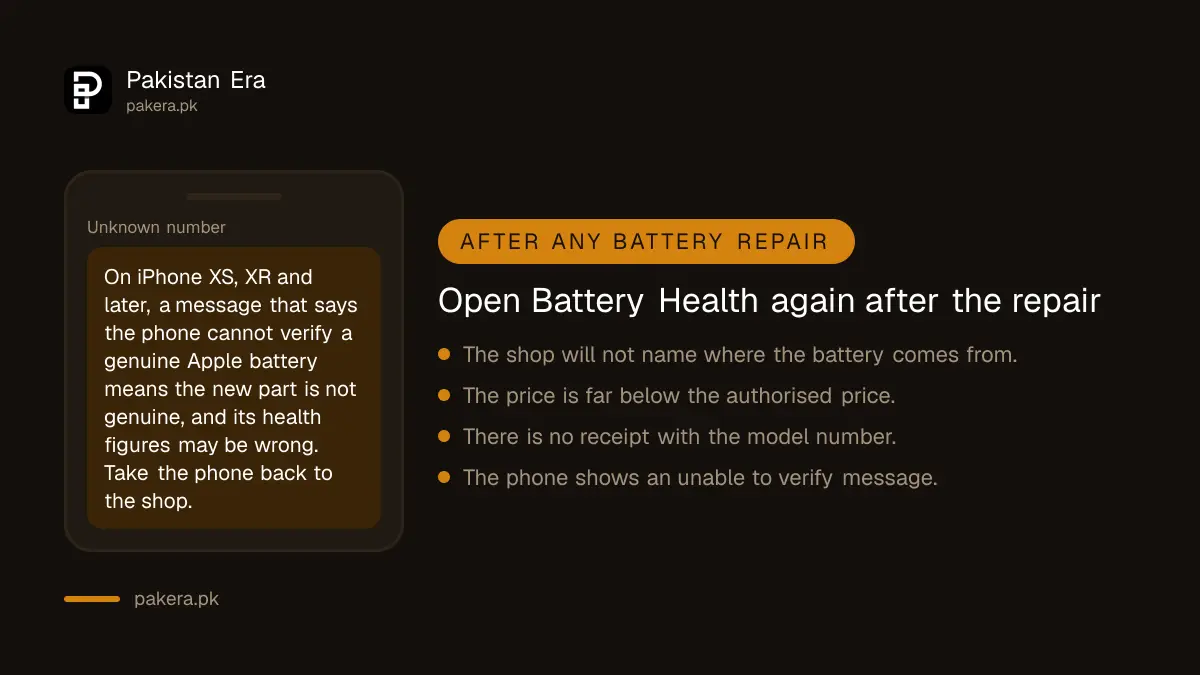
That message is the clearest test you have. After any repair, open Battery Health again. If it says Unable to verify, the part is not a genuine one, and you should take the phone back.
Ask the shop where the battery comes from and get a written receipt with the model number. A new battery that costs far below the authorised price is a warning sign. If the shop refuses to stand behind the part, read what to do in claiming an electronics warranty in Pakistan.
Understand what an authorised repair costs
We found no maker price page for Pakistan for any of these brands, so we quote no repair prices. Ask the authorised centre for a written quote before you hand over the phone. Compare it with the shop price, then decide.
If the phone is still in warranty, the repair may cost nothing. Google says a Pixel warranty covers defective batteries during the warranty period. Apple says its one-year warranty includes service coverage for a defective battery. A battery that has simply aged is usually not covered.
Common questions about phone battery health
What is a good battery health percentage on an iPhone?
Above 80 per cent is considered healthy by Apple's own design target. Below that, you may notice shorter battery life and slower performance.
Can I check battery health on a Samsung phone?
Yes. Open Samsung Members, tap Support, tap Get started and then Battery status. The result is Normal, Weak or Bad.
Do all Pixel phones show battery health?
No. Google says the feature is only on Pixel 8a and later. Pixel 6a, 7, 7 Pro, 7a, 8 and 8 Pro do not show a status.
Is the Unable to verify battery message dangerous?
Apple says it means the battery cannot be confirmed as genuine and its health data may be wrong. Get the battery checked by an authorised service provider.
Does a replacement battery fix a slow phone?
Sometimes. Apple says that if performance management has slowed your iPhone, replacing the battery can help.
How we verified this
What we checked, where we read it, and what we could not confirm.
Last checked 7 October 2026. iPhone details come from Apple Support's page on iPhone battery and performance. Pixel details come from Google's Pixel Phone Help page on understanding your Pixel battery. Samsung steps come from Samsung's support page on checking battery status with Samsung Members. We did not run these checks on a handset for this article, and we could not open a Xiaomi help page in full. Read the maker's own pages for iPhone battery and performance and Pixel battery health. No repair prices are quoted because no maker page for Pakistan was found.
About the author

Technology Journalist & Multimedia Producer
Ahmad Ali is a technology journalist and multimedia producer at Pakistan Era, joining the team in October 2026. He covers consumer technology and digital life for Pakistani readers, combining research with hands-on product testing.