How to Turn On Screen Unknown Senders in Messages on Your iPhone in Pakistan
Stop scam texts filling your iPhone chats in Pakistan: open Messages, Filters, Manage Filtering and turn on Screen Unknown Senders in iOS 26. Learn how.
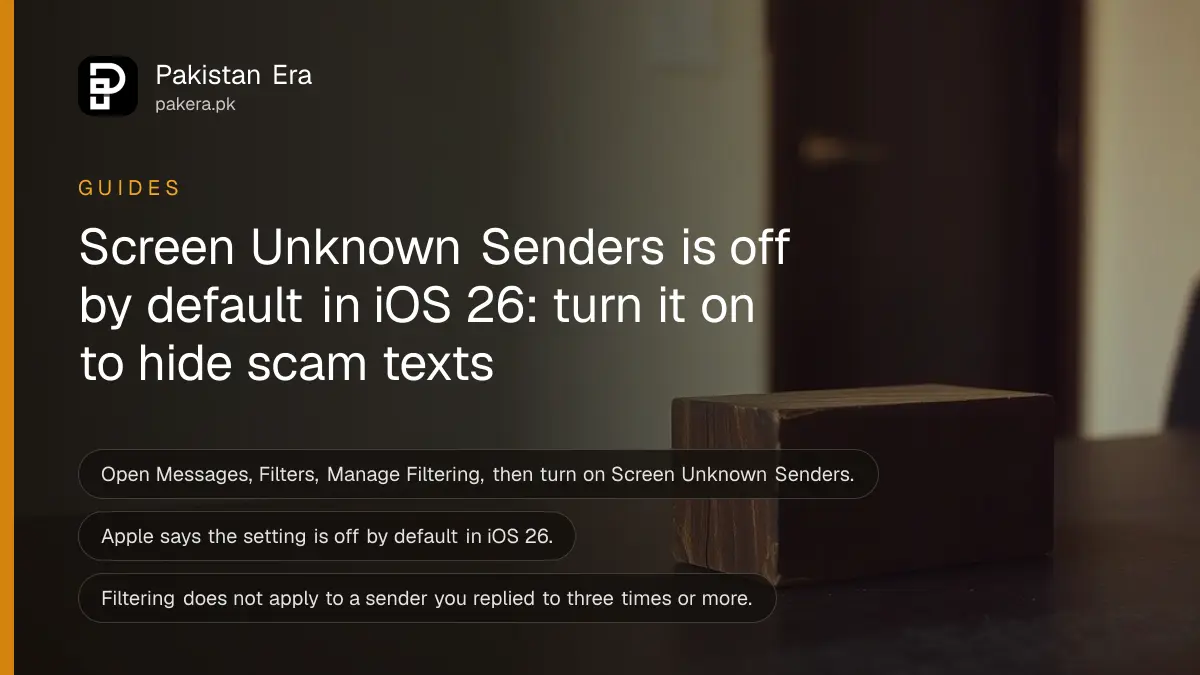
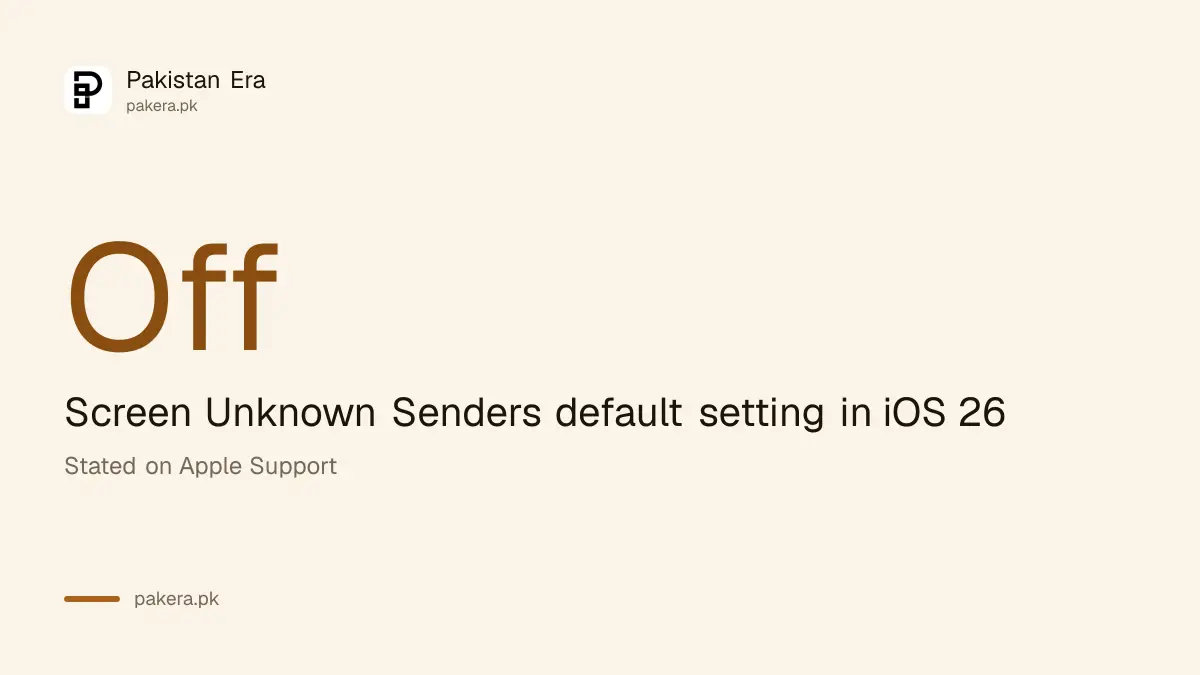
Short answer: On an iPhone with iOS 26, open Messages, Filters, Manage Filtering and turn on Screen Unknown Senders. Apple says the setting is off by default in iOS 26. Once it is on, texts from people you have never messaged go to an Unknown Senders filter instead of your main list.
A text says your parcel is stuck, your bank account will close or a "recruiter" has a job for you. It comes from a number you have never seen. Most such messages are scams, and the best defence is to stop them from sitting beside your family chats.
We read two Apple support pages on 14 October 2026, one on Screen Unknown Senders and one on reporting spam. Some options vary by country, and Apple says so. We did not test this on a Pakistani SIM.
Screen Unknown Senders sorts strangers away from your chats
Screen Unknown Senders moves messages from people you have not interacted with, or who are not in your contacts, into a separate Unknown Senders filter. Apple says it is off by default in iOS 26, but it stays on if you had Filter Unknown Senders on in iOS 18.
An unknown sender, as Apple defines it, is anyone you have not previously interacted with in Messages or who is not in your contacts. A badge tells you when new messages wait in that filter.
This is not a scam blocker by itself. It hides strangers, so you decide when to look. That small pause is often enough to avoid a click you would regret.
Three taps turn it on
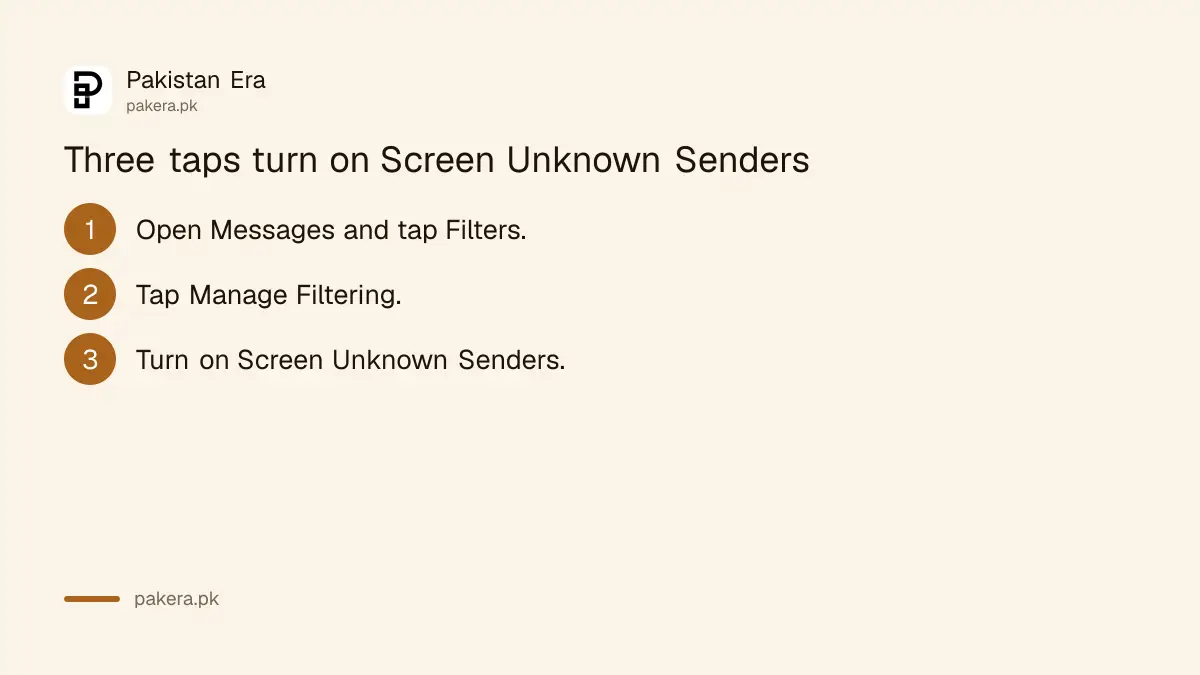
Open Messages, tap Filters, tap Manage Filtering, then scroll to Unknown Senders and switch on Screen Unknown Senders. You can also do it in Settings: tap Apps, then Messages, then scroll down to Unknown Senders.
- Open Messages and tap the Filters button.
- Tap Manage Filtering.
- Scroll to Unknown Senders and turn on Screen Unknown Senders.
To read what was filtered, tap Filters, then Unknown Senders. If you recognise someone, open the conversation and tap Mark as Known. After that, Apple says, the contact can reach you across communication apps.
Replying to a stranger does not mark them as known on its own. Apple is clear on that point. Also, filtering does not apply to a sender you have replied to three times or more.
Notifications for important codes can stay on
Apple says notifications are on by default for Time Sensitive messages, such as verification codes and alerts. In some countries you can choose which unknown-sender message types notify you. Apple lists the United States, Brazil and India for that control, so it may not appear in Pakistan.
That means a bank code from an unsaved number should still reach you in most cases. Check it works before you rely on it: ask a friend to text you from a number you do not have saved.
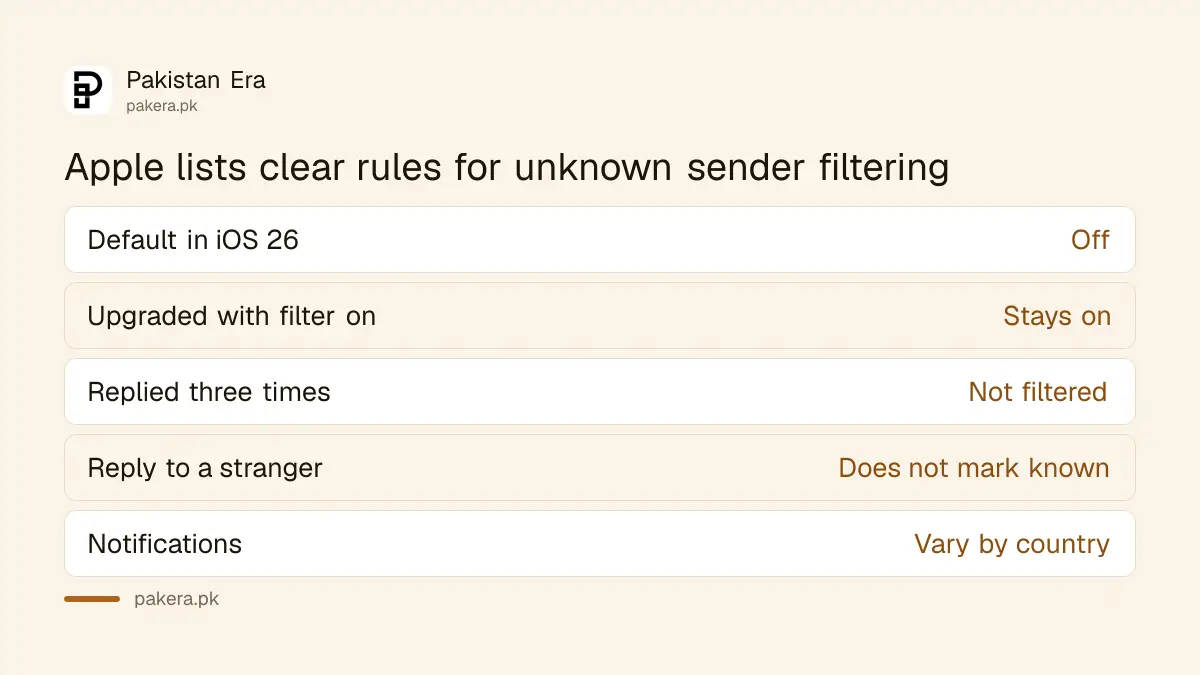
| Setting | What Apple says |
|---|---|
| Default in iOS 26 | Screen Unknown Senders is off |
| Upgraded from iOS 18 with filter on | It stays on |
| Replied three times or more | Filtering does not apply to that sender |
| Notification choices | Vary by country and region |
| Allowed notifications | Show in conversation list for eight hours |
Report and block what you should not trust
Filtering hides a scam text. Reporting and blocking deal with it. Apple notes that reporting junk does not stop the sender from texting again, so also block the number. Apple has a separate page on blocking and reporting senders, and a spam folder for messages it identifies.
Apple says a Text Message Filter can also sort Transactions and Promotions from unknown senders. Turn it on under Messages, Filters, Manage Filtering, Text Message Filter. It does not apply to senders you replied to three times or more.
For phone calls, a different setting applies. See how to silence unknown callers on iPhone and Android. Parents should also read about protecting elderly parents from OTP and PIN scams, because older relatives get the most fake messages.
Know the usual traps. A courier asking for a code is one, and we cover the fake courier OTP scam. A screenshot of a "payment sent" is another, covered in how to verify a payment before you hand over goods.
If you lose money, reporting cybercrime to the NCCIA is the next step.
What to do with a message you cannot judge
Do not tap links or call numbers in a message from a stranger. Open the bank or courier app yourself, or call the number printed on your card. A real institution will not ask for your PIN or OTP by text. When in doubt, wait and ask a family member.
Screen Unknown Senders gives you time to do that. It does not read the message for you, so the final decision is yours. Treat urgency as a warning sign. Scams say "today only" because they want you to skip the thinking.
Common questions
Is Screen Unknown Senders on by default in iOS 26?
No. Apple says it is off by default in iOS 26. It stays on if you used Filter Unknown Senders in iOS 18 before upgrading.
Where do I turn it on?
Open Messages, tap Filters, tap Manage Filtering and turn on Screen Unknown Senders. Or go to Settings, Apps, Messages, Unknown Senders.
How do I see filtered messages?
In Messages tap Filters, then Unknown Senders. Tap a conversation and choose Mark as Known to move it to your main list.
Will I still get bank OTPs?
Apple says Time Sensitive messages like verification codes notify by default. We did not test it on a Pakistani SIM, so test with a friend first.
Does it stop scam texts for good?
No. It hides them in a separate filter. Apple says reporting junk does not stop a sender, so also block the number.
How we verified this
What we checked, where we read it, and what we could not confirm.
Last checked on 14 October 2026, Pakistan time. We read Apple's support page on unknown senders in Messages, published 8 April 2026. We could not read Apple's separate spam-reporting guide in full, and we did not test on a Pakistani SIM, so notification options here may differ.
About the author

Technology Journalist & Multimedia Producer
Ahmad Ali is a technology journalist and multimedia producer at Pakistan Era, joining the team in October 2026. He covers consumer technology and digital life for Pakistani readers, combining research with hands-on product testing.