How to Silence Unknown Callers and Spam Calls on Your iPhone or Android in Pakistan
Silence unknown callers and spam calls on your iPhone in Pakistan: Never, Ask Reason for Calling or Silence. See the steps, spam filter and what Android offers.
On an iPhone, open Settings, tap Apps, tap Phone, and choose Silence under Screen Unknown Callers. Then scroll to Call Filtering and turn on the spam filter. Silenced calls go to voicemail and show in a separate list. On Android, the options depend on your phone and country.
Most people in Pakistan get calls from numbers they have never saved. Some are couriers or shops. Others are people pretending to be from a bank, PTA or a government office to pressure you for money or a code. Letting unknown calls go quiet gives you time to check before you answer.
Choose what happens to unknown callers on iPhone
Apple calls an unknown caller a phone number that is not saved in your contacts. Under Settings, Apps, Phone, you pick one of three options for these calls, and the same menu exists under FaceTime.
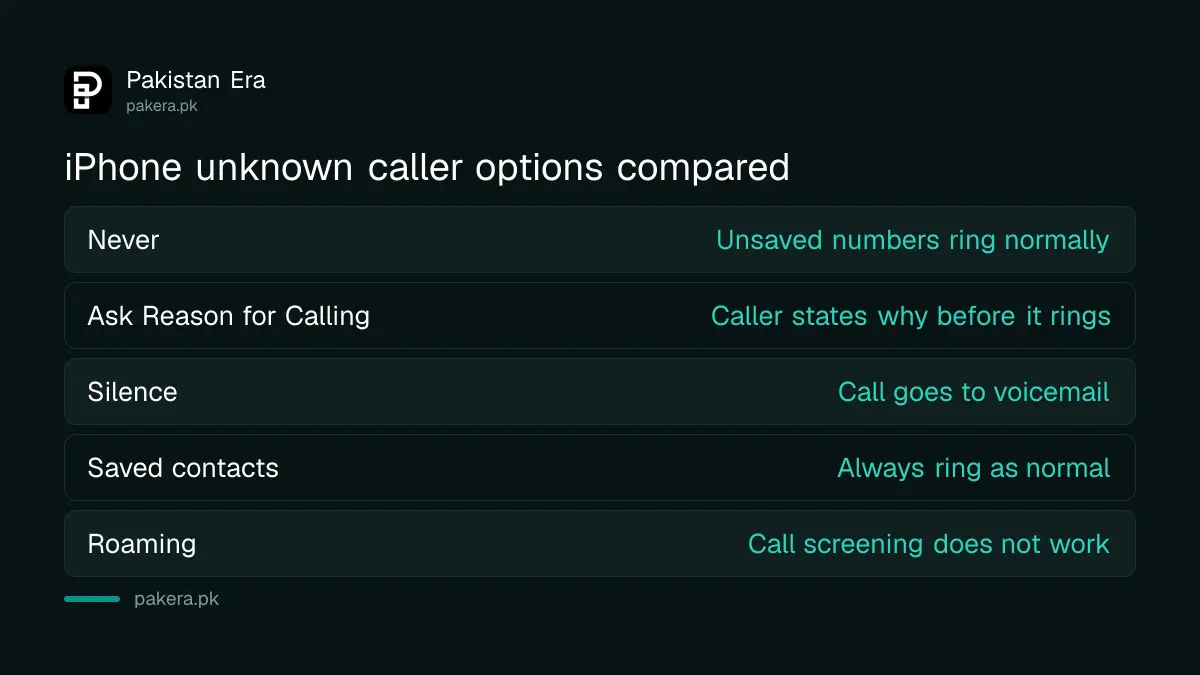
| Option | What happens |
|---|---|
| Never | Calls from unsaved numbers ring like any call |
| Ask Reason for Calling | The caller is asked why they are calling before your phone rings |
| Silence | The call is silenced and sent to voicemail |
Contacts still ring as normal. Apple also says that if you call emergency services, call screening turns off for 24 hours, so a return call is not blocked.
Ask Reason for Calling suits people who expect calls from new numbers, such as a seller or a school. Silence is stricter. A courier who cannot reach you may leave a voicemail, so check your voicemail list now and then.
Turn on the spam filter and the unknown callers list
Apple lists two more tools. In Settings, Apps, Phone, scroll down to Call Filtering and turn on your spam filter. This marks likely spam. To see the missed calls and voicemails from unknown numbers in one list, tap Filter in the Phone app, then Unknown Callers.
That list is useful for checking missed calls without having to scroll through everything. Apple notes that standard calling and data rates apply, and that call screening does not work while you are roaming. If you travel abroad, expect your phone to ring normally there.
Menu names changed in recent iOS versions. If you cannot find Apps, try Settings, then Phone directly, or use the search bar at the top of Settings.
Know what Android can and cannot do for you
On Android, call screening depends on the phone brand and the Phone app it uses. Google's Phone app has a Caller ID and spam setting and a Call Screen feature that asks callers who they are. Google's page lists automatic screening for Australia, Canada, Ireland, the UK and the US, and manual screening for more countries. Pakistan is not named in the list we read.
So do not expect a single switch to work for every phone here. Open your Phone app, tap More, then Settings, and look for Spam and Call Screen, or Caller ID and spam. If the option is missing, your version or country does not offer it yet.
When an unknown call comes in, do not answer to "check" who it is. Let it ring out. A real caller will leave a message or send an SMS.
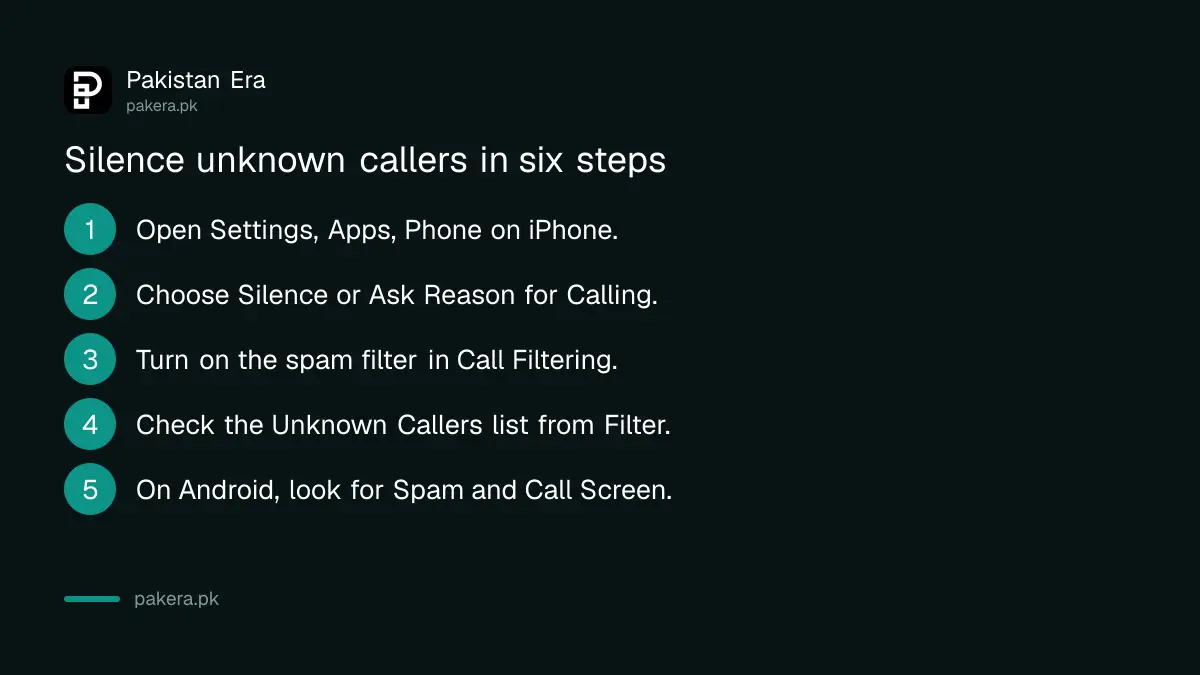
- Open Settings, Apps, Phone on iPhone.
- Choose Silence or Ask Reason for Calling.
- Scroll to Call Filtering and turn on the spam filter.
- Check the Unknown Callers list from the Filter button.
- On Android, look for Spam and Call Screen in the Phone app.
- Block and report any scam number you receive.
Spot the signs of a scam call before you answer
Some calls are worth ignoring even when your phone rings. Watch for a caller who claims to be from a bank, PTA or a court, who rushes you, or who asks for a code, a PIN or a payment. Real offices do not work like that.
If you did answer, end the call as soon as the request starts. You do not owe a stranger an explanation. Then check the claim yourself using the official number on your bank card or the organisation's own website, never a number the caller gives you.
Report the number after you silence it
Silencing hides a call. It does not stop the caller. Report the number so others are protected. The guide to stopping spam SMS and calls with PTA 3627 shows the reporting route, and the guide to reporting a fake call or SMS scam covers the next step.
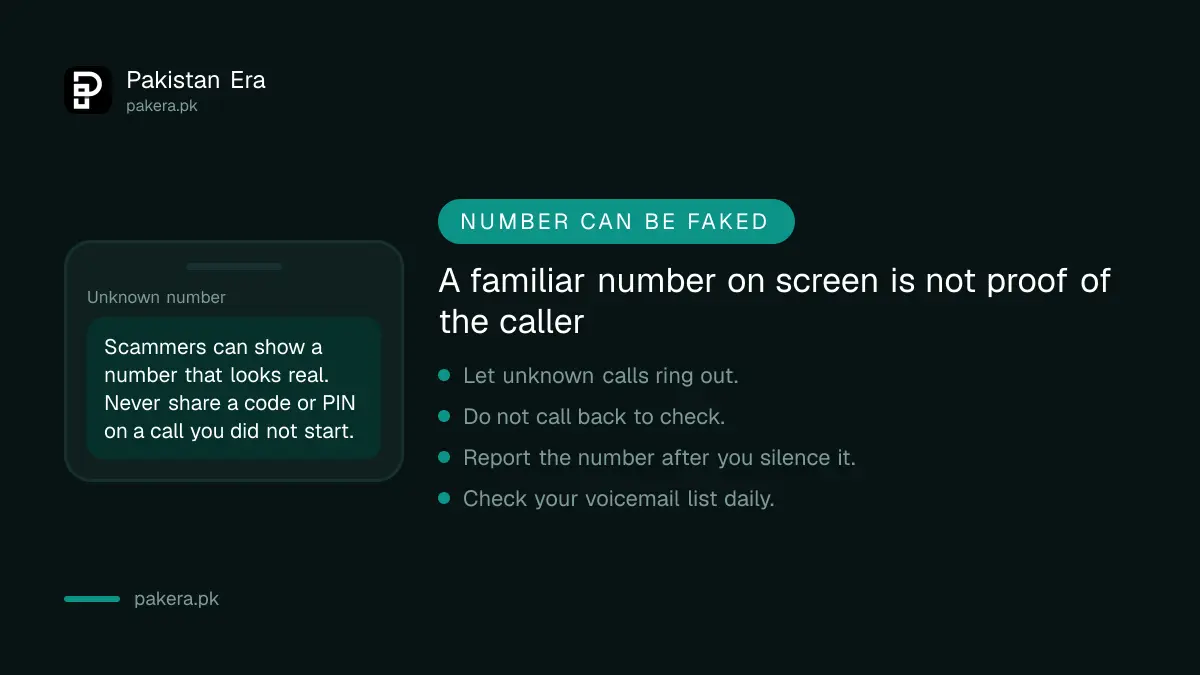
Some calls show a real looking number. Our guide to fake PTA and NCCIA calls from spoofed numbers explains why a familiar number on your screen is not proof of who is calling. For WhatsApp calls, use the WhatsApp silence unknown callers guide.
Common questions about silencing unknown callers
Will I miss important calls if I silence unknown numbers?
Possibly. Silenced calls go to voicemail and appear in the Unknown Callers list. Check it daily, or use Ask Reason for Calling if you expect calls from new numbers.
Do saved contacts still ring?
Yes. Apple says unknown callers are numbers not saved in your contacts, so saved contacts ring normally.
Does call screening work when I am abroad?
Apple says call screening does not work while roaming, so expect calls to ring normally outside Pakistan.
Is there one switch on every Android phone?
No. It depends on the brand, Phone app and country. Google lists automatic screening for a few countries and Pakistan is not among them.
Does silencing stop scammers?
No. It only stops the ring. Report the number and never share a code or PIN with a caller, whatever number appears.
How we verified this
What we checked, where we read it, and what we could not confirm.
Last checked 8 October 2026. The iPhone options come from Apple's support page on managing unknown callers. The Android notes come from Google's Phone app help page on Caller ID and spam protection. We did not test these settings on a phone with a Pakistani SIM, and menu names change between iOS and Android versions.
About the author

Public Services and Education Journalist
Fajr Riaz is a journalist and content writer at Pakistan Era, based in Lahore. She covers the questions people meet in everyday life in Pakistan: how a public service works, what a change in the rules means, and where to find a reliable answer.