How to Silence Unknown Callers and Run the Privacy Checkup on WhatsApp in Pakistan
Stop scam calls from unknown numbers ringing on WhatsApp in Pakistan. See where Silence unknown callers is, how to run Privacy Checkup and what to do next.
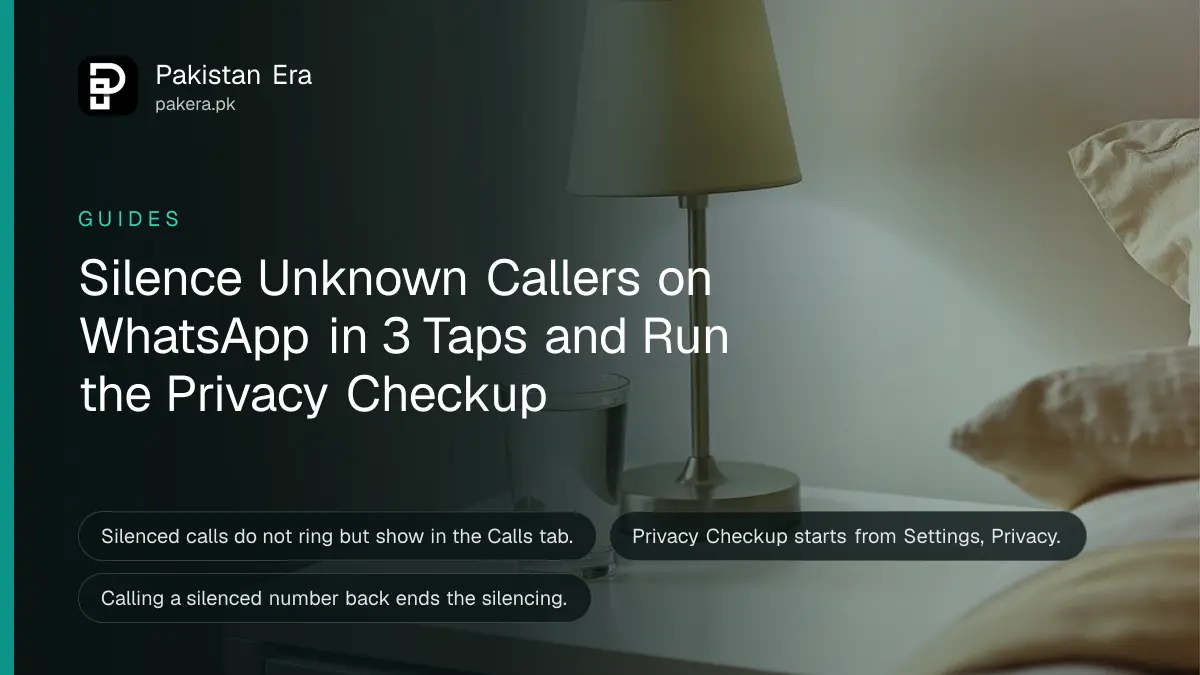
To stop unknown WhatsApp callers from ringing your phone, tap Settings, then Privacy, then Calls, and turn on Silence unknown callers. To review the rest of your privacy, go to Settings, Privacy and tap Start checkup. Both take less than two minutes.
Update, 11 October 2026: You can also lock a single WhatsApp chat. See how.
Spam and scam calls on WhatsApp often come from numbers you have never saved. They can pose as a bank, a courier or an office. A silenced call does not ring, so you cannot be rushed into picking up. This guide shows the two settings and how to use them with a few other protections.
Turn on Silence unknown callers in three taps
WhatsApp's help page gives three steps: tap Settings or your profile picture, tap Privacy, then tap Calls and turn on Silence unknown callers. Once it is on, WhatsApp stops your phone from ringing when an unknown number calls.
The silenced calls are not lost. WhatsApp says you can still get notifications and see them in the Calls tab. That helps if a real person, such as a delivery rider, called from a new number. You can then call back after you check who it is.
One rule from WhatsApp is worth knowing. If you call or message a silenced caller, you will not be able to silence their calls in future. Do not reply to someone you do not trust.
Run the Privacy Checkup to review your settings
WhatsApp introduced Silence Unknown Callers and Privacy Checkup together in a post dated 20 June 2023. The Privacy Checkup guides you through important privacy settings so you can choose the level of protection in one place. Open Settings, then Privacy, then select Start checkup.
WhatsApp's own description says the checkup walks through layers that protect your messages, your calls and your personal information. Each screen explains one control and lets you change it on the spot, so you do not have to hunt through menus.
If your WhatsApp has no Start checkup button, update the app first. Features reach phones in stages, and an older version may not show it.
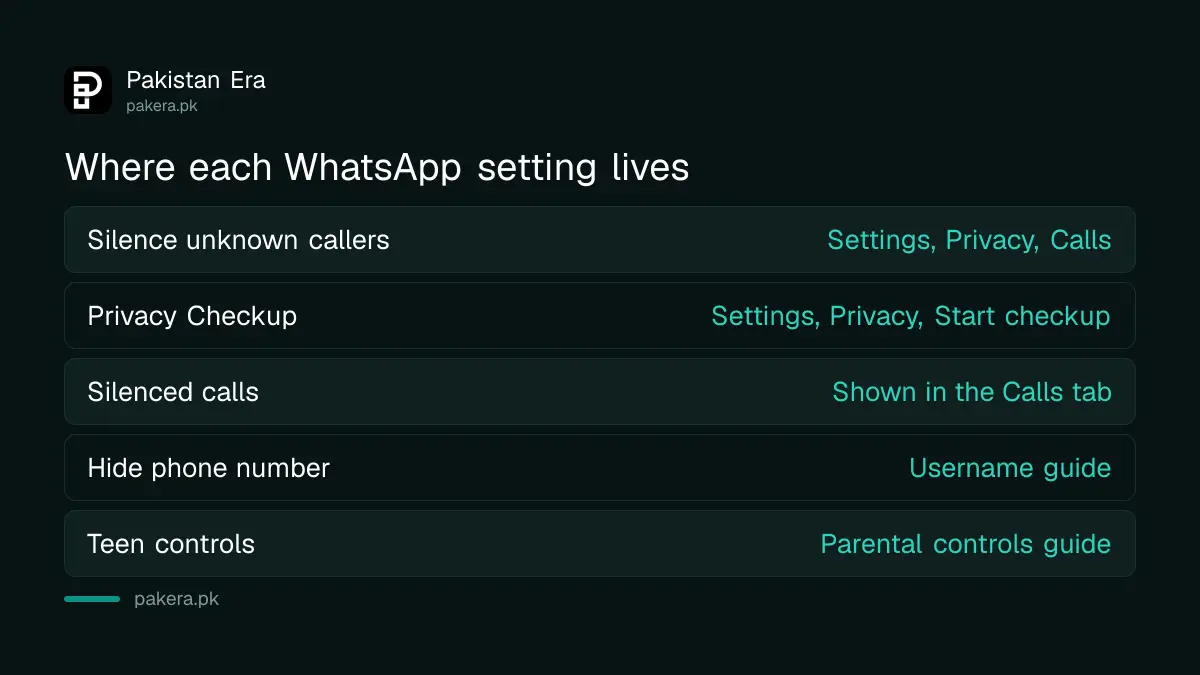
| Setting | Where to find it |
|---|---|
| Silence unknown callers | Settings, Privacy, Calls |
| Privacy Checkup | Settings, Privacy, Start checkup |
| Silenced call list | Calls tab |
| Hide your phone number | See the username guide |
Add a second lock to your WhatsApp account
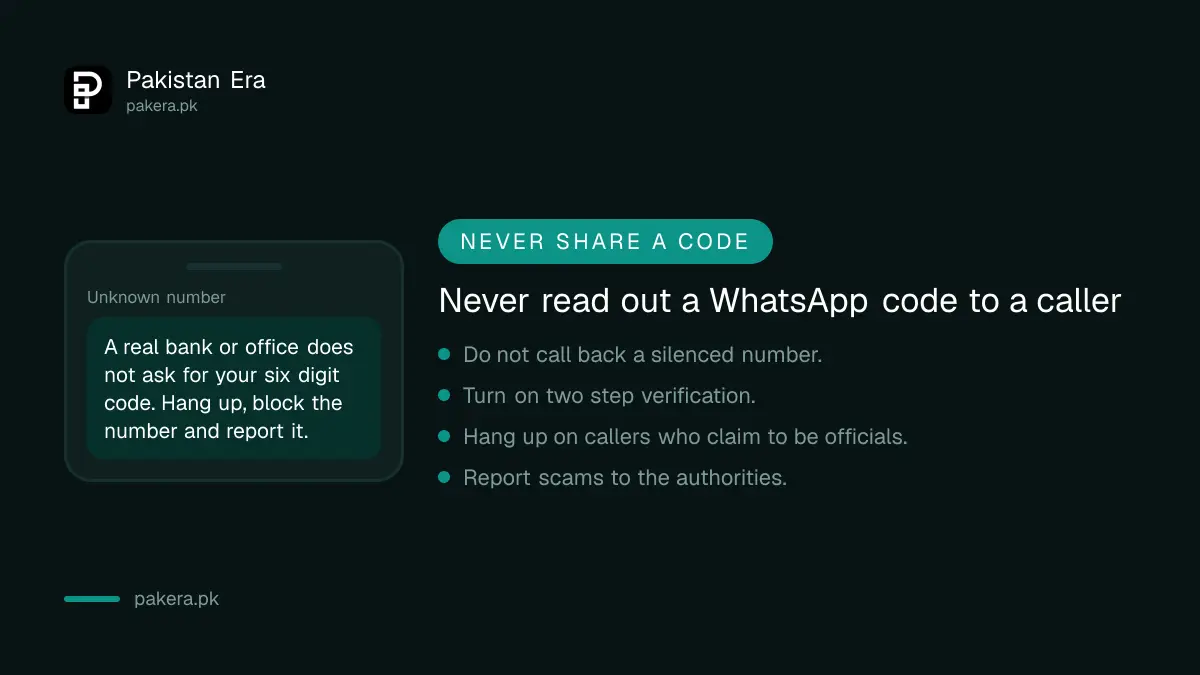
Silencing calls does not stop someone who gets your six digit code. Turn on two step verification so a stolen SMS code is not enough. Our guide to turning on two step verification shows the steps, and the guide to recovering a hacked WhatsApp account explains what to do if it has already happened.
Never read out a code to a caller, even one who sounds official. A real bank or office does not ask for it.
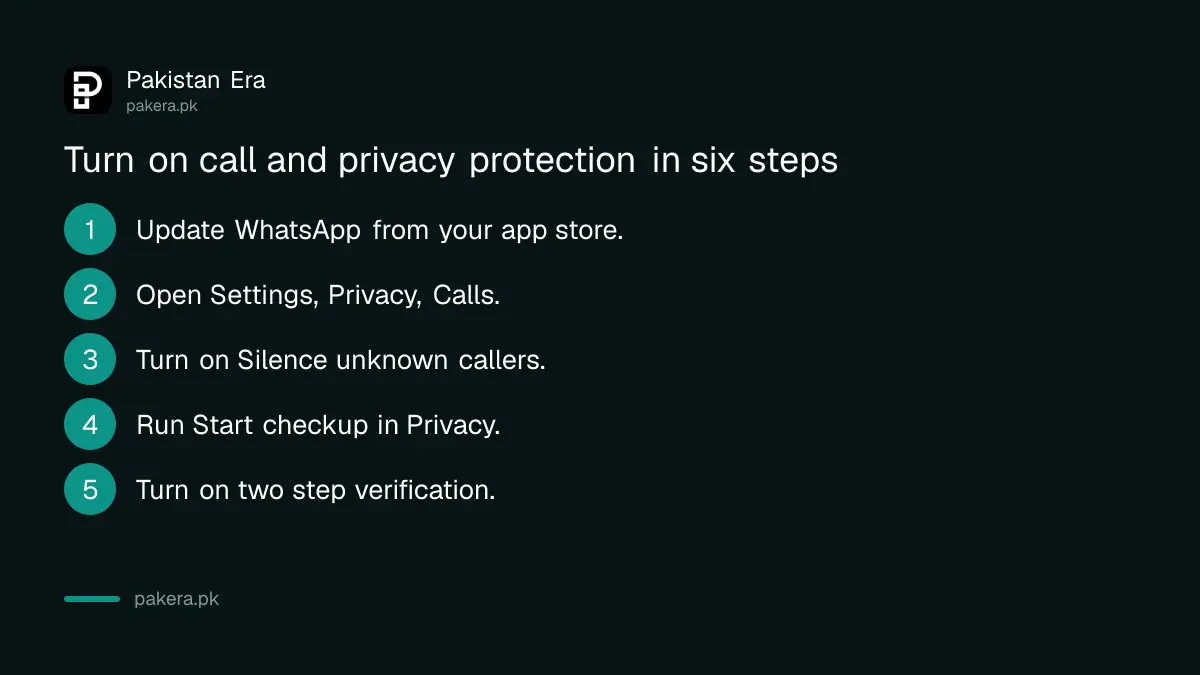
- Update WhatsApp from your app store.
- Open Settings, Privacy, Calls and turn on Silence unknown callers.
- Run Start checkup in Settings, Privacy.
- Turn on two step verification.
- Do not reply to or call back an unknown number.
- Report a scam caller to the authorities.
Know why unknown WhatsApp calls are a risk
A WhatsApp call needs only a phone number. Anyone who has or guesses your number can ring you, and the call can look as normal as a call from a friend. Scammers use this to sound urgent, so the safest habit is to let the call go quiet and look at it later.
Ask yourself three things before you call back. Do I know this person? Did I expect a call? Is anyone asking for money, a code or a photo of my card? If the answer to the last question is yes, it is almost certainly a scam.
Deal with a scam caller who got through
If someone claims to be from PTA, the NCCIA or your bank, hang up. Our guide to fake PTA and NCCIA calls explains why these numbers cannot be trusted, and the guide to reporting a fake call or SMS scam shows where to report one. Block the number inside WhatsApp, then report it.
If you want a number hidden from strangers, read the guide to the WhatsApp username that hides your phone number. For a teen's phone, the WhatsApp parental controls guide covers the settings a parent can lock.
Common questions about WhatsApp call privacy
Where is Silence unknown callers in WhatsApp?
Tap Settings or your profile picture, tap Privacy, then tap Calls. The switch is called Silence unknown callers, according to WhatsApp's help page.
Will I still see calls from unknown numbers?
Yes. The phone does not ring, but WhatsApp says you can get notifications and view the silenced calls in the Calls tab.
What is WhatsApp Privacy Checkup?
It is a guided tool that walks you through your key privacy settings in one place. You start it from Settings, Privacy, by selecting Start checkup.
Does silencing stop scam messages too?
No. It only stops calls from ringing. Scam messages need blocking and reporting. Do not tap links from numbers you do not know.
What if I call a silenced number back?
WhatsApp says that if you call or message a silenced caller, you will not be able to silence their calls in future. Think before you reply.
How we verified this
What we checked, where we read it, and what we could not confirm.
Last checked 8 October 2026. The Silence unknown callers steps come from WhatsApp's Help Center page, which we read on 8 October 2026. The Privacy Checkup description and the 20 June 2023 date come from WhatsApp's own blog post. We did not test the menus on every phone, and WhatsApp may show them in a different order in future versions.
About the author

Senior Writer, Public Services and Technology
Shahid joined us in 2024 as an author. He is a senior contributor to Pakistan's leading technology websites. He writes detailed articles, mostly covering his expertise in the latest tech, mobiles, apps, gadgets, and step-by-step guides. His ideology is to help people understand the latest trends and explain complex methods through very easy-to-understand guides.