How to Set Up WhatsApp Parental Controls for Your Teen in Pakistan
WhatsApp now has parental controls for ages 13 to 17. See how to set them up with a parent PIN, what you can control, and what to do if the menu is missing.
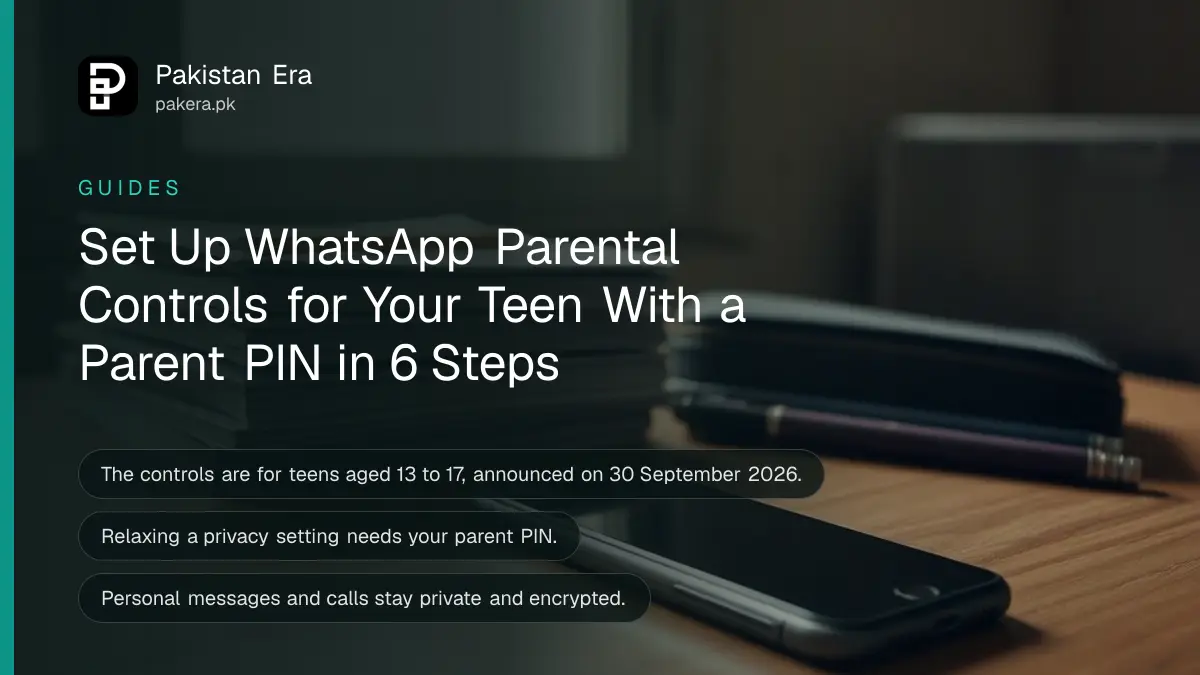
To set up WhatsApp parental controls, open WhatsApp on your teenager's phone, go to Settings, tap Parental controls, confirm their birthdate and follow the prompts to link your account. You then choose a parent PIN. The tools are for ages 13 to 17, and WhatsApp says they are rolling out gradually, so the option may not show on every phone yet.
WhatsApp announced these controls on 30 September 2026. Your teen's personal messages and calls stay private. Parents see settings and alerts, not the chats. This guide explains each step, what you can control and what to do if the menu is missing.
Set up the controls on your teen's phone with your PIN
The setup happens on the teenager's phone, with you beside them. WhatsApp describes it as something parents and teens do together. You will need your own WhatsApp account to link to.
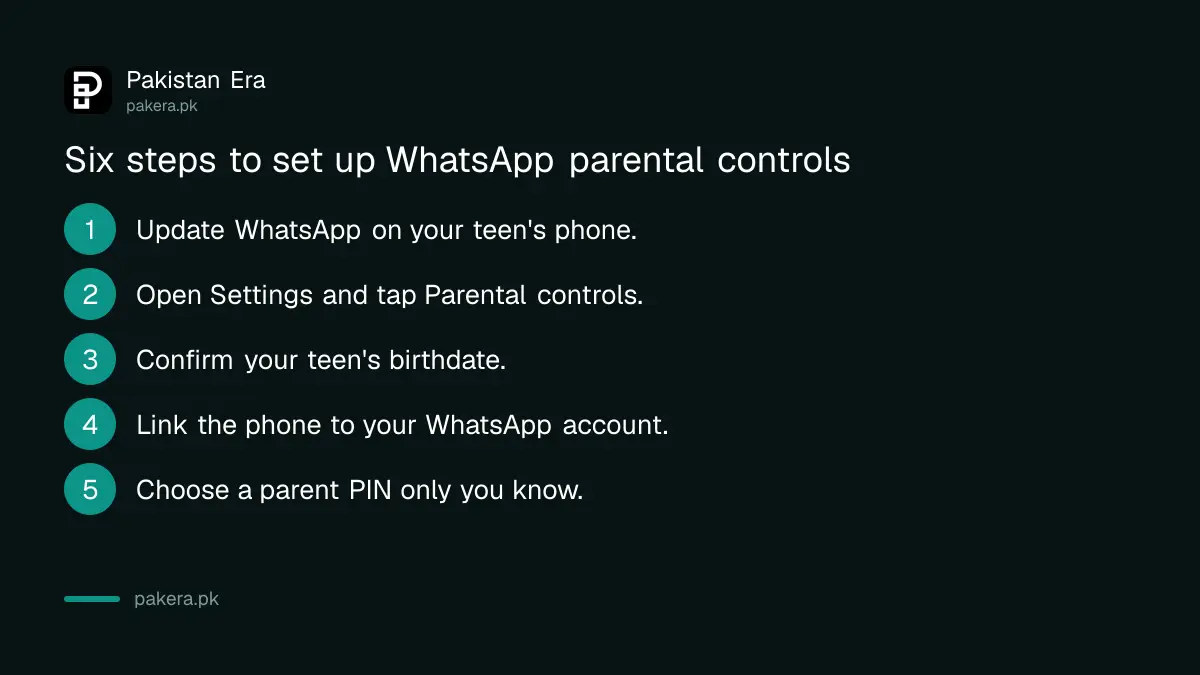
- Update WhatsApp on your teen's phone from the Play Store or App Store.
- Open WhatsApp and go to Settings.
- Tap Parental controls. If you do not see it, skip to the section on missing menus below.
- Confirm your teen's birthdate.
- Follow the prompts to link to your WhatsApp account.
- Choose your parent PIN and keep it private.
Choose a PIN your teen cannot guess, not a birthday or a phone unlock code. The PIN is what stops them from switching a setting back on their own.
You can control privacy, Channels, Status and Meta AI
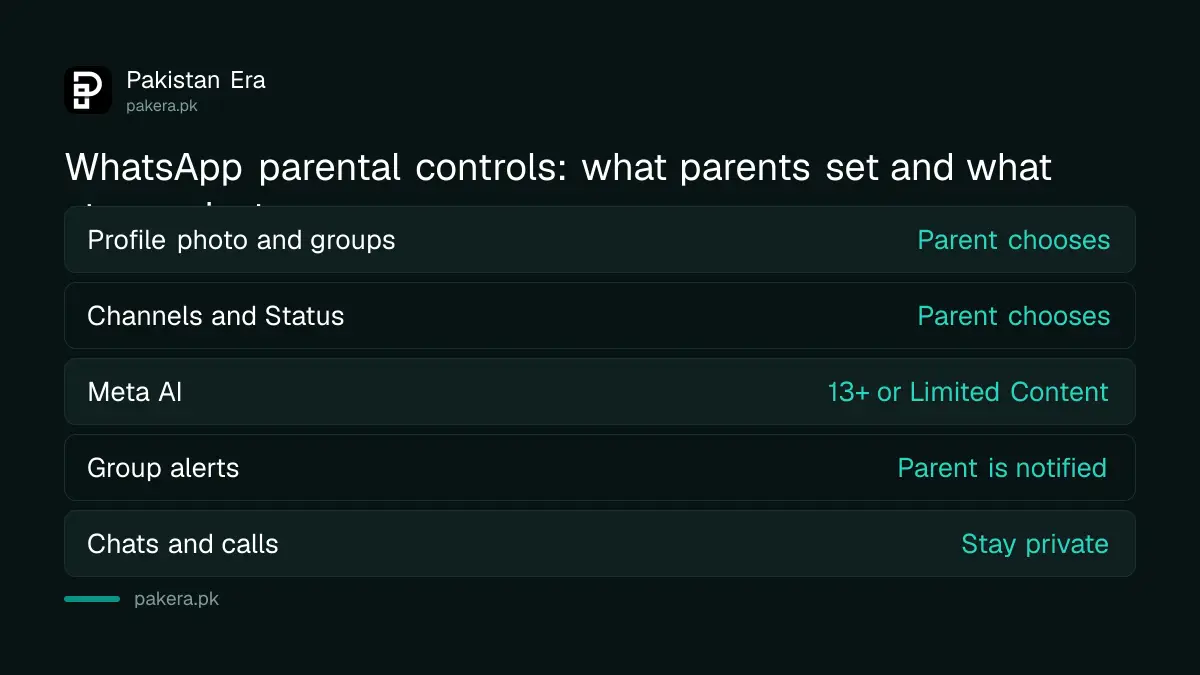
The controls cover who can reach your teen and what they can watch. If your teen wants to relax any privacy setting, they need your approval through the parent PIN. You can change or switch off the controls at any time.
| Area | What a parent can do |
|---|---|
| Privacy settings | Choose who sees the profile photo and who can add the teen to groups |
| Group alerts | Get a notice when the teen joins or leaves a group, or a group grows a lot |
| Channels and Status | Choose how the teen uses Channels, whose Status updates they see and who sees theirs |
| Meta AI | Keep the default 13+ setting or pick the stricter Limited Content option |
| Messages and calls | Stay private and end to end encrypted, even with controls on |
WhatsApp calls this the start, and says it will add controls step by step. Treat the list above as today's list, not the final one.
Children under 13 need a parent-managed account
The teen tools cover ages 13 to 17. For a younger child, WhatsApp offers a separate parent-managed account. The account is made for pre-teens, with controls built in rather than optional.
You start it on the child's phone. Download WhatsApp, tap the menu and choose to create a parent-managed account. Then verify the child's phone number, confirm their birthdate and link it to your account. WhatsApp says you can review message requests from unknown contacts, choose which groups the child can join, and see updates in one place.
A child's number still needs a registered SIM. If you are unsure whose name is on a SIM, the guide to checking SIMs registered on your CNIC shows how.
If the menu is missing, the rollout may not have reached you
WhatsApp's own page says parental controls are rolling out gradually and may not be available in your region yet. We could not find any statement that says whether Pakistan is included, and we did not see the Parental controls menu confirmed on a Pakistani phone. So we cannot promise it will appear for you today.
Update the app first, because the option arrives with a new version. If it still does not appear, check again in a week or two. In the meantime, the phone's own tools work now. The steps for setting parental controls on a child's phone cover the Android and iPhone options, and the steps for Instagram teen accounts cover that app.
Controls do not replace a conversation. A teen who knows why a setting exists is less likely to hunt for a way around it. Talk before you tap.
Protect the account itself from being taken over
Parental controls guard what your teen sees. They do not stop a scammer from hijacking the account. Turn on two step verification on both phones and never share the six digit code that WhatsApp sends by SMS. If a code is shared, a stranger can take the account.
If something goes wrong, the steps to recover a hacked WhatsApp account apply to a teen's account too. For hiding a phone number from strangers, see the notes on the WhatsApp username that hides your number.
Common questions about WhatsApp parental controls
Can I read my teen's WhatsApp messages with parental controls?
No. WhatsApp says personal messages and calls stay private and end to end encrypted, even with controls on. Parents manage settings and see alerts, not chats.
What age are WhatsApp parental controls for?
The teen tools are for ages 13 to 17. Children under 13 need a parent-managed account, which has controls built in from the start.
Do the controls cost anything?
WhatsApp describes them as optional tools and does not mention a fee on the pages we read. You use your own existing WhatsApp account to link.
Can my teen turn the controls off?
Not alone. A teen who wants to relax a privacy setting needs approval through the parent PIN. You can adjust or switch off the controls yourself at any time.
Why can I not see Parental controls in Settings?
WhatsApp says the feature is rolling out gradually and may not be in your region yet. Update the app and check again later.
How we verified this
What we checked, where we read it, and what we could not confirm.
Last checked 8 October 2026. The feature list, ages, PIN rule and setup steps come from WhatsApp's own announcement of 30 September 2026 and its Parental controls page, both of which we read on 8 October 2026. We did not test the controls on a phone, and we could not confirm that the feature has reached Pakistan. Menu names can change with app updates.
About the author

Tax, Bills and Technology Writer
Ali Akhtar is a young and curious voice here at Pakistan Era. He is currently pursuing his A-Levels and has a growing interest in Pakistan’s changing industrial landscape and educational trends. Ali likes to write in a way that helps him explain and explore the world around him. His writing reflects the perspective of the new generation navigating the evolving trends of Pakistan where technology, youth innovation, and shifting opportunities are reshaping the country’s future.