How to Check an Unknown Number on WhatsApp Before You Reply in Pakistan
WhatsApp shows shared groups and the country of a number on a first message from a stranger. Check them and 8 warning signs before you reply, then block.
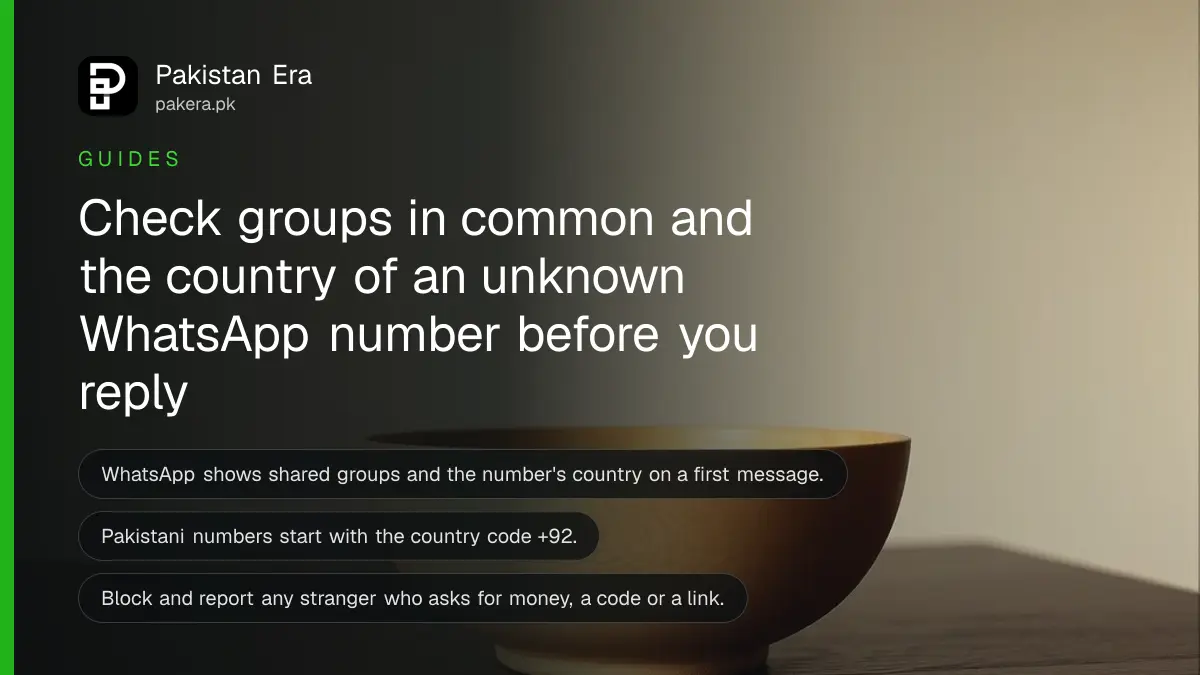
Short answer: When a number that is not in your contacts messages you on WhatsApp for the first time, WhatsApp shows details inside the chat: whether you share any groups with that person and which country their number is registered in. Read those details before you reply, then choose to reply, add the contact, block or report.
The message arrives at 11 at night. "Salam, I got your number from a friend, there is a job for you." The profile photo is a smiling stranger and the number starts with a code you do not know. This is how many WhatsApp scams begin, and the first minute decides whether it goes further.
WhatsApp's own help page describes the first message details and a list of warning signs. This guide turns that into a short routine you can run in about 30 seconds.
WhatsApp shows two clues on a first message from a stranger
The clues are shared groups and the country of the number. WhatsApp states that these details appear when you receive a first message from someone who is not saved in your contacts. They help you decide whether to reply, add the person, block or report.
Shared groups tell you whether you and the sender are in any group together. A real classmate or colleague usually shares at least one group with you. A stranger with no common group is a weaker match.
The country shows where the number is registered. Pakistani numbers use the country code +92. If a "local shop" or a "university office" writes to you from a number registered in another country, treat it with care. It is not proof of a scam, because people travel and work abroad, but it is a reason to slow down.
WhatsApp also says that it may show extra context when you message a stranger first. The same two details are shown so you can decide whether to continue the chat or cancel it.
Eight warning signs WhatsApp lists in its own words
WhatsApp lists signs that a message cannot be trusted. Any one of them is a reason to stop. Two or three together is a strong warning.
| Warning sign | What it looks like in Pakistan |
|---|---|
| Typos or grammar mistakes | A "bank officer" writing broken sentences |
| Asks you to tap a link, activate a feature or download an app | "Open this link to claim your prize" or an APK file |
| Asks for card, bank account, birth date or password | A "wallet verification" message |
| Asks you to forward a message | "Send this to 10 groups to win" |
| Asks for money, or says you must pay to use WhatsApp | A "fee" to unban your account |
| Pretends to be someone you know | "This is my new number, I need Rs 5,000" |
| Is about a lottery, gambling, job, investment or loan | Task jobs and "double your money" plans |
| Chats first to win your trust | Days of friendly talk, then a request |
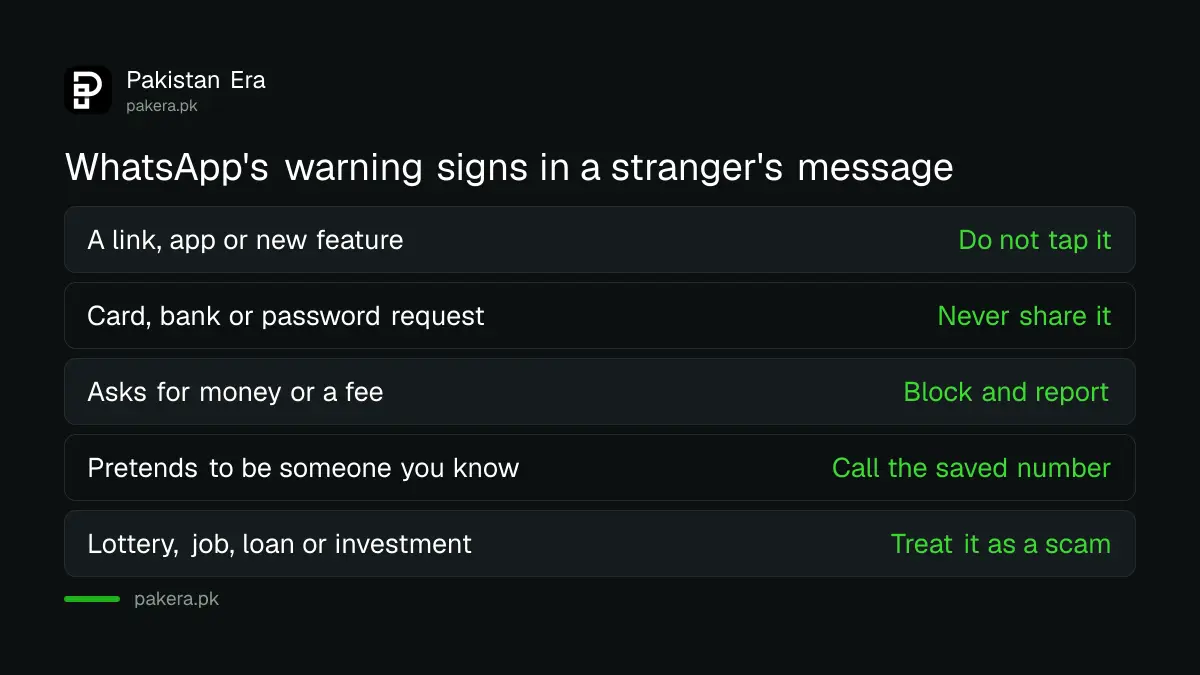
One line from the help page is worth remembering. WhatsApp is a free app, and anyone who asks for payment to use it or to unban an account is likely after your money or your personal details.
Run this 30 second check before you reply
Look at the details, look at the request, then decide. Do not answer to be polite. A reply tells the sender that your number is active, which is useful to them.
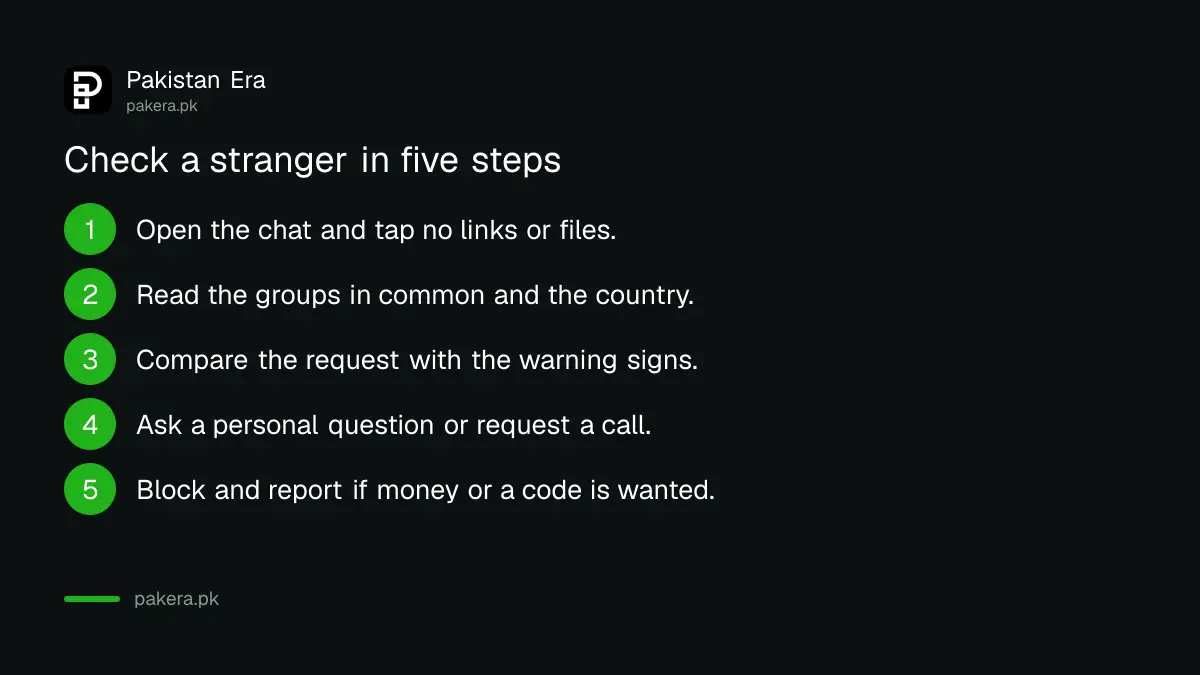
- Open the chat but do not tap any link or file.
- Read the details WhatsApp shows at the top: groups in common and country of the number.
- Compare the request with the warning signs above.
- If you still think the person may be real, ask a personal question only they could answer, or ask for a voice or video call.
- If the request is for money, codes or a link, block and report.
A call is a good test. WhatsApp itself suggests confirming identity with a voice or video call. Be aware that a cloned voice is possible, so a call is a check, not proof. For money requests, call the person on the number you already had saved.
Block and report when the message asks for money or a code
You can report the message, block the sender and delete the chat. Do all three when the sender asks for money, a one time code, a link or an app. Blocking stops the chat. Reporting gives WhatsApp the sender's number so it can act.
The common scams WhatsApp names are romance scams, fake job offers, fake investment offers and impersonation of a friend or a business. The last one matters most in Pakistan, where a message that says "I changed my number, send Rs 3,000 to this wallet" is easy to believe at a glance.
If the message comes from a number you do have saved, the account itself may be compromised. In that case, tell the real person by another route. Our guide on checking linked devices on WhatsApp shows how to see whether your own account is open on a device you do not know.
Fake job and loan messages are a separate pattern. The advice on a fake online job offer scam covers what to do if you already shared your CNIC.
Cut down first messages from strangers at the source
You cannot stop a stranger from messaging a number they have, but you can reduce the noise. Groups are the other door, because anyone with your number can add you to one by default.
WhatsApp's help page says you can change who can add you to groups in your privacy settings. Choosing "My contacts" or "My contacts except" removes the strangers. Our note on how to stop strangers adding you to WhatsApp groups walks through it.
If you already got a message with a link, do not open it again to "check". If an app file was installed, see how to remove a fake APK from your Android phone and change your passwords from a clean device.
What to do if you already replied or paid
If you only replied, nothing is lost. Stop the chat and block. If you shared a one time code, turn on two step verification, and tell your bank or wallet at once if it was a payment code.
If you sent money, contact your bank or wallet provider straight away and keep the screenshot. Then report it. NCCIA, the cybercrime agency, takes complaints on 1799. Our page on how to report a fake call or SMS scam lists the other places that take a report.
Common questions
Does WhatsApp show where a stranger is?
No. It shows the country the phone number is registered in, not the person's location. The number can be used from anywhere.
Is a number that is not +92 always a scam?
No. Many Pakistanis abroad use numbers from other countries. It is a clue to weigh with the request, not a verdict.
Should I reply to say I do not know the person?
It is better not to. A reply confirms that your number is in use. Block, and report if the message asks for anything.
Can I stop all messages from people not in my contacts?
WhatsApp has privacy controls for who can call you and who can add you to groups. A full block on messages from all strangers is not what the help page describes, so we do not claim it.
What if the message came from a number I saved?
Their account may be compromised. Do not send money or codes, and confirm with them by a call on another line.
How we verified this
What we checked, where we read it, and what we could not confirm.
We read the WhatsApp Help Center page About suspicious messages and scams on 12 October 2026. WhatsApp changes its screens from time to time, so the details may look different on your phone. We did not test this on a handset for this update.
About the author

Technology Journalist & Multimedia Producer
Ahmad Ali is a technology journalist and multimedia producer at Pakistan Era, joining the team in October 2026. He covers consumer technology and digital life for Pakistani readers, combining research with hands-on product testing.