How to Stop Strangers Adding You to WhatsApp Groups in Pakistan
Anyone with your number can add you to a WhatsApp group by default. Change Settings, Privacy, Groups in Pakistan, exclude one person and exit scam groups.
Short answer: Open WhatsApp, tap the three dots, then Settings, Privacy, Groups. Choose My contacts, or My contacts except to leave out one person. Strangers can then only send you an invite, which expires in three days. Never tap a link inside an unknown group.
A message arrives at midnight. You are in a group of 200 strangers called "Online Earning Daily" or "Free Laptop Scheme". You did not ask to join. Someone simply had your number.
WhatsApp says this is by design. Its own help page explains that, just as anyone with your contact information can send you an SMS, anyone with your phone number can add you to a group. The default setting is Everyone. We read that page on 12 October 2026, and the steps below follow it.
The default setting lets anyone add you to a group
WhatsApp sets group privacy to Everyone by default. That means people outside your address book can add you to groups without your approval. Scam groups use this to reach thousands of numbers quickly, then post fake jobs, fake schemes and payment links.
Scammers rely on one thing: you open the group and tap. They do not need to hack anything. Our guide on fake online job offers in Pakistan lists the signs, because many of these groups start with a job pitch.
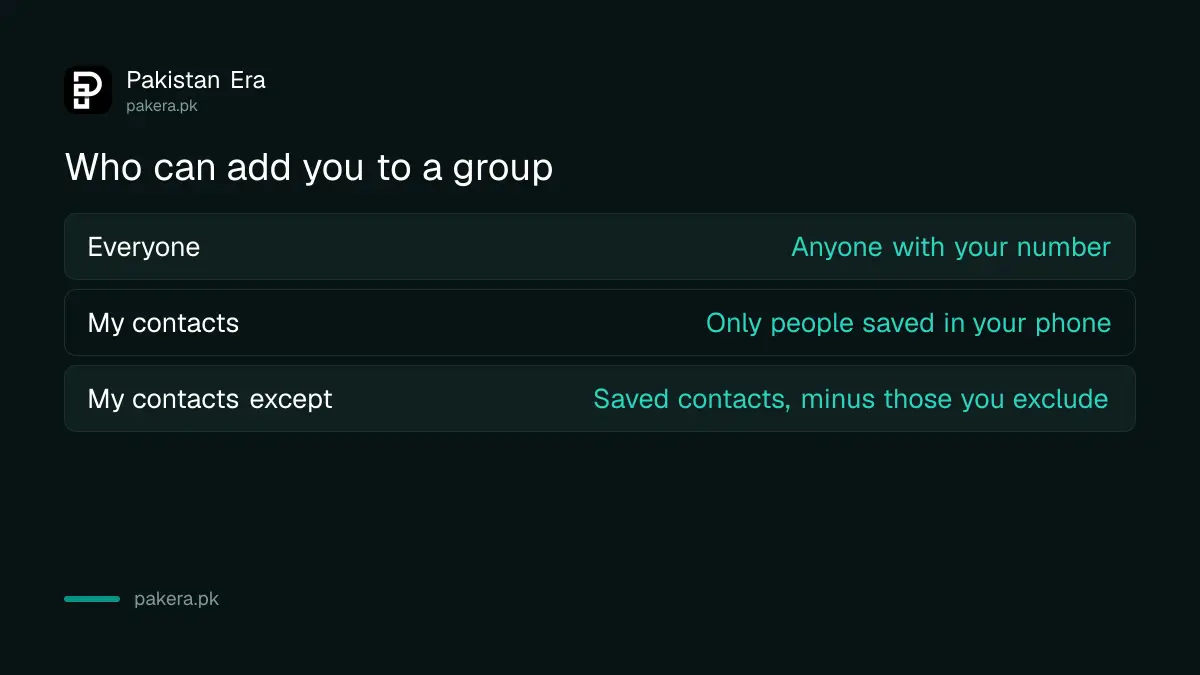
| Option | Who can add you without asking | What others see |
|---|---|---|
| Everyone | Anyone with your number | No approval needed, you join at once |
| My contacts | Only people saved in your phone | Others get a pop up and can send an invite |
| My contacts except | Saved contacts, minus the ones you exclude | Excluded people can only send an invite |
Change the setting in four taps
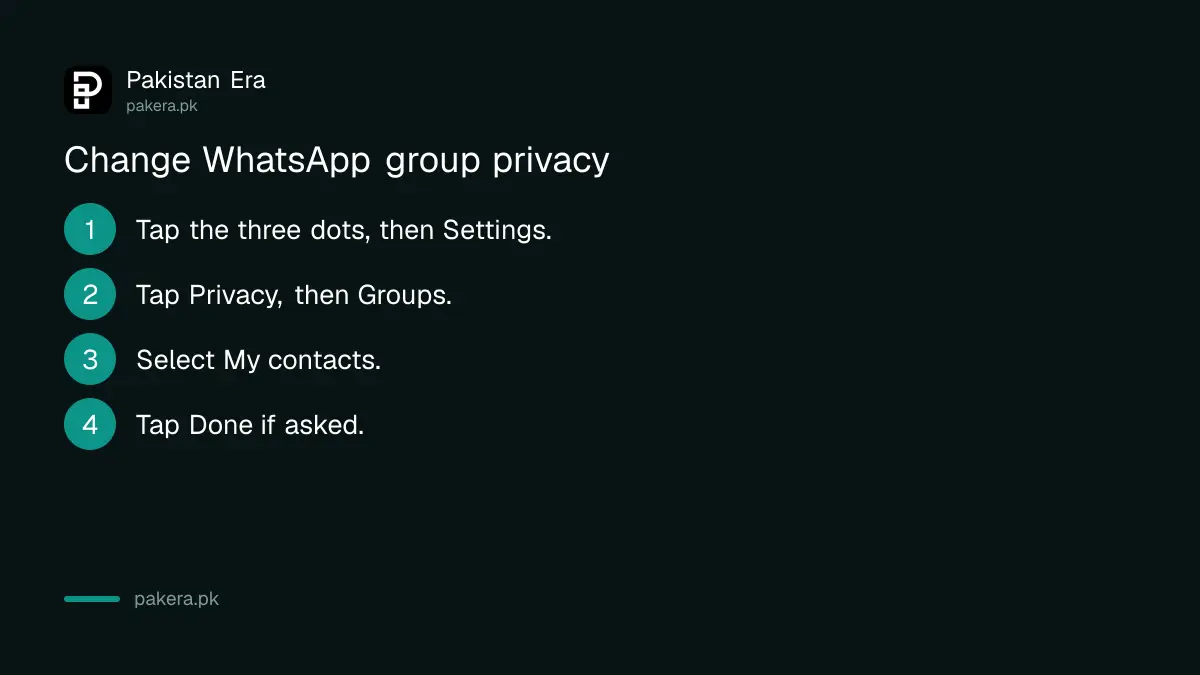
Tap the three dots, then Settings, then Privacy, then Groups. Pick My contacts for the strongest protection that still lets family add you. If prompted, tap Done. The change affects only groups you are added to in future.
- Open WhatsApp and tap the three vertical dots, then Settings.
- Tap Privacy, then Groups.
- Select My contacts.
- Tap Done if WhatsApp asks.
WhatsApp says you cannot change group privacy on WhatsApp Web or Desktop. Make the change on your phone and it syncs to the web and desktop apps.
The same privacy menu holds other useful switches. Our walkthrough on silencing unknown callers and running the Privacy Checkup shows how to review them in one go.
Use My contacts except to block one person
If one person keeps adding you, choose My contacts except and select that person. WhatsApp says this stops them adding you in future. You can also block the contact, which stops all messages and calls, not only group adds.
This option suits relatives who add you to large forwarding groups. You stay friendly, and they have to send an invite instead of dropping you straight in.
When an excluded person tries, they see a pop up saying they cannot add you. They are prompted to send a private invite through an individual chat. You then decide whether to join.
What an invite link still allows
Group privacy does not stop someone sending you a group invite link. WhatsApp says joining through a link is always your choice. An invite sent through a private message expires after three days, so there is no pressure to answer quickly.
Three limits to know. Changing the setting does not remove you from groups you are already in. Leaving a group does not stop others adding you to a new one. And community Announcements are exempt: in a community you are always added to its Announcements.
So the setting is a fence for the future, not a clean up of the past. You still need to exit the old groups yourself.
Leave the groups you are in and report the bad ones
Open the group, tap its name, then choose Exit group. WhatsApp says you cannot block a group chat directly, but you can exit it and block the group admin. Do not reply in the group, do not tap links and do not install files shared there.
If you tapped a link or installed an app from a group, read our guide on removing a fake APK installed from a WhatsApp link at once. If someone has taken over your number, see how to recover a hacked WhatsApp account.
WhatsApp also has a help page on how to block and report contacts. Use it if an admin keeps pushing scam links.
Common questions
Why do strangers add me to WhatsApp groups?
Because the default setting is Everyone. WhatsApp's help page says anyone with your phone number can add you to a group unless you change it.
What is the best group privacy setting?
My contacts is the safest simple choice. Only people saved in your phone can add you directly. Everyone else has to send an invite you can ignore.
Will this remove me from groups I am already in?
No. WhatsApp says the setting only controls who can add you to new groups in future. Exit old groups one by one.
Can I block a whole WhatsApp group?
Not directly. WhatsApp says you can exit the group and block the group admin instead. That stops that person from adding you again.
How long does a group invite last?
Three days. After that the private invite expires, and the sender has to send a new one.
Can I change this from WhatsApp Web?
No. Group privacy cannot be changed on WhatsApp Web or Desktop. Change it on your phone and it syncs.
How we verified this
What we checked, where we read it, and what we could not confirm.
We read WhatsApp's help pages on group privacy and on changing privacy settings at faq.whatsapp.com on 12 October 2026. We did not test the menus on a handset, and WhatsApp can change the layout in an update.
About the author

Technology Journalist & Multimedia Producer
Ahmad Ali is a technology journalist and multimedia producer at Pakistan Era, joining the team in October 2026. He covers consumer technology and digital life for Pakistani readers, combining research with hands-on product testing.