Lock a WhatsApp Chat in Pakistan and Turn On Advanced Chat Privacy
Hide a private WhatsApp chat behind your fingerprint with Chat Lock, and block exports and media saving with Advanced Chat Privacy. Free, in four steps.
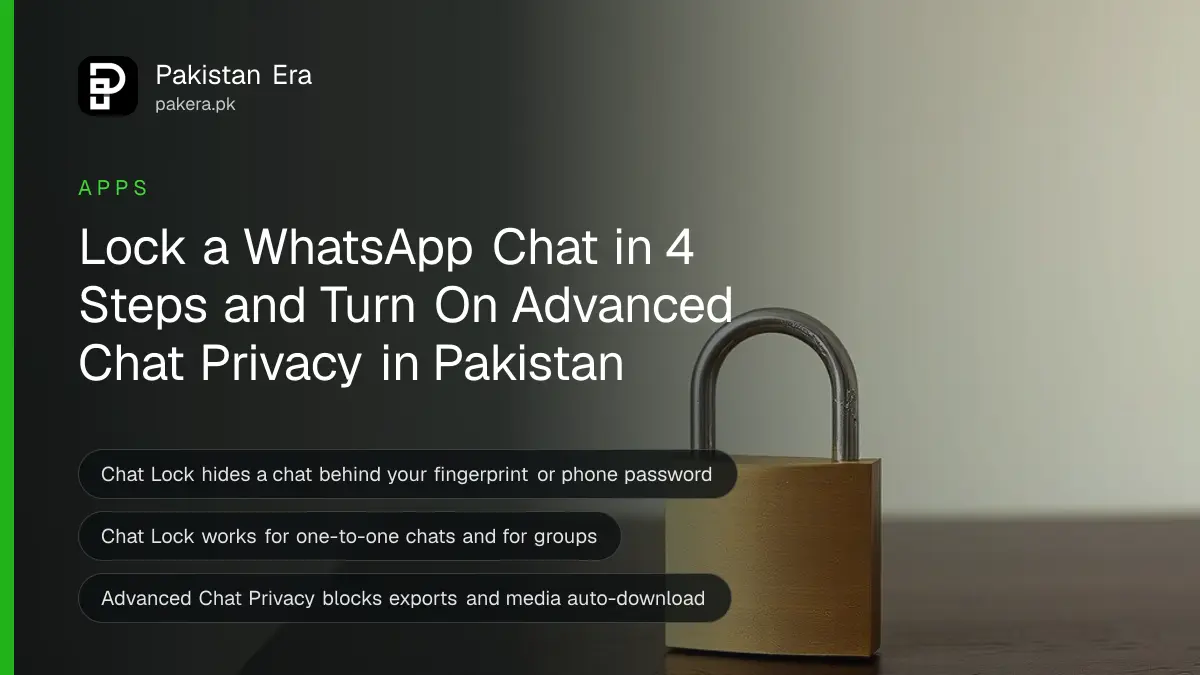
To lock a WhatsApp chat, open it, tap the person's or group's name and choose the lock option. The chat moves out of your inbox into a Locked Chats folder that opens only with your phone password or fingerprint. To block exports and auto-saved media, tap the name and choose Advanced Chat Privacy.
In many Pakistani homes one phone is passed around. A child plays a game, a cousin looks up a song, a parent checks a message. That is when a private chat gets seen by accident.
WhatsApp has two free settings for this. Chat Lock hides a chat from anyone holding your phone. Advanced Chat Privacy stops people inside the chat from taking its content out. We read WhatsApp's own announcements for both on 11 October 2026.
Chat Lock hides a chat behind your phone password
Locking a chat takes it out of your inbox and puts it in its own folder. You open the folder with your device password or a biometric such as a fingerprint. WhatsApp also hides the chat's contents in notifications, so a message preview cannot show on your lock screen.
The setting works for one-to-one chats and for groups. WhatsApp announced it on 15 May 2023. Update the app from the Play Store or App Store if you cannot see it.
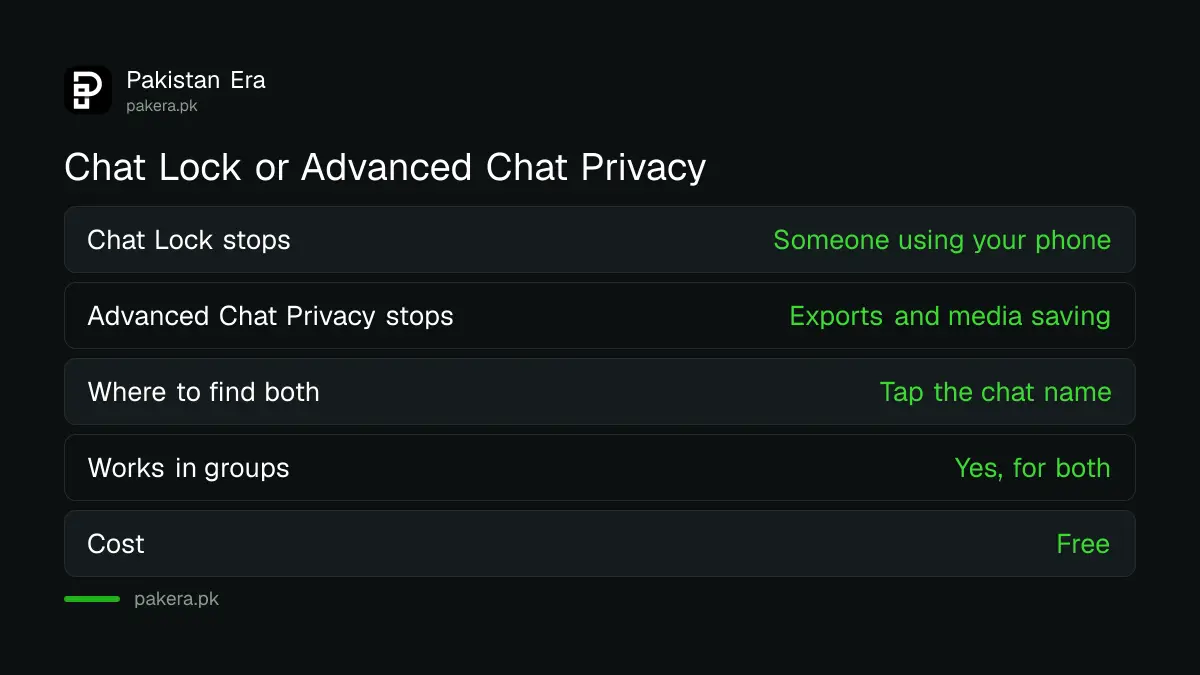
| Point | Chat Lock | Advanced Chat Privacy |
|---|---|---|
| Protects against | Someone using your phone | People inside the chat taking content out |
| Where to turn it on | Tap the chat name, then lock | Tap the chat name, then Advanced Chat Privacy |
| Works in groups | Yes | Yes |
| Hides notification text | Yes | Not stated |
| Cost | Free | Free |
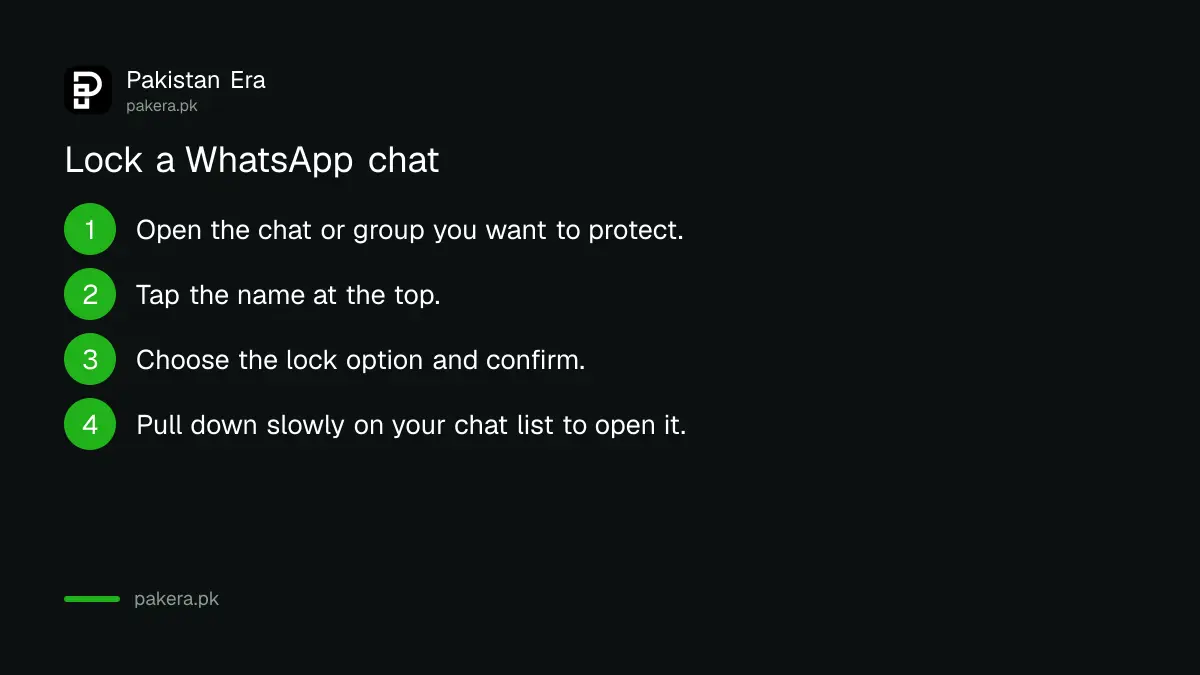
Lock a chat in four steps
Open the chat, tap the name at the top, then pick the lock option. To see locked chats later, pull down slowly on your inbox and enter your phone password or fingerprint. The chat is gone from the main list until you do.
- Open the one-to-one chat or group you want to protect.
- Tap the name of the person or group at the top.
- Choose the lock option and confirm with your fingerprint or phone password.
- To reach it again, pull down slowly on your chat list and unlock the Locked Chats folder.
Menu wording can differ a little between Android and iPhone, and between app versions. Look for the lock option on the chat's info screen.
One habit matters more than the setting. If your phone password is a simple pattern that your children know, Chat Lock adds little. Use a fingerprint, or a password only you know.
Advanced Chat Privacy blocks three ways content leaves a chat
When Advanced Chat Privacy is on, WhatsApp says you can block others from exporting the chat, from auto-downloading its media to their phone, and from using its messages for AI features. It is available in chats and in groups, and you turn it on from the chat name.
WhatsApp announced it on 23 April 2025 and called it a first version, with more protections to come. It suits chats where you do not know everyone well but the topic is sensitive, such as a health support group or a group organising something in your community.
Read its limit carefully. The announcement lists the three blocks above. It does not say the setting stops screenshots, so assume it does not. Anyone in a chat can still copy what they see by other means. Share only what you would be happy to see repeated.
Combine the settings with these simple habits
Use Chat Lock for chats on a shared phone. Use Advanced Chat Privacy for sensitive groups. Then add the habits below, which cost nothing and close the gaps these two settings leave open.
- Set a passkey so an attacker cannot take over your account with a stolen code. Setting up a WhatsApp passkey takes a few taps.
- Run the WhatsApp privacy checkup once, and silence callers you do not know.
- Remove AI chats you do not want kept. Deleting Meta AI chats on WhatsApp shows how.
- Check your linked devices, so no computer you forgot stays signed in to your account.
Our view: Chat Lock is the one most Pakistani families should switch on today. It takes under a minute, and a chat with a spouse, a doctor or a lawyer should not sit in an open list.
Common questions
Does Chat Lock delete my chat?
No. It moves the chat into a Locked Chats folder. The messages stay, and you open them with your phone password or fingerprint.
Will message previews show for a locked chat?
No. WhatsApp says locking a chat also hides its contents in notifications.
Can I lock a group chat?
Yes. WhatsApp's announcement says you can lock a one-to-one chat or a group by tapping its name and choosing the lock option.
Does Advanced Chat Privacy stop screenshots?
WhatsApp does not say so. Its announcement lists blocking chat exports, auto-download of media and use of messages for AI features. Treat screenshots as possible.
Is Advanced Chat Privacy available in Pakistan?
WhatsApp said it was rolling out to everyone on the latest version of the app. It named no country limit. Update the app if you cannot see it.
How we verified this
What we checked, where we read it, and what we could not confirm.
We last checked these official pages on 11 October 2026:
- WhatsApp Blog, "Chat Lock: Making your most intimate conversations even more private", 15 May 2023.
- WhatsApp Blog, "Introducing Advanced Chat Privacy: Enhanced Protection for Your Most Sensitive Conversations", 23 April 2025.
WhatsApp's Help Center pages for these settings load only inside a browser, so we could not read them line by line. We did not test the steps on a Pakistani account. Menu names may differ on your version.
About the author

Technology Journalist & Multimedia Producer
Ahmad Ali is a technology journalist and multimedia producer at Pakistan Era, joining the team in October 2026. He covers consumer technology and digital life for Pakistani readers, combining research with hands-on product testing.