TikTok No Internet Connection Error in Pakistan: 7 Fixes That Work, From Cache to Data Bundles
TikTok showing No internet connection in Pakistan? Restart, update, switch Wi-Fi and data, clear the cache and check your bundle. Seven fixes from TikTok help.
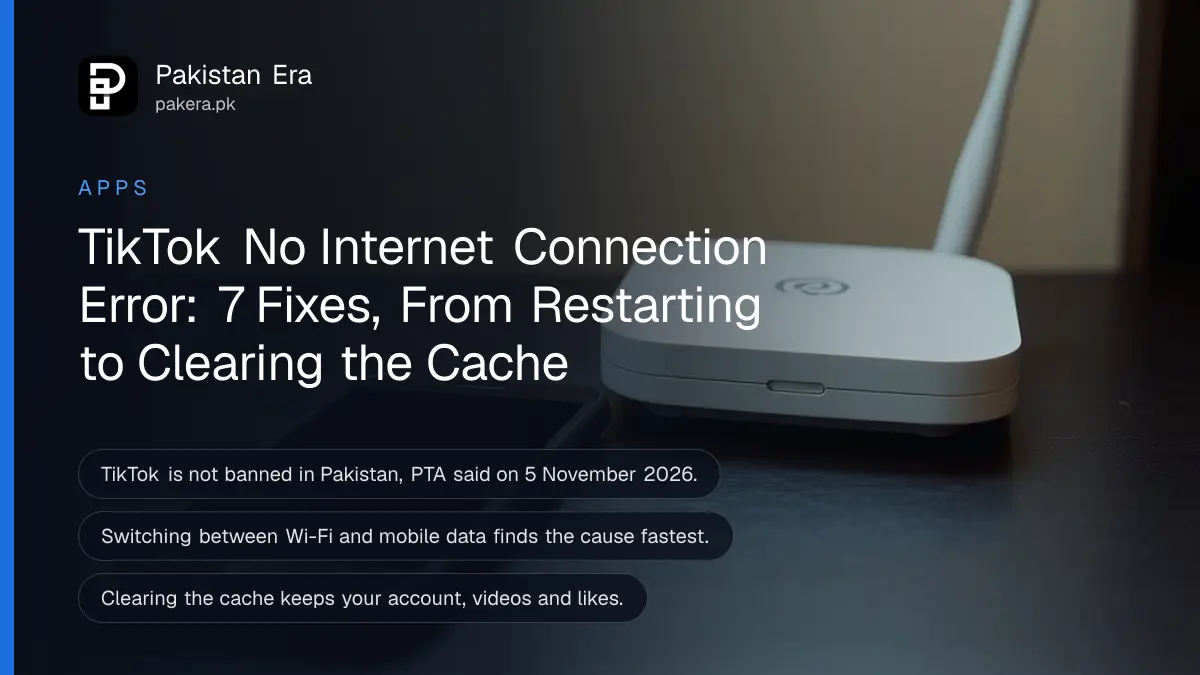
TikTok says "No internet connection" while other apps work? Close TikTok and restart your phone, update the app, then switch between Wi-Fi and mobile data. If it still fails, clear the cache: Profile, Menu ☰, Settings and privacy, Free up space, Clear next to Cache. These are the first steps TikTok's own Help Center lists, and in that order they fix most cases in a few minutes.
TikTok is not blocked in Pakistan. The Pakistan Telecommunication Authority (PTA) said on 5 November 2026 that a "notification" about a TikTok ban was fake and that it had issued no such order. So when the app shows this error, the cause is almost always on your phone, your connection or your data bundle.
The error usually means TikTok cannot reach its servers
"No internet connection" or "No network connection" appears when TikTok cannot load videos from its servers. Weak Wi-Fi, an expired data bundle, a blocked mobile data permission or a corrupted cache can all cause it, even when WhatsApp and the browser still load.
That last part confuses people. TikTok streams video all the time, so it needs a stronger and steadier connection than a chat app. A signal that is fine for text messages can be too weak for a feed of videos.
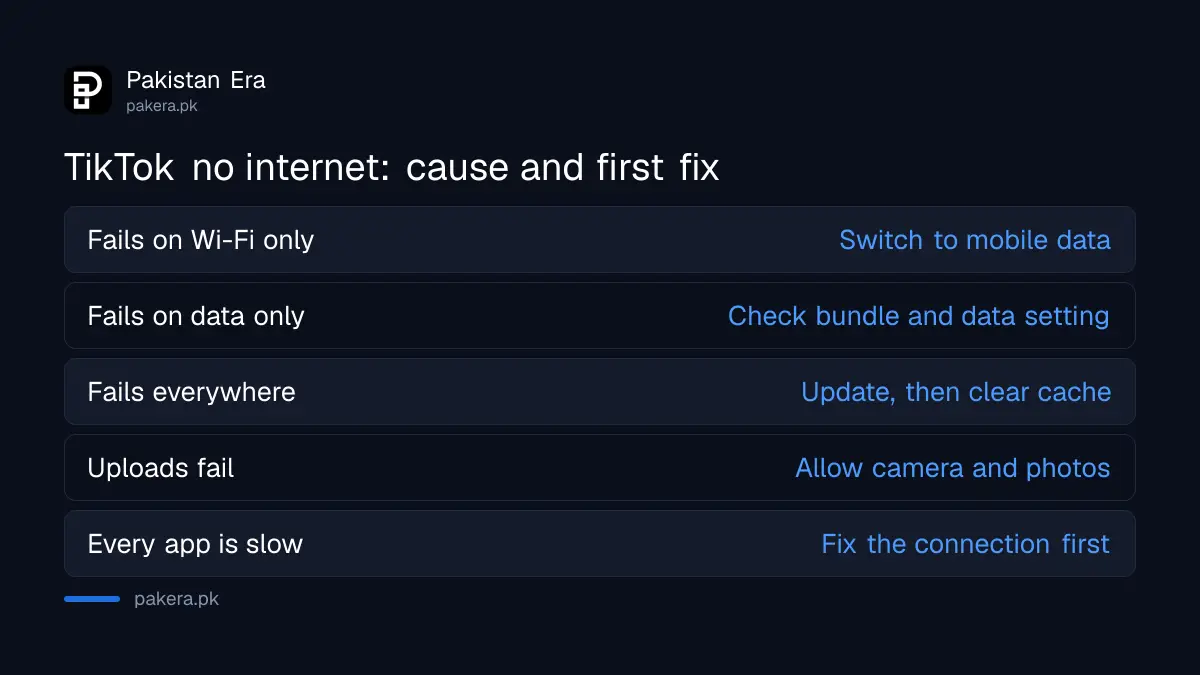
| What you see | Likely cause | First fix |
|---|---|---|
| Error on Wi-Fi only | Weak or busy Wi-Fi | Switch to mobile data |
| Error on mobile data only | Bundle used up or data permission off | Check balance and app data settings |
| Error on every connection | Old app version or bad cache | Update, then clear cache |
| Videos load, uploads fail | Missing app permissions | Allow photos, camera and microphone |
| Error after a load-shedding cut | Mobile tower on backup power | Wait or move to Wi-Fi |
Seven fixes in the order TikTok recommends
TikTok's Help Center lists its troubleshooting steps in a set order: restart, update, check the connection, clear storage, save battery and check permissions. Work down the list and test the app after each step, so you know which one worked.
- Restart TikTok and your phone. Close the app fully, switch the phone off, wait 30 seconds and switch it on again. TikTok says this often frees up resources.
- Update TikTok. Open the Play Store or App Store and install the latest version. Update the phone's operating system too if an update is waiting.
- Switch between Wi-Fi and mobile data. If TikTok works on one and not the other, the problem is that connection, not the app.
- Clear the TikTok cache. Profile, Menu ☰, Settings and privacy, Free up space, then Clear next to Cache, and Clear again to confirm.
- Charge the phone or close other apps. TikTok advises closing unused apps and lowering screen brightness when the battery is low.
- Check app permissions. For uploads, TikTok needs access to photos, camera and microphone in your phone's settings.
- Report the problem. If nothing works, tap Need more help? in the app's Help Center and send a ticket.
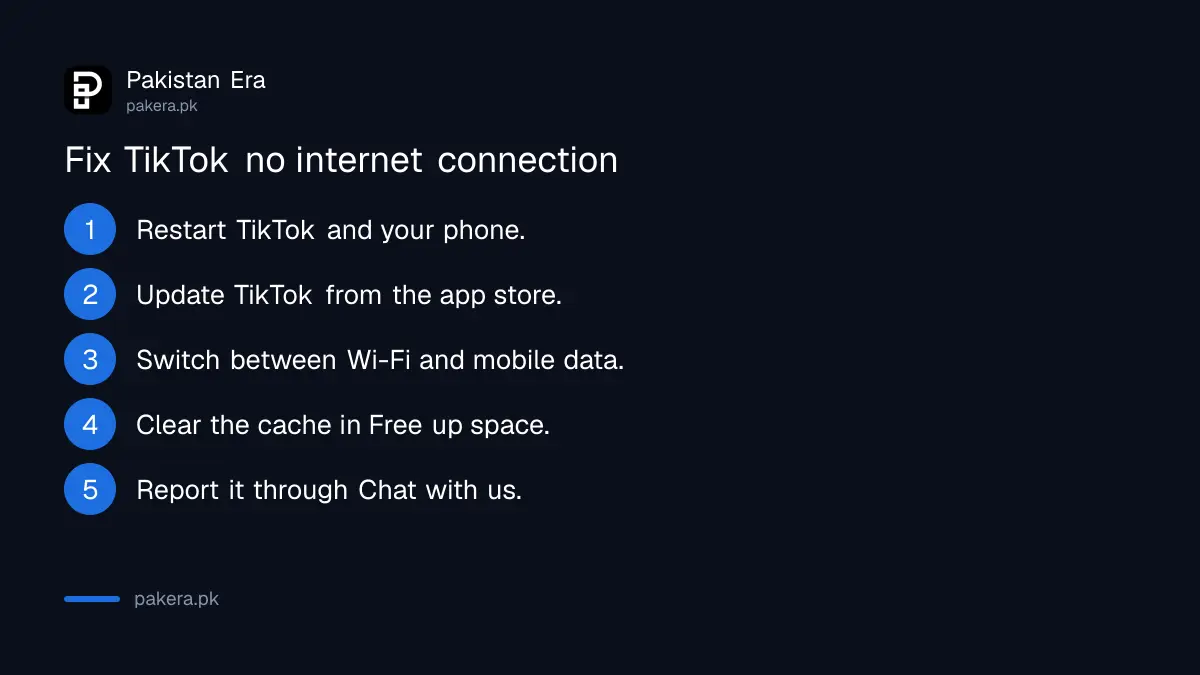
Clearing the cache does not delete your videos, likes or account. It removes temporary files only. On the same Free up space screen, Downloads and Drafts are separate. Leave Drafts alone unless you mean to delete them, because a deleted draft is gone.
Check your data bundle and mobile data settings
On mobile data, the most common cause in Pakistan is a used-up bundle or a social bundle that has expired. TikTok may also be blocked from using mobile data in the phone's settings, which makes it fail only when you leave Wi-Fi.
Many people use a cheap social bundle for TikTok. When those MBs run out, TikTok stops loading even though the main internet bundle may still show a balance, or the other way round. Check your remaining data on the operator's app or code. The current offers and their codes are listed for Jazz TikTok and YouTube packages and Zong social bundles.
- iPhone: open Settings, scroll to TikTok and make sure Mobile Data is on.
- Android: open Settings, Apps, TikTok, then the mobile data section, and allow mobile data and background data. Names differ slightly between Samsung, Infinix, Tecno and other brands.
- Data saver: if the phone's data saver is on, TikTok may be held back. Turn it off for a test.
Fix the connection itself when every app is slow
If YouTube and the browser are also slow, TikTok is not the problem. Restart the router, move closer to it, or reset the phone's network settings. During load-shedding, mobile towers can run on backup power and give weaker data for a while.
A full network reset clears saved Wi-Fi passwords and Bluetooth pairings, so note your Wi-Fi password first. The steps for each phone are in how to reset network settings on iPhone and Android. If home signal is the real issue, fixing weak mobile signal at home covers what helps and what does not.
Some people change the phone's DNS to make apps load. It can help when a router's DNS is slow, and the steps are in changing DNS on Android and Windows. It is not needed for most TikTok errors.
Uploads and some features can fail for other reasons
If videos play but uploads fail, check that TikTok can use your camera, microphone and photos. TikTok also says it tests new features with a limited number of users, so a missing button does not always mean an error.
A video that sits on "uploading" for a long time is usually a connection problem. Stay on Wi-Fi until it finishes. A video taken down after it uploads is a different matter, and it comes with a notice in your inbox explaining the reason.
Report the problem to TikTok if nothing works
When every step fails, report it inside the app. Go to Profile, Menu ☰, Settings and privacy, Help Center, then Chat with us, and follow the steps. TikTok also has an online report form. Add a screenshot of the error.
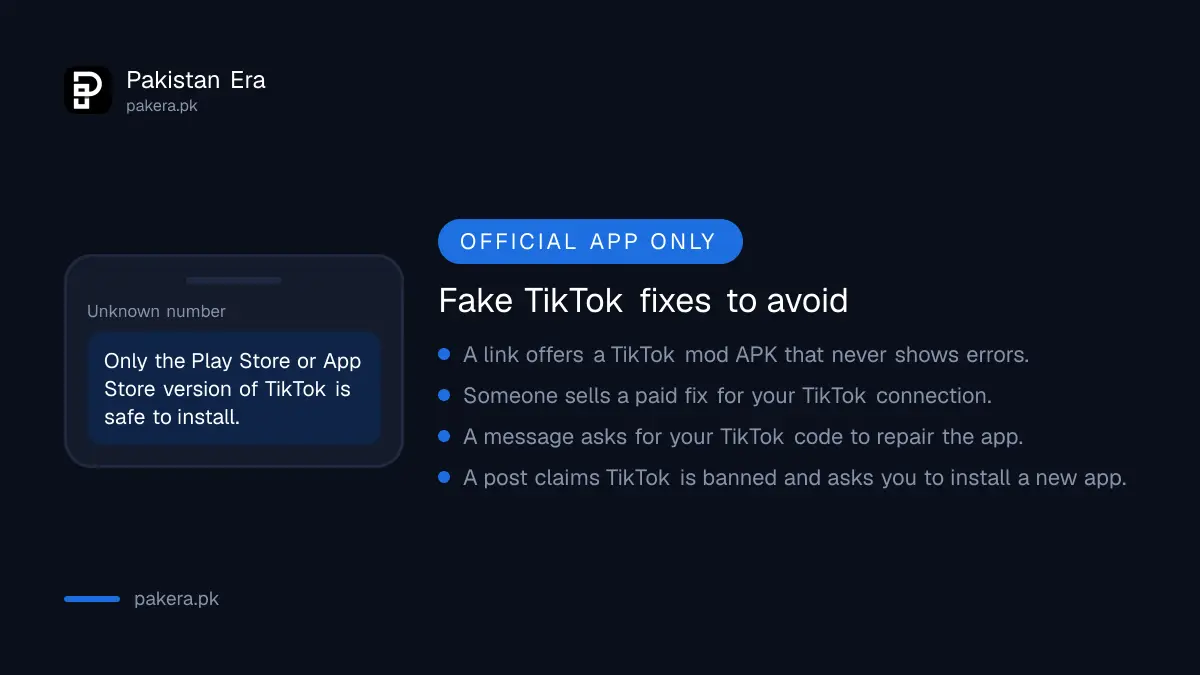
Do not install "TikTok Lite mod", "TikTok Plus" or any APK from a link to get round the error. Those copies are not from TikTok, and they can steal your login. Download TikTok only from the Play Store or the App Store.
Common questions about the TikTok no internet error
Is TikTok banned in Pakistan right now?
No. The PTA said on 5 November 2026 that a notice claiming a TikTok ban was fake and that it had issued no such order.
Why does TikTok say no internet when WhatsApp works?
TikTok streams video and needs a stronger connection than chat apps. A used-up social bundle or a mobile data block on TikTok alone can also cause it.
Will clearing the TikTok cache delete my videos?
No. Clearing the cache removes temporary files only. Your account, posted videos and likes stay. Drafts are separate, so do not delete them by mistake.
Why does TikTok work on Wi-Fi but not on mobile data?
Your bundle may have run out, or mobile data may be turned off for TikTok in the phone's settings. Check both before anything else.
How do I contact TikTok about this error?
In the app, go to Settings and privacy, Help Center, then Chat with us. On a browser, use TikTok's online report form and pick the topic closest to your problem.
How we verified this
What we checked and where we read it.
Last checked 17 November 2026. The fixes come from TikTok's Help Center page Troubleshooting on TikTok, and the reporting steps from its Report a technical problem page. The PTA's statement on the fake TikTok ban notice was issued on 5 November 2026; the authority asks the public to rely on its official website for such notices. Mobile data settings on Android differ by brand, so menu names may vary slightly.
About the author

Technology Journalist & Multimedia Producer
Ahmad Ali is a technology journalist and multimedia producer at Pakistan Era, joining the team in October 2026. He covers consumer technology and digital life for Pakistani readers, combining research with hands-on product testing.