How to Reset Network Settings on iPhone and Pixel to Fix Mobile Data and Wi-Fi in Pakistan
Reset network settings on iPhone and Pixel to fix Wi-Fi and mobile data that will not connect. Try the quick fixes first, then follow the exact menu steps.
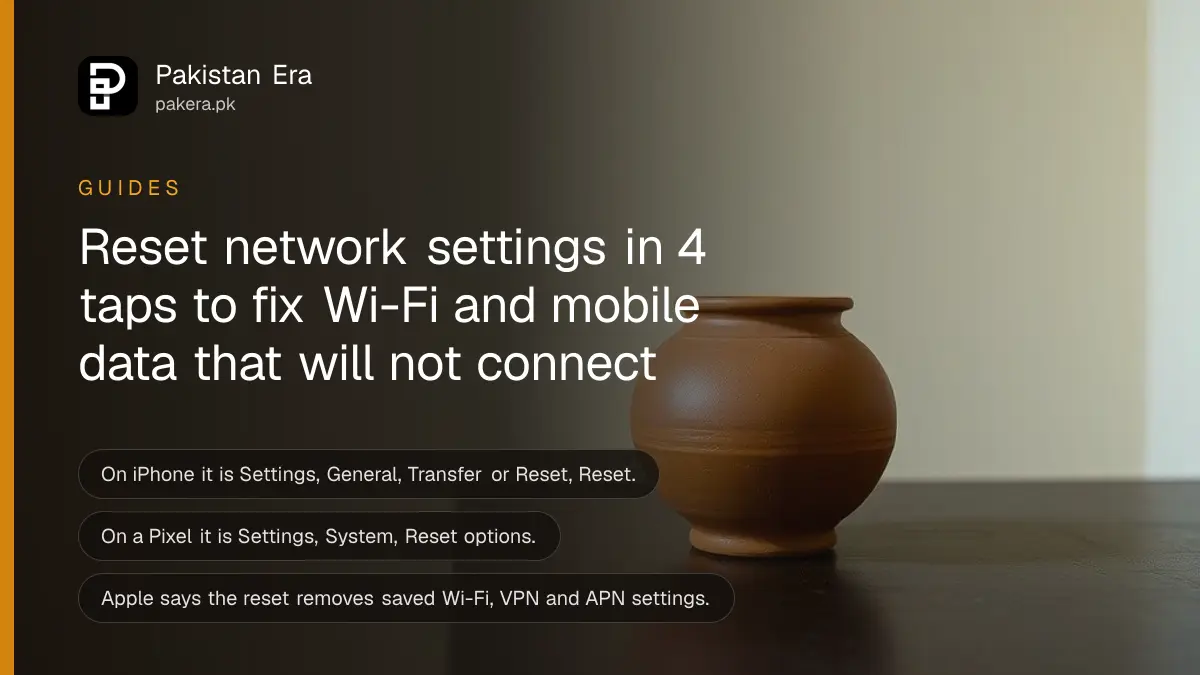
Short answer: On an iPhone, open Settings, General, Transfer or Reset iPhone, Reset, Reset Network Settings. On a Pixel, open Settings, System, Reset options, Reset Bluetooth & Wi-Fi. Both clear saved Wi-Fi networks, so write down your Wi-Fi passwords first. Try the simple fixes before you reset.
Your SIM is fine, your package is active, and the phone still shows "No Internet". Before you pay for a new SIM or a repair, there is one free step left. Resetting network settings clears a stuck connection without touching your photos or apps.
We read Apple's Wi-Fi troubleshooting page and Google's Pixel Wi-Fi help page on 14 October 2026. We did not run the reset on a Pakistani network, so we cannot promise it fixes a fault on your operator's side.
Try the quick fixes first
Both Apple and Google put the reset late in their lists. First turn Wi-Fi and Airplane mode off and on, restart the phone and the router, and forget then re-add the network. Reset only if these fail.
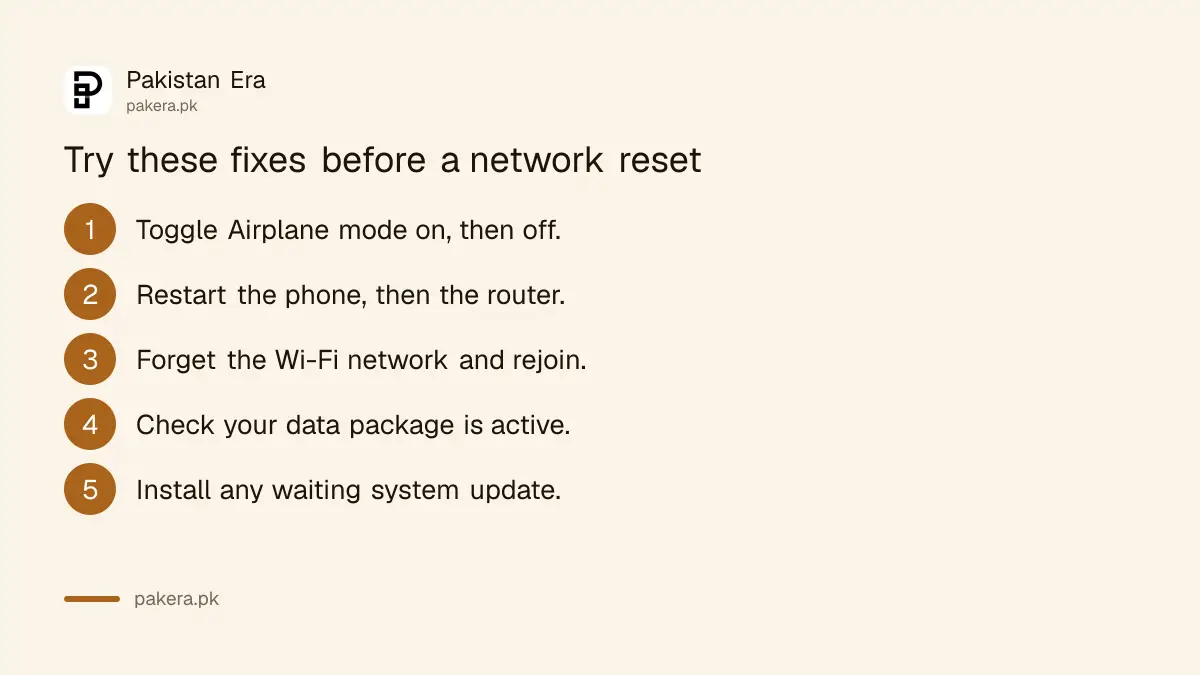
- Switch Airplane mode on for ten seconds, then off.
- Restart your phone. Then restart the router and modem.
- Forget the Wi-Fi network and join it again.
- Check that your data package is active and has balance.
- Install any system update that is waiting.
Google's page also suggests turning on automatic date and time. Apple's page says to try a 5 GHz network band if the router has one, and to move closer to the router. Router position matters too, as shown in simple router placement tips for faster Wi-Fi.
If you are on a PC, not a phone, see how to fix Windows Wi-Fi that says connected but has no internet.
Reset network settings on iPhone
Apple says to open Settings, tap General, then Transfer or Reset iPhone, then Reset, and choose Reset Network Settings. This removes saved Wi-Fi networks and passwords, and cellular, VPN and APN settings. If a school or business manages your phone, ask IT first.
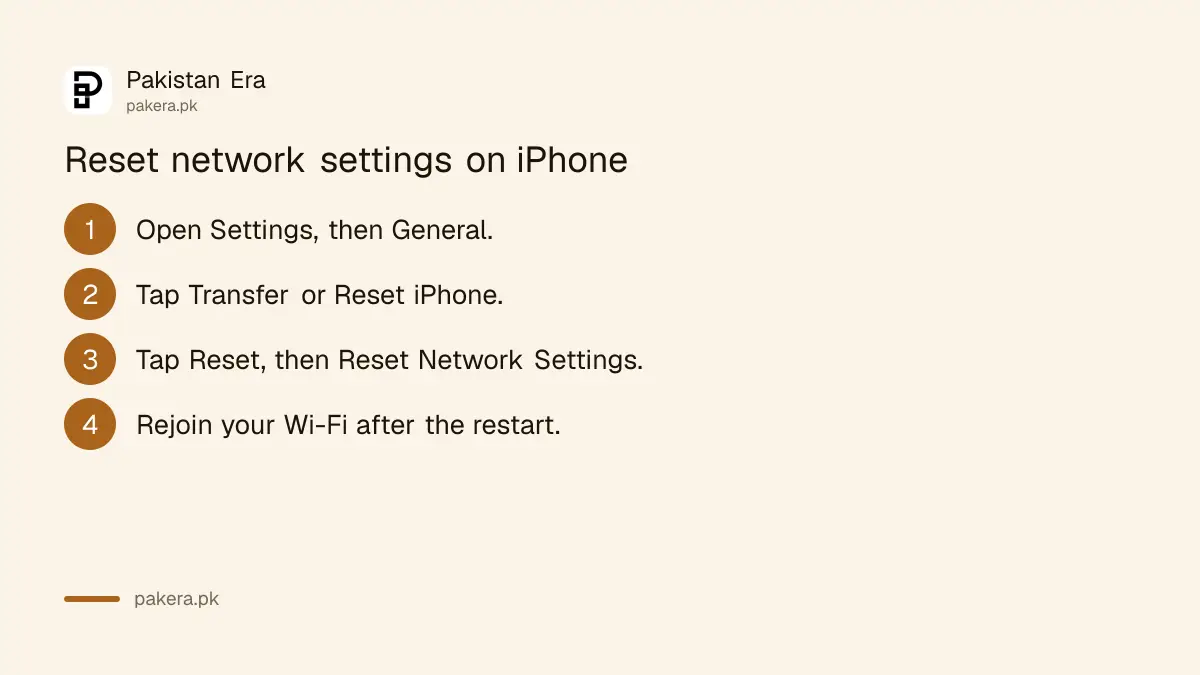
- Open Settings and tap General.
- Tap Transfer or Reset iPhone, then Reset.
- Tap Reset Network Settings and enter your passcode.
- Wait for the restart, then join your Wi-Fi again.
APN means access point name, the setting that tells your phone how to reach your operator's data network. Apple lists it among the things the reset removes. If mobile data does not come back, restart once more and read the Jazz SIM not working fixes. Other operators have their own pages for the same fault.
Do not mix this up with Erase All Content and Settings. That one wipes the phone. Network reset does not.
Reset network settings on a Pixel
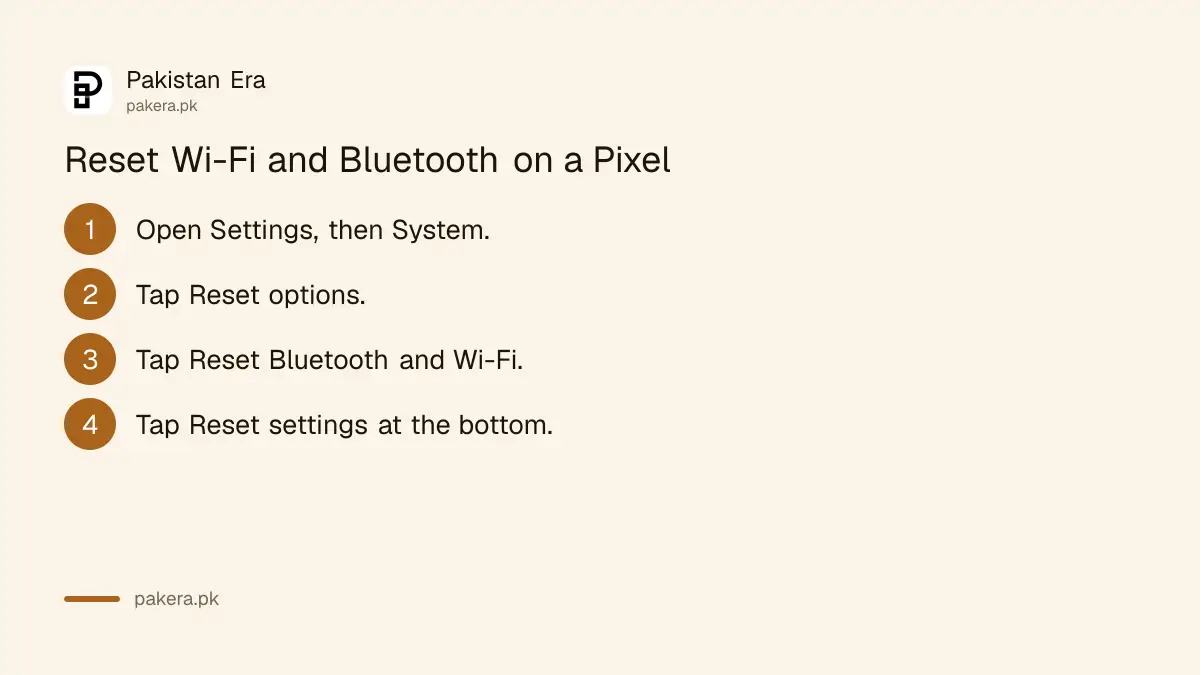
Google's page says to open Settings, tap System, tap Reset options, then tap Reset Bluetooth & Wi-Fi, and tap Reset settings at the bottom. Google's page does not say what the reset erases, so expect to re-pair Bluetooth devices and re-enter Wi-Fi passwords.
Names differ on other Android phones. Samsung, Xiaomi, Oppo and Vivo use their own menus, and ours may not match. In Settings, search for "reset" and look for "Reset Wi-Fi, mobile and Bluetooth" or "Reset network settings".
One caution applies. Some Android versions put the mobile reset in the same menu. Older advice online warns that this can clear SIM data on some phones, and we could not confirm that on Google's page. Make a note of your SIM PIN, and back up anything important before you start.
After the reset
Join your Wi-Fi, re-pair Bluetooth devices, and test mobile data with a page load. Re-add any VPN you set up yourself, since Apple says VPN settings are removed too. If problems remain, test with another SIM or Wi-Fi network to find which side is at fault.
| What you see | Likely cause | Next step |
|---|---|---|
| Wi-Fi works, mobile data does not | Package, SIM or operator fault | Check balance, call your operator |
| Mobile data works, Wi-Fi does not | Router or modem fault | Restart the router, call your provider |
| Neither works | Phone fault or no signal | Try another SIM, then service centre |
| Weak bars only at home | Building or tower problem | Move, or use Wi-Fi calling |
If the signal drops indoors, see how to turn on Wi-Fi calling. If you see "No Service" on an iPhone, try the iPhone no service and SOS fix.
Data use can also spike by itself. Check how to save mobile data on Android and iPhone once you are back online.
Common questions
Will resetting network settings delete my photos?
No. Apple describes it as clearing network settings. Erase All Content and Settings is the option that wipes the phone.
What does it remove on an iPhone?
Apple says it removes saved Wi-Fi networks and passwords, and cellular, VPN and APN settings.
Where is the option on a Pixel?
It is under Settings, System, Reset options, Reset Bluetooth & Wi-Fi. Other Android brands name it differently.
Will I need my Wi-Fi password again?
Yes. Write down the password, or find it on the router label, before you reset.
Should I reset if my operator has an outage?
No. A reset cannot fix a tower or network outage. Check with your operator first.
How we verified this
What we checked, where we read it, and what we could not confirm.
Last checked on 14 October 2026, Pakistan time. We read Apple's Wi-Fi troubleshooting page and Google's Pixel Wi-Fi help page. We did not reset a phone on a Pakistani network. Google's page does not say what its reset erases, and menus on Samsung and other brands differ.
About the author

Technology Journalist & Multimedia Producer
Ahmad Ali is a technology journalist and multimedia producer at Pakistan Era, joining the team in October 2026. He covers consumer technology and digital life for Pakistani readers, combining research with hands-on product testing.