How to Fix No Service, SOS or Searching on Your iPhone in Pakistan
iPhone showing No Service, SOS or Searching in Pakistan? Follow Apple's steps, then rule out a PTA block, a blocked SIM or an outage. Start with quick fixes.
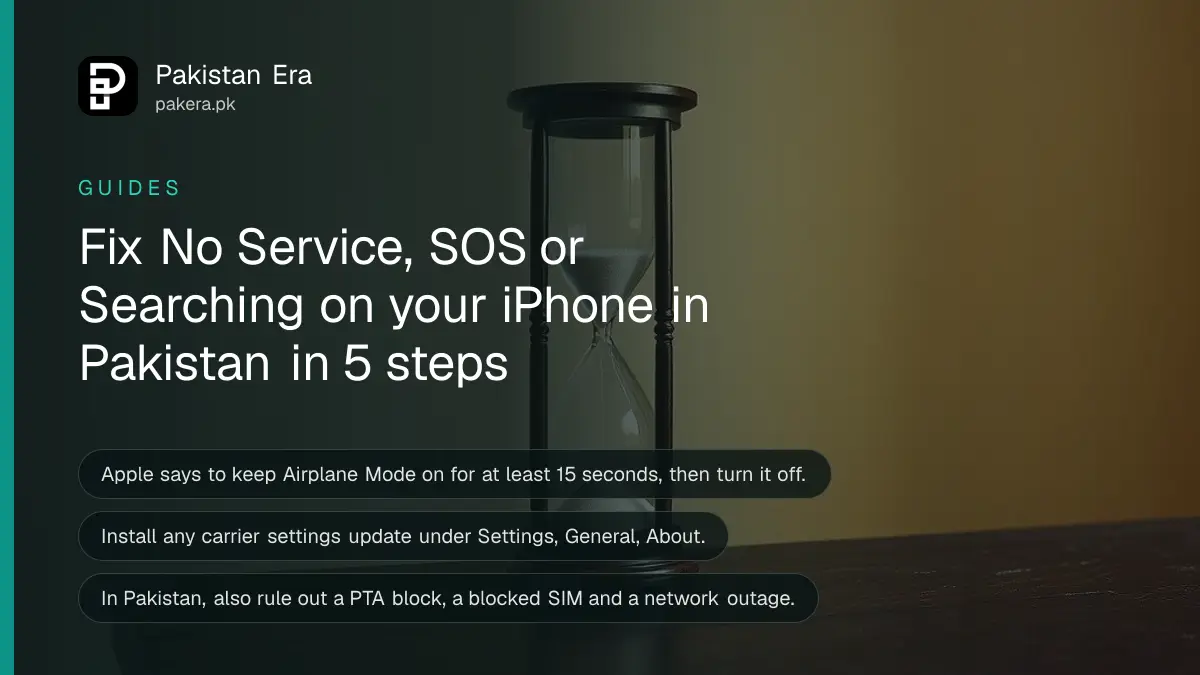
Short answer: Turn Airplane Mode on for at least 15 seconds, then off. Restart the iPhone. Update iOS. Then open Settings, General, About and install any carrier settings update. If it still shows No Service, SOS or Searching, check the SIM line and call your network.
The status bar says No Service just when you need to make a call. It is a small word with a big effect, because the phone cannot call, text or use mobile data on that line.
We read Apple's support page for this problem on 13 October 2026. The steps below follow that page, and we add checks that matter in Pakistan, such as a blocked phone or an unverified SIM. We did not test every step on a live iPhone.
No Service, SOS and Searching mean the iPhone is not on a cellular network
Apple says No Service or Searching in the status bar means the iPhone is not connected to a cellular network. SOS or SOS only means it cannot reach your own network, and it may still place emergency calls through another network in some countries.
Apple names Australia, Canada and the United States for that emergency feature. We could not confirm that Pakistan is included, so do not rely on it. If you see SOS here, treat it as having no service.
Wi-Fi still works while the line is down. WhatsApp calls over Wi-Fi are a short-term way to reach people while you fix the line.
Five quick steps fix most cases
Apple's page starts with a short sequence: refresh the connection, restart, update the software and update carrier settings. Do them in this order, and test the signal after each step, before you move on to the next one.
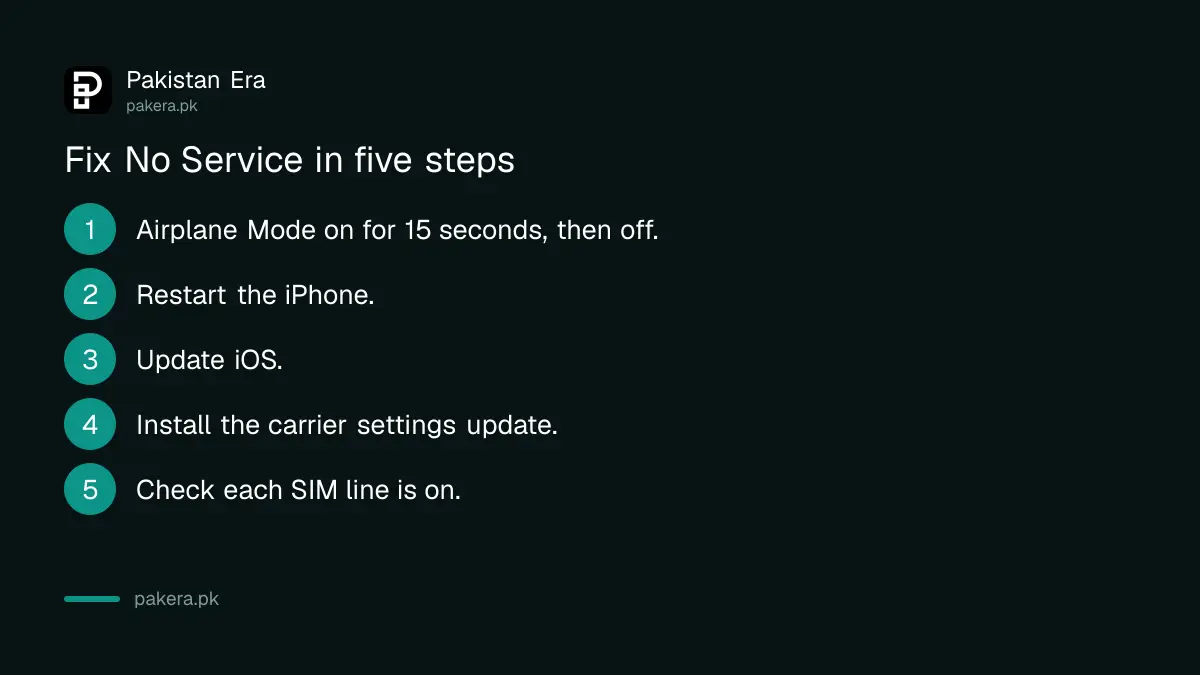
- Open Settings, turn on Airplane Mode, wait at least 15 seconds, then turn it off.
- Restart the iPhone.
- Update to the latest iOS: Settings, General, Software Update.
- Connect to Wi-Fi, then open Settings, General, About. If a carrier settings update is waiting, an option to update appears. Tap it.
- Check the status bar again. If bars come back, the problem was a stuck connection.
Carrier settings are small files from your network that tell the iPhone how to connect to it.
Dual SIM and eSIM iPhones need each line switched on
On an iPhone with two lines, open Settings, then Cellular, and check that each line is on. Apple says to tap Turn On This Line if a line is off. A line you switched off by mistake will show no service.
If you use a physical SIM, switch the iPhone off, remove the SIM tray, and place the SIM back firmly. Apple lists reseating the SIM as a step for phones with physical SIM cards. Use the correct tool and do not force the tray.
Many Pakistani users keep a second line or an eSIM for travel. If you added one recently, check that the other line still has its own data setting. You can read how an eSIM is activated in Pakistan and what PTA allows on eSIM fees and transfers.
In Pakistan, a blocked phone or SIM can look like a signal fault
Apple's page covers the phone. In Pakistan three other causes look the same: a phone PTA has blocked, a SIM the network has blocked, or a local outage. Rule these out before you spend time on settings.
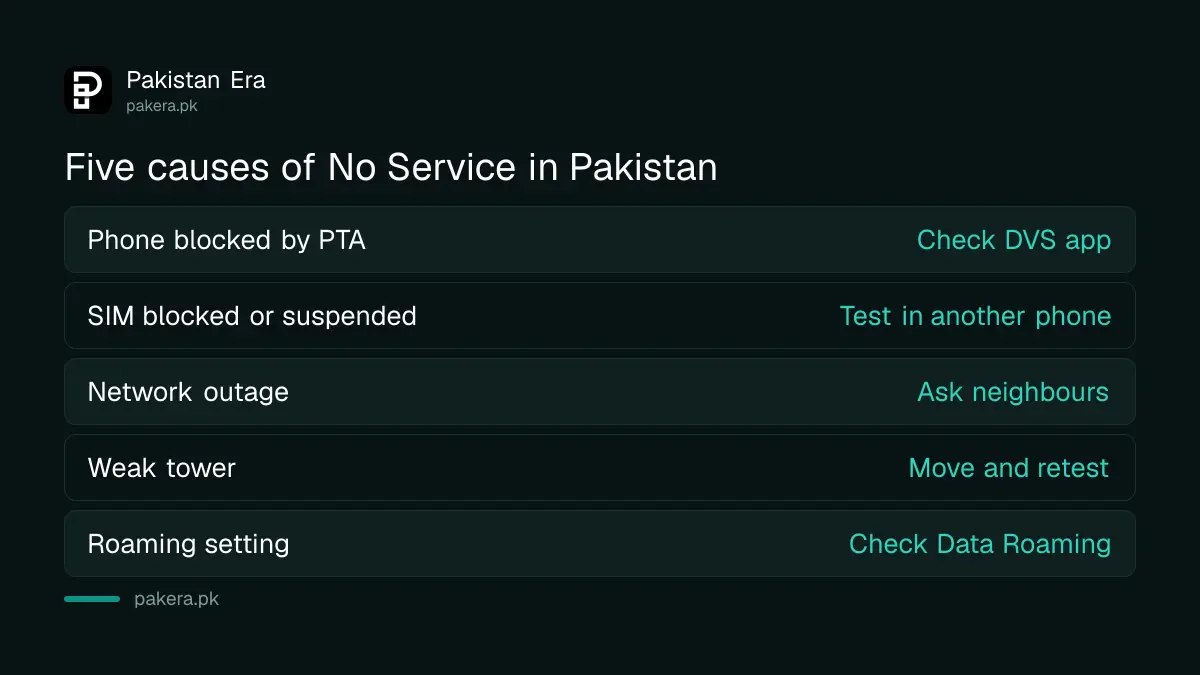
| Cause | How to check it |
|---|---|
| Phone not PTA registered or blocked | Check the IMEI status in PTA's DVS app |
| SIM blocked or suspended | Put the SIM in another phone, or call your network |
| Network outage or planned work | Ask neighbours on the same network |
| Weak tower in your area | Move outdoors or to another room and test |
| Travel or roaming setting | Settings, Cellular, check Data Roaming |
To check the phone, use PTA's DVS app, explained in how to check a phone's PTA status. A SIM that is blocked after a CNIC problem is covered in what happens when a CNIC is cancelled.
The simplest test is the second phone test. Put your SIM in another phone, and put a friend's SIM in yours. If your SIM works elsewhere, the iPhone is the problem. If a friend's SIM fails in your iPhone, the problem is the phone or its settings.
Call your network when the steps do not work
Apple says to contact your carrier to check that your account is active, that you are in an area with coverage, that there is no outage, that the device is not blocked, and that you have the right data plan.
Have your CNIC and the number ready. Ask the agent four questions: is the SIM active, is there an outage near me, is my IMEI blocked, and is the SIM registered on the right line. Write down the complaint number.
If the signal drops mostly during load shedding, the cause may be the tower and not your phone. Read why mobile signal goes when the electricity goes. For a weak signal at home, see the legal fixes for weak mobile signal at home.
If the SIM works in other phones and the network says all is fine, contact Apple. Apple says to do that when a hardware problem is suspected.

Common questions
Why does my iPhone say SOS only?
It means the iPhone cannot connect to your network. Apple says it may still make emergency calls through another network in some countries, but we could not confirm that for Pakistan.
How long should Airplane Mode stay on?
Apple says to keep Airplane Mode on for at least 15 seconds, then turn it off.
Where do I update carrier settings?
Connect to Wi-Fi, then open Settings, General, About. If an update is available, you will see an option to update the carrier settings.
My iPhone has two SIMs. What should I check?
Open Settings, then Cellular, and check that each line is on. Tap Turn On This Line if one is off.
Can a PTA block cause No Service?
Yes, a phone that PTA has blocked can lose network access. Check the IMEI status in PTA's DVS app, and call your network to confirm it is not blocked.
Does this also work for Android?
The restart and airplane mode steps are the same idea, but menu names differ. We read only Apple's page, so this page covers the iPhone.
How we verified this
What we checked, where we read it, and what we could not confirm.
Last checked on 13 October 2026, Pakistan time. We read Apple's support page, If you see SOS, No Service or Searching on your iPhone or iPad. We did not read a matching page for Android. The Pakistan checks are our own additions and are not part of Apple's page.
About the author

Technology Journalist & Multimedia Producer
Ahmad Ali is a technology journalist and multimedia producer at Pakistan Era, joining the team in October 2026. He covers consumer technology and digital life for Pakistani readers, combining research with hands-on product testing.