How to Change DNS on Android and Windows in Pakistan: Google 8.8.8.8 or Cloudflare 1.1.1.1
Change DNS on Android with Private DNS (dns.google or one.one.one.one) and on Windows with 8.8.8.8 or 1.1.1.1. Steps, router setting, undo and DNS limits.
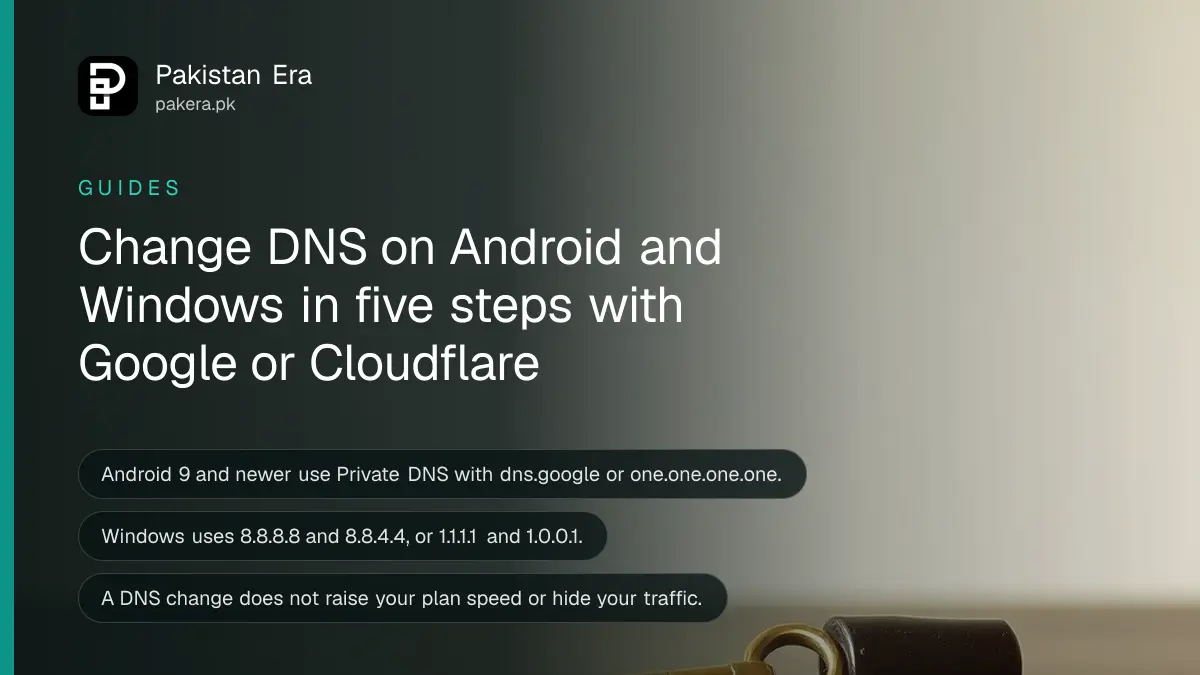
Short answer: To change DNS on Android 9 or newer, open Settings, Network and internet, Advanced, Private DNS, choose the hostname option and type dns.google for Google or one.one.one.one for Cloudflare. On Windows, set the DNS addresses 8.8.8.8 and 8.8.4.4, or 1.1.1.1 and 1.0.0.1, in your adapter's IPv4 properties.
DNS is the phone book of the internet. When you type a site name, a DNS server turns it into a number your device can reach. By default your provider runs that server. Some people switch to Google or Cloudflare when pages load slowly or a site name fails to open.
We opened Google's Public DNS setup page and Cloudflare's 1.1.1.1 Android page on 14 October 2026 and copied the steps and addresses from them. We did not run speed tests, so we make no speed promise.
Know what DNS does and does not change
A DNS change only decides who answers the name lookup. It does not raise your plan speed, and neither Google nor Cloudflare promises that it will. A slow line stays slow. A lookup that failed or took long can get better.
It also does not hide what you do from your provider. If you want that, you need other tools, and Pakistan has rules on them: see how to register a VPN with PTA.
Measure first so you can compare. PTA's speed test method gives you ping, download and upload numbers before and after the change.
Change DNS on Android with Private DNS
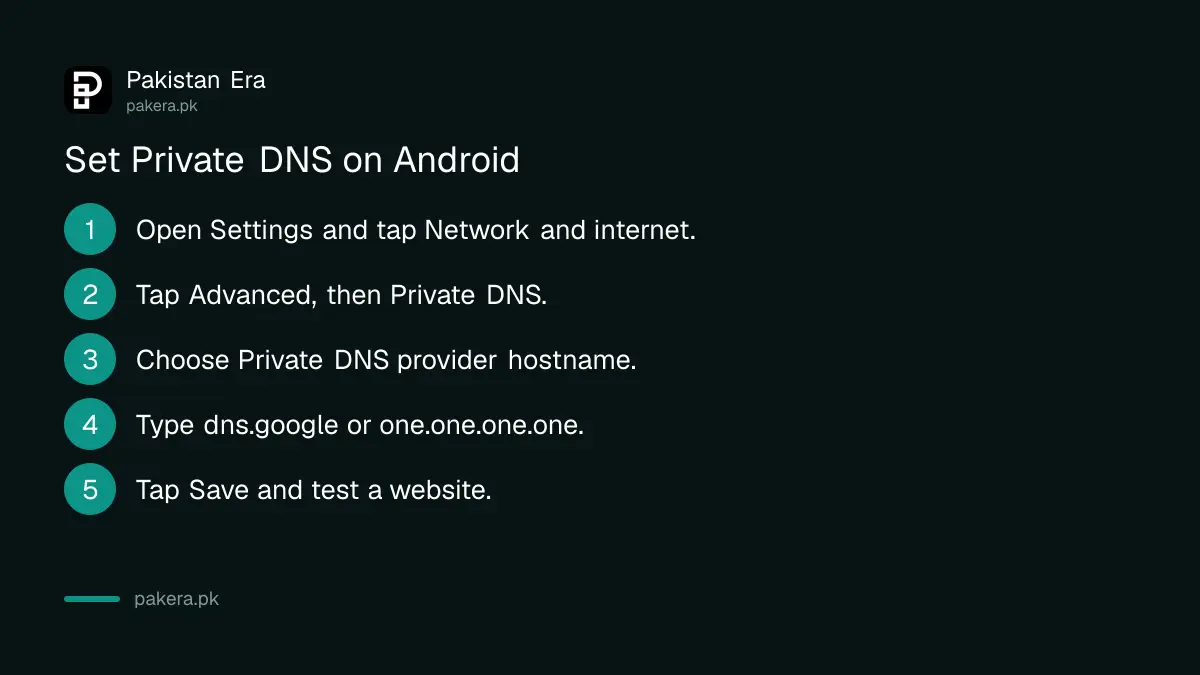
On Android 9 and newer, open Settings, then Network and internet, then Advanced, then Private DNS. Pick "Private DNS provider hostname", type the hostname and tap Save. Both Google and Cloudflare describe these same steps on their setup pages.
- Open Settings and tap Network and internet.
- Tap Advanced, then Private DNS.
- Choose Private DNS provider hostname.
- Type dns.google, or one.one.one.one, in the box.
- Tap Save and open a website to test it.
Menu names can differ between phone makers. Search "Private DNS" in the Settings search box if you cannot find it.
Cloudflare also offers two filtered hostnames: security.cloudflare-dns.com blocks known malware, and family.cloudflare-dns.com blocks malware and adult content. The second can be handy on a child's phone, next to PTA's free parental control list.
Change DNS on Windows
Google's page gives the Windows 10 route through the Control Panel. Open Network and Sharing Center, choose Change adapter settings, open the properties of your Wi-Fi or Ethernet connection, select Internet Protocol Version 4, and enter the DNS addresses by hand.
- Open Control Panel, then Network and Internet, then Network and Sharing Center.
- Click Change adapter settings.
- Right click your Wi-Fi or Ethernet connection and choose Properties.
- Select Internet Protocol Version 4 and click Properties.
- Choose "Use the following DNS server addresses".
- Enter the preferred and alternate addresses from the table below, then click OK.
| Provider | IPv4 addresses | Android hostname |
|---|---|---|
| Google Public DNS | 8.8.8.8 and 8.8.4.4 | dns.google |
| Cloudflare 1.1.1.1 | 1.1.1.1 and 1.0.0.1 | one.one.one.one |
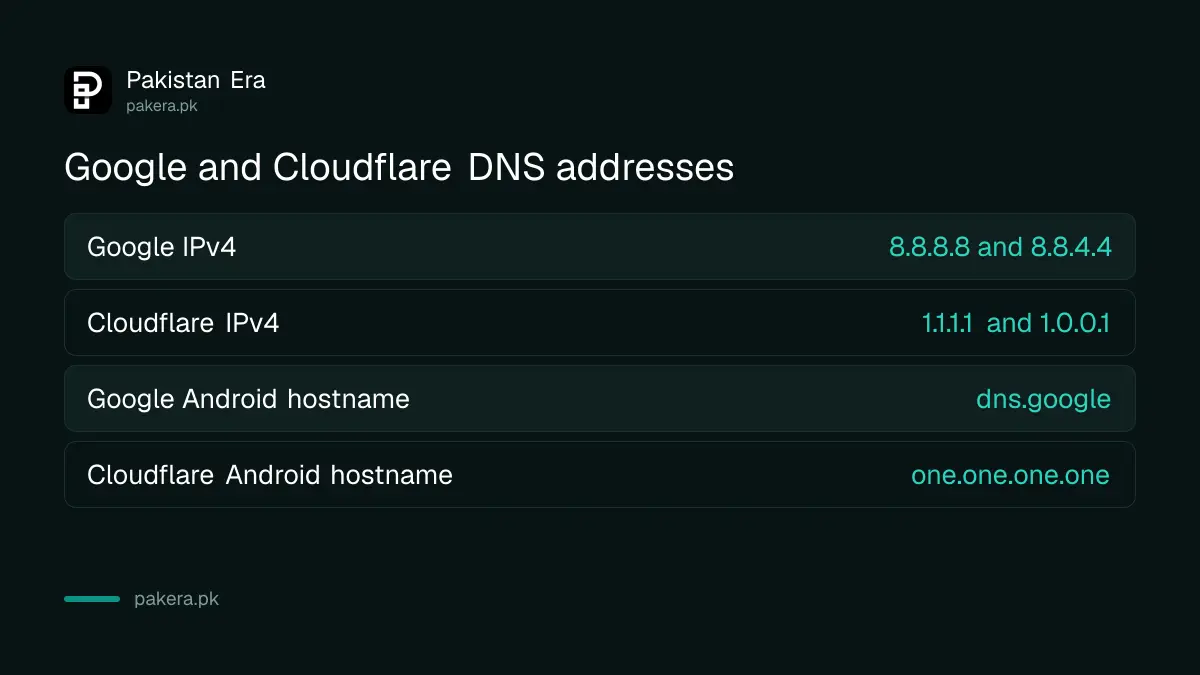
For IPv6, Google lists 2001:4860:4860::8888 and 2001:4860:4860::8844. Cloudflare lists 2606:4700:4700::1111 and 2606:4700:4700::1001. Google's page says to note your old addresses before you replace them, so write them down first. We did not open Cloudflare's Windows page, so we give you only its addresses here.
Change DNS once on the router
Changing DNS on your router covers every device at home. Google's page says to open the router's address in a browser, usually 192.168.0.1 or 192.168.1.1, log in, find the DNS server settings, note the old values, replace them and save.
Check your router's label for its exact address and login. If you never changed the admin password, do that now; our guide on securing your home Wi-Fi router shows how. Some providers lock the DNS field on their own routers. If you cannot find it, set DNS on each device instead.
A phone on mobile data uses the phone's own setting, not your router. That is why Private DNS on Android is worth setting even when the router is done.
Undo the change if something breaks
If a site or app stops working, return to the same screen and restore what you wrote down. On Android choose Automatic or Off for Private DNS. On Windows choose "Obtain DNS server address automatically". Then restart the browser.
If problems continue after you undo it, the fault is elsewhere; our page on fixing Wi-Fi that says connected but has no internet covers the next checks, and PTA's slow internet complaint route covers the provider.
Common questions
What is the best DNS for Pakistan?
There is no single best one. Google (8.8.8.8) and Cloudflare (1.1.1.1) are the two big public choices. Test each and keep the one that works better on your line.
Will changing DNS make my internet faster?
It may speed up the first lookup of a site, but it does not raise your plan speed. Neither Google nor Cloudflare promises a speed gain.
Is Private DNS available on every Android phone?
It is available on Android 9 and newer, according to both providers. Older phones need a per network DNS setting instead.
Does changing DNS bypass a site that PTA has blocked?
We have not tested this and make no claim. DNS is not a legal way around a block, and a blocked site may stay blocked either way.
Can I change DNS on an iPhone?
We did not verify the iPhone steps against Apple's own pages, so we do not list them here.
How we verified this
What we checked, where we read it, and what we could not confirm.
Last checked on 14 October 2026. Sources: Google Public DNS, "Get started" setup page on developers.google.com, and Cloudflare's 1.1.1.1 Android setup page on developers.cloudflare.com. We did not time any lookup. Menu names on Android differ by maker, and providers can change addresses or hostnames.
About the author

Technology Journalist & Multimedia Producer
Ahmad Ali is a technology journalist and multimedia producer at Pakistan Era, joining the team in October 2026. He covers consumer technology and digital life for Pakistani readers, combining research with hands-on product testing.