Set Up Parental Controls on Your Child's Phone in Pakistan: PTA's Free List
PTA's online safety list names three free parental control tools and nine paid ones. See which suits an Android phone or iPhone and set it up in six steps.
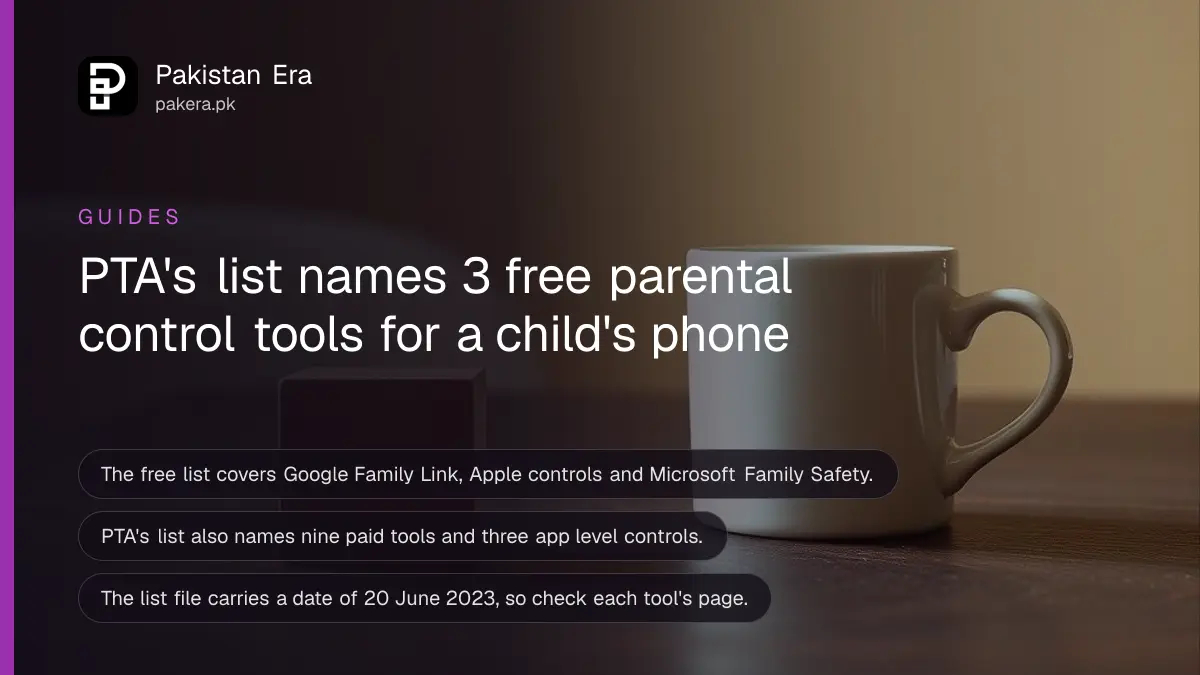
Short answer: PTA's online safety page lists three free parental control tools: Microsoft Family Safety, Google Family Link and Apple's parental controls, plus nine paid tools. For a child's phone, use Family Link on Android or Apple's Screen Time controls on iPhone, then add each app's own family setting for YouTube Kids, TikTok and Messenger.
A ten year old has her first phone. Within a week she is on a video app you have never opened, with a chat box under every clip. You do not need an expensive tool to see what she sees. The regulator has a list, and the best three tools on it cost nothing.
We downloaded PTA's Parental Control Software list on 12 October 2026. The file is dated 20 June 2023 in its name, so it is not new. We read it for what it names, and we checked that it is still linked from PTA's site map. We did not install or test any of the tools.
PTA's list has free tools, paid tools and app level controls
The PDF has three tables. A free list of three tools, a paid list of nine tools, and a short list of social media safety tools for YouTube Kids, TikTok Family Pairing and Facebook Messenger's parent dashboard. Each row names a platform it supports and links to a setup guide.
| Tool on PTA's free list | Works on | Best for |
|---|---|---|
| Google Family Link | Android phones and Chromebooks | A child's own Android phone |
| Apple parental controls | iPhone and iPad | A child on an iPhone or iPad |
| Microsoft Family Safety | Windows PCs and Android | A shared family computer |
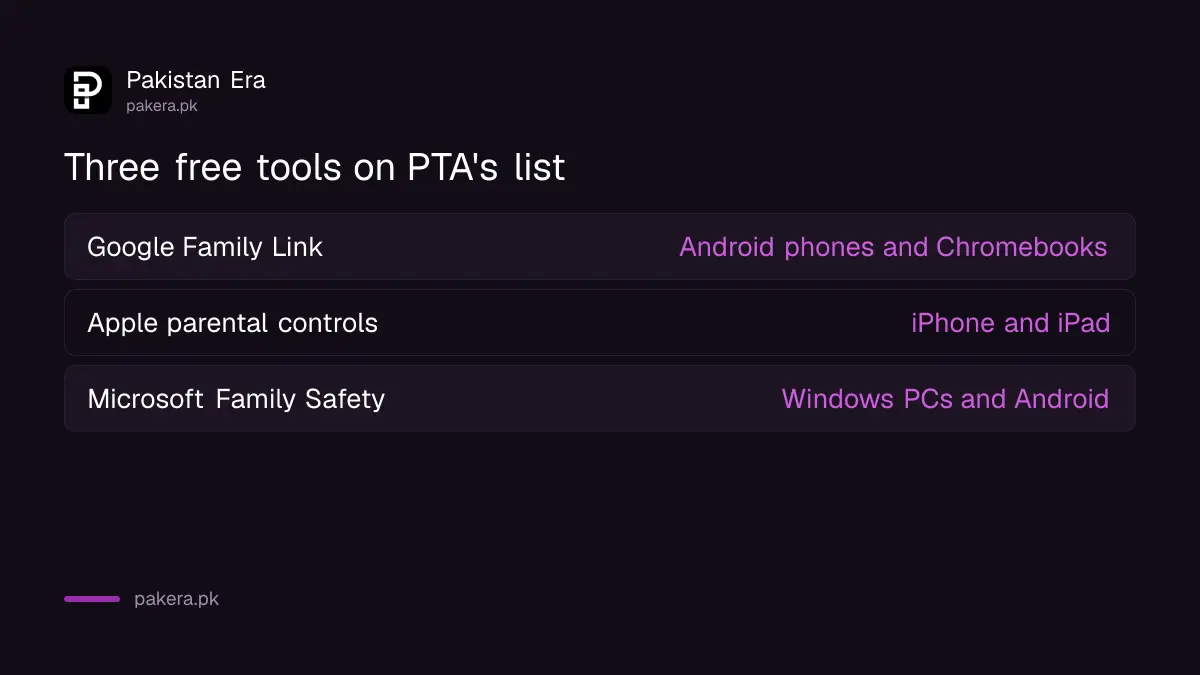
The platform column in the PDF is laid out as a grid, and we matched each tool to its platforms by row order. Check the platform note on the tool's own page before you install.
PTA keeps the list on its Online Safety Guide
PTA's site map places the list under Consumer Awareness and Online Safety Guide, and again under Quick Links. In 2026 PTA also signed documents on online safety for children and youth with two large platforms, which we know from the titles of its press releases of 21 July and 20 August 2026.
We read only the titles of those releases, so we cannot tell you what each tool or platform has agreed to do. What we can say is that PTA treats child online safety as part of its job, and the parental control list is its practical page for families.
Set up one tool in six steps
Pick the tool for your child's phone, install it on your phone first, link your child's account, set time limits and content filters, and review the activity report weekly. Tell your child what the tool does. A hidden filter usually ends with a hidden second account.
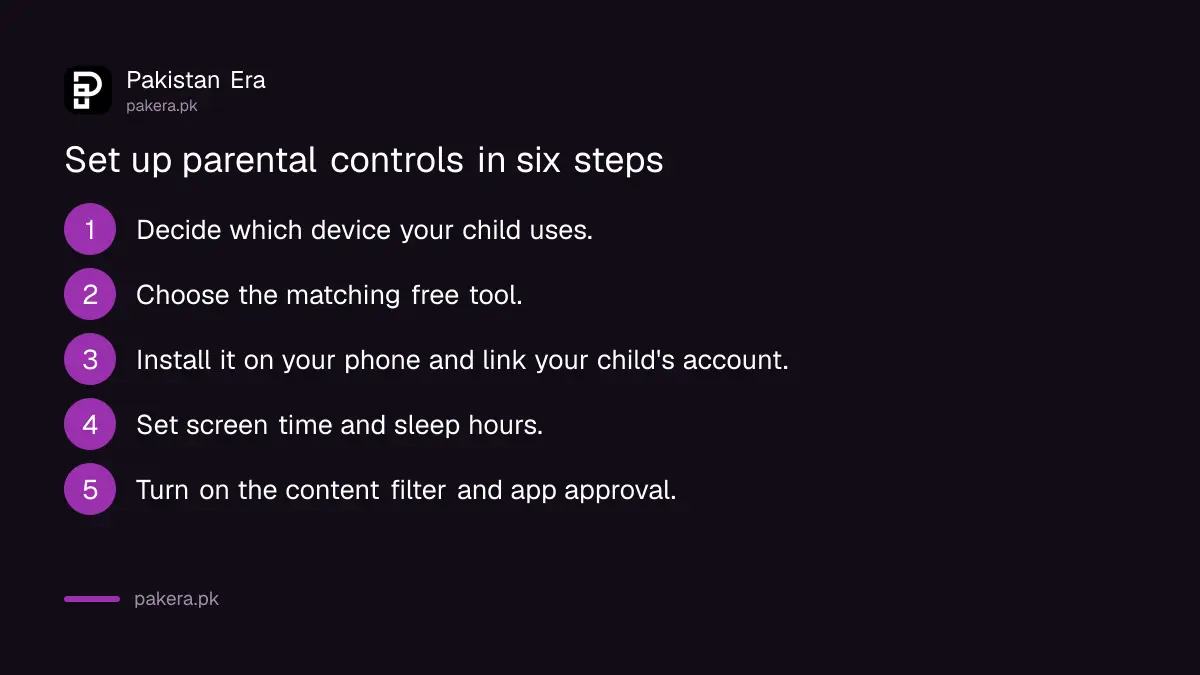
- Decide which device your child uses: Android, iPhone, or a shared computer.
- Choose the matching free tool from the table above.
- Install it on your own phone, then link your child's account.
- Set daily screen time and the hours the phone sleeps.
- Turn on the content filter and app approval for new downloads.
- Check the activity report once a week and talk about what you see.
For a teen, the controls inside the apps matter as much as the phone level tool. We have written the steps for WhatsApp parental controls for a teen, TikTok Family Pairing and YouTube Kids and supervised YouTube accounts.
What the tools cannot do
A parental control tool limits and reports. It does not make a child safe by itself. A child can make a second account on a friend's phone, or use a school computer. Bullying and scams reach children through any app they use, so the talk matters more than the filter.
Be careful with paid tools too. PTA's list names nine, but listing a tool is not an approval of it, and we did not test them. Read what data a tool collects about your child before you pay.
If your child meets harmful content or a scam online, you can report it. PTA's page for reporting unlawful content is covered in reporting unlawful online content to PTA.
Common questions
Does PTA publish a list of parental control software?
Yes. PTA has a Parental Control Software list under its Online Safety Guide, with three free tools, nine paid tools and three social media safety tools.
Which free tool is best for an Android phone?
Google Family Link is the Android and Chromebook tool on PTA's free list. Install it on your phone and link your child's account.
Which free tool works on an iPhone?
Apple's own parental controls. PTA's list names them as the iPhone and iPad option.
Is the PTA list up to date?
Its file name carries a date of 20 June 2023, so check each tool's own page for current features and supported phones.
At what age should I start?
PTA's list gives no age. Start when your child gets a device, and loosen the limits as they grow. Talk with them about each limit.
Do these tools stop strangers messaging my child?
Not by themselves. Use each app's own privacy setting for who can message or contact your child, and review it with them.
How we verified this
What we checked, where we read it, and what we could not confirm.
We read PTA's Parental Control Software list and its site map on 12 October 2026. Tools and app settings change. Check each tool's own page before you install it.
About the author

Technology Journalist & Multimedia Producer
Ahmad Ali is a technology journalist and multimedia producer at Pakistan Era, joining the team in October 2026. He covers consumer technology and digital life for Pakistani readers, combining research with hands-on product testing.