How to Set Up TikTok Family Pairing for Your Teen in Pakistan
Link your account to your teen's TikTok with Family Pairing. See the six steps, the default one hour limit, quiet hours and message controls. Set it up today.
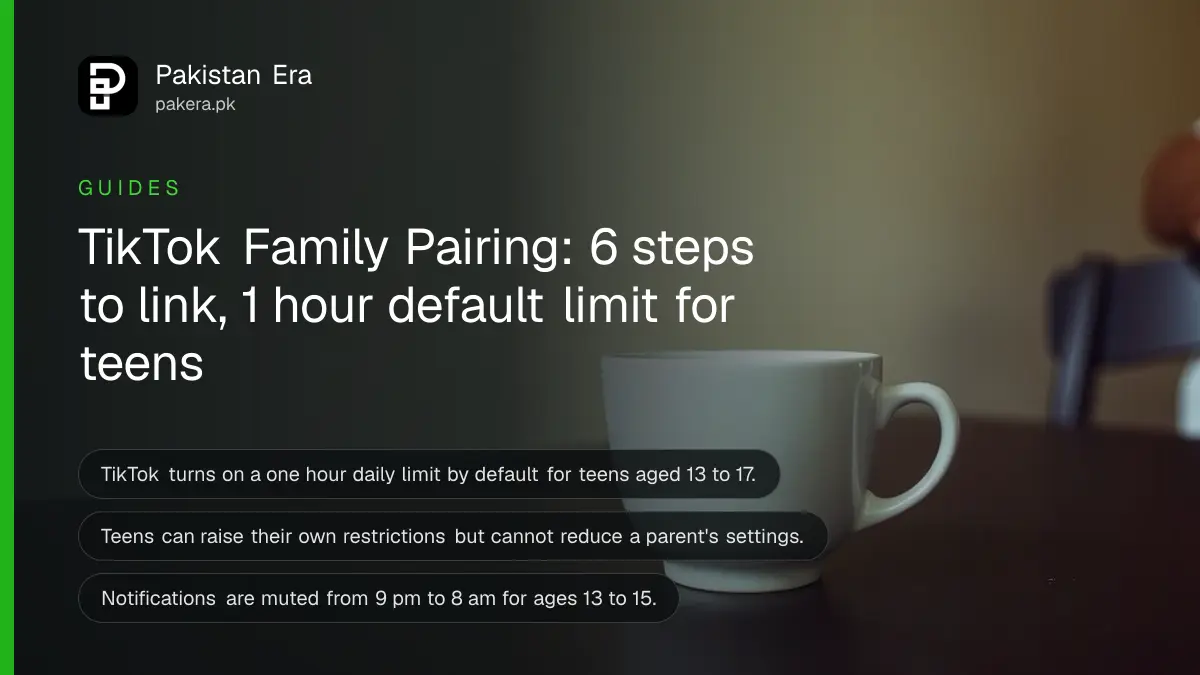
Short answer: In the TikTok app, tap Profile, then the Menu, then Settings and privacy, then Family Pairing. Tap Continue, choose Parent or Teen, tap Next and follow the steps to link the two accounts. A parent can then set screen time, mute notifications and control messages.
A teenager's TikTok feed does not close when dinner is served. Family Pairing is TikTok's own tool for parents who want limits without taking the phone away. It needs both accounts, one for the parent and one for the teen.
We read TikTok's Support page on Family Pairing on 11 October 2026. We did not link two accounts ourselves, so the steps and controls below are as TikTok lists them. Some features are not available in every country, and TikTok does not say which ones are live in Pakistan.
Family Pairing links a parent account to a teen account
Family Pairing lets parents, guardians and teens customise safety settings. TikTok says teens can always increase their own restrictions, but cannot reduce those set by the parent. The parent controls are set from the parent's own TikTok account, once the two accounts are linked.
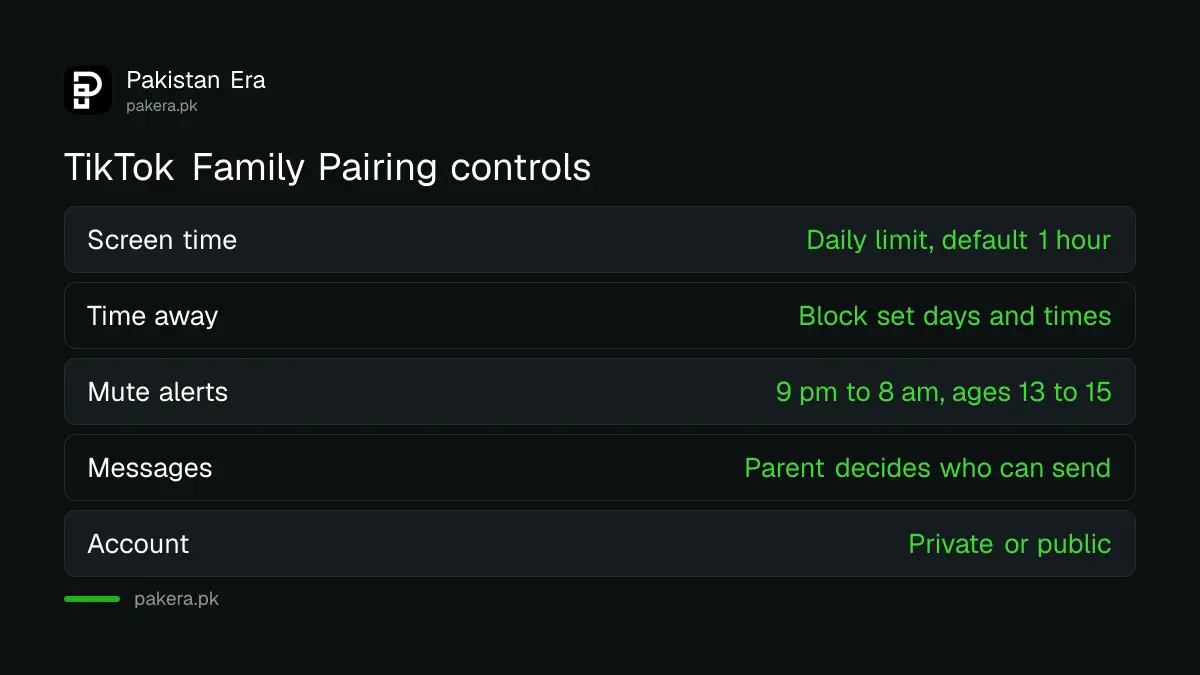
| Control | What the parent can do |
|---|---|
| Daily screen time | Set a limit for all of the teen's devices |
| Screen time dashboard | See daily time for the current week and 3 earlier weeks |
| Schedule time away | Block TikTok on chosen days and times |
| Mute push notifications | Set quiet hours for alerts |
| Direct messages | Decide who can message the teen |
| Comments and liked posts | Decide who can comment or see likes |
| Restricted Mode and keywords | Limit content and filter keywords or hashtags |
Set up Family Pairing in six steps
Both people need the TikTok app. On either phone, tap Profile, open the Menu at the top, tap Settings and privacy, then Family Pairing and Continue. Choose Parent or Teen, tap Next, and follow the on screen steps. Follow the on screen steps on both accounts.
- In the TikTok app, tap Profile at the bottom.
- Tap the Menu button at the top, then Settings and privacy.
- Tap Family Pairing, then Continue.
- Tap Parent or Teen, then Next.
- Follow the steps to link the accounts.
- Later, return to Family Pairing, select the account and change settings.
Do it together, with the teen next to you. A rule agreed at the table is kept longer than a rule found by surprise.
Screen time limits and quiet hours have defaults
For teens aged 13 to 17, TikTok says the daily screen time setting is turned on by default at one hour. Push notifications are muted by default too: 9 pm to 8 am for ages 13 to 15, and 10 pm to 8 am for ages 16 to 17. A parent can add more quiet time.
One detail catches people. TikTok says the default quiet time overrides any custom time that overlaps with it. Its example: a 13 year old with a custom 11 pm to 7 am schedule still follows the default 9 pm to 8 am.
The parent can also get a randomised passcode to enter if they decide to let the teen back on after the limit is reached. The teen can send a request to keep using TikTok during a scheduled time away.
Privacy controls cover who can reach your teen
From Family Pairing the parent can decide whether the account is private or public, who can send direct messages, who can comment, who can see liked posts and who can reuse the teen's videos in Duets, Stitches and Stories. Search and blocked accounts can be managed too.
- Discoverability: private or public account.
- Direct messages: who can send messages or message requests.
- Reuse of content: who can Duet, Stitch or make Stickers with the teen's videos.
- Review teen's settings: a view only list of privacy settings.
TikTok adds a caution about blocking. A blocked person may still show up in multi-host LIVE, shared group chats or in content reuse by others. Blocking is a layer, not a wall.
The same thinking works on other apps. Making an Instagram account private and WhatsApp parental controls for teens give you matching steps. For younger children, a supervised YouTube account does a similar job.
What to do when it does not work as expected
If a control is missing, TikTok says some features, such as the STEM feed and blocking through Family Pairing, are not available everywhere. If the account itself is restricted, you need an appeal, not a setting. Keep screenshots of what you see.
- Update the TikTok app on both phones, then try the Family Pairing menu again.
- Check that both people tapped the right role, Parent or Teen.
- Turn on "Customized updates and more" push notifications to be told if the accounts become unlinked.
If a teen's account is banned or suspended, follow the TikTok ban appeal steps. TikTok also notes that Restricted Mode and daily screen time limits prevent a teen from logging out or switching accounts in the app.
Common questions
Where is Family Pairing in TikTok?
Go to Profile, then Menu, then Settings and privacy, then Family Pairing.
Can my teen turn off Family Pairing limits?
No for settings you set. TikTok says teens can increase their own restrictions but cannot reduce those set by a parent.
What is the default screen time for teens?
One hour a day for teens aged 13 to 17, according to TikTok's Support page.
Can I see what my teen watches?
The page describes a screen time dashboard with daily time used. It does not list a view of watched videos.
When are notifications muted by default?
From 9 pm to 8 am for ages 13 to 15, and 10 pm to 8 am for ages 16 to 17.
Is Family Pairing free?
The page mentions no charge. It is a setting inside the TikTok app.
How we verified this
What we checked, where we read it, and what we could not confirm.
Last checked on 11 October 2026 against TikTok's Support page Family Pairing. TikTok updates its controls often, so match the labels on your own screen. Which features are live in Pakistan is not stated on the page.
About the author

Technology Journalist & Multimedia Producer
Ahmad Ali is a technology journalist and multimedia producer at Pakistan Era, joining the team in October 2026. He covers consumer technology and digital life for Pakistani readers, combining research with hands-on product testing.