Check Internet Speed Like PTA Does: Its Speed Test App Method and a Dead Play Store Link
PTA's Speed Test App page explains how it measures ping, download and upload. We found its Play Store link dead on 12 October. Test your speed the same way.
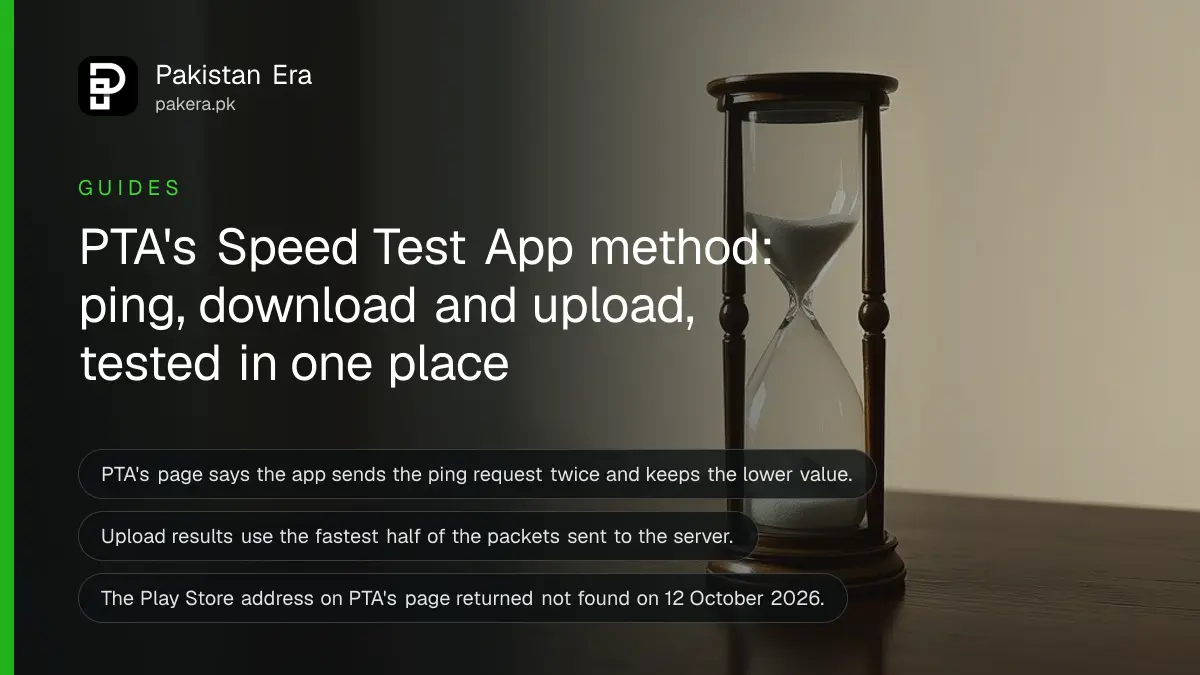
Short answer: PTA publishes its own Speed Test App, and its page explains how the app measures ping, download and upload. But the Google Play address that PTA's page links to returned "not found" when we checked on 12 October 2026. Until PTA fixes the link, use the method below with any speed test.
Your phone shows four bars and a page will not load. You run a speed test and get 3 Mbps. Is that the network, the phone or the test? PTA, the regulator, built an app to answer exactly that, and it wrote down how the app works. That description is more useful than the app itself right now.
We read PTA's Speed Test App page on 12 October 2026 and requested the store address it links to. We did not run the app, because we could not install it. The page text is PTA's. The "we could not find it" part is our own check.
PTA's page says what the app is for
PTA says the app lets users check the internet speed and experience they get from their operators, and confirm the maximum speed they can reach. It also logs your network mode and your operator, so you can compare operators in the same place.
It also logs your location, which PTA says helps identify strong and weak spots for operators. You can send feedback about speed problems from the app. PTA's page lists four features: stop a running test, view past tests in a log tab, save the history to your phone as a CSV file, and delete the history.
| What the app measures | How PTA says it does it |
|---|---|
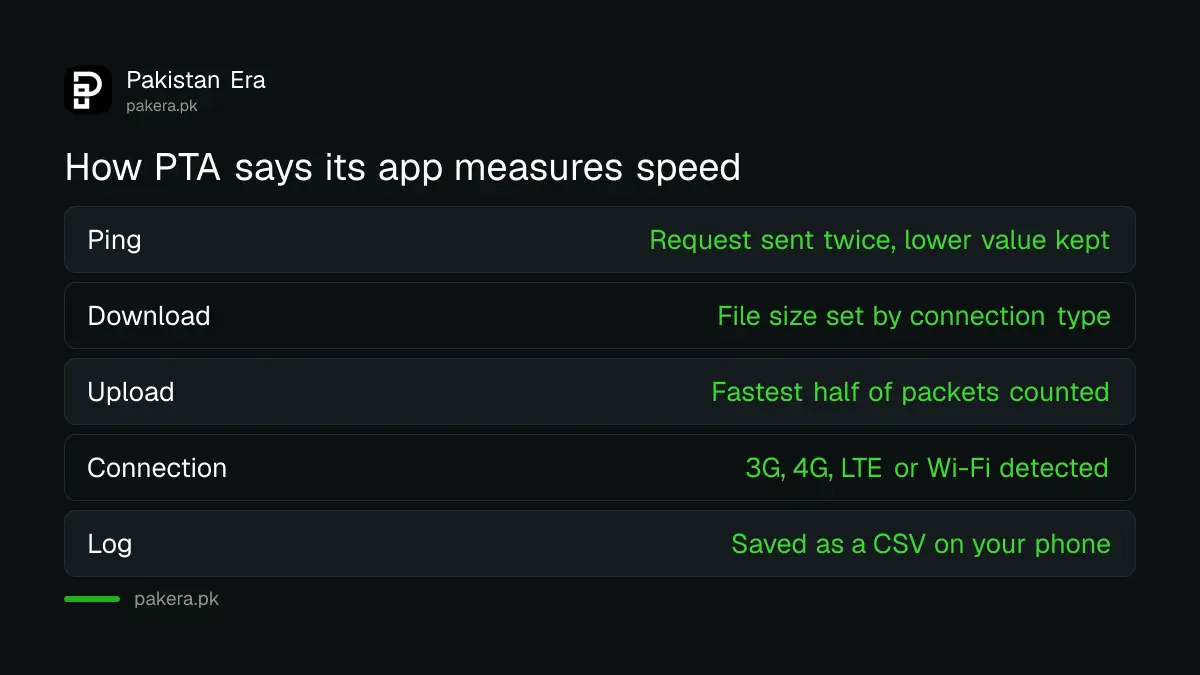
| Ping | Time for a server to answer a web request, sent twice, with the lower value used |
| Download | Data received from a server, counted in bytes per second, with file size chosen by connection type |
| Upload | Data pushed to a server, with packets sorted by speed and the fastest half used for the result |
| Connection type | 3G, 4G, LTE or Wi-Fi, detected by the app |
The Play Store link on PTA's page did not open
The page links to a Google Play listing with the package name ptaspeedtest.smartpakistan.pk. When we requested it on 12 October 2026 from a computer, Google Play answered "not found". Our search of the Apple store for a PTA speed test app returned no results.
Two cautions. A web request from a computer can see a different store than your phone does. And a listing can come back after a short outage. So treat this as "we could not find it", not as proof that the app is gone. If you want to look, search your own store for "PTA Speed Test", and check that the publisher is the Pakistan Telecommunication Authority before you install anything.
The PTA DVS app is a different case. Its listing opened fine for us, and our note on checking a phone's PTA status with the DVS app covers it.
Test your speed the way PTA's method implies
You can copy PTA's logic with any speed test. Note the connection type, test at the same spot several times, look at ping as well as download, and keep a log. A single number tells you little. A log over several days tells you whether to complain.
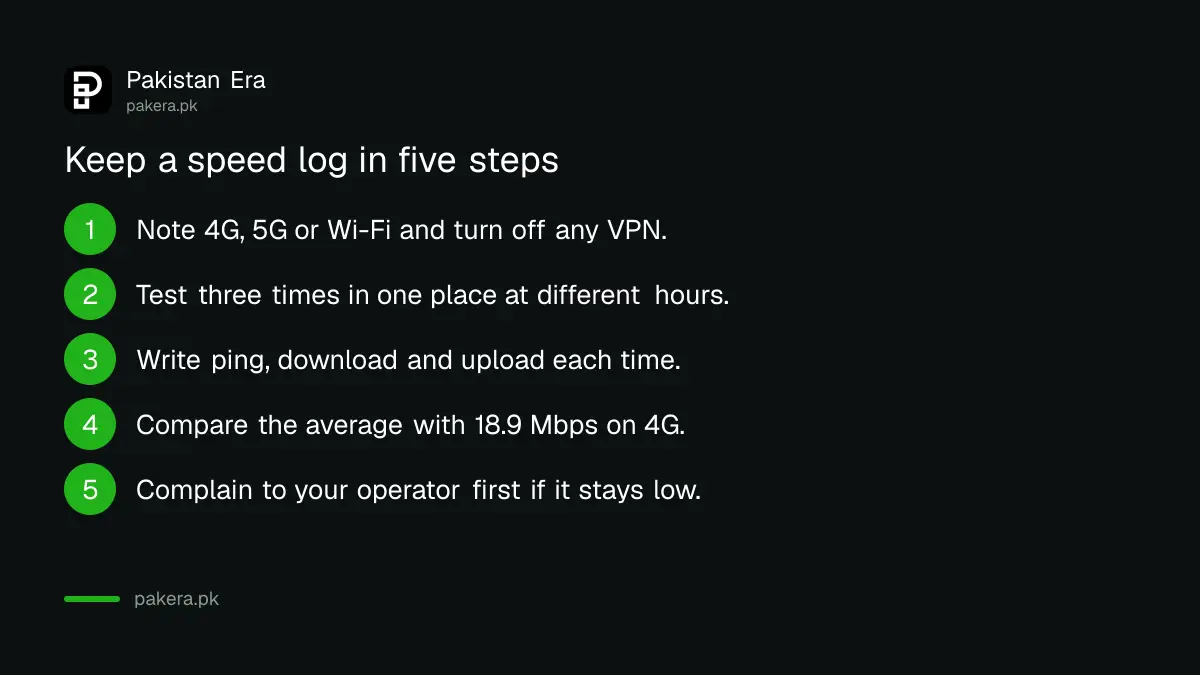
- Check what you are connected to. Note 4G, 5G or Wi-Fi, and turn off any VPN.
- Stay in one place and run the test three times, at different hours.
- Write down ping, download and upload each time, with the time and place.
- Compare your average with the national figures in PTA's Q2 2026 Opensignal average of 18.9 Mbps on 4G.
- If your results stay far below at the same place, file a complaint with your operator first, then PTA.
For operator specific steps, see how to check Jazz internet speed, Zong speed and Ufone speed. Our guide to complaining to PTA about slow internet says what to attach.
What a speed test cannot tell you
A test shows speed between your phone and a test server at one moment. It does not prove a network is bad. Crowded hours, a thick wall or a weak handset can all lower it. That is why PTA's own description uses averages and repeated tests.
The method also cannot prove what you were promised. For home broadband, PTA's rules set a floor of 80 percent of the advertised speed, which our guide to checking home broadband against the 80 percent rule explains. For mobile data there is no per-user promise, only network averages.
Common questions
Does PTA have its own speed test app?
Yes. PTA publishes a Speed Test App page describing it. When we checked on 12 October 2026, the Google Play link on that page returned "not found".
What does the PTA app measure?
Ping, download and upload speed, plus the connection type and your operator. It logs location to help find strong and weak spots.
Can I save my test history?
PTA's page says the app stores each test in a log and can save the history as a CSV file on your phone.
Is an ordinary speed test good enough for a complaint?
Yes, if you keep dated screenshots from several tests at the same place and hour. PTA asks for the facts of the problem, not a specific app.
Why is my download fast but pages still load slowly?
Check ping. A high ping makes pages and calls feel slow even when download speed looks good.
Which number matters most for calls?
Ping and steadiness matter more for calls than headline download speed. If calls crackle on 4G, check your phone's 4G and VoLTE settings first.
How we verified this
What we checked, where we read it, and what we could not confirm.
We read PTA's Speed Test App page on 12 October 2026 and requested the Google Play address it links to. Store availability depends on your country and can change, so check on your own phone.
About the author

Technology Journalist & Multimedia Producer
Ahmad Ali is a technology journalist and multimedia producer at Pakistan Era, joining the team in October 2026. He covers consumer technology and digital life for Pakistani readers, combining research with hands-on product testing.