Facebook Ad Account Restricted or Disabled in Pakistan: Request a Review, the 48 Hour Wait and the 6 Month Rule
Facebook ad account restricted or disabled in Pakistan? Request a review in Business Support Home, pass the identity check and avoid losing prepaid funds.
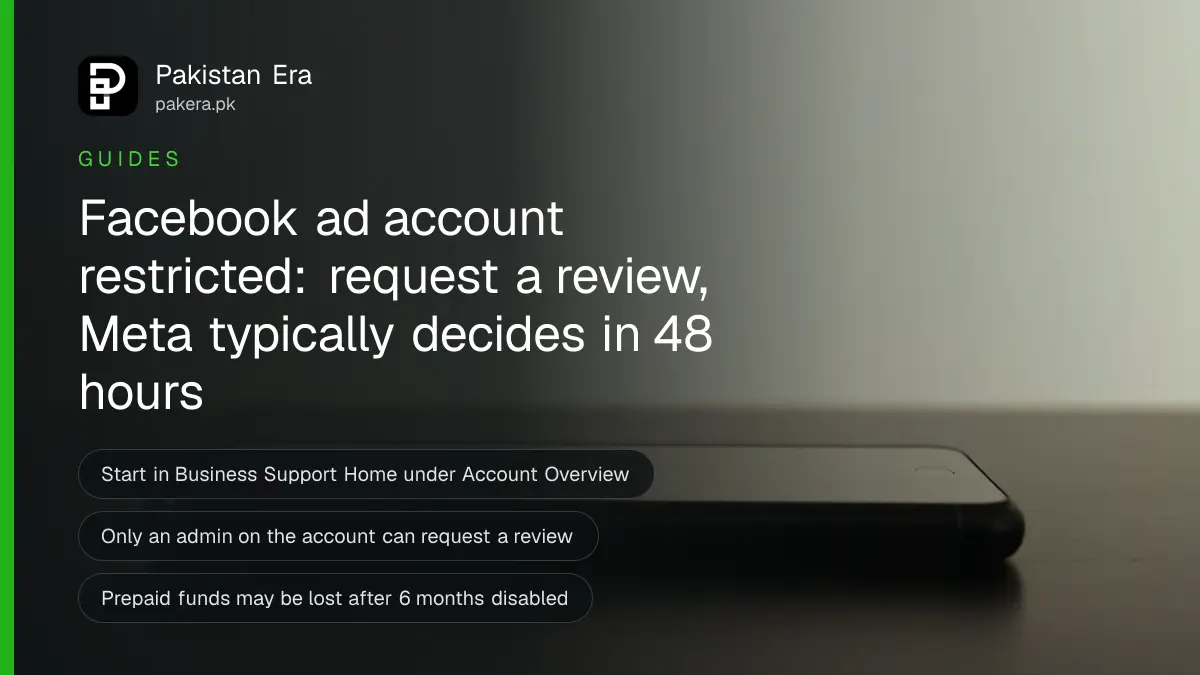
If your Facebook ad account is restricted or disabled in Pakistan, open Meta Business Support Home on a computer, go to Account Overview, select the restricted account and follow the "What you can do" box. That usually means confirming your identity, completing verification or selecting Request review. Meta says a review of an advertising restriction is typically done in 48 hours.
A restricted ad account stops a small business cold. The boosted post for the new stock does not run, the Ramzan or wedding season campaign sits paused, and the money already spent on building an audience stops paying back. Many Pakistani sellers then open a second account, which can make things worse.
We read Meta's own Business Help Center pages and its Advertising Standards on 5 November 2026. This guide follows what those pages say and flags where they disagree. We did not have a restricted account to test, so no step here is described as something we ran.
Find out what Meta restricted
Meta can restrict an ad, an ad account, a Facebook Page, a user account or a whole Business Account. Its Advertising Standards say that a restricted account or asset "can't be used to advertise across our technologies". So the first job is to see which one is blocked.
On a computer, open Meta Business Support Home and choose Account Overview. Meta's help page also calls this Account status overview in the left menu. Select the account that shows a restriction. The box called "What you can do" lists the steps Meta wants from you for that account.
Read it slowly. An ad that was rejected is a different and much smaller problem than a restricted account. We cover the difference further down.
Request a review in 5 steps
Only an admin on the account can request a review, Meta says. If you are an employee with partial access, ask the business owner or the person with full control to do it.
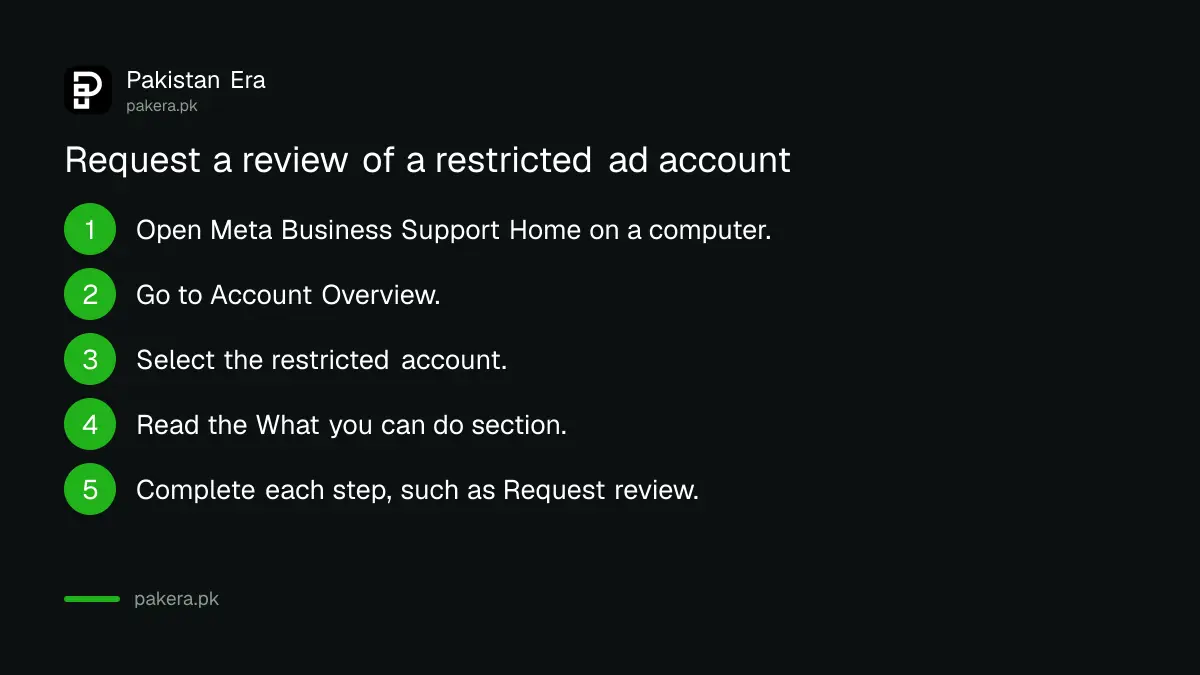
- On a computer, open Meta Business Support Home.
- Go to Account Overview (Account status overview in the left menu).
- Select the restricted account.
- Read the "What you can do" section.
- Complete each step it shows, such as Start verification or Request review.
Meta warns that once you start some of these steps, you may need to finish them within a set time. So have your documents ready before you click.
Meta's pages are not consistent about the name of the place where you request the review. Its Advertising Standards say to request a review "in Account Quality". Its ads review page says to use Business Support Home. In practice both lead to the same account status screen. If one does not show the option, try the other.
What Meta may ask you to do
The steps in the "What you can do" box vary from account to account. These are the ones Meta's help page describes.
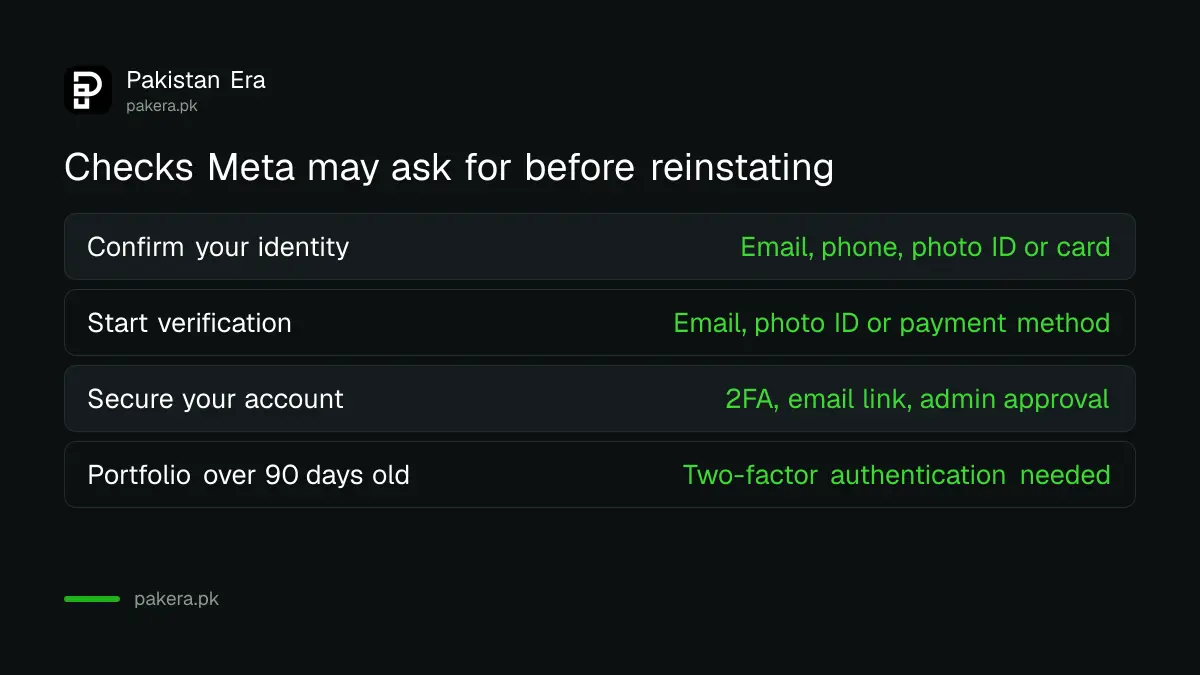
| Step shown | What Meta may ask for | Have this ready |
|---|---|---|
| Confirm your identity | An email or mobile number linked to the account, a photo ID, or a payment method | Your CNIC and the card that pays for the ads |
| Start verification | An associated email, photo ID or payment method | Access to the business email inbox |
| Request review (Secure your account) | Two-factor authentication, a link sent to the business portfolio email, and approval by someone with full control | The phone with your authenticator app |
| Turn on two-factor authentication | Required if the business portfolio is more than 90 days old | An authenticator app or SMS on your number |
The "Have this ready" column is our own suggestion for a Pakistani business, not Meta's wording. The point is simple: the identity check works best when the CNIC, the Facebook profile name and the card all belong to the same person.
Meta says that after you complete the steps, your account "may be reinstated". If more steps are needed, you are sent back to the "What you can do" section.
How long the review takes
Meta gives two different times on two different pages, because they cover two different things.
- A review of an advertising restriction: Meta's ads review page says it is typically completed in 48 hours, though it may take longer. Meta tells you the decision by email.
- The normal review of a new ad: Meta says this is typically completed within 24 hours, though it may take longer.
Neither page promises a time. If 48 hours pass with no email, check the account status screen again before you send another request.
The 6 month rule for disabled accounts
This is the rule many advertisers miss. Meta's help page says that if an ad account is disabled for a policy violation and stays ineligible for reinstatement for 6 months, unused prepaid funds may be forfeited where the law allows. After that point the account cannot be reinstated.
Meta also says it may permanently disable an account before 6 months in some cases, and points to its Payments Terms for the detail.
So do not leave a restricted account sitting for months, and do not keep adding prepaid money to an account that is under review. If you pay through a reseller or agency in rupees, ask them about any balance on the account early. Our guide to checking a Pakistani ads reseller explains the State Bank rule they work under.
Why Meta restricts ad accounts
Meta's ads review page lists the reasons it may restrict a business: severe or repeated policy violations, evading or trying to evade Meta's review and enforcement, and using inauthentic accounts to set up business assets and run ads. Its Advertising Standards add that advertisers who do not follow those standards may be restricted.
From those reasons, these are the checks we would run on a Pakistani account. They are our reading of Meta's rules, not a list Meta publishes:
- Fake or borrowed profiles: running ads from a second profile, or a profile in a friend's name, looks like an inauthentic account.
- New accounts after a ban: opening a fresh ad account to keep running the same ads looks like evading enforcement.
- Repeated rejected ads: many rejected ads in a short time can add up to "repeated violations".
- Card and name mismatch: a card in one name and a profile in another makes the identity step harder to pass.
Payment trouble is a separate issue. If the card is simply declined, see our guide on paying for Google Ads and Meta Ads from Pakistan.
A rejected ad is not a restricted account
If only one ad was rejected, the account is fine. Meta says it emails you with a link to Business Support Home when an ad is rejected. You can then edit the ad to follow the rules, create a new ad, or request another review if you think the rejection was a mistake.
Fix the ad rather than appealing every rejection. Common fixes are removing claims you cannot prove and changing an image that breaks a rule. If it is your personal Facebook profile that is disabled, not the ad account, that is a different process, covered in our guide to a suspended or disabled Facebook account.
Common questions
Where do I request a review for a restricted ad account?
In Meta Business Support Home, under Account Overview. Select the restricted account and follow the "What you can do" steps. Meta's Advertising Standards call this Account Quality.
How long does Meta take to review a restricted ad account?
Meta says a review of an advertising restriction is typically completed in 48 hours, but it may take longer. The decision comes by email.
Who can request the review?
Meta says you must be an admin on the account. An employee with partial access should ask an admin.
Will I lose my prepaid balance?
It can happen. Meta says that if an ad account is disabled for a policy violation and stays ineligible for 6 months, unused prepaid funds may be forfeited where the law allows.
Should I open a new ad account while I wait?
We advise against it. Meta lists evading its review and enforcement as a reason to restrict a business, and a new account running the same ads can look like that.
Why does Meta ask for two-factor authentication?
Meta's help page says a business portfolio more than 90 days old may need two-factor authentication. Without it, access to Meta Business Suite tools may be restricted.
How we verified this
What we checked, where we read it, and what we could not confirm.
Last checked 5 November 2026. We read Meta Business Help Center: troubleshoot a disabled or restricted account, Meta's ads review policy page and Meta's Advertising Standards. We did not request a review ourselves. The "Have this ready" column and the list of checks for Pakistani accounts are our own suggestions. To schedule posts while ads are paused, see scheduling Facebook and Instagram posts for free.
About the author

Founder and Editor
Umer Kureshi founded Pakistan Era in July 2024 and runs it as administrator, SEO lead and writer, overseeing website operations, search growth, content strategy and coverage of technology and current affairs.