How to Schedule Facebook and Instagram Posts for Free in Pakistan
Schedule Facebook and Instagram posts for free with Meta Business Suite: what you need, the phone steps, what it cannot do, and the limits we could not confirm.
You can schedule Facebook and Instagram posts for free with Meta Business Suite. Open the Meta Business Suite app, tap Content, choose Posts, Reels or Stories, tap Create, add your text and media, tap Next, then tap Schedule for later and pick the date and time.
A tailor in Faisalabad posts new suits at 10 pm because that is when the shop is quiet. Customers scroll at lunch time. Scheduling lets you write the post once, in the evening, and have it go out when people are actually looking.
On 7 October 2026 we opened Meta's Business Help Center pages on how Meta Business Suite works, on scheduling from the mobile app, and on Instagram professional accounts. We did not open every desktop page, and we did not run a schedule from our own account for this article. Where a step comes from a source we did not read in full, we say so.
Meta Business Suite is a free tool for Pages and Instagram
Meta describes Business Suite as a free platform that helps small businesses and creators manage their presence across Facebook, Instagram, Threads and WhatsApp. It sits on a business portfolio, which holds your Facebook Page, your Instagram account and the people who can use them.
The tool does more than scheduling. Meta lists a content calendar, a combined inbox for messages and comments, insights and ads. For a shop with one phone and one owner, the calendar and the inbox are the two parts worth learning first.
You need a Page, a role on it and a professional Instagram account
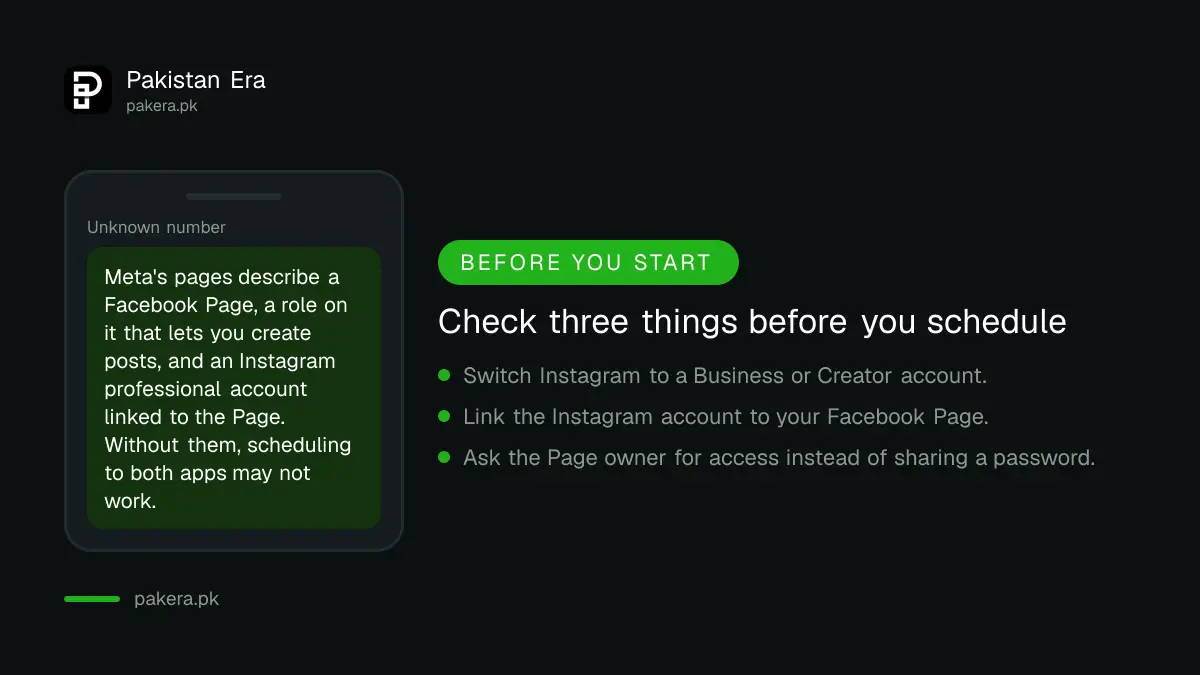
To schedule to both apps you need a Facebook Page you can manage and an Instagram professional account, either Business or Creator, connected to it. A personal Instagram profile does not give you these tools. Meta says to connect the Page to Instagram to get the most from its business tools.
Meta's pages say you need a Page role that lets you create posts. We read this in a Meta page summary and did not find the exact role names, so check your own Page access under settings. If someone else runs the Page, ask them to give you access rather than sharing a password.
- Create or open your Facebook Page for the shop.
- On Instagram, switch to a professional account and pick Business, which Meta says suits local businesses and retailers.
- Connect the Instagram account to the Page.
- Log in to Meta Business Suite and confirm both accounts appear in your business portfolio.
Switching changes how some sharing works. Meta notes that once a Facebook Page is linked, you can share Instagram posts to Facebook only through that Page, not to a personal profile or another Page.
Scheduling a post on your phone takes six taps
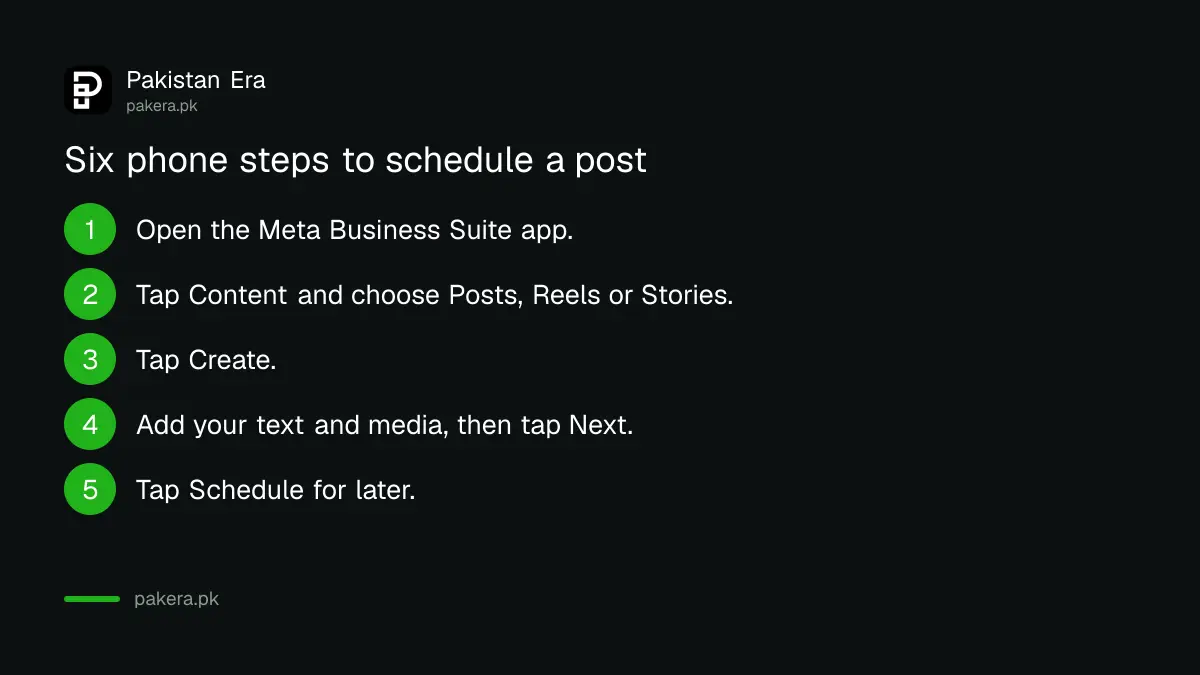
Open the app, tap Content, choose the type, tap Create, add text and media, tap Next, then tap Schedule for later. Pick the date and time and tap Schedule. Meta shows scheduled items in the Planner on the date they will go out.
- Open the Meta Business Suite mobile app.
- Tap Content in the bottom menu.
- Choose Posts, Reels or Stories at the top.
- Tap Create. The first time, allow the app to reach your photos and videos.
- Add your text and media, then tap Next.
- Tap Schedule for later, set the date and time, and tap Schedule.
For Facebook posts you can also tap Save as draft and finish later. To change a time afterwards, open the Planner and reschedule from there. Meta has a separate help page on rescheduling, which we did not open.
On a computer, Meta's search listing for its help page describes the same idea: click the arrow next to Publish, choose Schedule Post and set the time. We did not open that desktop page in full, so follow the labels on your screen.
Good timing comes from your own insights, not a rule
Do not copy a "best time to post" chart from a foreign site. Your customers in Karachi or Multan have their own habits. Meta's insights show when your audience is active, so schedule two or three posts a week and compare them after a month.
Plan the week in one sitting. Write the posts, pick the photos, set the times. Then leave the phone alone. The tool saves effort, but it does not write the post or fix a weak photo.
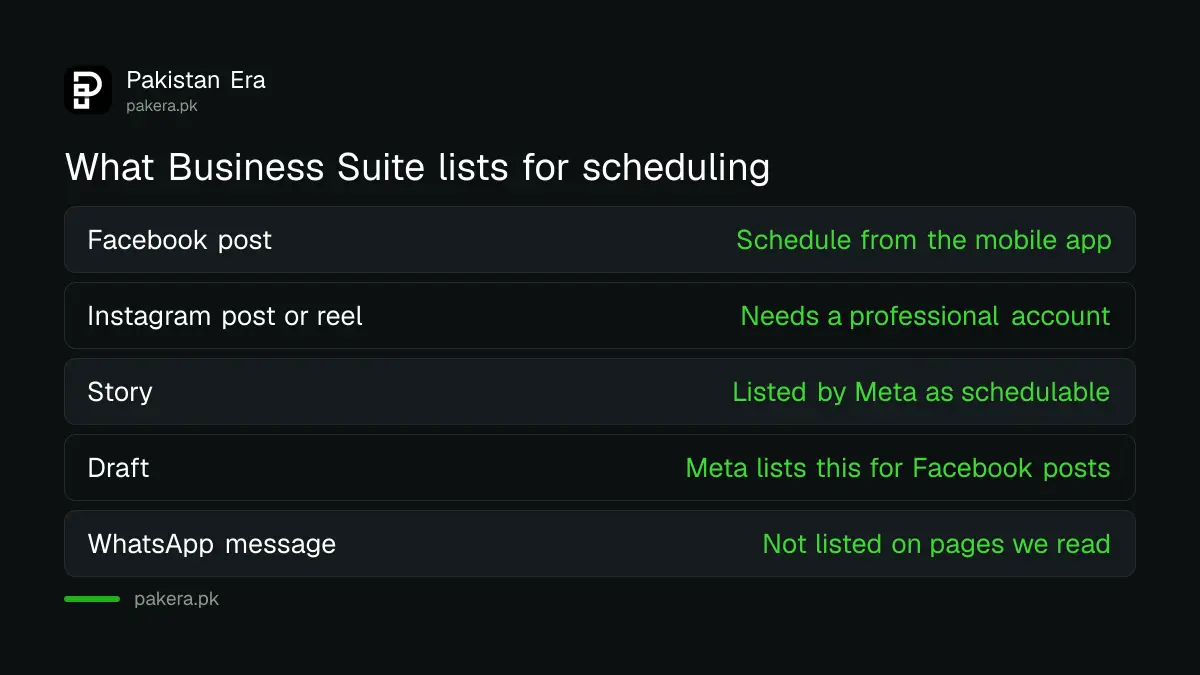
| Task | Meta Business Suite | What to do instead if it is missing |
|---|---|---|
| Schedule a Facebook post | Yes, from the mobile app | Not needed |
| Schedule an Instagram post or reel | Yes, with a professional account | Switch the account type first |
| Schedule a story | Yes, listed by Meta | Not needed |
| Save a draft | Meta lists this for Facebook posts | Keep the text in your notes app |
| Schedule a WhatsApp message | Not listed on the pages we read | Use quick replies in the WhatsApp Business app |
The tool has limits you should know before you rely on it
Meta Business Suite publishes what you prepare and shows insights. It does not answer customers for you, and the pages we read gave no daily or monthly scheduling limit. We could not confirm any number, so we give none. Check inside the app if you plan to queue a whole month.
Some features may differ by account. Meta's own mobile page warns that the experience it describes may not be available to everyone yet. If a button is missing, update the app first, then check your Page role and your Instagram account type.
Scheduling is also not a substitute for replies. A comment waiting two days looks worse than a late post. Business Suite has a combined inbox, and the free WhatsApp Business app covers customer chats on the third channel your shop probably uses.
Posts bring people to a shop, but a listing brings them to a map. Adding your shop to Google Maps and starting an online store in Pakistan make a natural next step once your posting routine is steady.
Common questions
Is Meta Business Suite really free?
Yes. Meta's help page calls it a free platform. Boosting a post or running ads costs money, but scheduling does not.
Do I need a professional Instagram account to schedule posts?
Yes. A Business or Creator account is the route Meta describes for business tools, and linking it to your Page is recommended.
Can I schedule Reels and Stories as well as posts?
Yes. Meta's mobile page lists Posts, Reels and Stories as content types you can create and schedule.
Can I schedule posts from my phone only?
No. Meta Business Suite is available on desktop and mobile. We opened the mobile steps in full and describe the desktop steps only in outline.
Where do I see what I have scheduled?
In the Planner. Meta says you can see content on the date it is set to publish or has been published.
Is there a limit on how many posts I can schedule?
We could not find a limit on the pages we read, so we cannot give one. Check inside the app before queuing a large batch.
How we verified this
What we checked, where we read it, and what we could not confirm.
Last checked 7 October 2026 against Meta's Business Help Center pages How Meta Business Suite works, scheduling content on the mobile app and Instagram professional accounts. Meta pages load slowly and change often, so follow the labels on your own screen if they differ.
About the author

Founder and Editor
Umer Kureshi founded Pakistan Era in July 2024 and runs it as administrator, SEO lead and writer, overseeing website operations, search growth, content strategy and coverage of technology and current affairs.