Google Play Store Not Opening in Pakistan: Fix Crashing and Loading in 6 Steps
Google Play Store not opening or crashing in Pakistan? Free 1 GB, fix date and time, uninstall Play Store updates and clear its cache and storage, in order.
Google Play Store not opening, closing by itself or stuck loading? Start with Google's quick checks: a strong connection, at least 1 GB of free storage, automatic date and time, and a restart. If it still fails, uninstall Play Store updates, update it again from Settings, About, then clear the Play Store's cache and storage. Each step is free and takes a minute or two.
Go in order and test the Play Store after every step. Most phones are fixed by step 4 or 5 below. The last two steps delete more data, so Google puts them at the end, and so do we.
Quick checks before anything else
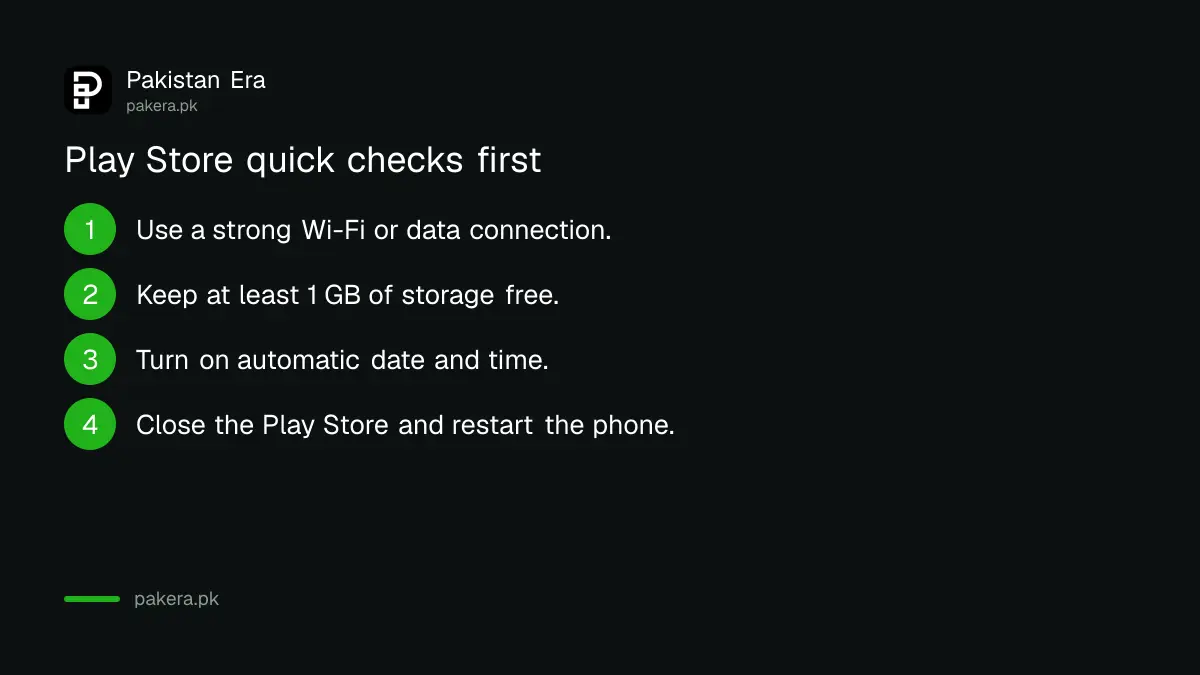
Google's basic list has four checks: use a strong Wi-Fi or mobile data connection, keep at least 1 GB of storage free, turn on automatic date and time, and restart the phone. Low storage and a wrong clock break the Play Store more often than anything else.
- Connection. Switch to strong Wi-Fi if you can. On mobile data, make sure the bundle is active and the signal is good.
- Storage. Go to Settings, Storage. Google says your phone may be low on space if it shows a storage warning or has less than 1 GB free.
- Date and time. Go to Settings, System, Date and time. Turn on Set time automatically and the automatic time zone. Wait a few minutes.
- Close and restart. Close the Play Store from recent apps, then hold the power button and tap Restart.
Storage is the usual cause on budget phones with 32 GB or 64 GB. WhatsApp media and old videos fill them fast. Freeing up phone storage on Android shows where the space goes and what is safe to delete.
Also check for an Android system update under Settings, System, Software update. Menu names differ a little between Samsung, Infinix, Tecno, Xiaomi and other brands, but the items are the same.
Uninstall and reinstall Play Store updates
If the quick checks do not help, roll the Play Store back. Touch and hold the Play Store icon, tap App info, tap the three dots at the top right and tap Uninstall updates. Then open the Play Store and update it from Settings, About.
- Touch and hold the Google Play Store icon on your home or app screen.
- Tap App info.
- Tap More (three dots) at the top right, then Uninstall updates, and tap OK.
- Open the Play Store and tap your profile picture at the top right.
- Tap Settings, then About, then Update Play Store under Play Store version.
The Play Store cannot be removed completely on most phones. Uninstall updates only takes it back to the version that came with the phone, which then updates itself again.
Clear the Play Store cache and storage
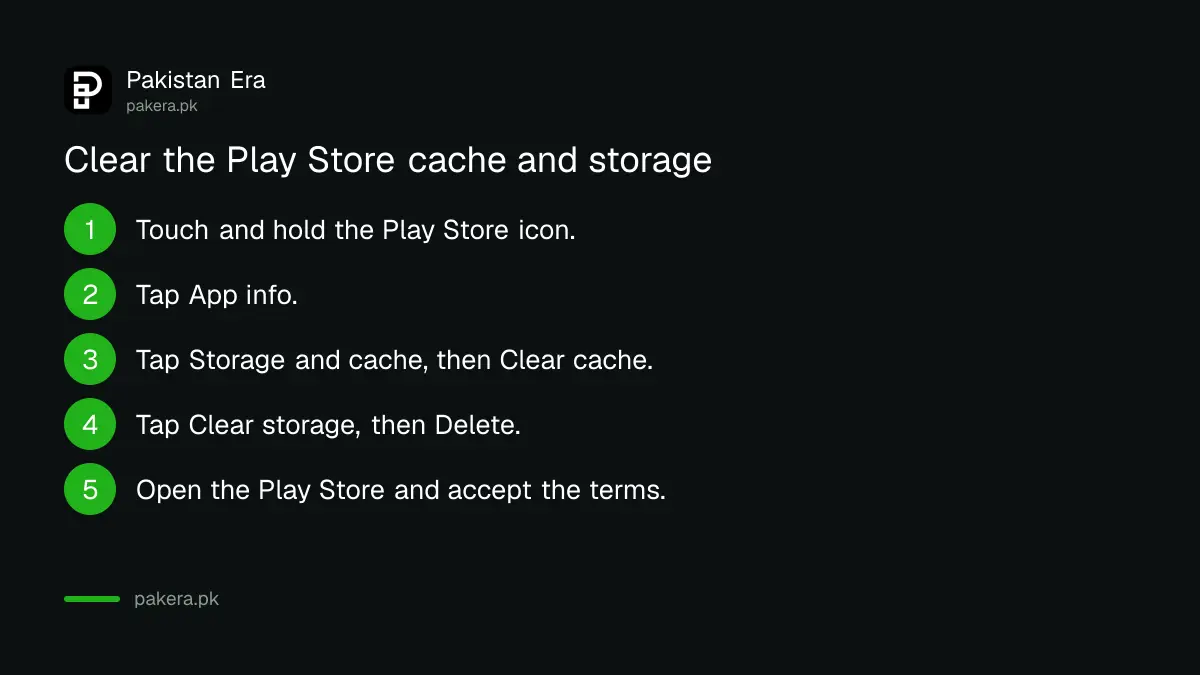
Google calls clearing the Play Store's cache and data the most common fix for download problems. Open App info for the Play Store, tap Storage and cache, tap Clear cache, then Clear storage and Delete. You will have to accept the terms again.
- Touch and hold the Play Store icon and tap App info.
- Tap Storage & cache.
- Tap Clear cache.
- Tap Clear storage, then Delete.
- Open the Play Store again and accept the Terms of Service.
Clearing storage can remove Play Store settings such as parental controls and the purchase password. Turn them back on afterwards, especially on a child's phone. Your installed apps and your purchases are not touched.
Remove and add your Google account again
If the Play Store still fails, remove the Google account from the phone and add it again. Back up first, because removing the account deletes some of its data from the device. Then sign in again with the same Gmail and password.
Before you do this, make sure you know the password and can get the sign-in code. If the account has two-step verification and the code goes to an old SIM, you may lock yourself out. Check your recovery details first. If you are already locked out, Gmail account recovery covers the way back in.
On most phones, the path is Settings, Passwords and accounts (or Accounts), tap the Google account, tap Remove account. Then tap Add account, choose Google and sign in.
Last resorts: Google Play services and a factory reset
Clear Google Play services data only when every other step has failed. Google warns it can remove saved passwords and payment cards in Google Pay. If even that fails, Google suggests a factory reset, which wipes the phone, so back everything up first.
| Step | What you lose | When to use it |
|---|---|---|
| Quick checks and restart | Nothing | Always first |
| Uninstall Play Store updates | Nothing; it updates again | App crashes or will not open |
| Clear Play Store cache and storage | Play Store settings, parental controls | Stuck loading or downloads fail |
| Remove and add Google account | Some account data on the phone | Sign-in errors in the Play Store |
| Clear Google Play services, or factory reset | Saved cards and passwords, or everything | Only after all else fails |
To clear Google Play services, open Settings, Apps, Google Play services (tap See all apps if it is not listed), Storage and cache, Clear cache, then Clear storage, Clear all data, Delete. You may need to sign in to your Google account again and re-add cards.
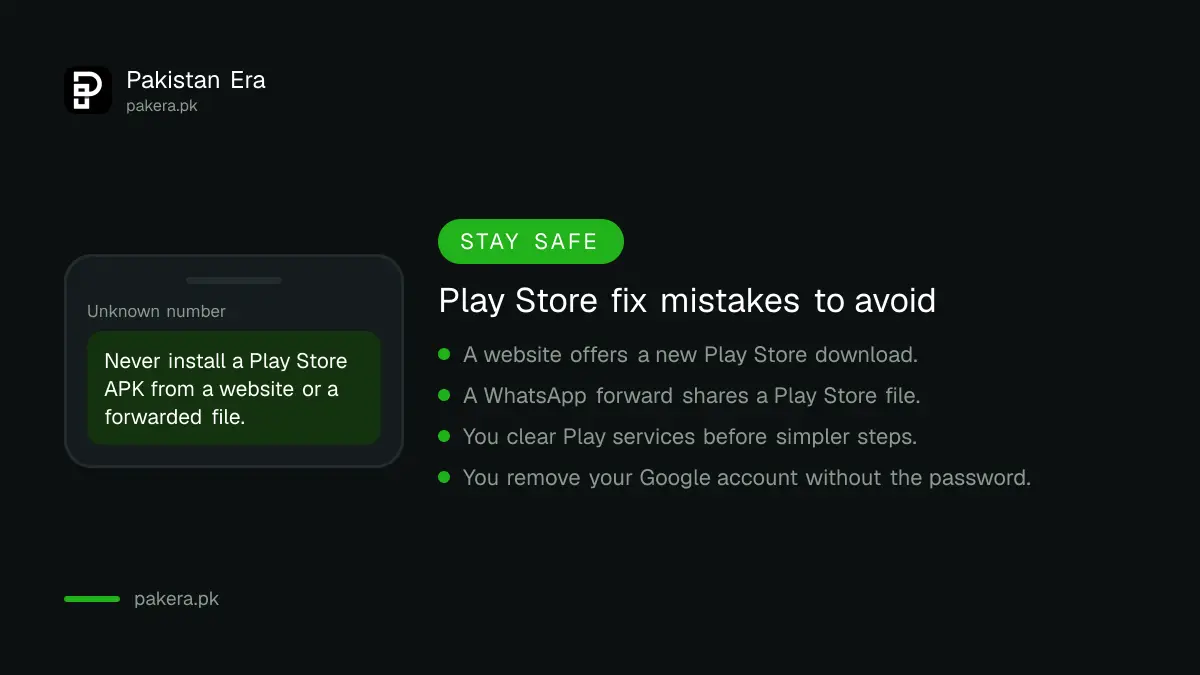
Do not download a "Play Store APK" from a website or a WhatsApp forward to fix the problem. Fake installers can carry malware, and the real Play Store is already on your phone. If one app is the only problem, the fixes in Play Store download pending are faster, and Google Play Protect can scan what is already installed.
Common questions about Play Store problems
Will clearing Play Store storage delete my apps?
No. It resets the Play Store app only. Your installed apps stay. You may need to accept the terms again and turn parental controls back on.
How much free space does the Play Store need?
Google says a phone may be low on storage if it has less than 1 GB available. Free up more than that before you install large apps or games.
Why does the Play Store say no connection when the internet works?
Google lists date and time among its first checks. Turn on Set time automatically and the automatic time zone in Settings, wait a few minutes and try again.
Can I reinstall the Play Store?
On most phones you can only uninstall its updates, which returns it to the factory version. It then updates itself. Never install it from a website.
Is clearing Google Play services safe?
It is safe but heavy. Google advises it only after every other step, because it can remove saved passwords and payment cards in Google Pay.
How we verified this
What we checked and where we read it.
Last checked 15 November 2026. Steps and warnings come from Google Play Help: Fix problems downloading apps with basic troubleshooting steps, Fix problems with the Google Play Store app and Fix problems downloading one app. The basic steps page lists no error codes; the order of steps on this page follows Google's.
About the author

Technology Journalist & Multimedia Producer
Ahmad Ali is a technology journalist and multimedia producer at Pakistan Era, joining the team in October 2026. He covers consumer technology and digital life for Pakistani readers, combining research with hands-on product testing.