How to Add a Recovery Contact to Your Apple Account on iPhone in Pakistan
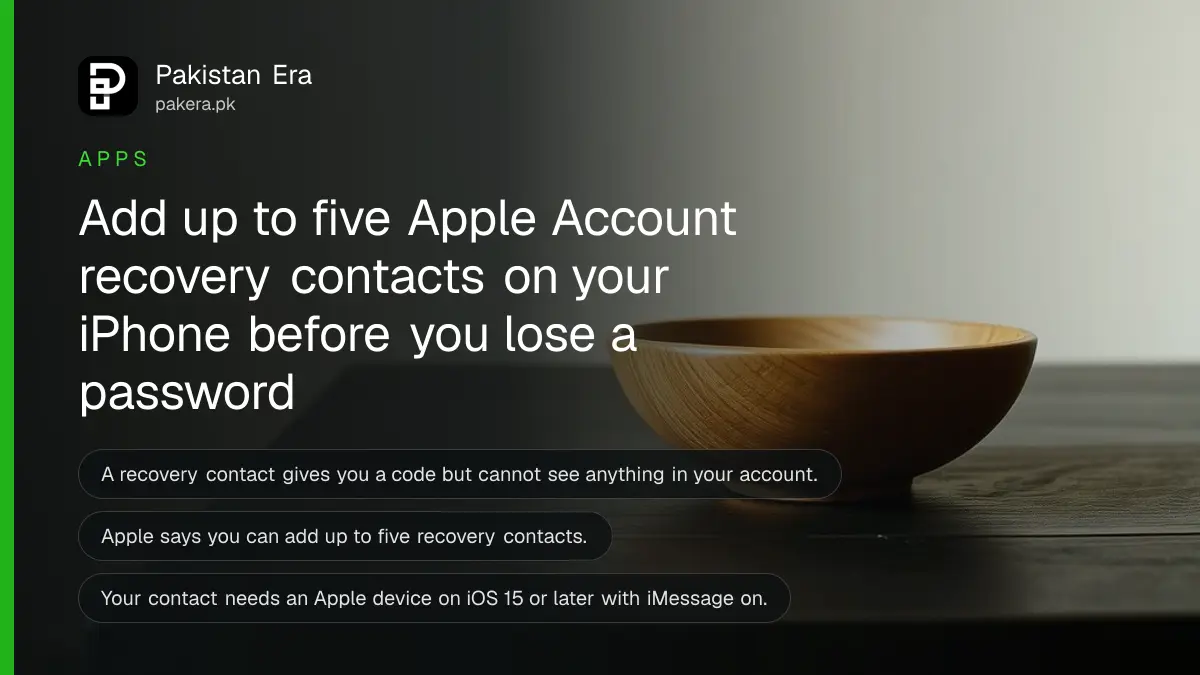
Add up to five Apple Account recovery contacts on your iPhone for free. See the requirements, the steps and how a contact helps you reset a lost password.
Short answer: On your iPhone, open Settings, tap your name, then Sign-In & Security, then Recovery Contacts, and tap Add Recovery Contact. Pick someone you trust. They accept the invitation in Messages. If you ever lose your Apple Account password, that person can give you a code to reset it. You can add up to five.
A phone gets lost on a bus in Karachi, and the Apple Account password was only in the owner's head. Without the phone, there is no trusted device to send a code to. The owner is locked out of iCloud, photos and the App Store. A recovery contact is the quickest way out of that situation.
We read Apple's own support page on recovery contacts on 12 October 2026. Everything below follows that page.
A recovery contact helps you reset your password, nothing more
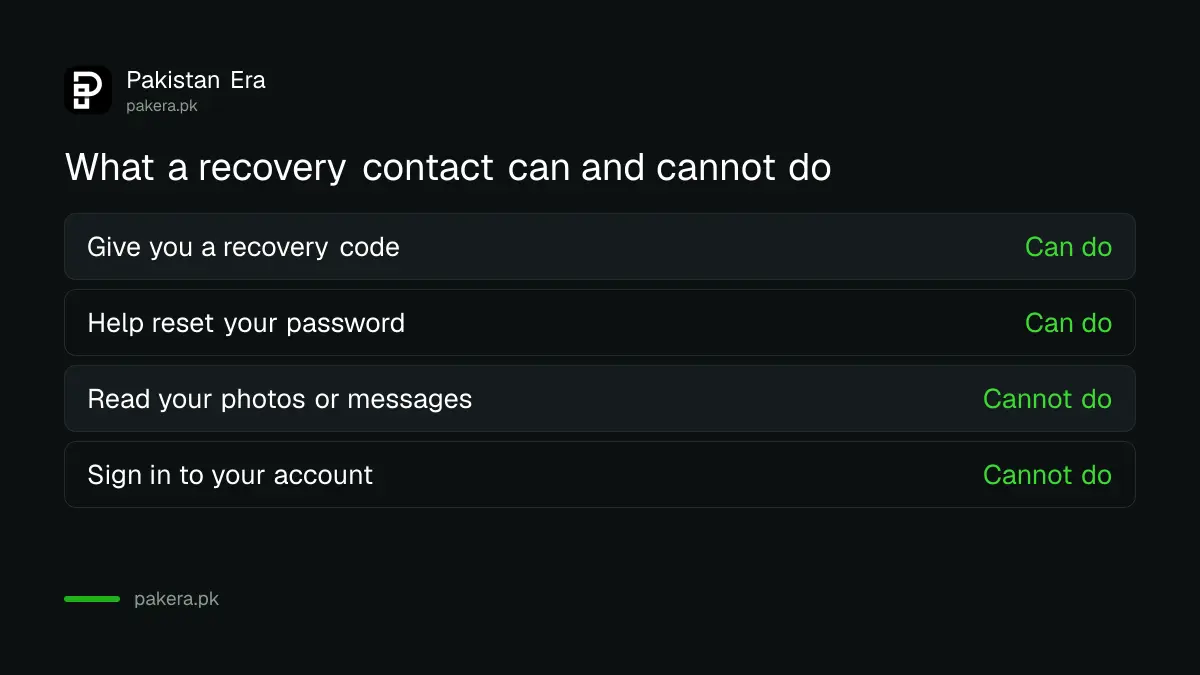
A recovery contact is a person who can give you a recovery code when you are locked out. You enter the code and reset your Apple Account password. They get no access to your account, your photos or your messages.
Apple says it does not know who your recovery contacts are. That is for privacy. It also means you must remember who you chose, so write the names somewhere safe.
If you use Advanced Data Protection for iCloud, which encrypts more of your data end to end, a recovery contact can also help you reach that encrypted data. For that feature Apple asks you to pick either a recovery contact or a recovery key.
Check these requirements before you start
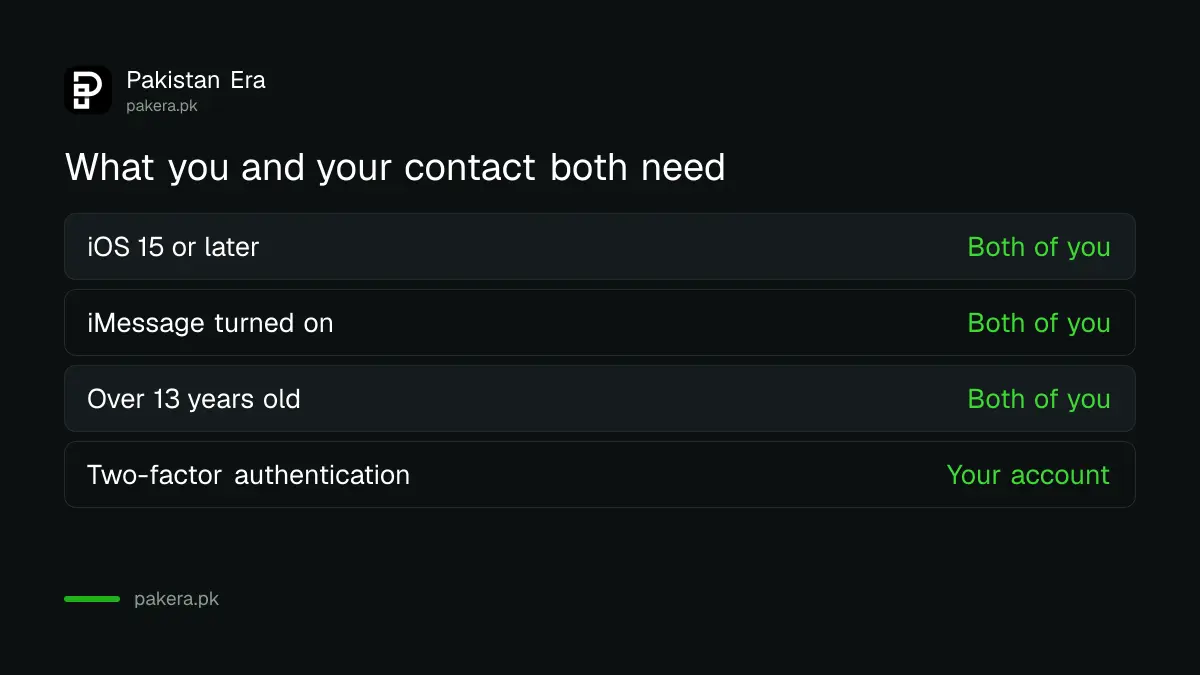
Both you and your contact need a recent Apple device with iMessage turned on. Apple lists the conditions below. Most people in Pakistan with an iPhone from the last five years meet all of them.
| Requirement | What Apple says |
|---|---|
| Your devices | All your Apple devices on iOS 15, iPadOS 15 or macOS Monterey 12 or later |
| Your contact's device | An Apple device on iOS 15, iPadOS 15 or macOS Monterey 12 or later |
| Messaging | iMessage turned on for both of you |
| Age | Both over 13, though the age varies by country or region |
| Security | Two-factor authentication on, if prompted |
| Number of contacts | Up to five |
Apple also says you may be asked to remove old devices from your account if they run older software and you no longer use them. Do that from the same Apple Account screen.
The need for iMessage is the part that trips people up here. A friend who only uses an Android phone cannot be a recovery contact. Pick a family member or a close friend with an iPhone.
How to add a recovery contact on your iPhone
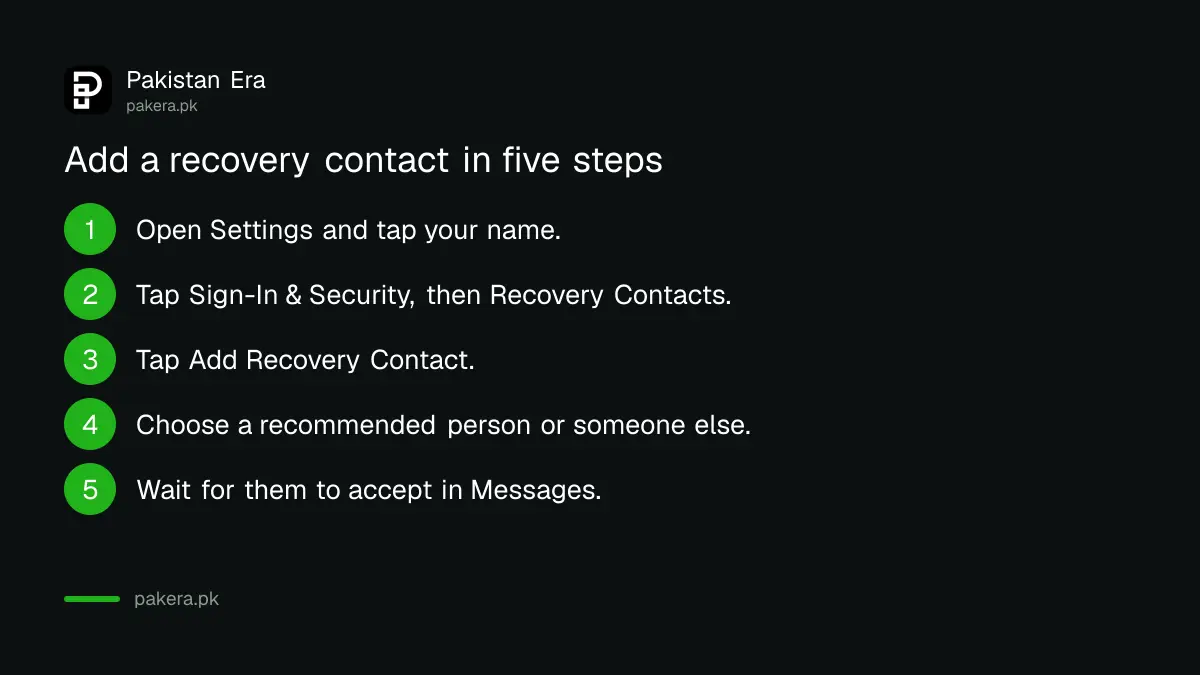
Go to Settings, tap your name, open Sign-In & Security, tap Recovery Contacts and tap Add Recovery Contact. Choose a suggested person or tap Choose Someone Else, then wait for them to accept in Messages.
- Open Settings and tap your name.
- Tap Sign-In & Security, then tap Recovery Contacts.
- Tap Add Recovery Contact and follow the onscreen steps.
- Choose one of the recommended contacts, or tap Choose Someone Else.
- If the person is in your Family Sharing group, they are added automatically. Otherwise they accept the invitation in the Messages app.
After they accept, you see a message that they are now your account recovery contact. If they decline or remove themselves later, you get a notification and can choose someone else.
What happens on the day you need the code
During account recovery, you ask for help from your contact. They get a recovery code and read it to you. You type it in and then set a new password. Your contact should be someone you can reach quickly, by phone or in person.
Without a recovery contact you can still do full account recovery, but Apple says it can take longer. That wait can be days. For the Google side of the same problem, see how to recover a Gmail or Google Account.
Choose people who answer their phone
Pick two or three contacts, not one. A person who is travelling, asleep or has changed numbers cannot help you in time. Spread them: one at home, one in another city.
Avoid choosing someone only because they are close to you. Choose people who keep their phone updated and would not give a code to a stranger. A scammer may phone your contact pretending to be you. Your contact should give a code only to you, only after they have recognised your voice or met you.
The rest of your account safety matters too. Turn on Stolen Device Protection on your iPhone and set up two-step verification where you can. A recovery contact is a safety net, not a lock.
It also pairs well with a Legacy Contact, which handles the day you are no longer here. That setup is in how to add a Legacy Contact to your Apple Account.
Common questions
Can my recovery contact see my photos or messages?
No. Apple says recovery contacts have no access to your account. They can only give you a code.
How many recovery contacts can I have?
Up to five, according to Apple.
Does my recovery contact need an iPhone?
They need an Apple device on iOS 15, iPadOS 15 or macOS Monterey 12 or later, with iMessage on. An Android phone will not work.
Does Apple tell me who my recovery contacts are?
No. Apple says it does not know who they are, so remember or write down the names yourself.
What if I have no recovery contact and lose my password?
You can still use Apple's full account recovery process. Apple says it can take longer without a recovery contact.
Is a recovery contact the same as a Legacy Contact?
No. A recovery contact helps you while you are alive. A Legacy Contact helps your family after your death.
How we verified this
What we checked, where we read it, and what we could not confirm.
We read Apple's support page Set up a recovery contact for your Apple Account on 12 October 2026. Menu names can change with new iOS versions, so check Apple's page if your screen looks different. We did not read Apple's steps for removing a recovery contact.
About the author

Technology Journalist & Multimedia Producer
Ahmad Ali is a technology journalist and multimedia producer at Pakistan Era, joining the team in October 2026. He covers consumer technology and digital life for Pakistani readers, combining research with hands-on product testing.