ChatGPT Switch Account in Pakistan: Use 2 Accounts on One Phone Without Logging Out
Add a second ChatGPT account on your phone in Pakistan: Settings, Switch account, Add account. Stay signed in to 2 at once. See what is shared and what is not.
To use two ChatGPT accounts on one phone, open ChatGPT Settings, tap Switch account, then Add account and sign in to the second one. You can stay signed in to 2 accounts at a time and move between them without logging out. OpenAI started rolling this out on iPhone and Android on 30 October 2026; on the web it already works on every plan.
This is useful for a lot of people in Pakistan: a freelancer with a client's ChatGPT Business seat and a personal Free account, a teacher with a school account, or a student who keeps study and personal chats apart. Before this, you had to log out and log back in each time, with an OTP or a Google sign-in every switch. We read OpenAI's multiple accounts help page and the release notes on 5 November 2026. We did not test it on a Pakistani phone, so the steps below are OpenAI's.
Add a second ChatGPT account from Settings in 4 steps
On iPhone and Android, the option sits in Settings under Switch account. On the web, it is in the account menu. Creating the second account is free; it starts on the Free plan. If 2 accounts are already signed in, you must log out of one first.
On iPhone or Android
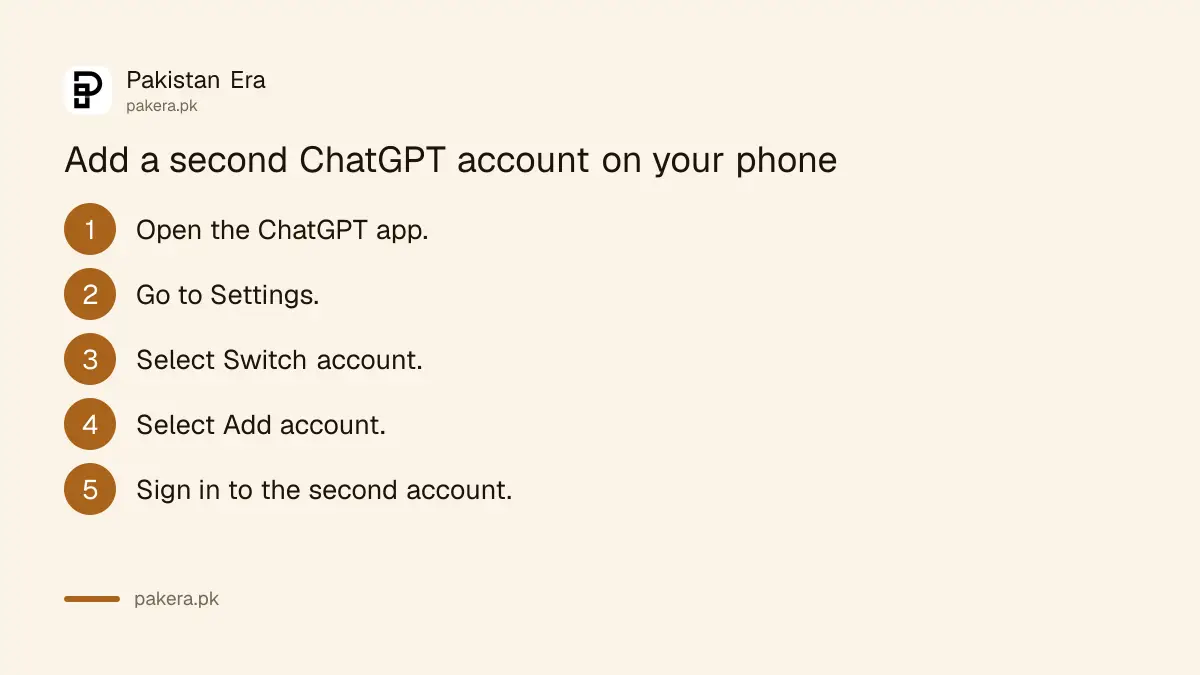
- Open the ChatGPT app and go to Settings.
- Select Switch account.
- Select Add account.
- Sign in to the account you want to add, with email, Google, Microsoft or Apple.
On the web (chatgpt.com)
- Open the account menu at the bottom left.
- Select Add account.
- Sign in, or create a new account.
If you do not see Switch account in Settings, the rollout has not reached your app yet. Update ChatGPT from the Play Store or App Store. If it is still missing, use the web version for now.
Switching takes one tap, but only one account is active
Once both accounts are added, you switch from the same menu. Only one account is active at a time. A check mark shows which one you are using, so look at it before you start a chat or pay for anything.
- Phone: Settings > Switch account > tap the other account.
- Web: open the account menu and pick the account.
- Notifications: you can get alerts from both accounts. Tapping an alert for the other account switches to it and opens that chat.
You can own more than 2 ChatGPT accounts. You just cannot stay signed in to more than 2 at once. On the web, choose Add another account, pick one to log out of, and select Log out and continue.
Each account keeps its own chats, memory and plan
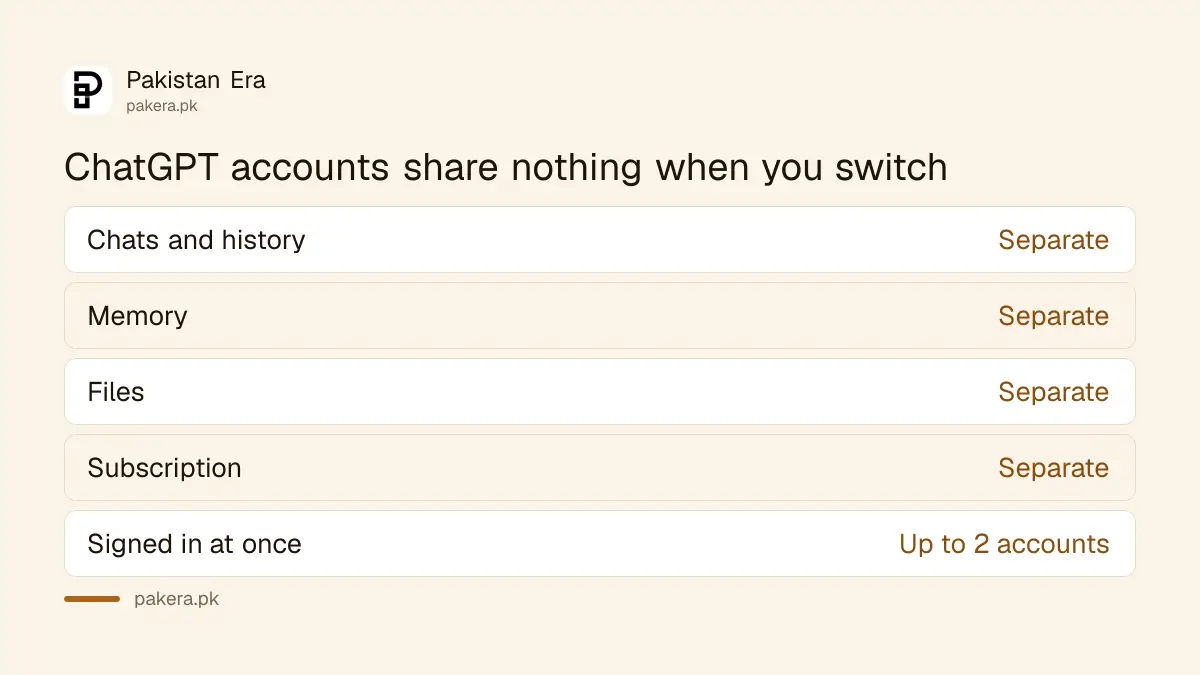
Switching changes the whole view: chats, files, memory, settings and workspaces all belong to the selected account. Nothing moves between them. A paid plan on one account does not carry over to the other.
| Item | Shared between the 2 accounts? |
|---|---|
| Chats and history | No, each account has its own |
| Memory | No |
| Files and uploads | No |
| Settings | No |
| Plus, Go or Pro subscription | No, each account keeps its own plan |
| Business or Enterprise workspace | Only inside the account it belongs to |
That last point matters for anyone who pays. If you bought ChatGPT Plus on your personal account and switch to the second account, the second one stays on Free. OpenAI warns people to check the active account before buying, to avoid paying twice. If you already paid and see Free, our guide to fixing a ChatGPT Plus that shows Free walks through it.
Log out of one account without losing the other
Logging out removes an account from the switcher. On a phone, logging out of the active account opens the other signed-in one. Logging out of the last account takes you to the sign-in screen. Your chats stay saved in each account.
Log out on iPhone or Android
- Open Settings and select Switch account.
- Tap the more options menu (•••) next to the account.
- Select Log out and confirm.
Log out on the web
- Open the account menu and select Log out.
- If 2 accounts are signed in, choose which one.
- Confirm if asked.
If you are lending your phone or laptop, logging out of the work account is safer than leaving it in the switcher. Also check where else your account is signed in; our guide to checking ChatGPT login activity shows how.
Work accounts follow the company's rules, not yours
If your employer or client manages one of the accounts, the admin can block account switching. The admin may also be able to see data in that managed account. Switching to your personal account does not change which rules apply to the work one.
On Enterprise workspaces, the owner turns the feature on or off in the Admin Console under Workspace settings, with a setting called Enable account switching. If it is blocked, ask your IT person. Do not try to get around it; on a client's account, that can cost you the contract.
Keep client work in the client's account and personal chats in yours. It is easy to paste a private file into the wrong one. If you freelance on Upwork or Fiverr, a quick check of the account name before each upload saves trouble. For plan choices, see our ChatGPT plans comparison for Pakistan and the ChatGPT Business plan guide.
Switching accounts is not the same as switching workspaces
An account is your login. A workspace is a team space inside one account, such as a company's Business workspace. Switching accounts changes the login; switching workspaces changes the team space inside the same login. OpenAI treats them as two different things.
So if you have one email that belongs to both a personal plan and a company workspace, you may not need the account switcher at all. You only need it for two different logins, such as two different email addresses.
Common questions
Can I use two ChatGPT accounts on one phone?
Yes. Open Settings, tap Switch account, then Add account. You can stay signed in to 2 accounts at a time on iPhone and Android, where the feature is rolling out.
Do I need to pay for a second ChatGPT account?
No. OpenAI says a new account starts on the Free plan and creating it needs no payment.
Will my ChatGPT Plus work on my second account?
No. Each account keeps its own subscription. Switching does not share or move a paid plan.
Why is Switch account missing in my ChatGPT app?
It is still rolling out on mobile. Update the app. If it is still missing, your company may have blocked it on a work account, or it has not reached you yet.
Can I add a third ChatGPT account?
You can own more accounts, but only 2 can stay signed in at once. Log out of one to add another.
Do my chats move when I switch accounts?
No. Chats, memory and files stay in the account where you made them.
How we verified this
What we checked, where we read it, and what we could not confirm.
We read OpenAI's help page "Using multiple ChatGPT accounts on web and mobile" and the 30 October 2026 entry in the ChatGPT release notes on help.openai.com on 5 November 2026. We did not add a second account on a Pakistani phone ourselves. The mobile rollout is gradual, so the menu may not appear for everyone yet.
About the author

Technology Journalist & Multimedia Producer
Ahmad Ali is a technology journalist and multimedia producer at Pakistan Era, joining the team in October 2026. He covers consumer technology and digital life for Pakistani readers, combining research with hands-on product testing.