Instagram Password Reset Email You Did Not Request in Pakistan: Is It a Hack and What to Do
Instagram reset email or login alert you did not request in Pakistan? Check the sender, see where you're logged in, log out strangers and lock the account down.
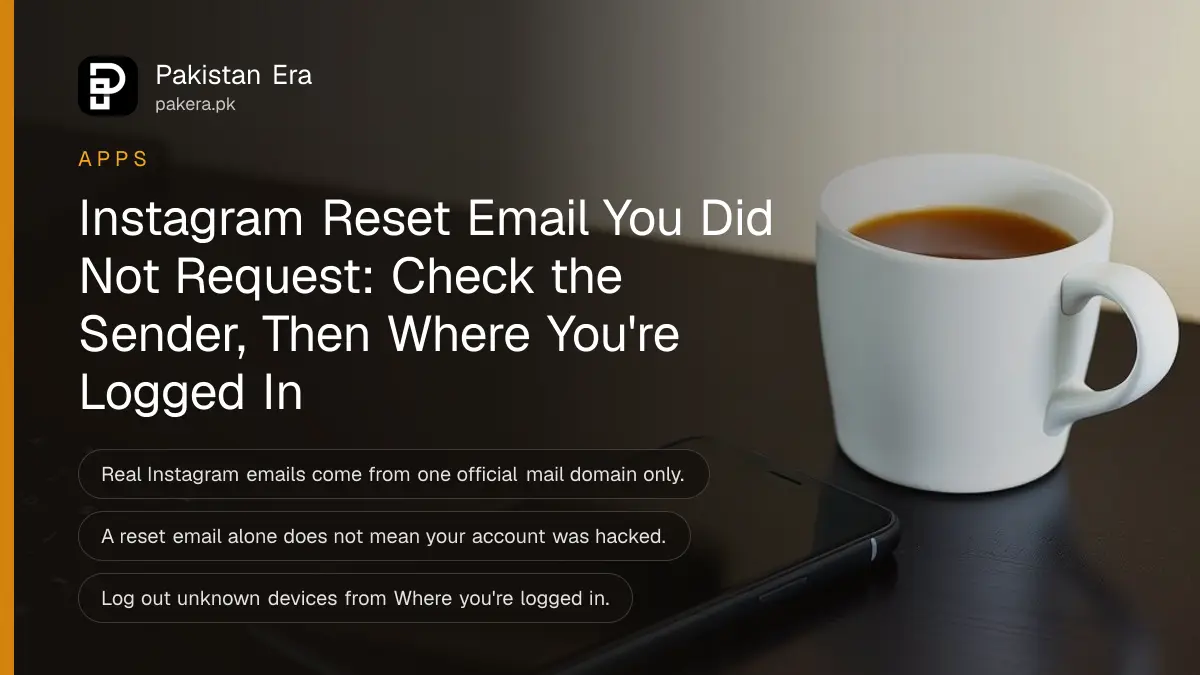
Got an Instagram password reset email or login alert you did not ask for? Do not click it yet. First check the sender: real Instagram emails come only from @mail.instagram.com. Then open Instagram, go to Settings, Accounts Center, Password and security, Where you're logged in, and log out any device you do not recognise. If nothing looks wrong, change your password and turn on two-factor login.
Instagram says a reset email on its own does not mean your account was hacked. Someone may have typed your email or username by mistake. Only a person who knows your password, or who clicks the link in that email, can get in. So the email itself is safe to leave unopened.
Is the Instagram email real or a scam
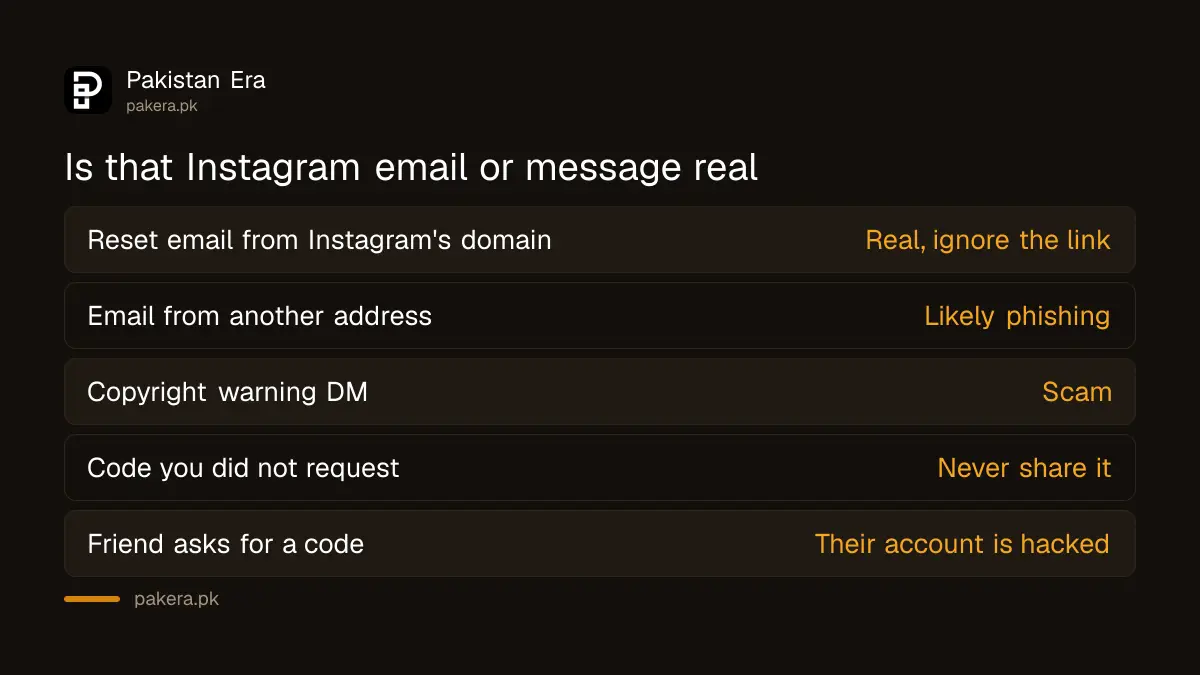
Instagram sends account emails only from the @mail.instagram.com domain. An email from any other address, even one with the Instagram logo, may be phishing. Do not click its links or open attachments. Check the sender address, not the name shown.
| What you got | Real or fake | What to do |
|---|---|---|
| Reset email from @mail.instagram.com that you did not request | Real, usually someone's typo | Ignore the link, check where you're logged in |
| Email from any other address saying "Instagram" | Likely phishing | Do not click; delete it |
| DM saying your account will be deleted for copyright | Scam | Do not open the link; report the account |
| SMS with a six digit Instagram code you did not ask for | Real code, someone trying to log in | Never share it; change your password |
| Message from a friend asking you to send a code | Their account may be hacked | Never send it |
Check where your Instagram is logged in
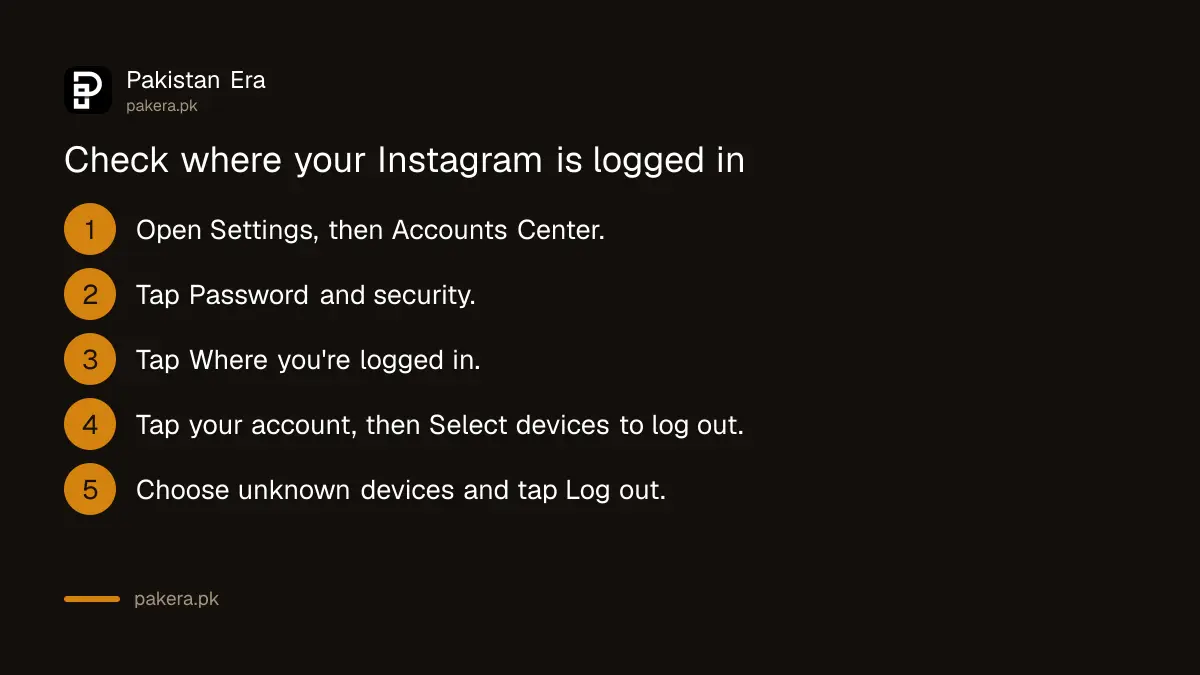
Where you're logged in shows every device signed in to your account, with the place and time. Open Settings, Accounts Center, Password and security, Where you're logged in. A phone or city you do not recognise means someone else has your password.
- In Instagram, tap your profile, then the menu, then Settings. On a computer, click More at the bottom left, then Settings.
- Tap Accounts Center, then Password and security.
- Tap Where you're logged in.
- Tap your account, scroll down and tap Select devices to log out.
- Choose the devices you do not recognise and tap Log out.
The city shown is a rough guess from the internet connection. A login from Lahore when you are in Rawalpindi may still be you, because mobile data often routes through another city. A login from another country, or a phone model you never owned, is not.
If you do not see Accounts Center
Some accounts still have the older Login activity screen. Go to Settings, then Login activity. Tap This was me for a login you recognise, or This wasn't me to reset your password and secure the account. Meta is moving accounts to Meta Accounts, so the menu may also be under Meta Account settings.
Secure your account in five minutes
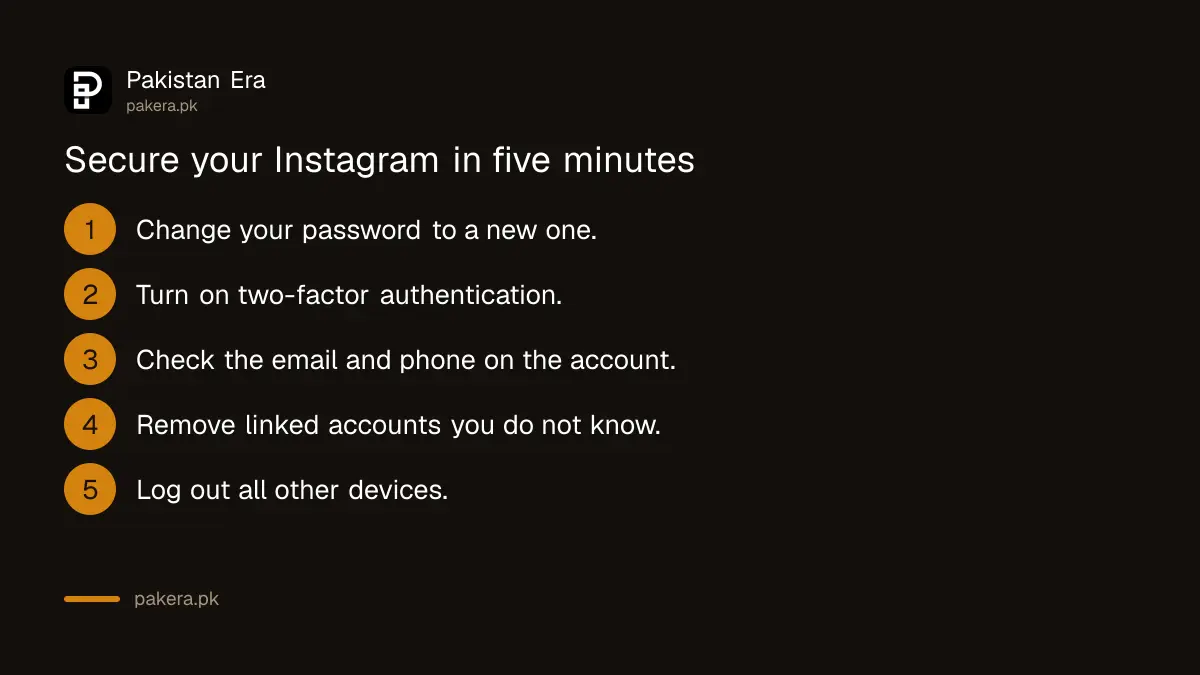
If any login looks wrong, or you are unsure, change the password and turn on two-factor login now. Two-factor means a thief with your password still needs a code from your phone. Then check the email and phone on the account are yours.
- Change your password in Accounts Center, Password and security, Change password. Use one you have never used on any other site.
- Turn on two-factor authentication in the same menu. An authentication app is safer than SMS. Save the backup codes.
- Check your contact details in Accounts Center, Personal details. Remove any email or number that is not yours.
- Check linked accounts in Accounts Center and remove any you do not recognise.
- Log out other devices as above.
The backup codes and app setup are covered step by step in Instagram two-factor authentication and backup codes.
If you already clicked the link or shared a code
Act at once. Change your password while you can still log in, log out every other device, and turn on two-factor login. If the password, email or phone has already been changed and you are locked out, use Instagram's hacked account recovery.
- Still logged in? Change the password first, then log out all other sessions.
- Locked out? Follow recovering a hacked Instagram account, which uses Instagram's own recovery link and identity check.
- Just forgot your own password? A normal Instagram password reset is enough.
- Asked for a selfie or ID during recovery? See passing the Instagram video selfie or ID check.
Tell your followers if the hacker posted or sent messages from your account, so no one sends money or codes to it. Report the scam account that sent you the link from its profile.
Instagram scams Pakistani users see most
Phishing on Instagram in Pakistan usually arrives as a DM, not an email. The common ones threaten a copyright strike, promise a blue tick, offer a brand deal, or ask you to vote for a friend. All of them end at a fake login page.
- "Copyright violation, your account will be deleted in 24 hours." Instagram does not warn you through a DM from a random account.
- "Get your verified badge." The paid badge is bought only inside the app, through Meta Verified.
- "Brand collaboration, log in to see the offer." Real brands do not need your password.
- "Please vote for me" with a link. Often sent from a friend's hacked account.
Common questions
Does a password reset email mean my Instagram is hacked?
Not on its own. Instagram says someone may have typed your email or username by mistake. Only someone who knows your password or clicks the link can log in.
Which email address does Instagram use?
Instagram says its emails come only from the @mail.instagram.com domain. Treat any other sender as a possible scam.
How do I see which phones are logged in to my Instagram?
Go to Settings, Accounts Center, Password and security, Where you're logged in. You can log out any device from there.
What should I do if I keep getting reset emails?
Ignore the links, change your password and turn on two-factor login. Someone may know your username, but they cannot get in without your password or the link.
What does This wasn't me do on Instagram?
It starts a password reset and walks you through securing the account, so the unknown login loses access.
How we verified this
What we checked and where we read it.
Last checked 24 November 2026. Rules and steps come from Instagram Help Centre articles, read through Meta's help pages: Why you received an Instagram password reset email that you didn't request, View your recent Instagram login activity and the hacked account page. The scam examples are common phishing patterns and are not taken from an Instagram page.
About the author

Technology Journalist & Multimedia Producer
Ahmad Ali is a technology journalist and multimedia producer at Pakistan Era, joining the team in October 2026. He covers consumer technology and digital life for Pakistani readers, combining research with hands-on product testing.