Instagram Forgot Password in Pakistan: Reset It in 5 Steps, Free, and What to Do When the Link Fails
Reset a forgotten Instagram password in Pakistan in 5 steps with your email, +92 number or username, plus fixes when the reset link fails or never arrives.
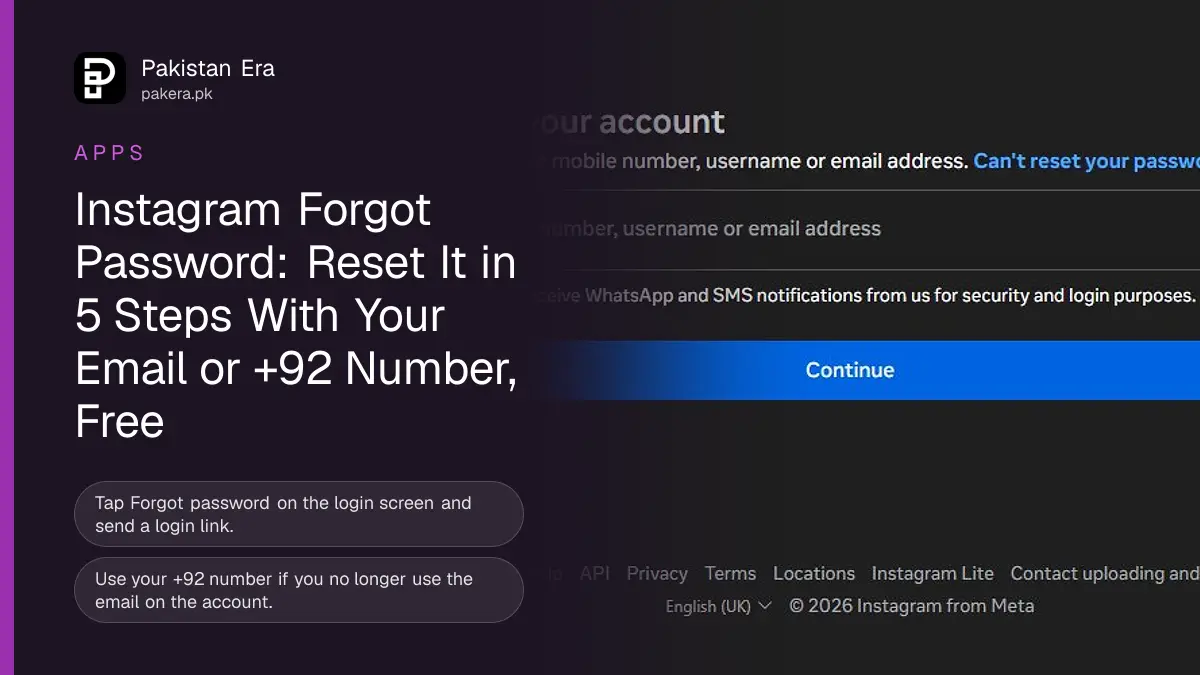
Forgot your Instagram password? On the login screen tap "Forgot password?", enter your username, email or phone number, tap "Send login link", pass the captcha, then open the link Instagram sends by email or SMS. The same reset works in a browser at instagram.com/accounts/password/reset/. It is free, and it takes about two minutes when the email or number on the account still works.
If the reset link never arrives, or the email on the account is not yours any more, this guide covers those cases too. Nobody in Pakistan can sell you a faster reset. Instagram's own login screen is the only route.
How to reset your Instagram password in 5 steps
The reset starts from the login screen, not from settings, because you are logged out. Instagram sends a one-time login link to the email address or phone number on the account, and you set a new password after opening it.
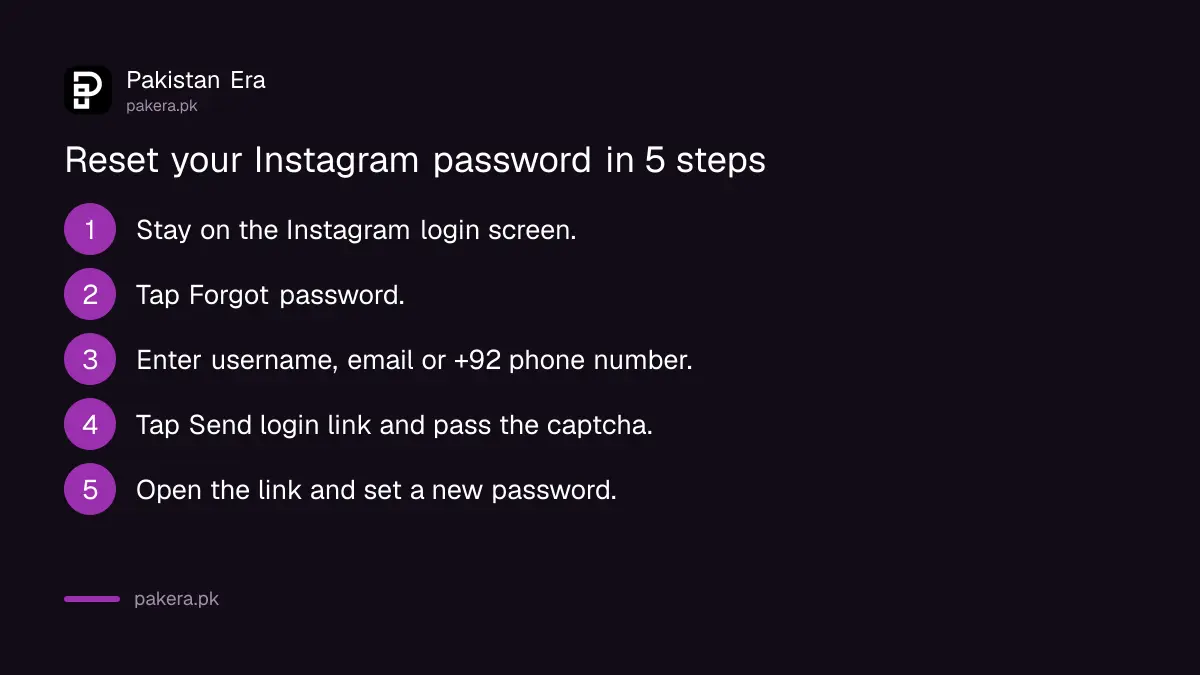
- Open the Instagram app, or go to instagram.com in a browser, and stay on the login screen.
- Tap Forgot password? (on some phones it reads "Forgotten password?").
- On the "Find your account" screen, type your username, the email address or the phone number on the account. For a Pakistani number, use the full number with the country code, for example +92 300 1234567.
- Tap Send login link, then complete the captcha that proves you are a person.
- Open the email or SMS from Instagram, tap the link, and follow the on-screen steps to set a new password.
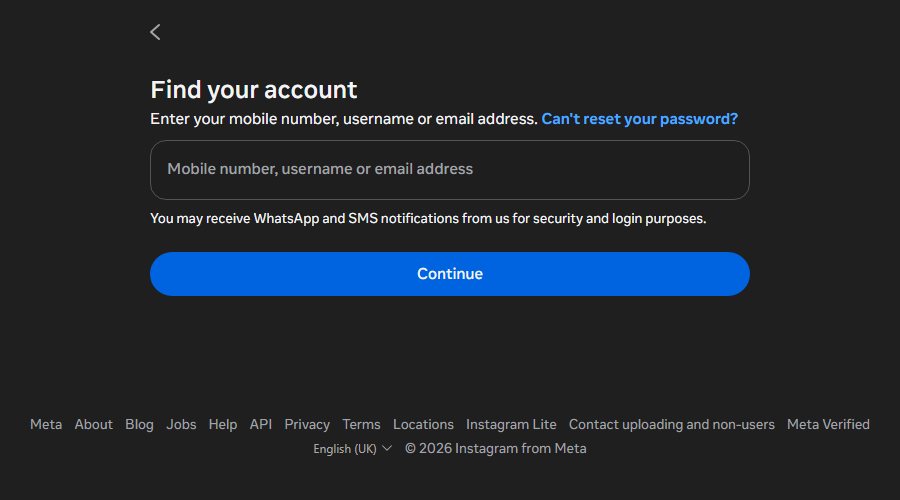
In a browser, the page asks for your mobile number, username or email address and shows a Continue button. It also says Instagram may send security and login messages by WhatsApp or SMS, so check WhatsApp as well as your SMS inbox.
Choose a password you have not used on Instagram before. Then turn on two-factor login, explained in our Instagram two-factor and backup codes guide, so a guessed password alone cannot open the account.
Which reset option to use
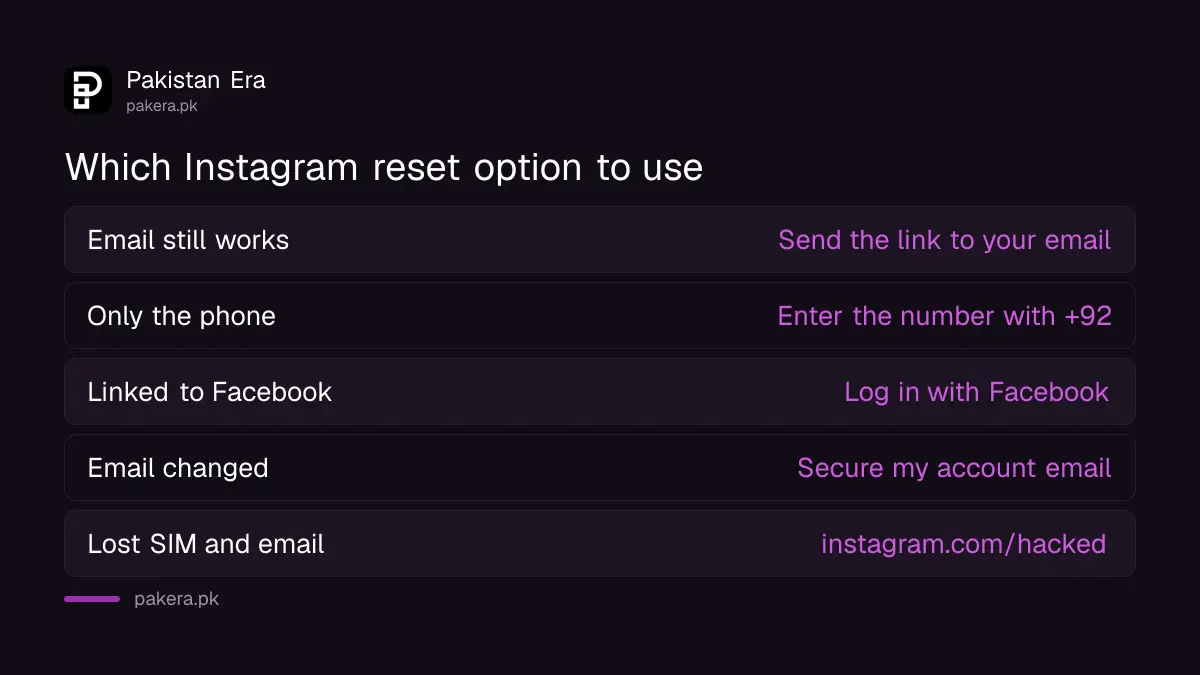
Pick the option that matches what you still have. An email or a phone number on the account is enough for the normal reset. A changed email or a lost SIM needs Instagram's account recovery page instead.
| Your situation | What to do |
|---|---|
| You know your username and still use the email | Forgot password, send the link to your email |
| You only remember your phone number | Enter the number with +92, the link comes by SMS |
| Your account is linked to Facebook | Choose "Log in with Facebook" on the reset screen if it appears |
| The email was changed by someone else | Use "Secure my account" in the email from security@mail.instagram.com |
| You lost the SIM and the email | Go to instagram.com/hacked in a browser and follow the steps |
Lost your SIM? Get a duplicate SIM on the same number from your operator first. The SMS link then reaches you again, and that is usually quicker than identity checks.
When the reset link does not arrive or does not work
Most failed resets come from the wrong inbox, an old link or a typing slip. Check spam, use only the newest link, and type the username exactly. If the address cannot be found at all, the account may use a different email.
- No email: look in Spam, Promotions and Updates in Gmail. Search for "Instagram". Real reset emails come from Instagram's own domains.
- No SMS: check that the SIM is in the phone and has signal. Wait a few minutes before you ask again, and do not tap the button over and over.
- Link says it expired: request a new reset email and open the latest one only.
- Link opens but nothing changes: in the email, tap the button to reset your password, not the one to log in.
- "We can't find an account": try your username instead of the email, or another email you used years ago.
- Reset email for the wrong profile: more than one account can share an email. Check the username shown in the email before you tap.
Still stuck after all of this? Treat it as a recovery case, not a password case. Our guide to recovering a hacked Instagram account walks through the instagram.com/hacked page and the video selfie check.
How the identity check works if Instagram asks
Instagram asks for proof when the normal reset fails. For an account with photos of you, it asks for a short video selfie turning your head. For an account without your photos, it asks for the sign-up email or phone and the type of device.
Instagram says the video selfie is never shown on Instagram and is deleted within 30 days. If the first video fails, you can record and send a new one. Give a secure email address that only you can open, because Instagram sends the next steps there.
Using a phone you have logged in with before helps. Do the check in good light, with your face fully visible and nothing covering it.
Stay away from paid "password recovery" offers
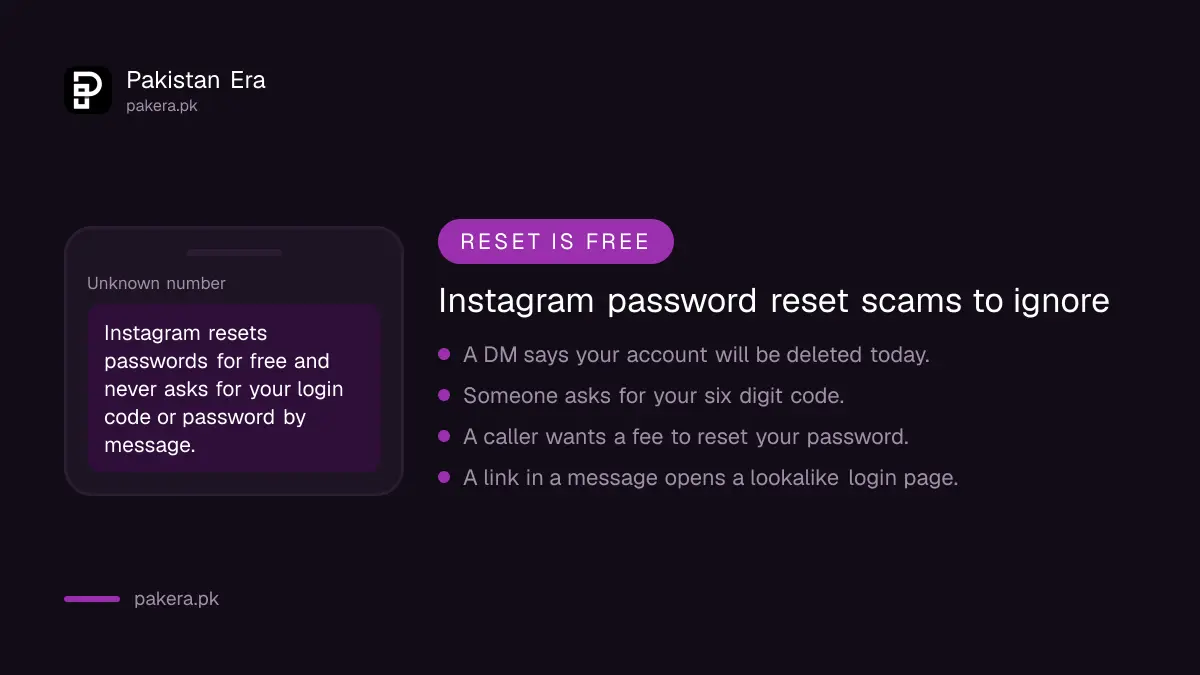
Instagram resets passwords for free and never asks for your password or a login code by message. Anyone in your DMs, on WhatsApp or on a phone call who offers to reset it for a fee is trying to take the account or your money.
- Never share the six-digit login code or the reset link with anyone, even a friend.
- Ignore DMs that say your account will be deleted today unless you "verify".
- Type instagram.com yourself instead of tapping links in messages.
- Read our OTP scam guide for the tricks used on Pakistani numbers.
If someone already demands money to return your account, keep screenshots and file a complaint with the National Cyber Crime Investigation Agency using the NCCIA complaint form.
Change your password once you are back in
After a reset, check the account settings so the same problem does not return. Confirm your email and phone, remove linked accounts you do not know, and turn on two-factor authentication. This takes about five minutes.
- Go to your profile, open the menu, then Accounts Centre.
- Open Password and security and check where you are logged in. Log out any device you do not recognise.
- Check that the email and phone number under Personal details are yours.
- Turn on two-factor authentication and save the backup codes somewhere safe.
- Remove third-party apps you no longer use.
If Instagram disabled the account rather than just locking you out, a password reset will not help. Use the disabled account appeal instead.
Common questions about Instagram password reset in Pakistan
How do I reset my Instagram password without my email?
Enter your phone number with +92 on the Forgot password screen, and the login link comes by SMS. If you have neither the email nor the number, use instagram.com/hacked in a browser.
Can I reset my Instagram password with my username only?
Yes. Type the username on the Forgot password screen. Instagram sends the link to the email or phone number saved on that account, so you still need one of them.
Why is my Instagram reset link not working?
It is usually an expired link, or the log in button was tapped instead of the reset button. Request a new reset email, open only the newest one, and choose the option to reset your password.
I got an Instagram reset email I did not ask for. What should I do?
Do not tap anything in it. Open Instagram yourself, check where you are logged in, and change your password if you see a device you do not know.
How long does an Instagram password reset take?
The link normally arrives within a few minutes. An identity check with a video selfie takes longer, and Instagram replies by email.
Does Instagram charge to reset a password in Pakistan?
No. The reset is free. Anyone asking for money to reset or recover your Instagram is not from Instagram.
How we verified this
What we checked and where we read it.
Last checked 14 November 2026. Steps and wording come from Instagram's Help Centre pages How to recover your Instagram password, I can't log in and If you think your Instagram profile has been hacked, and the public reset page at instagram.com/accounts/password/reset.
About the author

Technology Journalist & Multimedia Producer
Ahmad Ali is a technology journalist and multimedia producer at Pakistan Era, joining the team in October 2026. He covers consumer technology and digital life for Pakistani readers, combining research with hands-on product testing.