Google Maps Review Not Showing in Pakistan: Why, and How to Edit or Delete Your Review
Google Maps review not showing in Pakistan? See the 5 reasons Google removes reviews, how to find, edit or delete yours, and how to write one that stays up.
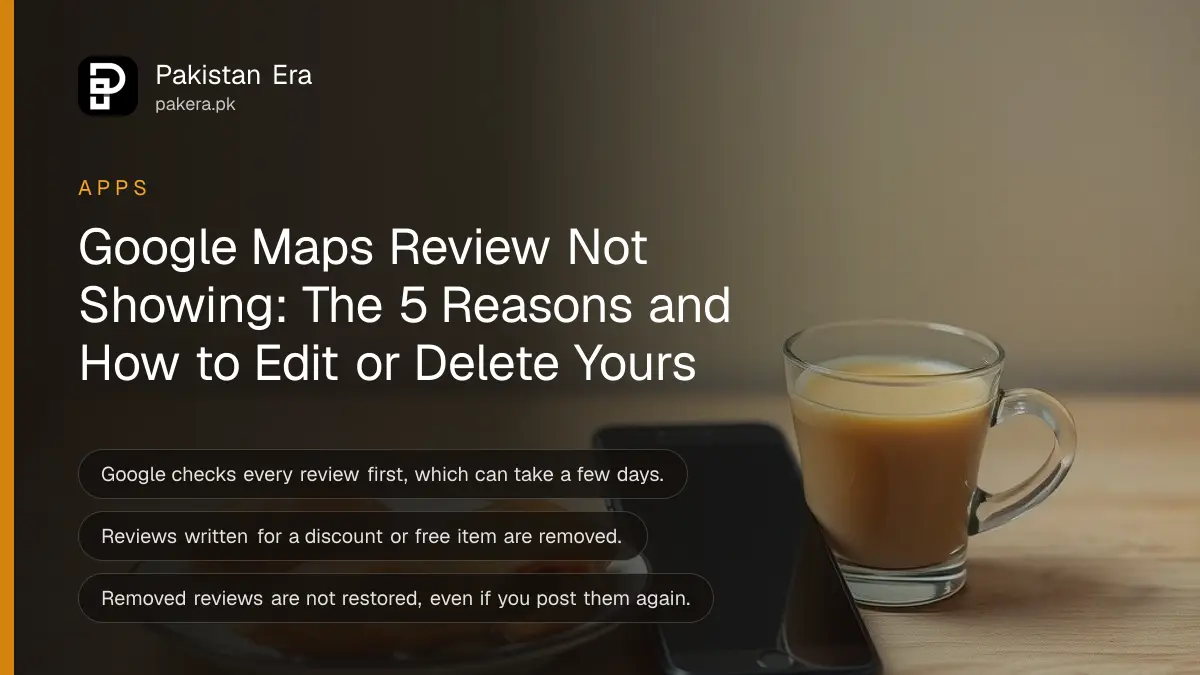
Your Google Maps review not showing? Google checks every review against its content policy first, and that can take a few days. Open Google Maps, tap Contribute, then View your profile, then See all reviews, to find it. From there, tap More next to a review to Edit review or Delete review. A review removed for breaking the rules is not restored, so check the reasons below before writing it again.
The most common Pakistani cause is simple: a restaurant or salon offered a discount or free item for a five star review. Google bans reviews written for an incentive, and its filters remove them, including the genuine ones posted the same day.
Why your Google Maps review is not showing
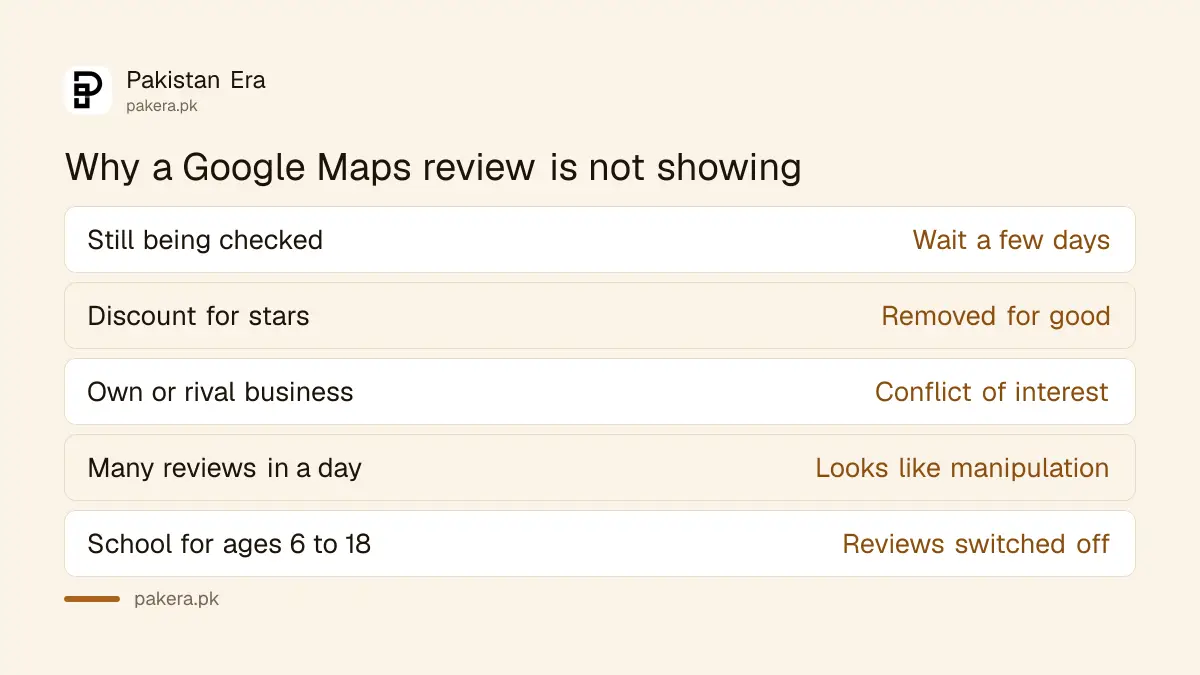
Google moderates every review, and checks can take a few days. A review that never appears was usually removed for a policy reason: an incentive, a conflict of interest, off-topic or offensive content, or a pattern that looks like rating manipulation. Old app versions can also fail to post.
| Reason | Example in Pakistan | What to do |
|---|---|---|
| Still being checked | Posted today, not visible yet | Wait a few days, do not repost |
| Incentive | Free dessert or 10% off for a 5 star review | Removed for good; post only genuine, unpaid reviews |
| Conflict of interest | Review of your own, a relative's or a rival's shop | Not allowed; it will be removed |
| Unusual pattern | Ten friends review a new shop on one day | Removed as rating manipulation |
| Reviews switched off for the place | A school for ages 6 to 18 | Google no longer allows reviews there |
Google says it does not reinstate reviews removed for policy violations. Deleting and posting the same text again does not bring it back, and a burst of edits and reposts can look like the very manipulation the filter is looking for.
How to find your own Google Maps reviews
Every review you write is listed on your Maps profile. Open the Maps app, tap Contribute, then View your profile, and scroll to your reviews. A review you cannot find there was either never posted or was removed.
- Open the Google Maps app and make sure you are signed in to the right Google account.
- Tap Contribute at the bottom.
- Tap View your profile.
- Scroll and tap See all reviews.
Then open the place itself and look under its Reviews tab while signed out, or from another phone. If it shows on your profile but not for others, it is still under review or has been hidden.
How to edit or delete a Google Maps review
You can change the text, stars or photos of your own review at any time, or delete it completely. Google shows the date of your last edit as the review's date, so an edited review looks new to readers of the page.
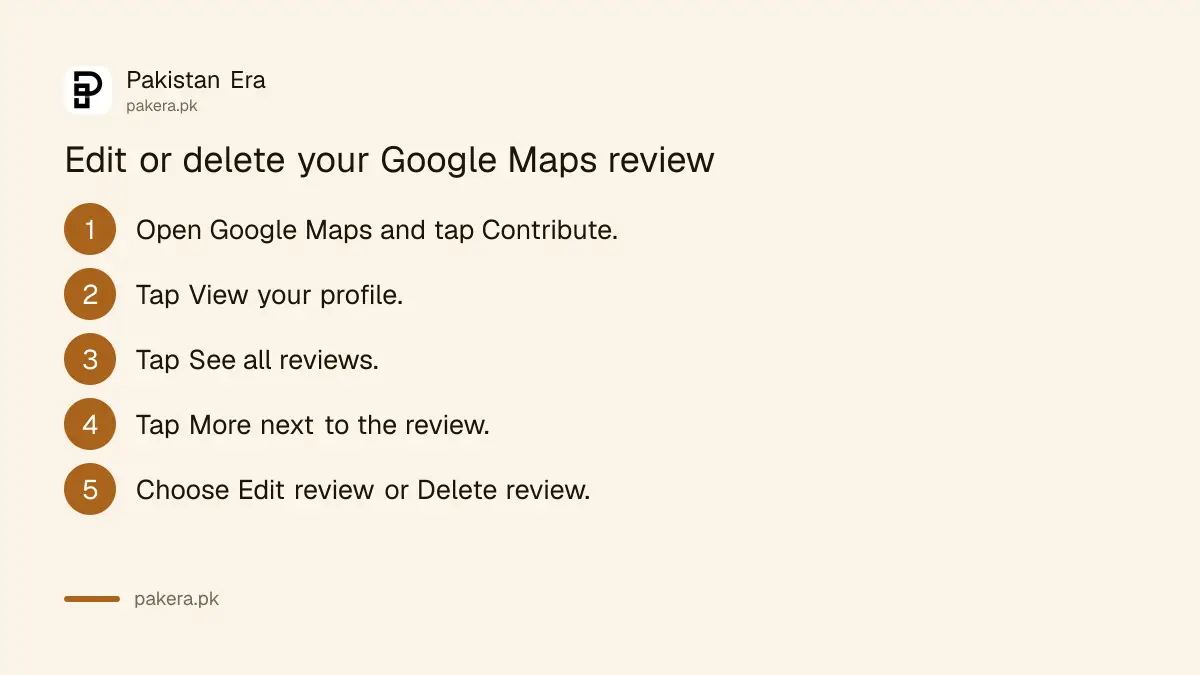
- Open Google Maps and tap Contribute, then View your profile.
- Scroll and tap See all reviews.
- Next to the review, tap More (three dots).
- Tap Edit review or Delete review.
- Follow the steps on screen.
Your reviews are public and carry the name on your About me page. Google does not allow anonymous reviews. To review under a different name, change the name on your Google account first, which changes the name shown on your reviews.
How to write a Google Maps review that stays up
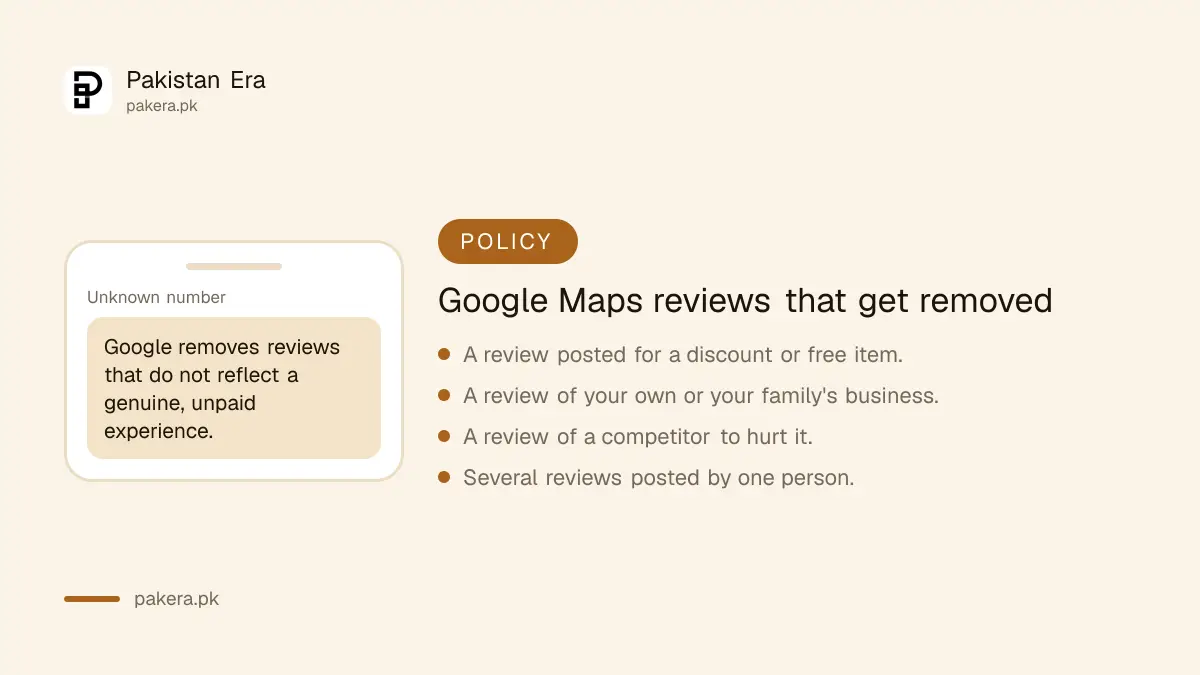
Write about a real visit, in your own words, without any reward from the business. Google removes reviews paid for in cash or in kind, reviews posted from several accounts by one person, and reviews based on a personal or business link to the place.
- Search for the place in Maps and tap its name.
- Tap the Reviews tab, then the five empty stars.
- Choose your stars and write what happened under "Share more about your experience".
- Answer the short questions if they appear, add a photo you took, and post.
- Do not accept a discount, free item or cash for the review, even if the shop asks.
- Do not review your employer, your family's business or a competitor.
- Keep it about the place. Off-topic posts, personal attacks and other people's personal details get reviews removed.
- Update the Maps app. Google says old phones and old app versions can fail to post a review.
Report a fake or abusive review on Google Maps
You cannot delete someone else's review, but you can report it. Tap More next to the review, then Report review, and choose the reason. Google takes down reviews that break its policies. Choosing Not helpful only shows the review to fewer people.
Business owners have a separate route for reviews on their own Business Profile. Replying calmly is covered in replying to Google reviews. If someone threatens a wave of one star reviews unless you pay, follow reporting a Google review extortion scam. Owners who want more genuine reviews can share a Google review link or QR code without offering anything in return.
Common questions
How long does it take for a Google review to show?
Google says checks can take a few days. If it never appears, it was most likely removed for a policy reason, such as an incentive or a conflict of interest.
Can I get a removed Google review back?
No. Google says it does not reinstate reviews removed for policy violations. Posting the same text again usually gets removed too.
Can I write an anonymous review on Google Maps?
No. All reviews are public and show the name on your Google About me page. Change that name first if you want a different one shown.
Why can't I review my child's school on Google Maps?
Google has removed and switched off reviews for places listed as schools for students aged 6 to 18. Universities and day care centres are not affected.
Does editing a review change its date?
Yes. Google shows the date of the last edit as the review's post date, so an edited review moves up as a recent one.
How we verified this
What we checked and where we read it.
Last checked 24 November 2026. Steps and rules come from Google Maps Help, Write, edit and delete reviews, the Google Maps policy on prohibited and restricted content, and the Google Business Profile Help page About missing or delayed reviews, which also covers the school review change.
About the author

Technology Journalist & Multimedia Producer
Ahmad Ali is a technology journalist and multimedia producer at Pakistan Era, joining the team in October 2026. He covers consumer technology and digital life for Pakistani readers, combining research with hands-on product testing.