Facebook Marketplace Not Showing in Pakistan: Fix It and Request a Review of a Restriction
Facebook Marketplace not showing or restricted in Pakistan? Check Profile status, request a review, and fix the five reasons Facebook holds Marketplace back.
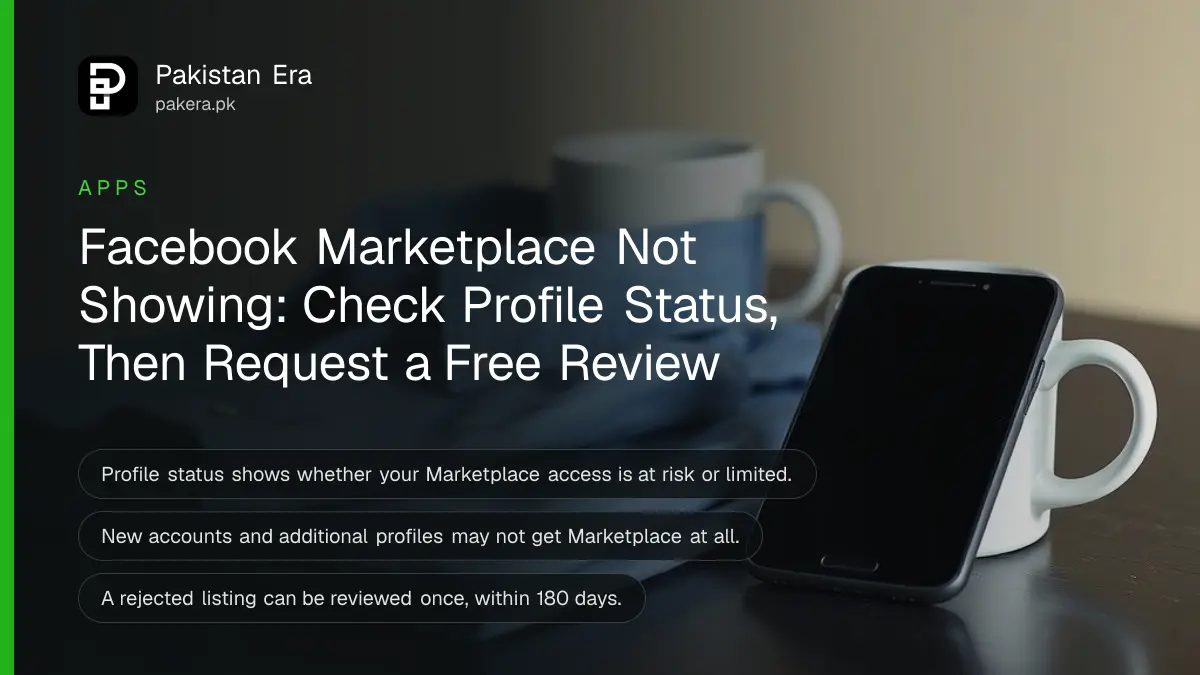
Facebook Marketplace not showing, or showing "access restricted"? Open your Facebook profile, tap the three dots, choose Profile status, then Marketplace under Additional features. If it says your access is at risk or limited, tap Fix it now, then Request review. If there is no warning there, the cause is usually your age setting, a new or second profile, or an old app.
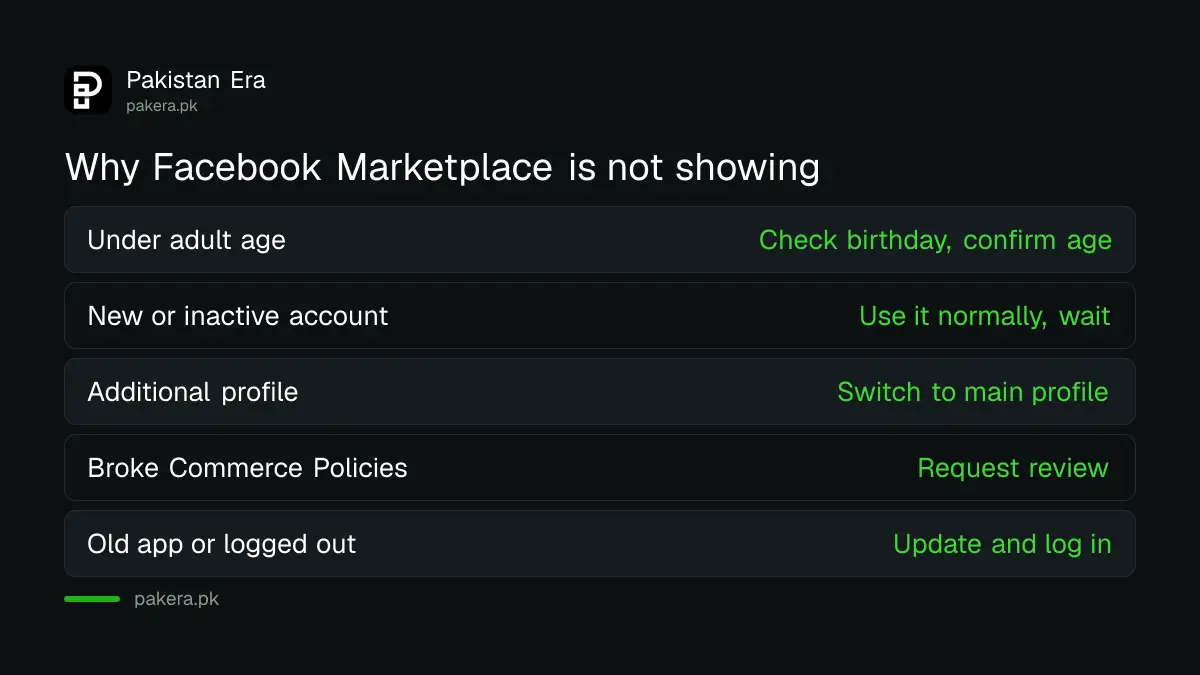
Marketplace works in Pakistan, so the country is rarely the problem for a reader here. Facebook lists five reasons it may hold Marketplace back from an account. The table below matches each one with its fix.
Why Facebook Marketplace is not showing for you
Facebook keeps Marketplace from accounts that belong to someone under adult age, accounts that are new or inactive, additional profiles, accounts that broke its rules, and anyone not logged in. A missing icon is usually one of these, not a fault in your phone.
| Reason Facebook gives | What you see | What to do |
|---|---|---|
| Not an adult on your profile | No Marketplace icon at all | Check your birthday; confirm your age in the app if Facebook offers it |
| New or inactive account | No icon, or "Marketplace isn't available to you" | Use the account normally for some weeks, then check again |
| Using an additional profile | Marketplace missing on one profile only | Switch to your main profile |
| Broke the Commerce Policies | Warning or restriction in Profile status | Request review from Profile status |
| Not logged in, or an old app | Marketplace tab missing | Log in, update the Facebook app, restart the phone |
Check your Marketplace status in Profile status
Profile status is the one screen that tells you whether Facebook has limited your Marketplace access. It sits in your own profile menu and shows a warning, a restriction, or a clean record. Check it before trying anything else.
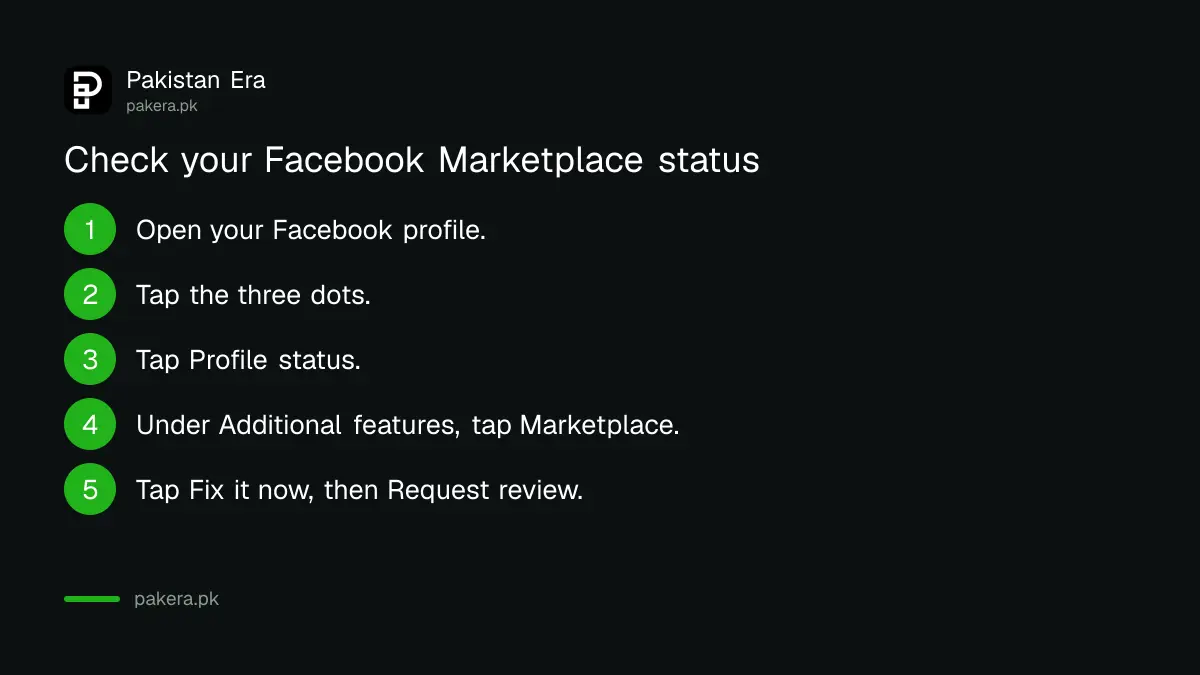
- Open the Facebook app and go to your profile.
- Tap the three dots next to Edit profile.
- Tap Profile status.
- Under Additional features, tap Marketplace.
- Read what it says: no issues, at risk, or restricted.
On a computer the same screen opens from your profile: click the three dots, then Profile status. Some phones show the heading as Extra features instead of Additional features. It is the same menu.
What at risk, limited and suspended mean
"At risk" is a warning that your access is close to being cut because some of your listings broke the Commerce Policies. "Limited" or "suspended" means Facebook has already cut some or all of your Marketplace access. Both start in Profile status.
If this is your first warning, Facebook lets you remove it by telling it which rule you broke. The listings that caused the warning stay removed, but the warning goes. If you think Facebook got it wrong, request a review instead. If the review finds a mistake, Facebook restores the listing.
Request a review of a Marketplace restriction
- Go to your profile, tap the three dots, then Profile status.
- Under Additional features, tap Marketplace.
- Tap Fix it now.
- Tap Request review and follow the steps on screen.
For a single rejected listing, Facebook keeps the Request review button for 180 days. The button disappears if you have already asked once, or if the rule you broke has no review. You cannot appeal the same listing twice.
Listings that get Marketplace accounts restricted in Pakistan
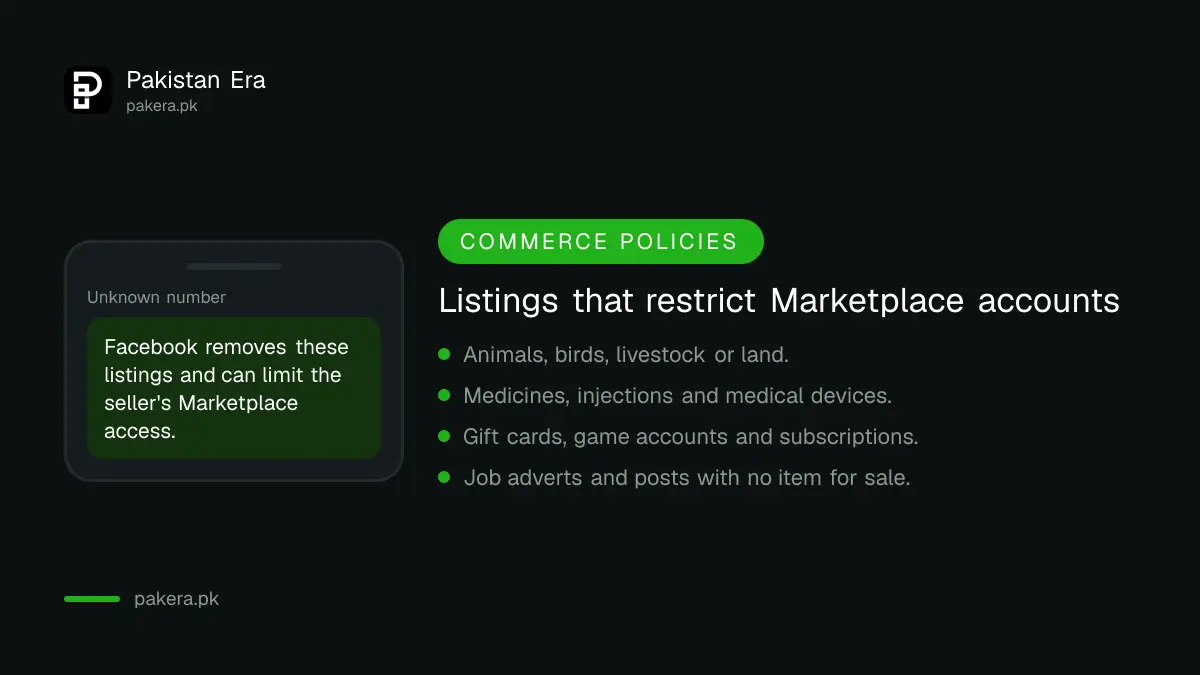
Most restrictions come from what people list, not from the account itself. Facebook's Commerce Policies list 24 banned groups. The ones Pakistani sellers break most often are animals, medicines, digital products, jobs and posts with no item for sale.
- Land, animals and animal products. Selling birds, puppies, goats or plots as a listing breaks this rule, even though it is common in local groups.
- Medical and healthcare products. Tablets, injections, test kits and medical devices are removed. Prescription drugs have their own ban.
- Subscriptions and digital products. Gift cards, game accounts, top-ups and app subscriptions are not allowed as items.
- Jobs and "no item for sale". A job advert, a "wanted" post or a photo of a shop with nothing for sale gets removed.
- Weapons, ammunition and explosives. These are removed and can restrict the account.
Read the Commerce Policies before relisting anything Facebook removed. Removing a rule-breaking listing yourself does not lift a restriction that is already on the account.
Fixes when there is no warning but Marketplace is still missing
When Profile status is clean, the fault is usually the app or the profile you are using. Update Facebook from the Play Store or App Store, log out and in again, and make sure you are on your main profile, not an extra one.
- Update the Facebook app, then restart the phone.
- Tap the menu (three lines) and look under See more. Marketplace sometimes moves out of the shortcut bar.
- Check your birthday in Settings, Accounts Center, Personal details. A wrong year can make Facebook treat you as a minor.
- Switch to your main profile if you use more than one.
- Try facebook.com/marketplace in a phone browser to see whether the problem is only in the app.
A brand new account may simply need time. Facebook does not publish how long. Use the account normally, add a profile photo and real details, and check again in a few weeks. Opening more new accounts does not help.
If your whole account is limited, not just Marketplace, the fix is different. Follow removing a Facebook posting restriction, or the steps for a suspended or disabled Facebook account.
Stay safe once Marketplace is back
Facebook does not refund person to person deals, local pickups or payments made through Messenger, which covers almost every Marketplace sale in Pakistan. Meet in a public place, check the item before paying, and never pay an advance.
Anyone who offers to "unlock" Marketplace for a fee is a scammer. Only Facebook can lift a restriction, and the review is free. The common seller tricks and how to report them are in reporting a Facebook Marketplace scam, and the same advance payment pattern is set out in OLX scams in Pakistan.
Common questions
Is Facebook Marketplace available in Pakistan?
Yes. Marketplace works in Pakistan. If it is missing for you, the cause is your account, such as age, a new profile or a restriction, not the country.
Why does Facebook say Marketplace isn't available to me?
Facebook shows this to accounts that are new or inactive, set as under adult age, using an additional profile, or restricted for breaking its Commerce Policies.
How long does a Marketplace review take?
Facebook does not give a fixed time. Check Profile status again after a few days. Do not submit the same request many times.
Can I make a new account to get Marketplace back?
No. New accounts are one of the reasons Facebook holds Marketplace back, and opening one to get round a restriction can break Facebook's rules.
Why did my Request review button disappear?
Facebook removes it after 180 days, after you have already requested a review, or when the rule you broke does not allow a review.
How we verified this
What we checked and where we read it.
Last checked 24 November 2026. The reasons, the Profile status route and the review rules come from the Facebook Help Centre pages What it means if your Marketplace access is at risk, limited or suspended and Who can use Facebook Marketplace, plus the page on rejected listings. The help pages open in Urdu for Pakistani visitors and the menu names can differ slightly between the Urdu and English versions.
About the author

Technology Journalist & Multimedia Producer
Ahmad Ali is a technology journalist and multimedia producer at Pakistan Era, joining the team in October 2026. He covers consumer technology and digital life for Pakistani readers, combining research with hands-on product testing.