BML Mobile App: Register With Bank Makramah, the Former Summit Bank, and Set Up Raast
Register on BML Mobile, the Bank Makramah app (formerly Summit Bank), with your account, card or mobile number, set up a Raast alias and call 021-111-124-365.
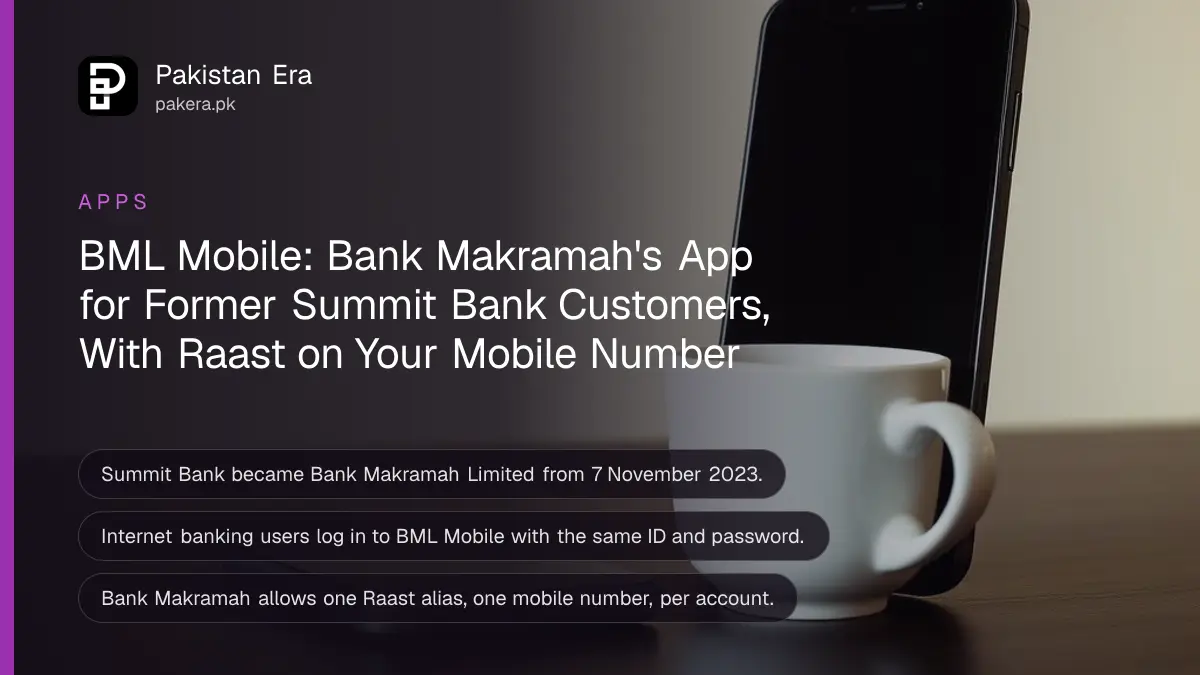
BML Mobile is the app of Bank Makramah Limited, the bank that was Summit Bank until November 2023. Install "BML Mobile" from Google Play or the App Store. If you already use BML internet banking, log in with that ID and password. If not, register with your account number, debit card number or registered mobile number. Helpline: 021-111-124-365.
Many former Summit Bank customers still look for a "Summit Bank app". It is the same bank under a new name. The State Bank notified the change from Summit Bank Limited to Bank Makramah Limited with effect from 7 November 2023, and the app is now called BML Mobile.
Two ways into BML Mobile: your internet banking login or a new registration
BML Mobile has two routes in. Existing internet banking users sign in with the same ID and password. Everyone else registers inside the app using a BML account number, debit card number or the mobile number the bank holds.
| You are | What to do |
|---|---|
| A BML internet banking user | Log in with your existing internet banking ID and password |
| A BML customer with no online login | Tap register and use your account number, debit card number or registered mobile number |
| Not a BML customer | Open an account first. The app is for account holders |
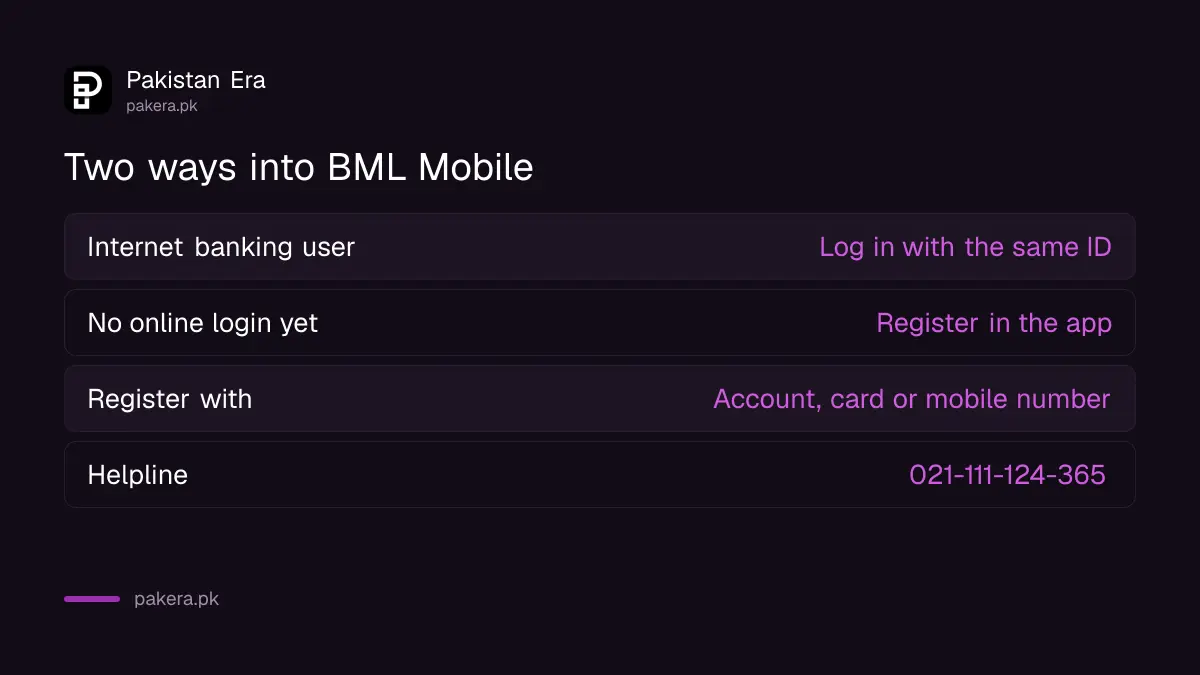
Bank Makramah's own page lists account number, debit card number or registered cell number for sign-up. The Google Play listing words it as CNIC, mobile number or account number. Keep all four details ready and use whichever the app screen asks for.
Register on BML Mobile in five steps
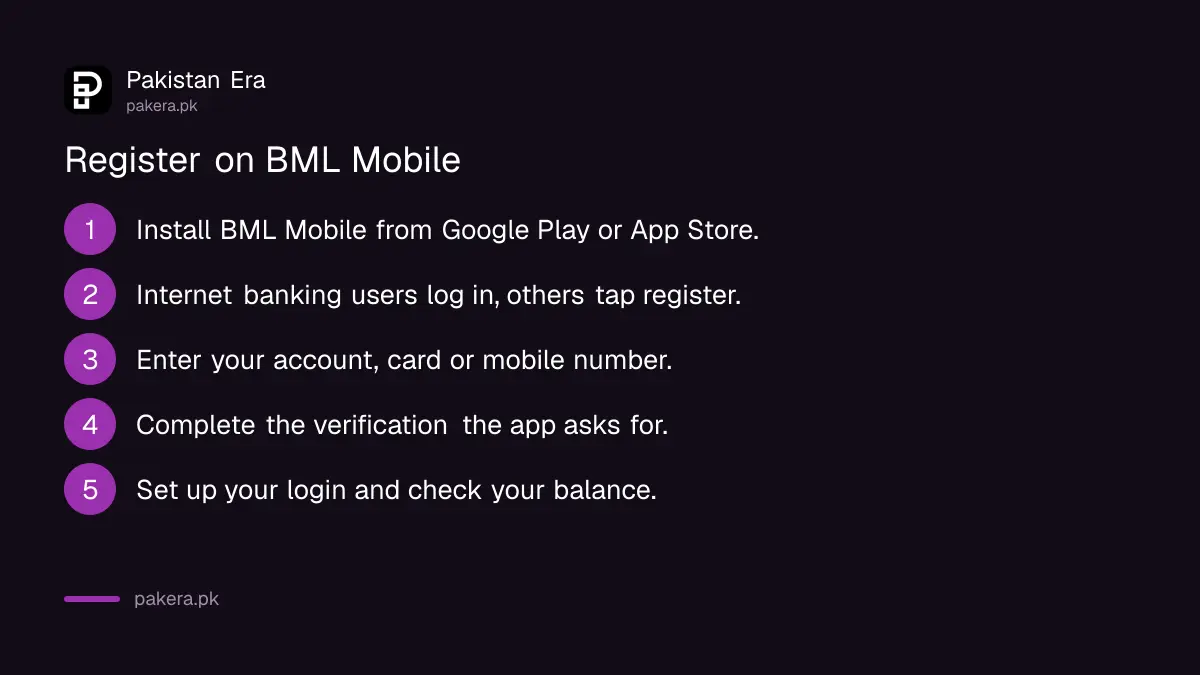
Install the app, choose register, enter your account, card or mobile number, complete the verification screens, and set up your login. If any step fails because your number has changed, the bank has an old mobile number on file, and only the branch or helpline can fix that.
- Install "BML Mobile" from Google Play or the App Store. The bank's page links both from its BML Mobile section.
- Open the app. Internet banking users log in here and stop. Everyone else taps register.
- Enter your BML account number, debit card number or registered mobile number, as the screen asks.
- Complete the verification the app asks for. Keep the phone with your registered SIM in hand.
- Set up your login, then sign in and check your balance.
Install only the app published by Bank Makramah. Fake banking apps copy logos and names. Check the publisher name and the download count before you tap install, and never type your card PIN into an app you found through a link in an SMS.
What you can pay and manage in BML Mobile
BML Mobile covers utility bills, online shopping bills, mobile top-up, card activation and deactivation, tax payments, insurance, mutual fund investments and any 1Bill invoice. You can also schedule payments, set reminders and find the nearest BML branch or ATM on a map.
| Task | What Bank Makramah lists |
|---|---|
| Bills | Utility bills, online shopping bills, internet providers such as Nayatel |
| Mobile | Mobile recharge and Ufone Super Card purchase |
| Tax | FBR and Sindh Revenue Board payments |
| Insurance and funds | EFU and GLI premiums; MCB Arif Habib, Askari and Al Meezan funds |
| Invoices | Any company on 1Bill |
| Card | Activate or deactivate your debit card |
Bank Makramah also says utility bill payments through the app, ATM, internet banking and branches are free. Interbank transfer fees sit in the bank's price list, so check the Bank Makramah schedule of charges before a large IBFT.
Link your mobile number to Raast in BML Mobile
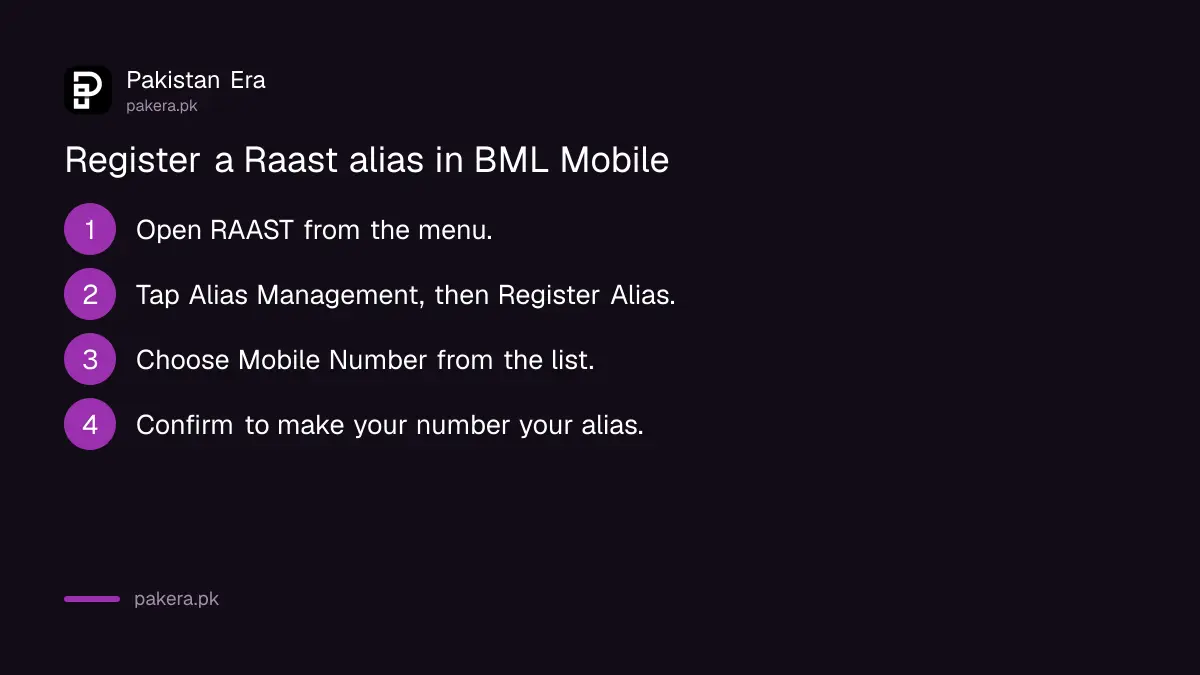
In BML Mobile, Raast sits in the main menu. Open RAAST, tap Alias Management, then Register Alias, and pick your mobile number. After that, anyone can send money to your BML account using only your number. Bank Makramah allows one mobile number per account.
- Open RAAST from the navigation menu.
- Tap Alias Management, then Register Alias.
- Choose Mobile Number from the drop-down.
- Confirm. Your number is now your Raast alias.
To send, open RAAST Payment, use the toggle at the top right to choose IBAN or alias, and enter the receiver's IBAN or mobile number. Bank Makramah says Raast payments run in real time, and for now it offers only person-to-person transfers. If your number is already linked at another bank, de-link it there first, as shown in the steps to move a Raast ID to another bank.
Fix common BML Mobile problems through the 24/7 helpline
When registration fails, the usual cause is a mobile number the bank no longer matches. Call 021-111-124-365 to check it. The same line helps with a blocked card, a failed transfer or a forgotten login. For a formal complaint, write to complaints@bankmakramah.com.
- Registration stops at verification: your registered mobile number may be old. Update it through the helpline or your branch.
- Already have internet banking: skip registration and log in with your internet banking ID and password.
- Raast alias refused: your number is linked at another bank. De-link it there, then register it in BML Mobile.
- Money sent to the wrong person: call the helpline straight away with the time, amount and receiver details.
If the bank does not settle a complaint, take it to the Banking Mohtasib, which handles complaints against banks for free. The Banking Mohtasib complaint steps explain what to send.
Common questions
Is Summit Bank the same as Bank Makramah?
Yes. The State Bank notified the name change from Summit Bank Limited to Bank Makramah Limited with effect from 7 November 2023.
Can I use my BML internet banking login in BML Mobile?
Yes. Bank Makramah says internet banking users can log in to the app with their existing ID and password.
What do I need to register on BML Mobile?
Your BML account number, debit card number or the mobile number registered with the bank, plus that phone to receive the code.
What is the Bank Makramah helpline number?
The 24/7 contact centre is 021-111-124-365. Complaints can also go to complaints@bankmakramah.com.
Can I link more than one account to my Raast alias?
No. Bank Makramah says only one account can be linked to a Raast alias, and one mobile number per account.
Are utility bills free in BML Mobile?
Yes. Bank Makramah lists free utility bill payments through its app, ATMs, internet banking and branches.
How we verified this
What we checked and where we read it.
We checked these pages on 21 November 2026: Bank Makramah's BML Mobile page (download links, features, login and registration options, helpline), its Raast page (alias registration and payment steps), and the BML Mobile listing on Google Play, which says over 100,000 downloads. The name change date is from the State Bank's notification. The bank's page and the Play listing word the registration details differently, as noted above.
About the author

Tax, Bills and Technology Writer
Ali Akhtar is a young and curious voice here at Pakistan Era. He is currently pursuing his A-Levels and has a growing interest in Pakistan’s changing industrial landscape and educational trends. Ali likes to write in a way that helps him explain and explore the world around him. His writing reflects the perspective of the new generation navigating the evolving trends of Pakistan where technology, youth innovation, and shifting opportunities are reshaping the country’s future.