How to Switch Instagram to a Professional Account in Pakistan: Creator or Business, Free in 1 Minute
Switch Instagram to a professional account in Pakistan, free: the app and web steps, Creator or Business, the public account rule, and how to switch back.
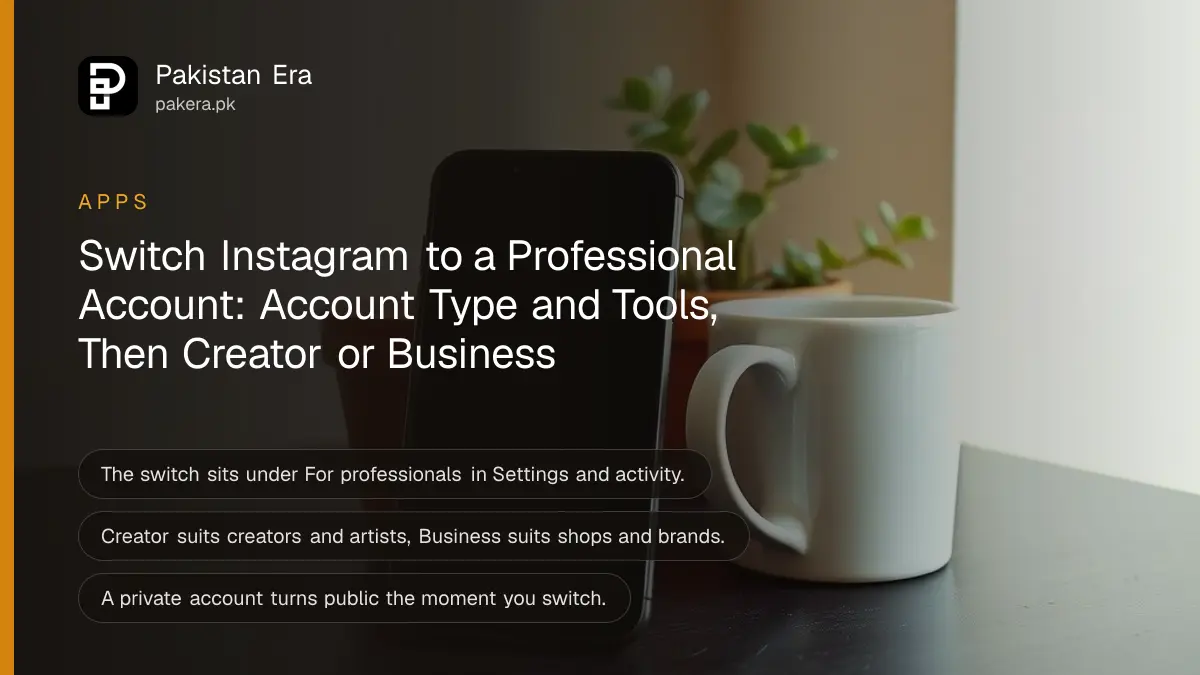
To switch Instagram to a professional account, go to your profile, tap the menu, then Settings and activity. Under For professionals, tap Account type and tools, then Switch to professional account. Pick a category, choose Creator or Business, and tap Next. It is free, takes about a minute, and you can switch back to personal at any time.
The choice between Creator and Business is the part people get wrong. Instagram says Creator is for public figures, content creators, artists and influencers. Business is for shops, local businesses, brands, organisations and service providers. A clothing seller in Lahore picks Business; a cooking creator in Karachi picks Creator.
| Question | Creator account | Business account |
|---|---|---|
| Who it is for | Creators, artists, influencers, public figures | Shops, brands, local businesses, service providers |
| Insights and professional dashboard | Yes | Yes |
| Profile goes public | Yes | Yes |
| Contact details on profile | Optional | Optional |
| Facebook Page link | Optional | Optional |
| Switch to the other type later | Any time | Any time |
How to switch to a professional account in the Instagram app
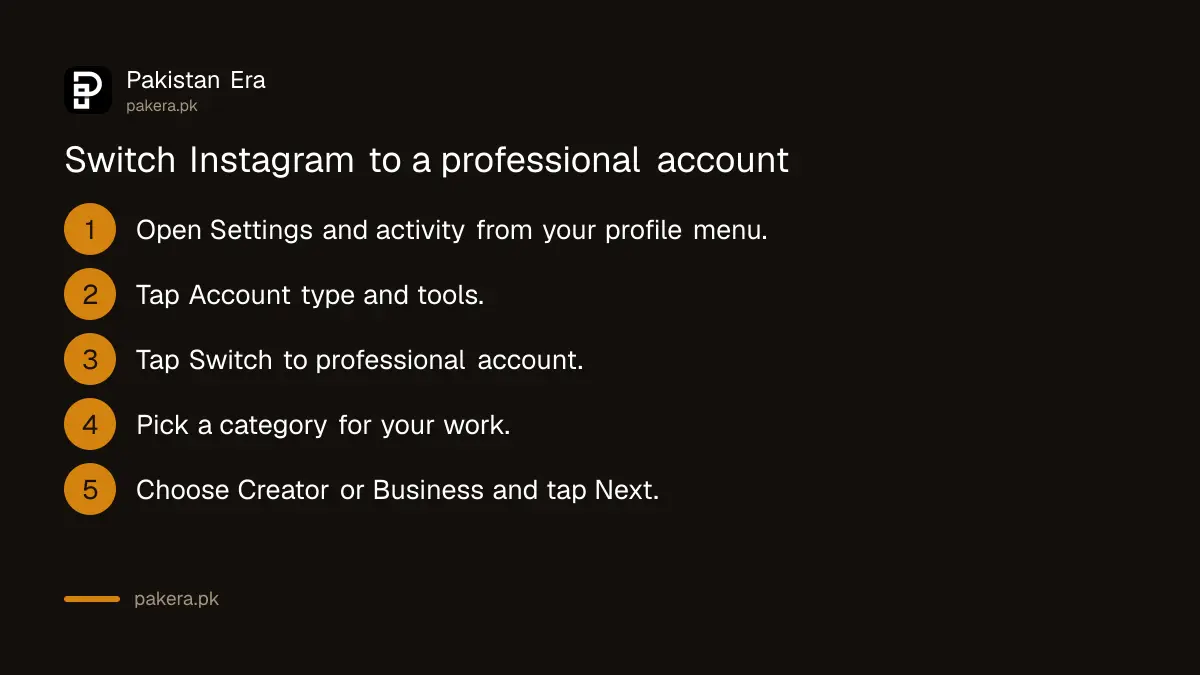
The switch lives under Settings and activity, in the For professionals section. You tap Account type and tools, choose Switch to professional account, pick a category, then choose Creator or Business. The last screens for contact details and a Facebook Page can be skipped.
- Tap Profile, your profile picture at the bottom of the screen.
- Tap the menu icon at the top, then Settings and activity.
- Under For professionals, tap Account type and tools.
- Tap Switch to professional account.
- Choose the category that best describes your work, then tap Switch to professional account again.
- Select Creator or Business and tap Next.
- Add contact details if you want, or tap the X at the top to skip the extra steps.
The category is only a label on your profile, such as "Digital creator" or "Clothing store". It does not decide whether you get Creator or Business. You can hide the label later if you prefer a clean profile.
How to switch on a computer at instagram.com
The web version follows the same path. Click More, then Settings, then Account type and tools under For professionals. Choose Switch to professional account, select Creator or Business, pick a category, click Done, then Continue to confirm. It works on any browser.
- Click More at the bottom left, then Settings.
- Under For professionals, choose Account type and tools.
- Click Switch to professional account.
- Select Creator or Business and click Next.
- Choose a category and click Done.
- Click Continue to confirm.
A private account becomes public when you switch
Professional accounts cannot stay private. If your account is private, Instagram makes it public the moment you switch, and every pending follow request is accepted on its own. Anyone can then see your posts, Reels and highlights. Clean up first if you have family photos you would rather keep.
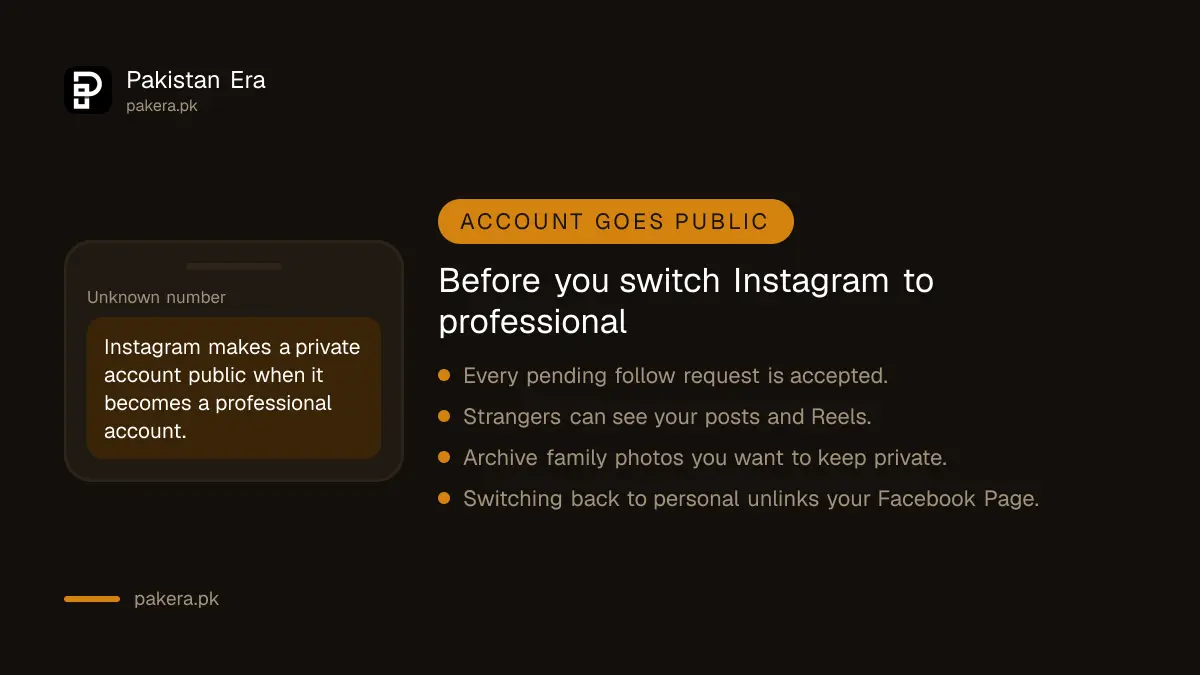
Before you switch, archive the posts you do not want strangers to see, and remove pending requests from people you do not know. If you later want privacy back, you must return to a personal account and then go private, as set out in making an Instagram account private. Restricting or blocking single people works on a professional account too.
Creator or Business: which one suits Pakistani accounts
Pick Creator if people follow you, and Business if people buy from you. Both get insights, the professional dashboard and ad tools. Shops selling on Instagram and taking orders by DM usually pick Business; video makers, artists and influencers pick Creator.
One practical difference catches small shops. Instagram blocks certain business accounts from its licensed music library, because commercial use needs separate licences. If your Reels say a song is unavailable, the fix in Instagram music not available on a business account is often to move to Creator.
Switching between Creator and Business uses the same Account type steps and can be done at any time. Your followers, posts and username stay. Choose your handle before you grow, though, because changing an Instagram username later breaks any old links people saved.
A professional account does not mean Instagram pays you in Pakistan. Insights and tools are free and open everywhere. Earning features depend on country and eligibility, which is why checking whether Instagram pays in Pakistan matters before you plan around them.
How to switch back to a personal account
Open Settings and activity, go to Creator tools and controls (or Business tools and controls), tap Switch account type and choose the personal option, then tap Switch. You lose the professional tools, and any Facebook Page linked to the account is disconnected.
- Go to your Profile, tap the menu, then Settings and activity.
- Tap Creator tools and controls or Business tools and controls.
- Tap Switch account type.
- Choose the personal account option and tap Switch.
Your posts and followers stay. The account remains public until you set it to private yourself.
Common questions
Is an Instagram professional account free?
Yes. Switching to a Creator or Business account costs nothing. Ads and Meta Verified are paid, but you do not need either to switch.
Can a professional Instagram account be private?
No. Instagram makes the account public when you switch, and pending follow requests are accepted automatically.
Do I need a Facebook Page for an Instagram business account?
No. Linking a Facebook Page is an optional step during the switch, and you can skip it.
Will I lose followers if I switch to a professional account?
No. Your followers, posts and username stay the same. Pending follow requests are accepted.
What is the difference between a creator and a business account on Instagram?
Creator is for creators, artists and public figures. Business is for shops, brands and service providers. Both get insights and the professional dashboard, but some business accounts lose access to licensed music for Reels.
How many times can I switch my Instagram account type?
Instagram sets no limit in its help article. You can move between personal, Creator and Business at any time.
How we verified this
What we checked and where we read it.
Last checked 21 November 2026. The app and web steps, the Creator and Business definitions, the public account rule and the switch back are from Instagram Help, Set up a creator account on Instagram and Set up a business account on Instagram. The music library point is from Instagram's rules on music for business accounts. Menu labels can differ slightly between app versions.
About the author

Technology Journalist & Multimedia Producer
Ahmad Ali is a technology journalist and multimedia producer at Pakistan Era, joining the team in October 2026. He covers consumer technology and digital life for Pakistani readers, combining research with hands-on product testing.