Change Your Instagram Username in Pakistan: 3 Steps in Edit Profile, or Through Accounts Center
Change your Instagram username in 3 steps from Edit profile, or through Accounts Center. Why large accounts face a review, who is told, and what to do first.
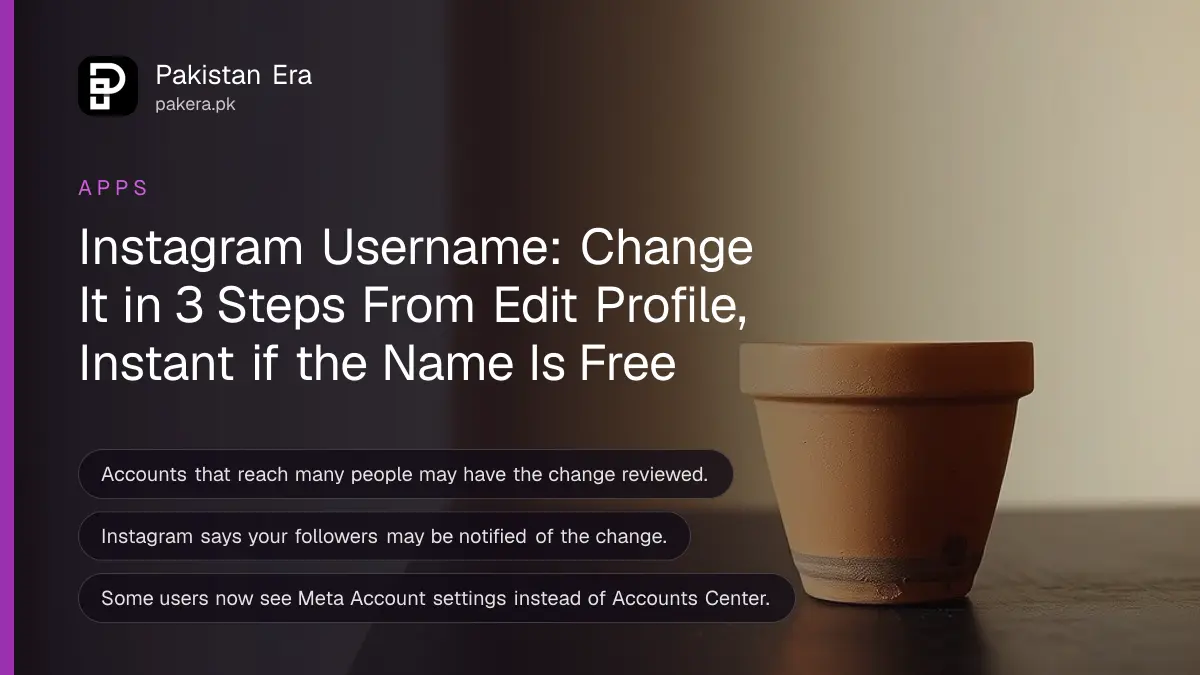
To change your Instagram username, tap your profile picture, tap Edit profile, change the username and tap Done. If your app shows Accounts Center, go to Menu, Accounts Center, Profiles, pick the account and edit the username there. Instagram says the change is immediate if the name is free, unless your account reaches a lot of people, in which case it is reviewed first.
Instagram is moving some users from Accounts Center to a newer "Meta Account" settings page, so the menus are not the same on every phone in Pakistan. That is why people get stuck. We read Instagram's help page on changing profile information for Android and for the web on 5 November 2026. Below are both routes, what Instagram warns about, and what to do first.
Two ways to change your Instagram username
Instagram gives two routes. The short one is Edit profile on your own profile. The other is through Accounts Center, which also lets you change the name and picture and sync them with Facebook. Instagram notes that not everyone can reach the Accounts Center setting yet.
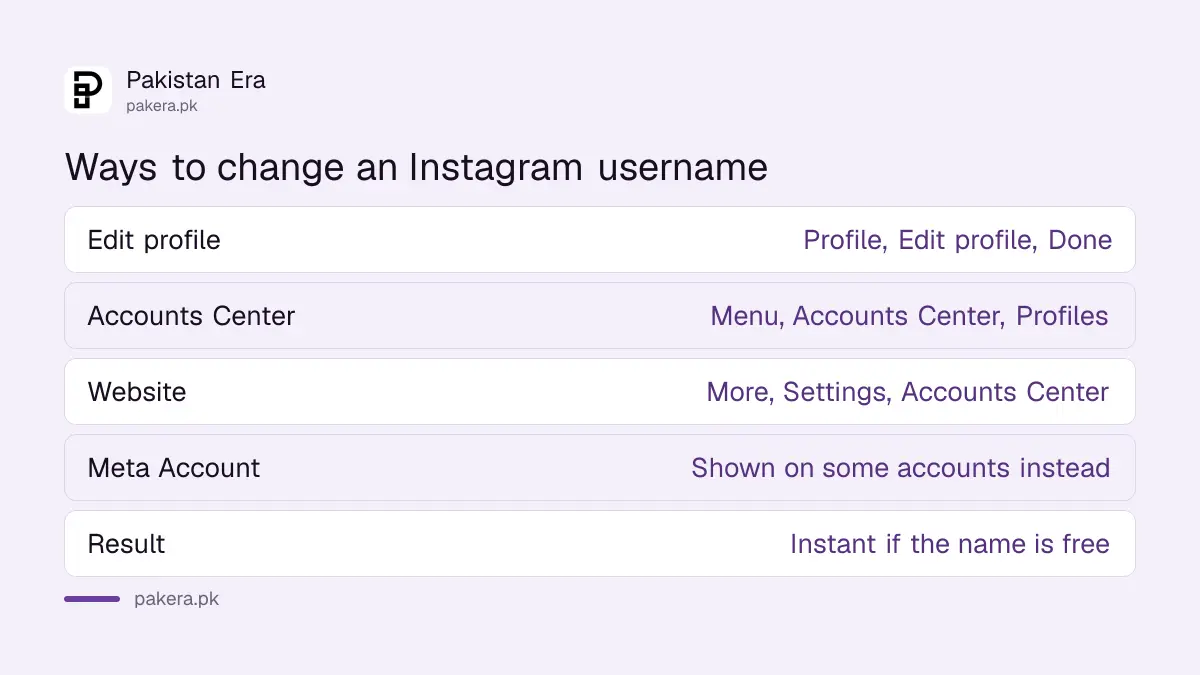
| Route | Where to start | What you can change | Last tap |
|---|---|---|---|
| Edit profile | Your profile page | Name, username, bio and more | Done |
| Accounts Center | Menu, top right of your profile | Name, username, profile picture, avatar | Done |
| Website | More, then Settings, bottom left | Name, username, profile picture | Done or Submit |
Use Edit profile first. It is the route every account has.
Change it from Edit profile in 3 steps
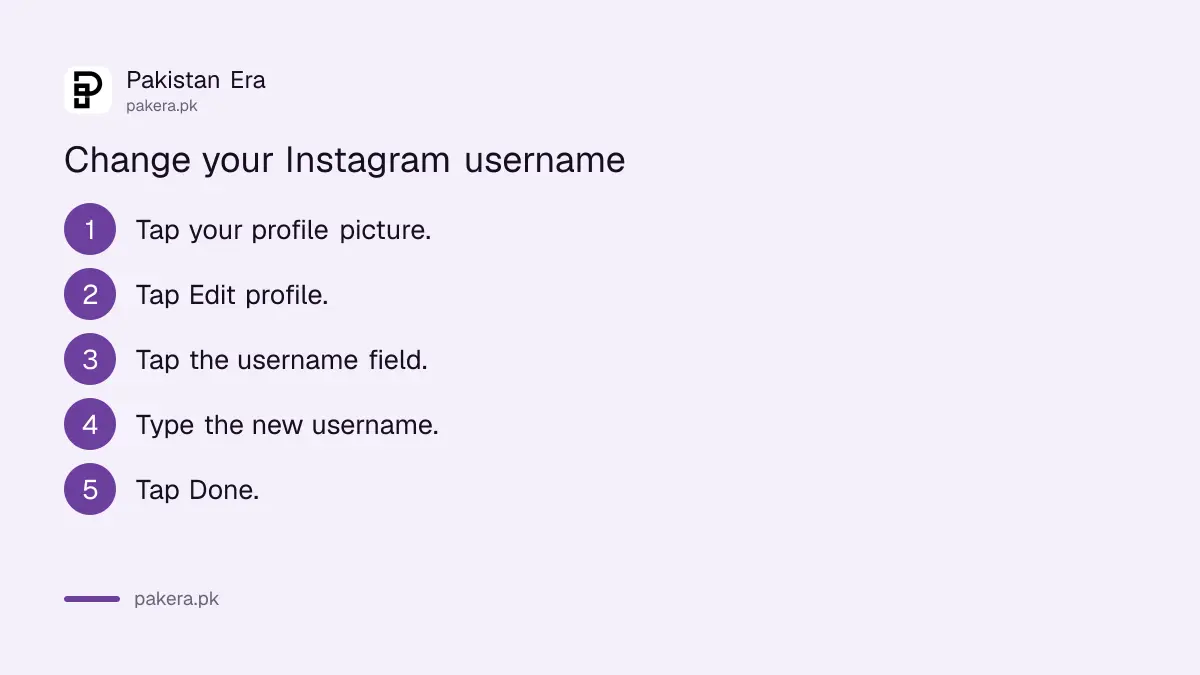
Open your profile by tapping Profile or your picture at the bottom right. Tap Edit profile, type the new username and tap Done. Instagram says the change happens immediately if the username is available and your account does not need a review.
- Tap Profile or your profile picture at the bottom right.
- Tap Edit profile.
- Type the new username and tap Done.
If Instagram says the username is not available, someone else has it. Try a different spelling or add a number. Check the spelling twice before you tap Done, because your profile link changes with it.
Change it in Accounts Center
Go to your profile, tap Menu at the top right, then Accounts Center, then Profiles. Tap your Instagram profile, tap Username, make the change and tap Done. This route also lets you change the name, picture and avatar in one place.
- Tap Profile or your picture at the bottom right.
- Tap Menu at the top right.
- Tap Accounts Center, then Profiles.
- Tap the profile you want to update.
- Tap Username, make the change, then tap Done.
On a computer, click More at the bottom left, then Settings, then See more in Accounts Center, then Profiles. Some accounts now see Meta Account settings in place of Accounts Center. The same Profiles option is there.
If your Facebook and Instagram are in the same Accounts Center, you can sync your name and picture across both. Facebook has its own limits on name changes, which we explain in our guide to Facebook's 60 day name rule.
Large accounts may wait for a review
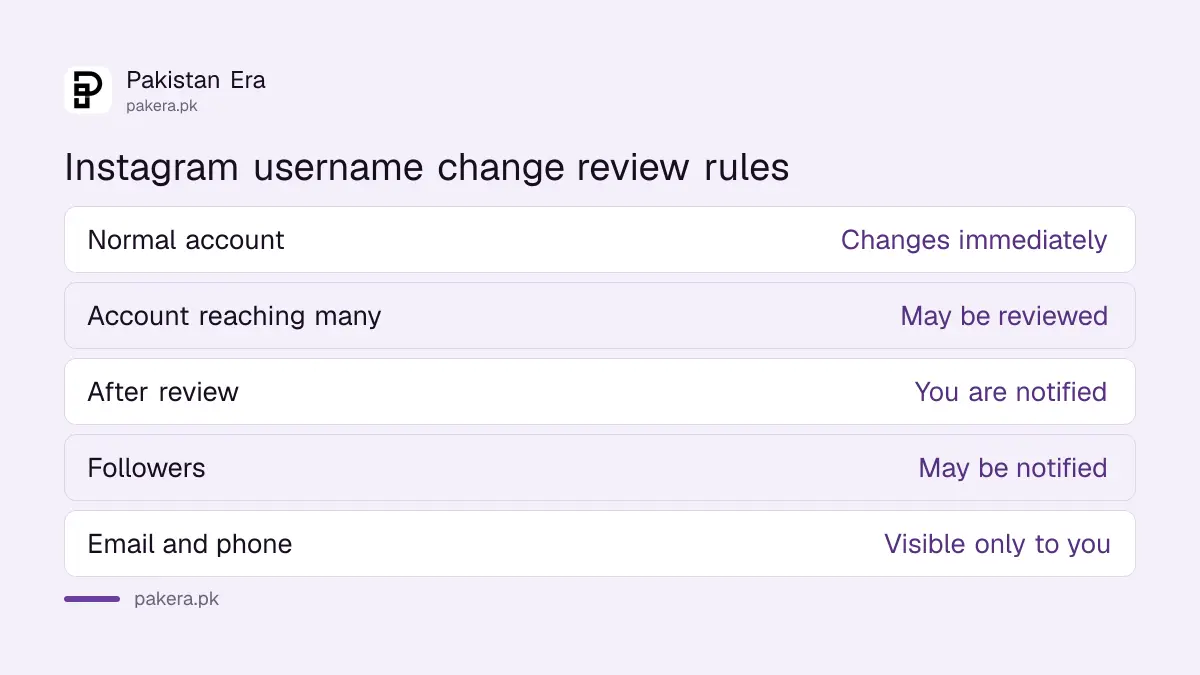
Instagram says that if your account reaches a lot of people, a username change may need review. You will be told when the review ends. For most personal accounts, the change is instant. Instagram also says your followers may be notified.
- Review: Instagram does not say how many followers trigger a review, or how long it takes.
- Followers notified: people may see that you changed your username, so a quiet rename is not guaranteed.
- Private details: your email, phone number and gender stay visible only to you, Instagram says.
Businesses should plan around the review. Change the username on a quiet day, then update the link in your WhatsApp Business profile, Facebook page and printed material.
Protect the account before and after the change
A username change is a good time to lock the account. Turn on two-factor authentication and save the backup codes. A scammer may grab your old username to pose as you, so check for copies.
Old usernames can be taken by someone else once you drop them. If a fake account appears under your old name, report it using the steps in our guide to reporting an account impersonating you.
Two more links help here. Our Instagram two-factor guide shows how to save backup codes. If your username changed and you did not change it, treat it as a hack and follow our hacked Instagram recovery guide now.
Common questions
How do I change my Instagram username?
Tap your profile picture, tap Edit profile, type the new username and tap Done. Or use Menu, Accounts Center, Profiles.
Why is my Instagram username change under review?
Instagram says changes on accounts that reach a lot of people may be reviewed. You will be notified when the review is complete.
Will my followers know I changed my username?
They may. Instagram says your followers may be notified of a username change.
Why can't I find Accounts Center on Instagram?
Instagram is moving some people to Meta Account settings, and says not everyone can reach the Accounts Center setting yet. Use Edit profile instead.
Does changing my Instagram username change my Facebook name?
Only if you choose to sync profile information in Accounts Center. Otherwise the two stay separate.
How many times can I change my Instagram username?
Instagram's help page does not state a limit for usernames. If the app refuses, the name may be taken or under review.
How we verified this
What we checked, where we read it, and what we could not confirm.
We read Instagram's help page on changing profile information, in its Android and web versions, on 5 November 2026. The steps and the review and notification rules come from that page. It does not give a limit on how often you can change a username or how long a review takes, so we have not stated one. We did not change a username for this guide.
About the author

Senior Writer, Public Services and Technology
Shahid joined us in 2024 as an author. He is a senior contributor to Pakistan's leading technology websites. He writes detailed articles, mostly covering his expertise in the latest tech, mobiles, apps, gadgets, and step-by-step guides. His ideology is to help people understand the latest trends and explain complex methods through very easy-to-understand guides.