Facebook Name Change in Pakistan: the 60-Day Limit, 7 Steps and the 5 Names Facebook Refuses
Facebook lets you change your name once every 60 days. See the 7 steps in Accounts Center, the 5 names Facebook refuses, and how to rename a Facebook Page.
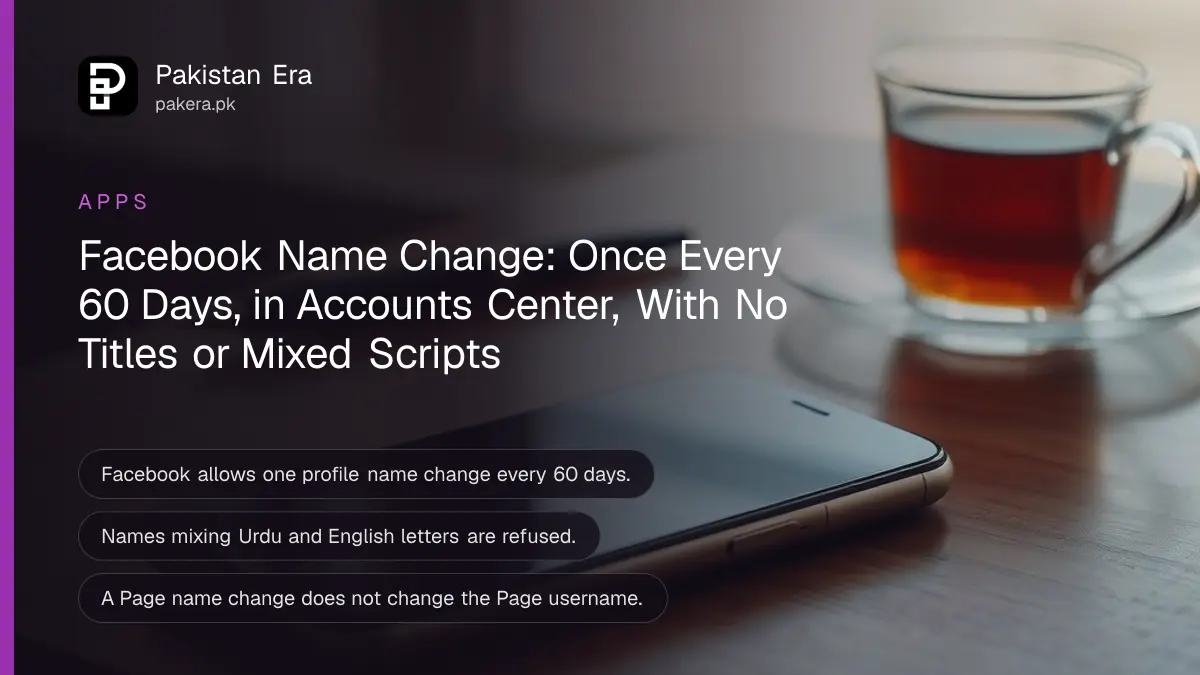
Facebook lets you change your profile name once every 60 days, and there is no official way to change it sooner. To change it, go to Settings, then Accounts Center, Profiles, your account, Name, then Review change and Save changes. If Facebook refuses the new name, the reason is almost always one of five rules listed below, and Page names follow a different process.
Name changes are common in Pakistan after a marriage, a CNIC correction, or when someone wants to drop a nickname from their student days. We read Facebook's Help Center pages on changing a name, the reasons a change is refused, and Page names on 27 October 2026. Every step below comes from those pages.
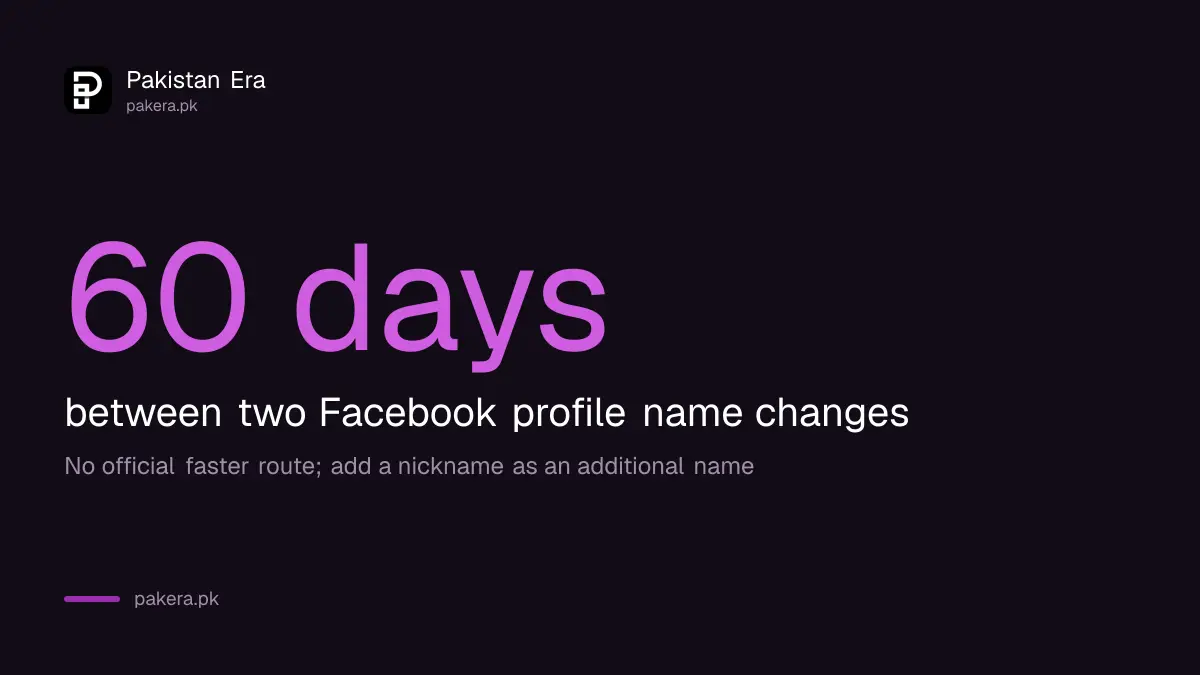
Facebook allows one profile name change every 60 days
Facebook's rule is plain: after you change your name, you cannot change it again for 60 days. The Help Center repeats this on both its name change page and its refusal page. Facebook does not offer a paid or faster route around the limit.
So treat each change as final for two months. Check spelling, capital letters and spacing on the review screen before you press Save. A typo in a surname will sit on your profile for 60 days.
Facebook also lets you add an additional name, such as a nickname or a maiden name, as long as the profile meets its name standards. This is the better route if you only want people from school or an old job to find you.
Change your Facebook name in 7 steps
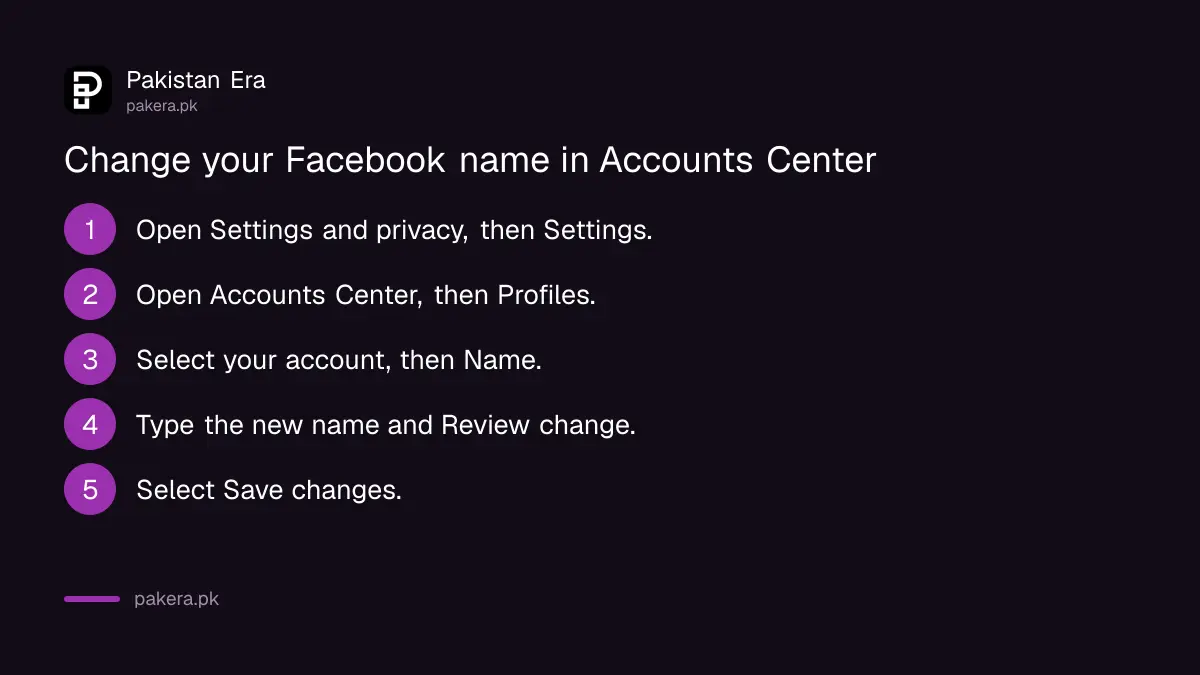
The name lives in Accounts Center, Meta's shared settings area for Facebook and Instagram. Some accounts now see Meta Account settings instead, as Facebook is moving people across gradually. The steps are the same in the app and on a computer.
- Tap or click your profile picture in the top right of Facebook.
- Select Settings & privacy, then Settings.
- Open Accounts Center.
- Select Profiles, then your account.
- Select Name.
- Type your new name and select Review change.
- Select Save changes.
Facebook notes that if your Facebook and Instagram accounts in the same Accounts Center use the same first and last name, people may find you more easily through recommendations. That is worth knowing if you run a small business page from your personal account.
Five kinds of name Facebook refuses
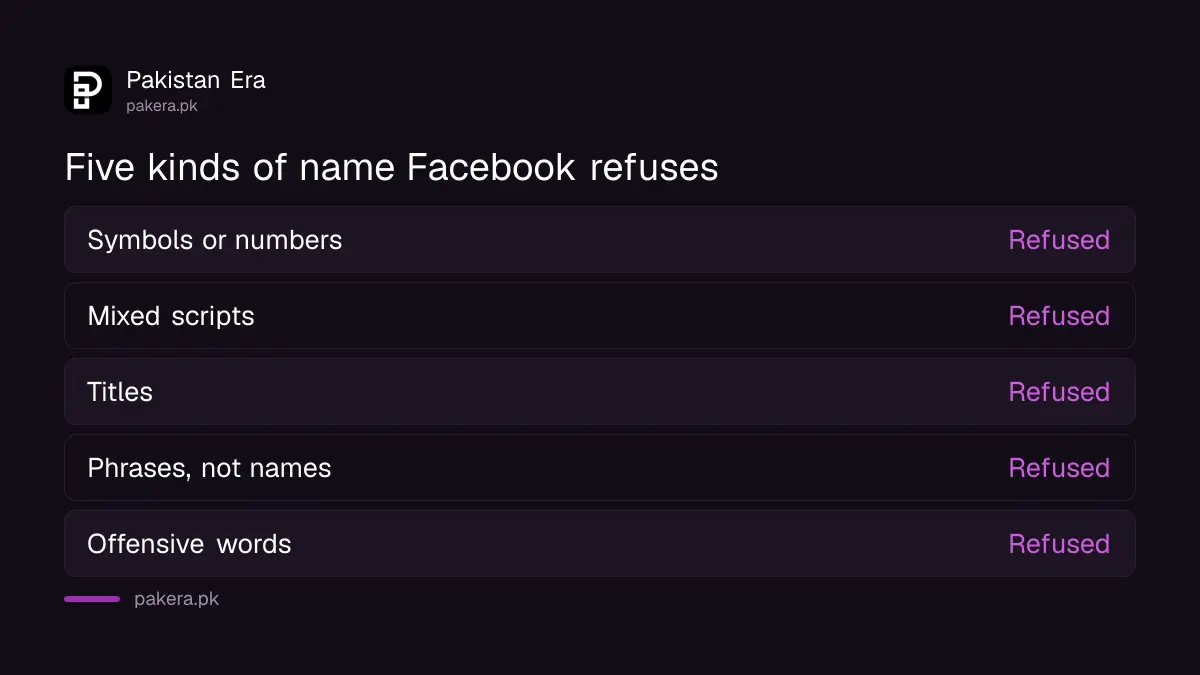
Facebook wants the name you use in everyday life. It refuses names with symbols or numbers, characters from more than one language, titles, phrases instead of a name, and offensive words. Unusual capital letters and repeated characters are also refused.
| Facebook refuses | Example of the problem | What works instead |
|---|---|---|
| Symbols, numbers, odd capitals, repeated letters | A name with stars, digits or ALL CAPS | Plain spelling with normal capitals |
| Characters from multiple languages | Urdu script and English letters mixed in one name | One script for the whole name |
| Titles of any kind | Professional or religious titles before the name | Your name alone |
| Words or phrases instead of a name | A slogan, a mood or a shop name | Your real name; use a Page for a shop |
| Offensive or suggestive words | Any such word | Your real name |
The mixed-script rule catches many Pakistani users. Facebook's list does not ban Urdu names; it bans mixing characters from more than one language in one name. Write the whole name in English letters or the whole name in Urdu.
Titles are the other trap. Facebook's examples are professional and religious titles. If you want people to know you are a doctor or an engineer, that belongs in your bio or work details, not your name.
If the change still fails, Facebook has a contact form
When the Name option is greyed out or the change will not save, first check your last change date. If 60 days have passed and the name follows the rules, Facebook's own page says to let it know through its name change help form.
Facebook does not promise what happens after you send the form, and we could not test it. Use your real name exactly as you use it daily. If your name changed legally, for example through a first name change on your CNIC, keep a copy of the new card ready in case Facebook asks you to confirm your identity.
A Facebook Page name is changed by request, not every 60 days
Page names follow a separate process. You switch into the Page, open Page setup, and request the change. Only people with full Facebook access to the Page can request it; people with task access cannot. Changing the name does not change the Page's username.
- Log into Facebook and click your profile photo in the top right.
- Click See all Profiles and select the Page.
- Click the Page photo, then Settings & privacy, then Settings.
- Click Page setup, then Name.
- Click Edit next to the Page name, update it, and click Review Change.
- Enter your password and click Request Change.
Facebook gives four reasons the edit option may be missing. You lack the right access. Someone recently changed the name. The Page has limits on it. Or it is a regional Page under a global Page. If you have lost admin rights altogether, start by recovering admin access to the Page.
Common questions
Can I change my Facebook name before 60 days?
No. Facebook says you cannot change it again for 60 days after a change, and it does not offer a way around that.
Can I write my Facebook name in Urdu?
Facebook's rules do not list Urdu as banned. They refuse names that mix characters from more than one language, so keep the whole name in one script.
Can I add Dr or Engr to my Facebook name?
No. Facebook refuses titles of any kind, including professional and religious titles.
Does changing my Page name change its link?
No. Facebook says a Page name change does not affect the Page's username.
Where do I add a nickname on Facebook?
Add it as an additional name, such as a nickname or maiden name, as long as it meets Facebook's name standards.
How we verified this
What we checked, where we read it, and what we could not confirm.
We read Facebook's Help Center pages How to change your name on Facebook, Reasons why you can't change your name and Change your Facebook Page's name on 27 October 2026. We did not change a name ourselves, so we could not confirm how long Facebook takes to answer the name help form or to approve a Page name request.
About the author

Technology Journalist & Multimedia Producer
Ahmad Ali is a technology journalist and multimedia producer at Pakistan Era, joining the team in October 2026. He covers consumer technology and digital life for Pakistani readers, combining research with hands-on product testing.