How to Get Back Admin Access to a Facebook Page
Lost admin access to your Facebook Page? Meta's recovery form, full-control managers and Business Suite requests, with each step from Meta's own Help Center.
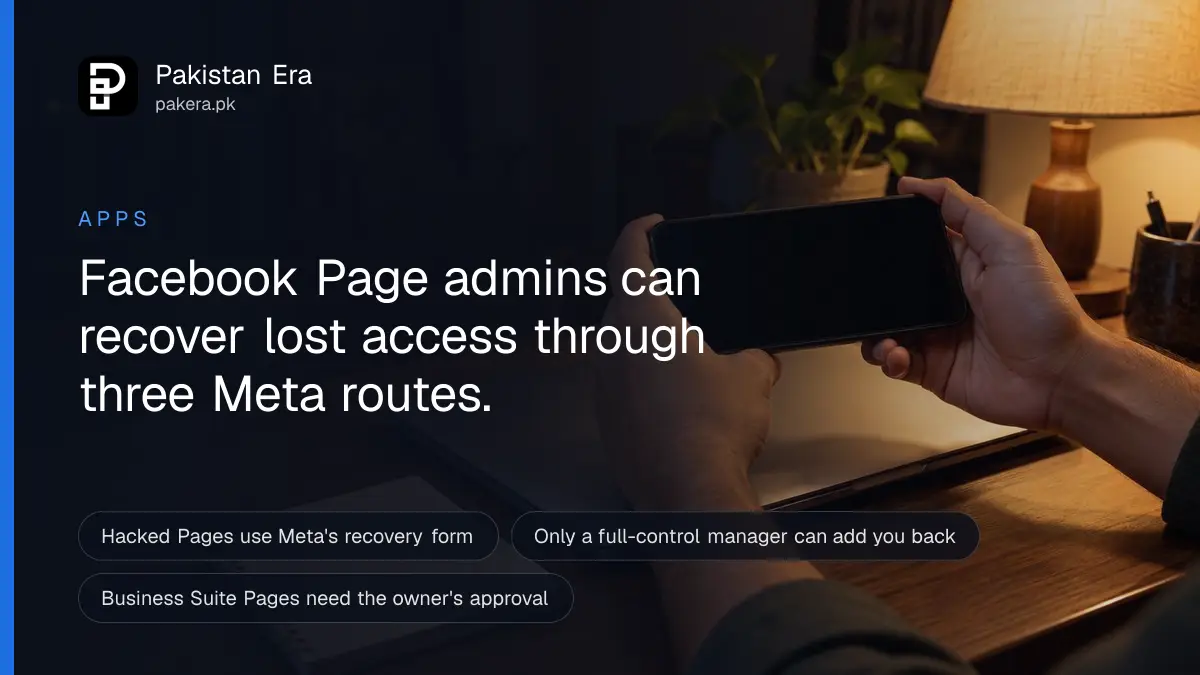
To get admin access back to a Facebook Page, first find out why you lost it. If a hacker or scammer took it, log into your personal account and submit Meta's Page recovery form. If a co-worker removed you or left, only someone with "full control" can add you back. If a Business Manager owns the Page, its owner must approve you.
A Page you built for your shop, school or campaign can disappear from your menu overnight. The Page is still there. You are simply no longer on its access list. We read Meta's Facebook Help Center and Meta Business Help Center on 30 September 2026 for every step below, and each route is different.
One word first. Meta no longer says "admin" in its menus. The old admin role is now called Facebook access with full control. Anyone with it can add people, remove people, including you, and delete the Page.
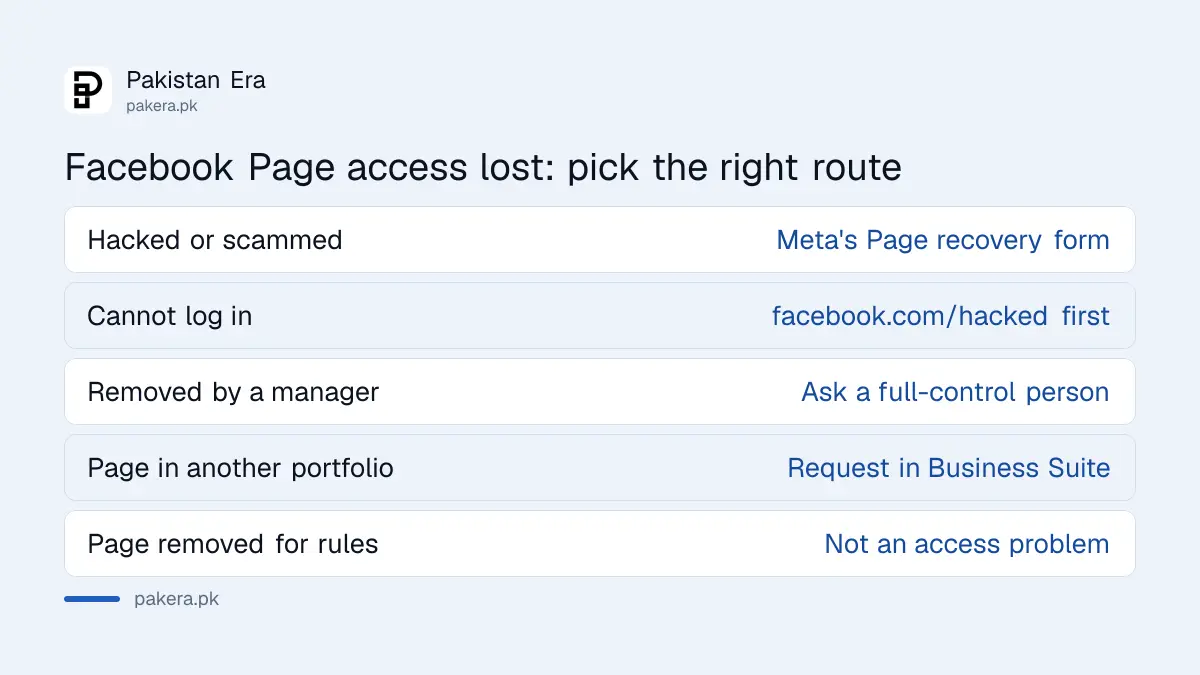
| What happened | What to do | Who can fix it |
|---|---|---|
| A hacker took over your account or the Page | Meta's Page recovery form, while logged in | Meta |
| You cannot log into your own account at all | facebook.com/hacked on a device you used before | You, then Meta |
| Another person with full control removed you | Ask them, or anyone else with full control, to add you back | A full-control manager |
| The Page sits in someone else's business portfolio | Request access in Meta Business Suite | The portfolio's full-control person |
| The Page was removed for breaking the rules | This is not an access problem | Meta's review process |
Check your Page access before you panic
Start by seeing what access you still hold. You may have been moved from full control to partial control or task access, not removed. Facebook shows your current role under Settings, then Page setup, then Page access, once you switch into the Page.
These are the steps Meta's Help Center gives on a computer:
- Log into Facebook and click your profile photo in the top right.
- Click "See all profiles" and choose the Page.
- Click the Page's profile picture to open the Page.
- Click "Settings & privacy", then "Settings".
- Click "Page setup", then "Page access".
If the Page is missing from "See all profiles", you have no Facebook access to it. That still does not tell you why. The next three sections cover each cause.
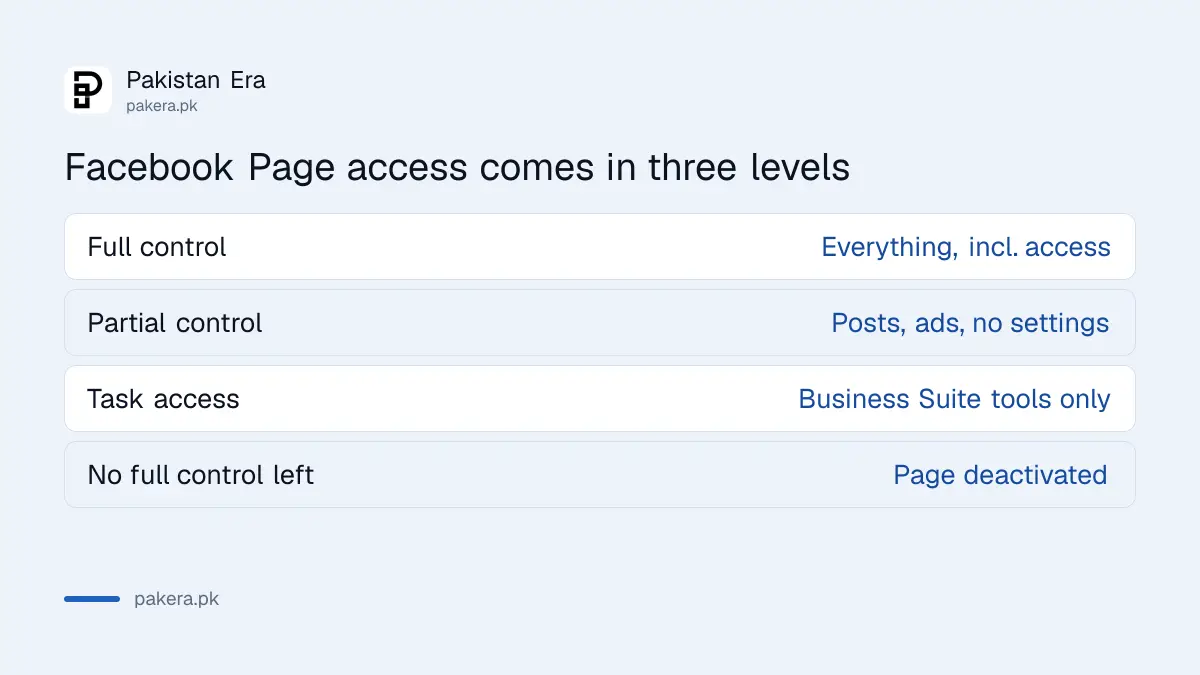
Know the three levels. Full control covers everything, including settings and who else has access. Partial control covers posts, messages, comments, ads and insights, but not access or settings. Task access works only through tools like Meta Business Suite or Ads Manager, so a person with it cannot switch into the Page on Facebook at all.
Recover a hacked Page with Meta's recovery form
If someone hacked you or another manager, or tricked one of you into handing the Page over, use Meta's Page recovery form. You must be logged in, and it only lists Pages you recently lost. Meta says it aims to reply by email within a day.
Meta gives two typical cases. A hacker steals a manager's password, logs in, adds themselves to the Page and then removes the real owner. Or a scammer talks a manager into giving control away through Business Manager, which Meta now calls Meta Business Suite.
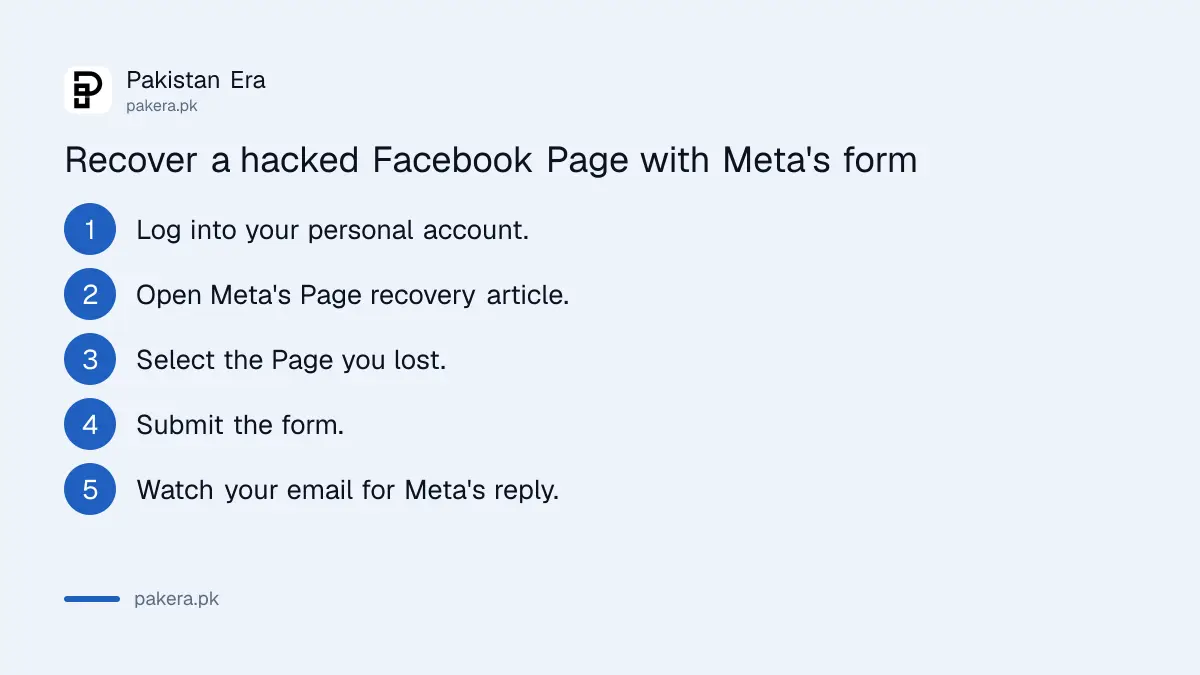
- Log into your own personal Facebook account.
- Open the Page recovery article in Meta's Help Center and click the form link.
- Select the Page you lost. If it is not in the list, Meta does not see a recent loss of access.
- Send the form and watch the email linked to your account.
Meta also says that even if you pay for Meta Verified or have other support, this form is still the fastest route. It can only act once it confirms the Page was compromised, so a simple dispute between partners will not qualify.
What if you cannot log in? Then the Page has to wait. Get your personal account back first at facebook.com/hacked, on a phone or laptop you have used for Facebook before. We set out that process in recovering a hacked Facebook account, so we will not repeat it here. If the hacker also took your linked Instagram, follow the steps to recover a hacked Instagram account as well.
Ask a full-control manager when a colleague removed you
If nobody hacked anything, another manager probably removed you. Meta will not step in here. Only a person with Facebook access with full control can add you back, so you have to find that person and ask them directly.
Meta's own advice is to contact current and former employees, contractors and anyone else who worked on the Page, and ask them to check their access level. In Pakistan that is often a freelancer who set up the Page years ago, a nephew who "handled the social media", or a marketing agency the business stopped paying.
When you find them, the fix takes a minute. They switch into the Page, open Page access and give you Facebook access with full control. You then get an invitation to accept.
Be careful about one rule. Meta says a Page needs at least one person with full control to stay active. If nobody has it any longer, Facebook deactivates the Page and schedules it for deletion. So do not let a departing staff member be the only person with full control.
Get a Page back from someone else's Business Manager
A Page owned by a business portfolio in Meta Business Suite, the old Business Manager, is controlled by that portfolio. You can request access from your own portfolio, but the portfolio's full-control person must approve it. Meta will not tell you who that is.
Meta Business Help lists these steps. You must add your own primary Page to your portfolio before you can request anyone else's.
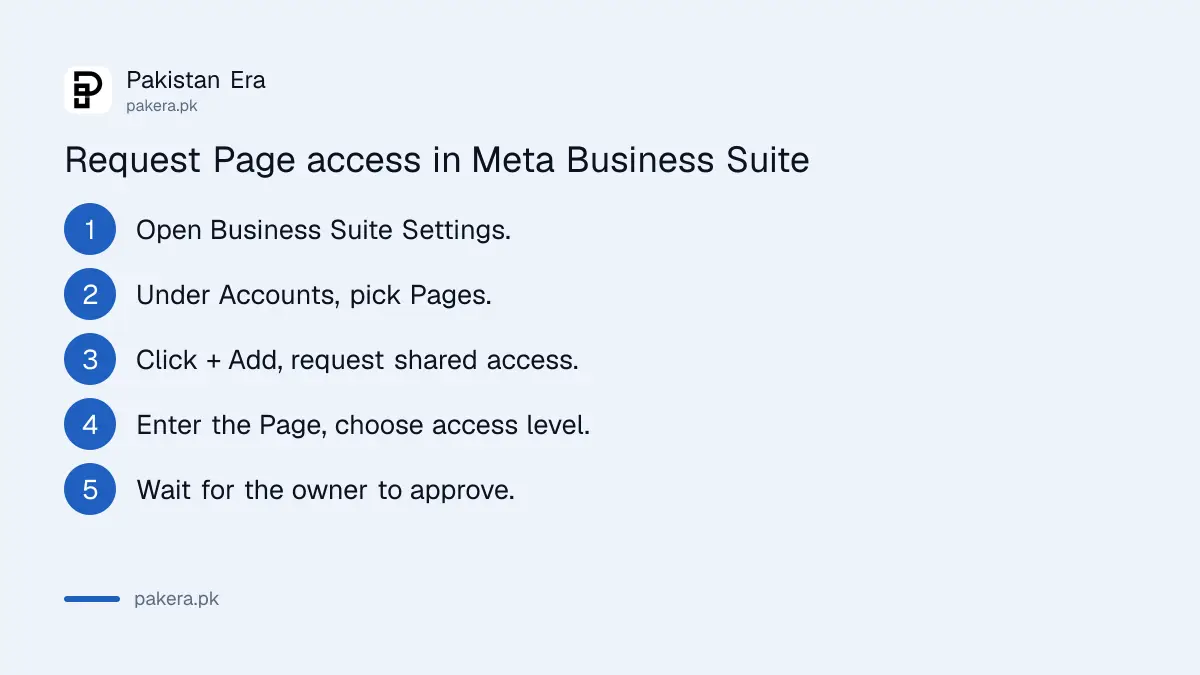
- Open Settings in Meta Business Suite.
- Under Accounts, select Pages.
- Click the "+ Add" dropdown.
- Choose "Request shared access to a Facebook Page".
- Enter the Page name or link, pick partial access or full control, and click Confirm.
This gives you access, not ownership. The Page still shows the other business as its owner. Meta also says you cannot transfer a Page from one business portfolio to another. The owning portfolio has to remove the Page first, and then your organisation can add it.
The removal is done by a full-control person in the old portfolio. They disconnect any linked Instagram or WhatsApp account, open Settings, then Pages, click the Page and choose "Remove Page from business portfolio".
For government, political and non-profit organisations, Meta has a separate Page Release process for when the owning Business Manager's admin cannot be found. It needs a government photo ID and a signed statement on official letterhead, and Meta says it can take from 2 weeks to over 6 months. Agencies cannot file it on a client's behalf.
Lock the Page down once you are back in
Once you have full control again, remove anyone you do not recognise and undo changes you did not make. Then turn on stronger login security. Meta's recovery article tells you to review both the Page and the business portfolio, because a hacker often adds themselves in both places.
- Open Page access and remove unknown people from both Facebook access and task access.
- Give full control to at least two people you trust, so one lost phone does not lock the business out.
- Check the business portfolio for unknown people, ad accounts or payment methods.
- Turn on two-factor authentication, or Meta's Advanced Protection, on every manager's account.
- Treat any message warning that your Page will be disabled with suspicion. Meta's recovery article points managers to its scam and phishing advice for this reason.
Pages that earn money deserve extra care here. A Page used for earning money through Facebook is exactly the kind hackers target, because they can switch the payout details. If you lost money or someone is blackmailing you, you can report the cybercrime to NCCIA as well as using Meta's form.
And ignore anyone who offers to recover your Page for a fee. Meta says it has no general public phone number for Facebook customer service, and that numbers claiming to be Meta support are potentially scams.
Common questions
How long does Facebook take to recover a hacked Page?
Meta says it aims to reply to the Page recovery form within a day, but some reviews take longer. It replies by email to the address on your account.
Why can't I select my Page on the recovery form?
Meta says this means it does not see that you recently lost access to the Page. Try opening the Page again, and check that you are logged into the right personal account.
Can Facebook make me the admin if the old admin has left?
Not through the normal Help Center. Meta says only a person with full control can give access, so you must contact them. Government and non-profit Pages have a separate Page Release process.
What happens if a Page has no admin at all?
Meta says a Page with nobody holding full control is deactivated automatically and scheduled for deletion. Keep at least two trusted people with full control.
Can I move my Page from an agency's Business Manager to mine?
Not directly. The agency's full-control person must remove the Page from their business portfolio first. Then you add it to your own portfolio in Meta Business Suite.
Does Meta Verified give faster Page recovery?
Meta says that even with Meta Verified, its Page recovery form is still the fastest way to recover a hacked Page.
How we verified this
What we checked, where we read it, and what we could not confirm.
Last checked on 30 September 2026. The recovery form, its conditions, the one-day reply aim and the Meta Verified advice are read in Meta's Help Center article "Recover a hacked Facebook Page you manage". The advice to contact people with full control is read in "Request Facebook access to a Page". The three access levels and automatic deactivation of a Page with nobody in full control are read in "About Facebook Page access". The Page access menu path is read in "See your Facebook Page role or access". The Business Suite request and removal steps are read in Meta Business Help Center articles "Request access to a Page in Meta Business Suite" and "Remove a Page from your business portfolio". The Page Release process is read on Meta's government, politics and nonprofits page "Regaining Access to Your Page". The phone support warning is read in "Phone support availability on Facebook and other Meta Company Products". We did not submit a recovery form or test a Page takeover ourselves.
About the author

Public Services and Education Journalist
Fajr Riaz is a journalist and content writer at Pakistan Era, based in Lahore. She covers the questions people meet in everyday life in Pakistan: how a public service works, what a change in the rules means, and where to find a reliable answer.