Change Your TikTok Phone Number or Email in Pakistan, Even After Losing the Old SIM: Every Step
Change your TikTok phone number or email in Account Information. Both numbers must be active. Lost the old SIM? Get a duplicate or use TikTok's 30 day form.
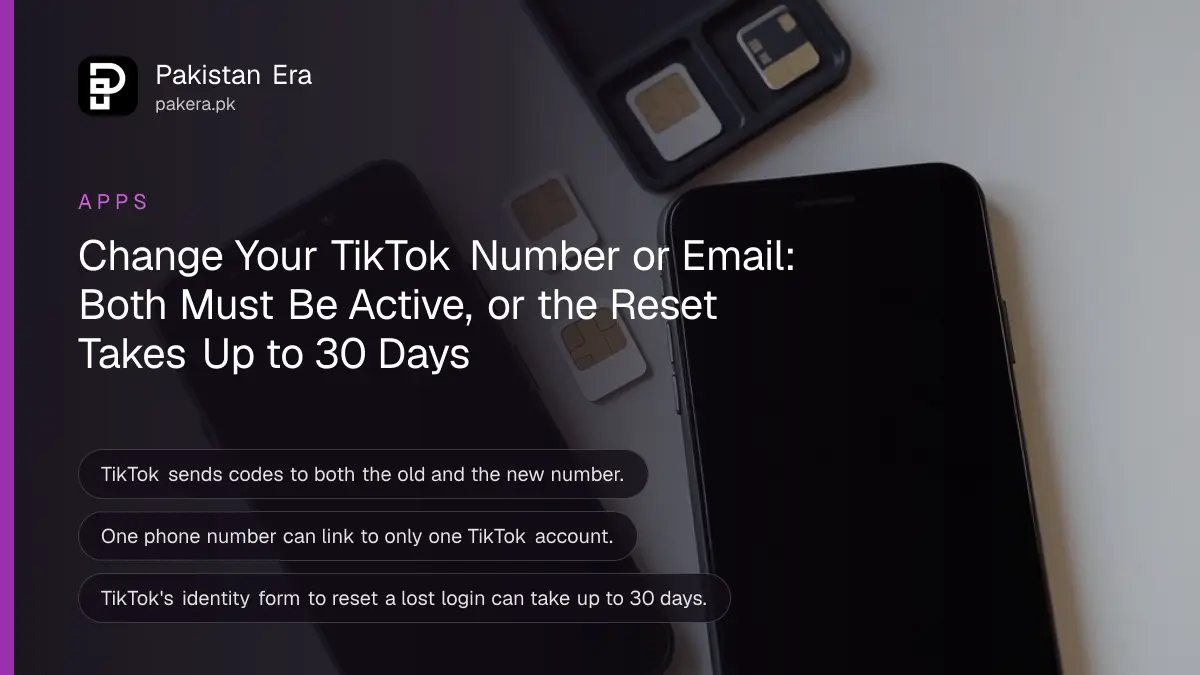
To change the phone number on TikTok, go to Profile, the menu ☰, Settings and privacy, Account, Account Information, Phone number, then Change phone. TikTok sends a code to the old number and the new one, so both must be active. Lost the old SIM? Get a duplicate from your network first, or use TikTok's identity form, which can take up to 30 days.
We read TikTok's help page on email addresses and phone numbers on 7 November 2026. The "both numbers must be active" rule is the one that traps people in Pakistan. Someone switches from Jazz to a new Zong SIM, lets the old number lapse, and then finds TikTok will not move the account without a code on that old number. The fix is cheaper than it sounds: a duplicate SIM on the same number usually solves it in one shop visit.
Change your TikTok phone number, step by step
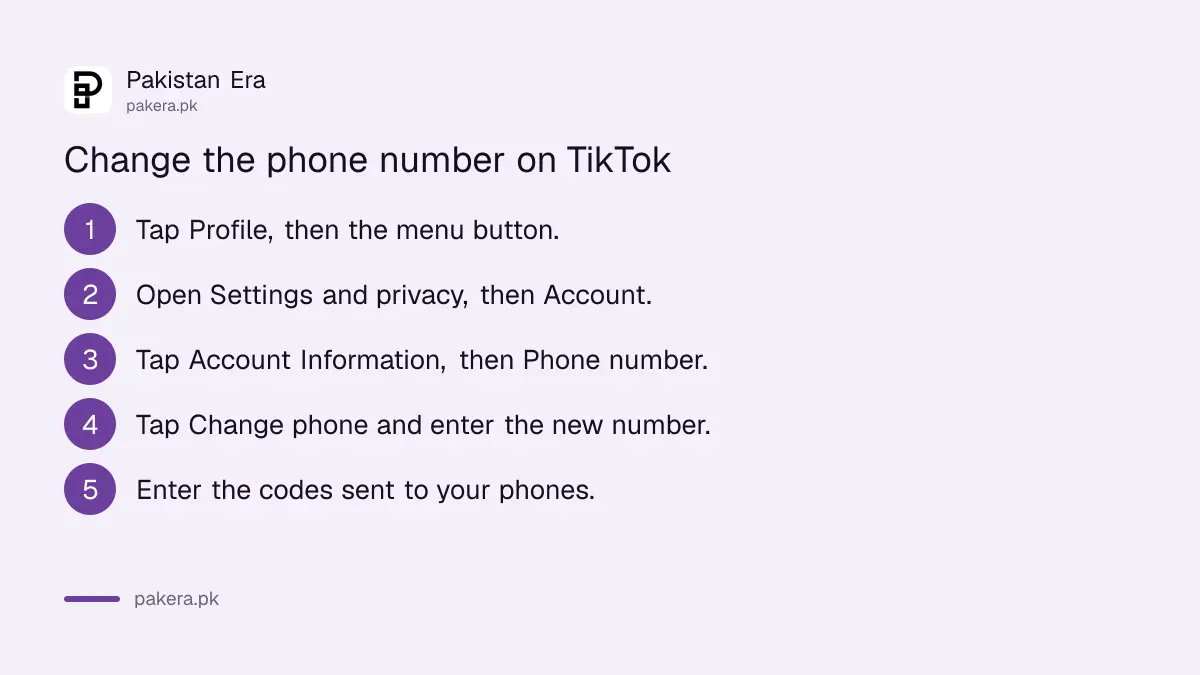
The phone number setting sits under Account Information in Settings and privacy. Keep both SIMs ready before you start. TikTok sends a verification code to your device, and its help page says the old and the new number must both be active and verified.
- Open TikTok and tap Profile at the bottom.
- Tap the menu ☰ button at the top, then Settings and privacy.
- Tap Account, then Account Information.
- Tap Phone number, then Change phone.
- Enter the new number, tap Send code, and type the code you receive.
A dual SIM phone makes this easy. Put the new SIM in the second slot, keep the old one in the first, and do the change in one sitting. If the new phone is not PTA approved, the second slot may not work for long, so check that first.
Change or add the email on TikTok
Email works the same way, under Account Information, then Email, then Change email. TikTok sends codes to both the old and new address, so both inboxes must work. Adding an email when you only have a phone number is simpler: enter it, tap Send code, and type the code.
| Task | Path after Settings and privacy | Codes sent to |
|---|---|---|
| Add a phone number | Account, Account Information, Phone number | The new number |
| Change phone number | Account, Account Information, Phone number, Change phone | Old and new number |
| Add an email | Account, Account Information, Email | The new email |
| Change email | Account, Account Information, Email, Change email | Old and new email |
| Remove a phone or email | Same screen, Unlink phone or Unlink email | Needs another login method |
TikTok advises adding both a phone number and an email. That way, if you lose one, you still have a way into the account. It is the best five minute habit for anyone with a large following.
Lost the old SIM? Two ways back in
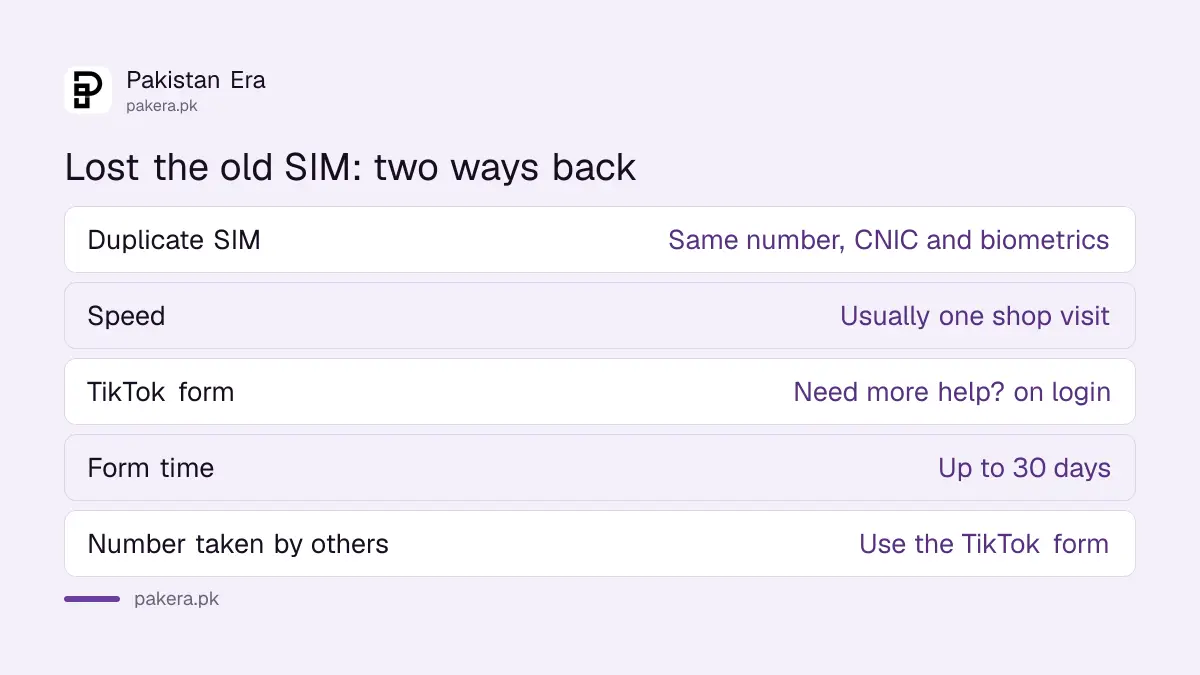
If the old number is gone, you have two routes. The quick one is a duplicate SIM on the same number from your network, which brings the TikTok codes back. The slow one is TikTok's own identity check through the Need more help? button, which TikTok says can take up to 30 days.
Route 1: get a duplicate SIM
A duplicate SIM keeps your number and only replaces the card. You need your original CNIC and a biometric check at the network's franchise, and the SIM must be in your name. For Jazz, the steps for a Jazz duplicate SIM apply, and Telenor has its own Telenor duplicate SIM process.
A number unused for a long time may have gone back to the network. If that happened, it may already belong to someone else, and route 2 is the only option.
Route 2: reset your login method with TikTok
- On the TikTok login screen, tap Need more help?
- Fill in the form so TikTok can check that the account is yours.
- Once TikTok confirms you, reset the login method to a number or email you control.
TikTok's help page says this can take up to 30 days. Answer the form with details only the real owner would know.
One number, one account, and the 30 day hold
TikTok links each phone number and each email to only one account. If you see "This phone number is already registered", that number is already on another TikTok account, often an old one you forgot. Deleting that account frees the number only after 30 days.
TikTok's rule is plain: a deleted account is deactivated for 30 days, then erased, and only then can its number or email join a new account. So if you want to reuse a number from an old account, delete the old TikTok account and wait out the full 30 days.
| Situation | What TikTok says |
|---|---|
| Same number on two accounts | Not allowed |
| Same email on two accounts | Not allowed |
| Number from a deleted account | Free after 30 days |
| Identity form to reset login | Can take up to 30 days |
| Unlinking your only login method | Blocked for security |
Code not coming? Check the number format first
TikTok gives three fixes for a missing phone code: pick the correct country code, enter your number with the leading 0 and without the country code, and restart your phone before you ask again. For Pakistan, that means choosing PK +92 and then typing the number as 03xx, as TikTok's tip describes.
- Country code: select Pakistan, +92, from the list.
- Number format: TikTok's tip says to use the 0 prefix without the country code.
- Restart: switch the phone off and on, then request a new code.
- Signal: check the SIM has signal and is not blocked, then try again.
Unlinking can also fail for a reason that is easy to miss. If phone or email 2-step verification is on, TikTok asks you to turn it off before you unlink. And if the number is your only way to log in, TikTok will not let you remove it at all. If someone else changed your number without asking, treat it as a hack and go straight to recovering a hacked TikTok account.
Common questions
How do I change my number on TikTok?
Settings and privacy, Account, Account Information, Phone number, Change phone. Enter the new number and the code TikTok sends.
Can I change my TikTok number without the old SIM?
Not directly, because TikTok needs both numbers active. Get a duplicate SIM on the old number, or use the Need more help? form on the login screen.
How long does TikTok take to reset a lost login?
Up to 30 days, according to TikTok's help page.
Why does TikTok say my number is already registered?
One phone number can link to only one TikTok account. The number is already on another account.
Can I use one email for two TikTok accounts?
No. TikTok allows one email per account. Use a different email for the second account.
Why is my TikTok phone code not coming?
Check the country code, enter the number with the 0 prefix and without the country code, and restart your phone, as TikTok suggests.
How we verified this
What we checked, where we read it, and what we could not confirm.
Last checked on 7 November 2026. Every step, rule and code tip above is from TikTok's email and phone number help page. Duplicate SIM rules are from our own network pages, linked above. We did not change a TikTok number ourselves.
About the author

Technology Journalist & Multimedia Producer
Ahmad Ali is a technology journalist and multimedia producer at Pakistan Era, joining the team in October 2026. He covers consumer technology and digital life for Pakistani readers, combining research with hands-on product testing.