How to Get a Telenor Duplicate SIM
Block the lost SIM before anything else, then take your original CNIC to a Telenor franchise for biometric verification and a replacement.
If the SIM has just been lost, the replacement is not the urgent part. Blocking it is.
A SIM sitting in someone else's phone receives the verification codes that reset your bank, your wallet and your email. Getting a duplicate takes a trip to a franchise. Blocking takes a phone call, and it should happen first.
The order that matters
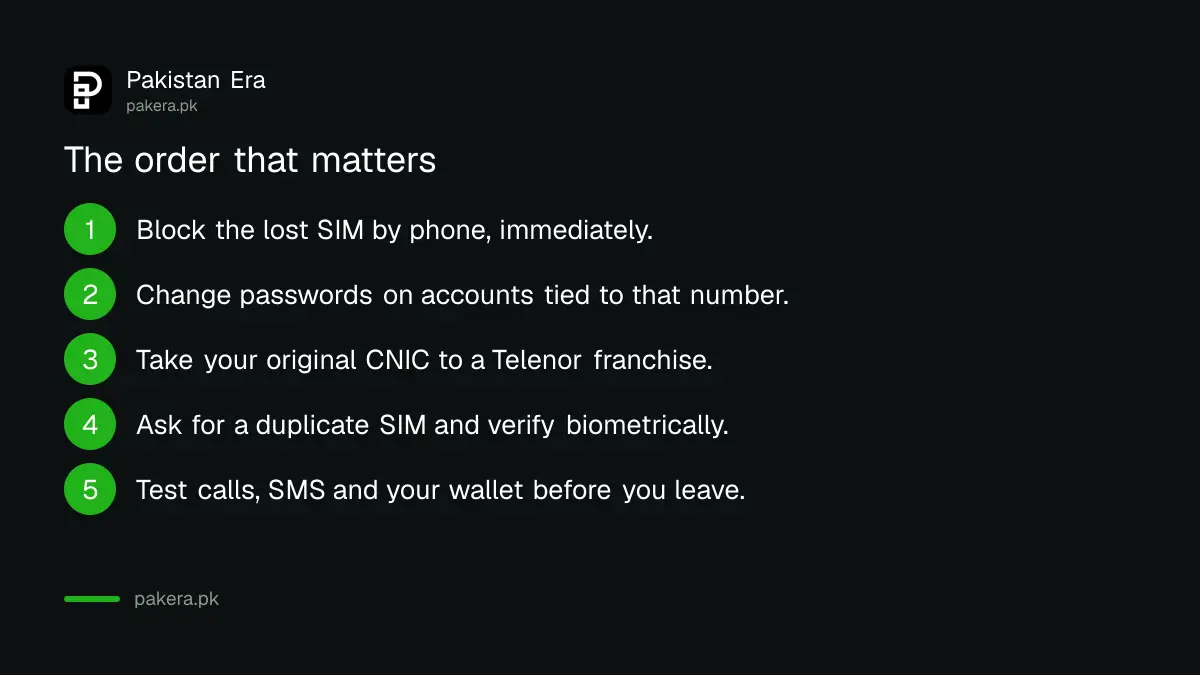
- Block the SIM by phone, now. Call Telenor, say it is lost, and verify with your CNIC.
- Change the passwords on anything tied to that number, starting with your email.
- Go to a Telenor franchise with your original CNIC.
- Ask for a duplicate SIM and complete biometric verification.
- Test it before you leave the counter.
Most guides on this subject start at step three. The hours between losing a phone and reaching a franchise are exactly when the damage happens, which is why the call comes first.
The same argument applies on any network, and we set it out in full, including what blocking does and does not protect, in blocking a lost SIM.
What to take with you
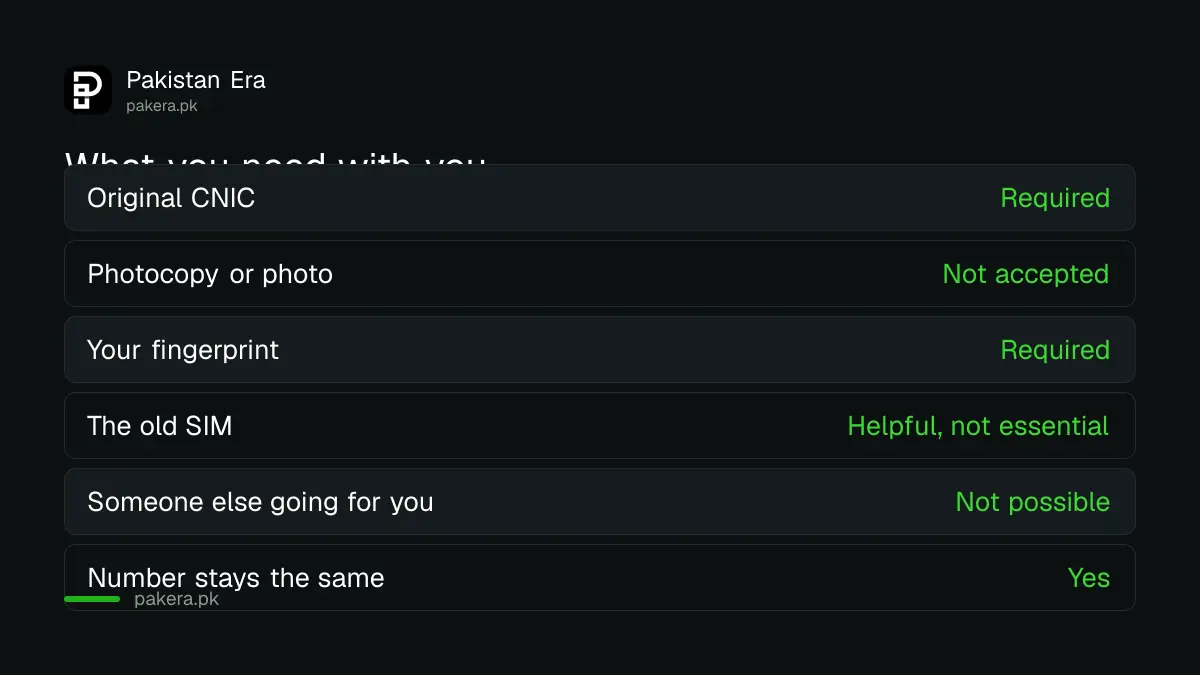
| Item | Status |
|---|---|
| Original CNIC | Required |
| Photocopy or photo of it | Not accepted |
| Your fingerprint | Required |
| The old SIM | Useful if you have it |
| A friend collecting for you | Not possible |
That last row is the most common wasted journey. Because verification is biometric, nobody can collect a duplicate on your behalf. Sending a brother with your CNIC does not work, and it is not a rule the counter staff can waive.
It also means the connection must be registered to you. If the number is in a parent's or a former employer's name, they have to attend in person.
Your number does not change
A duplicate SIM is issued on the same number. That is the entire point, and it is why this is worth doing rather than simply buying a new connection.
Everything tied to that number, from bank alerts to two factor codes, keeps working once the new SIM activates. You do not need to update anyone.
What you may need to redo is the settings on the phone itself. Mobile data configuration sometimes has to be re-entered, and any app that stored the SIM as a device may ask you to verify again.
Test it before you leave
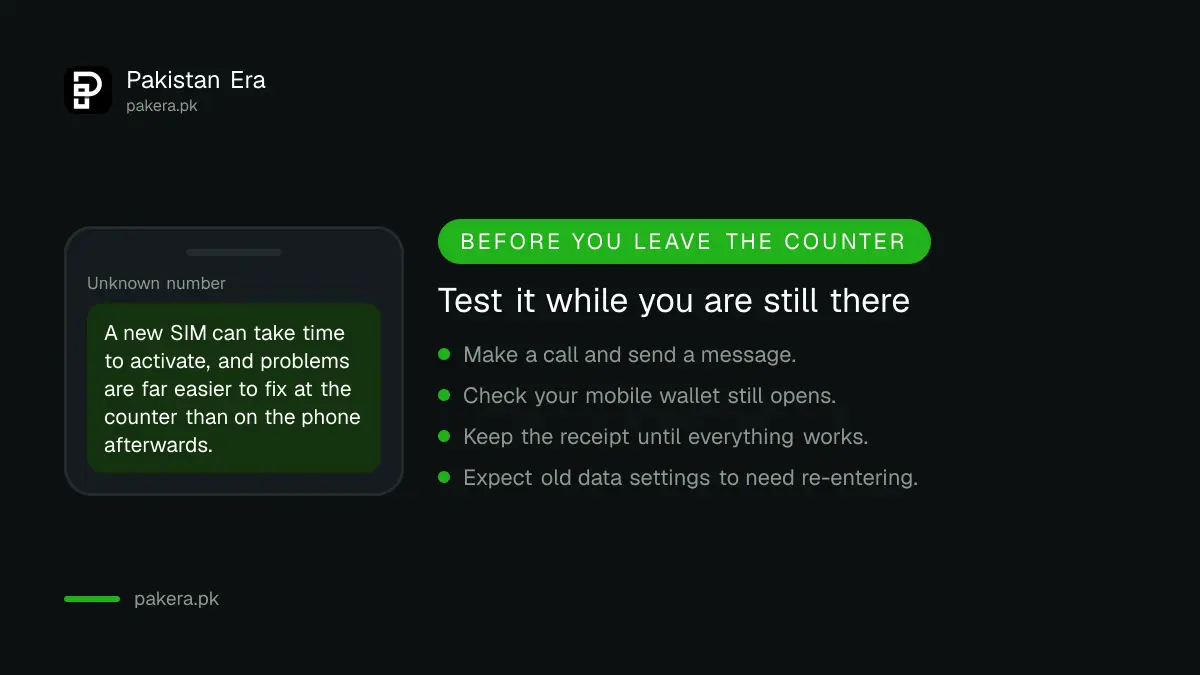
Activation is not always instant, and a problem discovered at the counter is a five minute fix. The same problem discovered at home is a second trip.
Before you walk out, do four things. Make a call. Send a message. Check you can receive one. And open your mobile wallet, because that is the service most likely to object to a new SIM on a familiar number.
Keep the receipt until all of that works. If the wallet refuses to open, the staff can usually see whether the connection has fully provisioned.
If the phone was stolen rather than mislaid
A theft is not just a lost SIM, and two extra things are worth doing.
Note the IMEI number if you have it, from the box or a previous bill. It identifies the handset rather than the SIM, and it is what any report about the device itself will rest on. How to find and check one is in checking an IMEI number.
Assume the phone was unlocked. Most are, in the moment they are taken. That means the thief may reach apps that are already logged in, not just incoming codes, so changing passwords matters even more than the SIM block.
Work through the accounts in order of what they protect: email first, because other accounts reset through it, then anything holding money, then social accounts that could be used to approach your contacts.
What we are not telling you
We are not publishing a replacement charge. We did not read a current price list at source, operator fees change, and this page previously promised to show charges without being able to stand behind them.
We are also not stating an activation time, for the same reason. Ask at the counter, and ask before you agree to anything rather than after.
What is stable is the process: block first, attend in person, original CNIC, fingerprint, same number.
If the SIM was not lost but simply stopped working
Different problem. A connection that stopped through long inactivity is not replaced, it is reactivated, and whether you keep the number depends on whether it has already been reissued to somebody else.
That process is covered in reactivating an expired SIM.
And if the phone is simply asking for a PUK code, nothing is lost at all. That is a PIN lockout, fixed with a code rather than a visit, which we explain in unblocking a SIM with a PUK.
Before any of this, it is worth knowing which numbers are registered against your CNIC, which is free to check and covered in our SIM registration guide.
Questions readers are asking
How do I get a duplicate Telenor SIM?
Block the lost SIM by phone first, then visit a Telenor franchise with your original CNIC and complete biometric verification.
Do I keep the same number?
Yes. A duplicate SIM is issued on your existing number.
Can someone else collect it for me?
No. Verification is biometric, so the registered owner has to attend in person.
Is a photocopy of my CNIC enough?
No. Take the original card.
What does it cost?
We are not quoting a fee, since we did not read a current price list at source. Ask at the franchise before agreeing.
How long before it works?
Activation is not always immediate. Test calls and messages at the counter rather than after you get home.
The SIM is registered in someone else's name.
Then that person must attend with their own CNIC. Biometric verification cannot be delegated.
About the author

Senior Writer, Public Services and Technology
Shahid joined us in 2024 as an author. He is a senior contributor to Pakistan's leading technology websites. He writes detailed articles, mostly covering his expertise in the latest tech, mobiles, apps, gadgets, and step-by-step guides. His ideology is to help people understand the latest trends and explain complex methods through very easy-to-understand guides.