How to Delete a TikTok Account Permanently in Pakistan: Steps, the 30 Day Wait and Deactivate Option
Delete TikTok in Settings and privacy, Account, Deactivate or delete account. It is erased after 30 days. Deactivate vs delete, and what to save first.
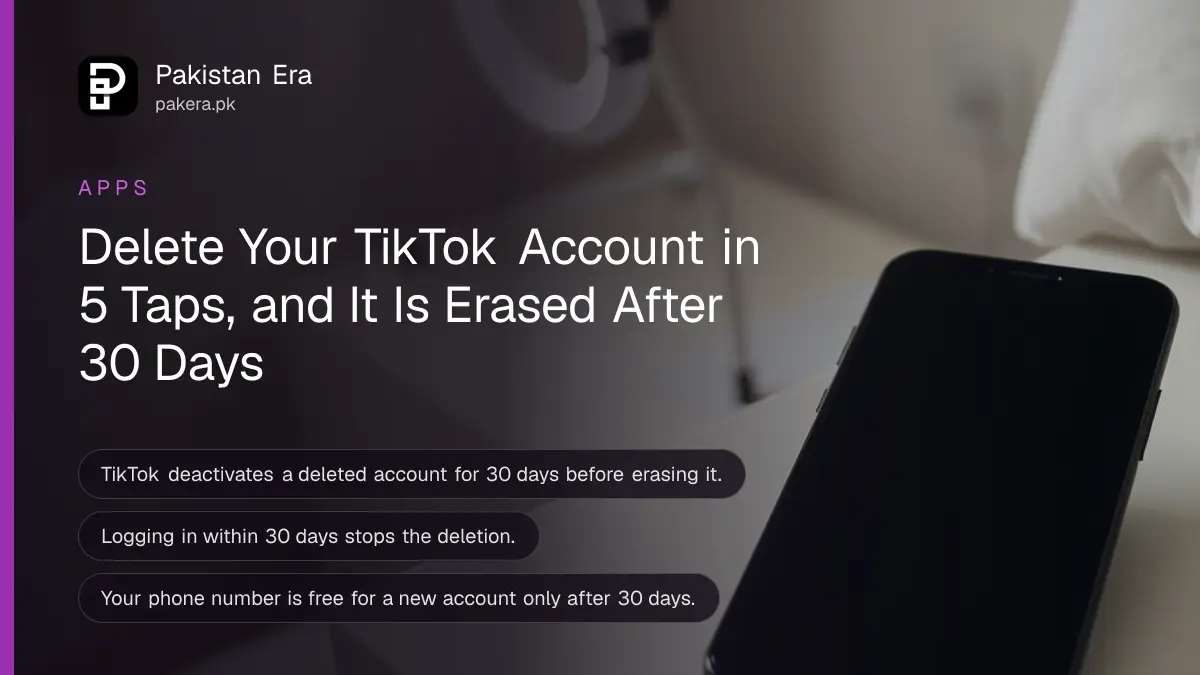
To delete a TikTok account, open the app and go to Profile, the menu ☰, Settings and privacy, Account, then Deactivate or delete account. TikTok then deactivates the account for 30 days and erases it for good after that. Log back in during those 30 days and you can still stop the deletion.
We read TikTok's own help pages on deleting, deactivating and linking phone numbers on 7 November 2026. The steps below are TikTok's, in the order the app shows them. The 30 day rule appears on TikTok's page about email and phone numbers, not on the delete page itself, which is why so many people miss it. If you only want a break, deactivation is the better choice, and we explain the difference below.
Delete your TikTok account in five taps
The delete option sits inside Settings and privacy, under Account. TikTok may ask you to confirm it is you on the last screens, so keep the phone number or email linked to the account within reach before you start.
- Open TikTok and tap Profile at the bottom.
- Tap the menu ☰ button at the top.
- Tap Settings and privacy.
- Tap Account, then Deactivate or delete account.
- Follow the on-screen instructions to delete the account and confirm.
Before the final tap, save anything you want to keep. Your own videos can be saved from each video's share menu, and a TikTok video download is far easier now than after the account is gone. Once the 30 days pass, nothing comes back.

TikTok waits 30 days before it erases the account
A deleted TikTok account is first deactivated for 30 days, then erased permanently. TikTok says this on its email and phone number help page. During those 30 days the account is hidden, and logging in again lets you take it back.
That window catches people out in two ways. Some open the app a week later out of habit, log in, and undo the deletion without meaning to. Others expect their phone number to be free at once for a new account, and it is not.
| Day | What happens to the account |
|---|---|
| Day 0 | You confirm deletion and the account is deactivated |
| Days 1 to 30 | Profile hidden, logging in can stop the deletion |
| After day 30 | Account erased permanently |
| After day 30 | Your phone number and email can join a new account |
So if you plan to start fresh with the same 03xx number, wait the full 30 days. TikTok allows one phone number and one email per account, and the old account holds both until it is erased.
Deactivating hides the account, deleting removes it
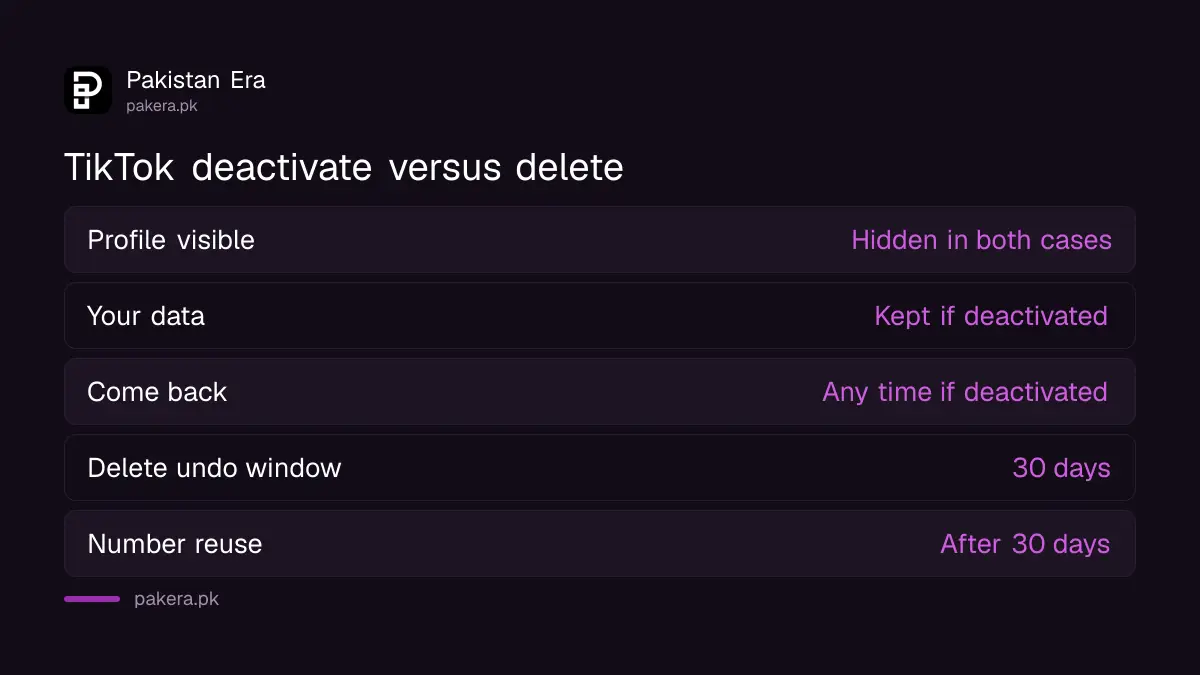
Deactivation is a pause. TikTok keeps your data so you can come back at any time by logging in and tapping Reactivate. Deletion removes the account after 30 days. Pick deactivation if there is any chance you will want the account, its followers or its videos again.
| Question | Deactivate | Delete |
|---|---|---|
| Can others see your profile and videos? | No | No |
| Does TikTok keep your data? | Yes, so you can return | Erased after 30 days |
| Can you come back? | Any time, by logging in | Only within 30 days |
| Messages you already sent | May stay visible to others | Handled under TikTok's Privacy Policy |
| Duets and Stitches of your videos | May stay visible | Not stated on the help page |
To deactivate, follow the same path, Settings and privacy, Account, Deactivate or delete account, then tap Deactivate account. To return, log in with the same details and tap Reactivate.
What to sort out before you delete
Three things are worth checking first: unpaid LIVE rewards or gifts, the phone number linked to the account, and anyone else who uses it. Deletion is quick to start, but the loose ends stay loose once the account is gone.
- Rewards and gifts. If you earned LIVE rewards, collect what you can first. TikTok's help pages do not promise a payout after deletion.
- Your linked SIM. Any confirmation code goes to the linked phone or email. If you lost that SIM, get a duplicate from your network first, such as a Jazz duplicate SIM, so the code reaches you.
- A hacked account. If someone else controls it, do not try to delete it. Take it back first through recovering a hacked TikTok account.
- A banned account. A banned account can still be appealed. Deleting it ends that chance.
A child's account is different. If you think a person on TikTok is under age, TikTok asks you to report the account rather than try to delete it yourself.
Other ways to step back without deleting
Many people delete TikTok because of screen time, privacy or one bad follower. Each of those has a smaller fix that keeps the account. Try them first if you might regret losing your videos.
A private account hides your videos from people you have not approved. Turning on a private TikTok account takes one switch. For time spent, TikTok has a daily screen time limit under Time and well-being. For a teenager, parents can link accounts through TikTok Family Pairing and set limits from their own phone.
And if it is just the handle you dislike, change the username instead. That keeps every follower.
Common questions
How long does TikTok take to delete an account?
30 days. TikTok deactivates the account first and erases it permanently after 30 days.
Can I recover a deleted TikTok account?
Yes, within 30 days. Log in with the same details during that time and the deletion stops. After 30 days it cannot be recovered.
Can I use the same number for a new TikTok account?
Only after the 30 days. One phone number and one email can link to only one TikTok account, and the old account holds them until it is erased.
Can I delete TikTok from a browser?
TikTok's delete help page gives the steps in the app. Use the app to be sure the request goes through.
Does uninstalling the app delete my TikTok account?
No. Removing the app from your phone leaves the account and its videos online. You must delete it in Settings and privacy.
What is the difference between deactivate and delete on TikTok?
Deactivate hides the account and keeps your data so you can return any time. Delete erases it after 30 days.
How we verified this
What we checked, where we read it, and what we could not confirm.
Last checked on 7 November 2026. The delete steps are from TikTok's Delete your account help page. The deactivation steps and what stays visible are from TikTok's Deactivate your account page. The 30 day rule and the one number, one email limit are from TikTok's email and phone number page. We did not delete an account ourselves.
About the author

Technology Journalist & Multimedia Producer
Ahmad Ali is a technology journalist and multimedia producer at Pakistan Era, joining the team in October 2026. He covers consumer technology and digital life for Pakistani readers, combining research with hands-on product testing.