Make Your TikTok Account Private in Pakistan: 4 Taps, What It Hides and What Stays Visible
Make your TikTok account private in 4 taps from Settings and privacy. Strangers cannot watch or download your videos, but your name and photo stay visible.
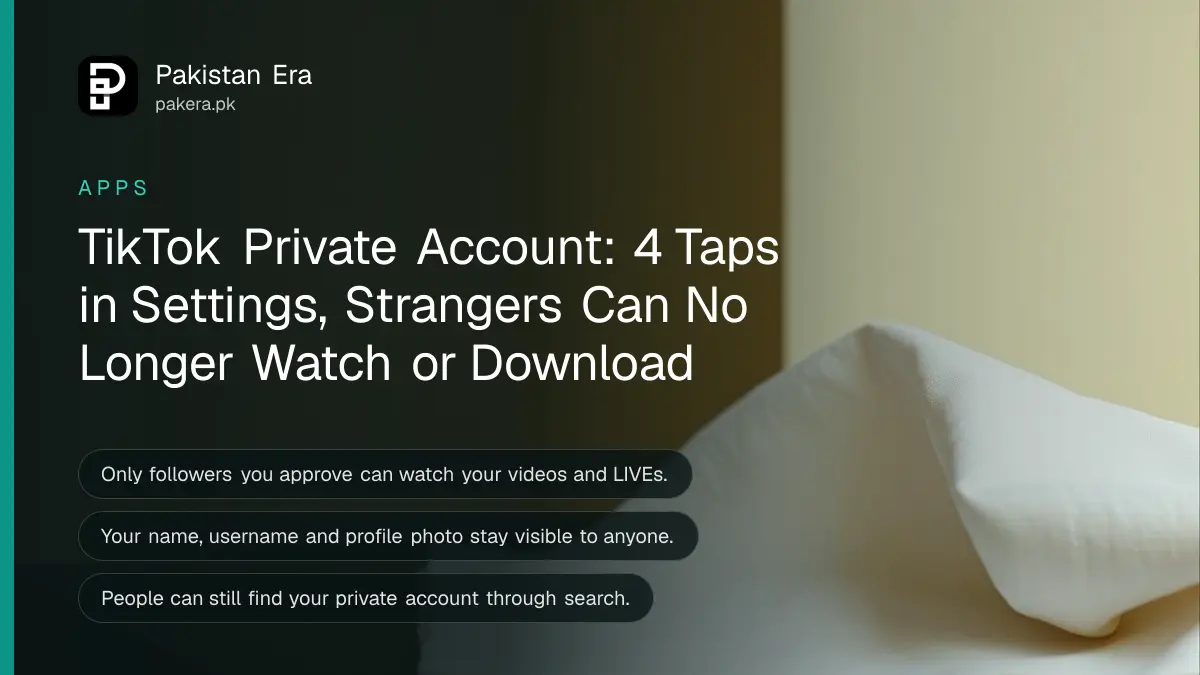
To make your TikTok account private, tap Profile, tap the Menu button (three lines) at the top, tap Settings and privacy, tap Privacy, then turn on Private account. After that, only people you approve can follow you, watch your videos and LIVEs, and see your likes and follower lists. Your name, username and profile photo stay visible to everyone.
Many TikTok users in Pakistan go private after a video spreads further than they wanted, or after strangers start messaging them. Private mode helps, but it does not hide everything. We read TikTok's help page on private and public accounts on 5 November 2026. Below is what it hides, what it does not, and the steps.
Turn on a private account in 4 taps
Open the TikTok app and go to your profile. Tap the Menu button at the top, then Settings and privacy, then Privacy, and switch Private account on. Switch it off the same way to go public again. The change applies to your whole account.
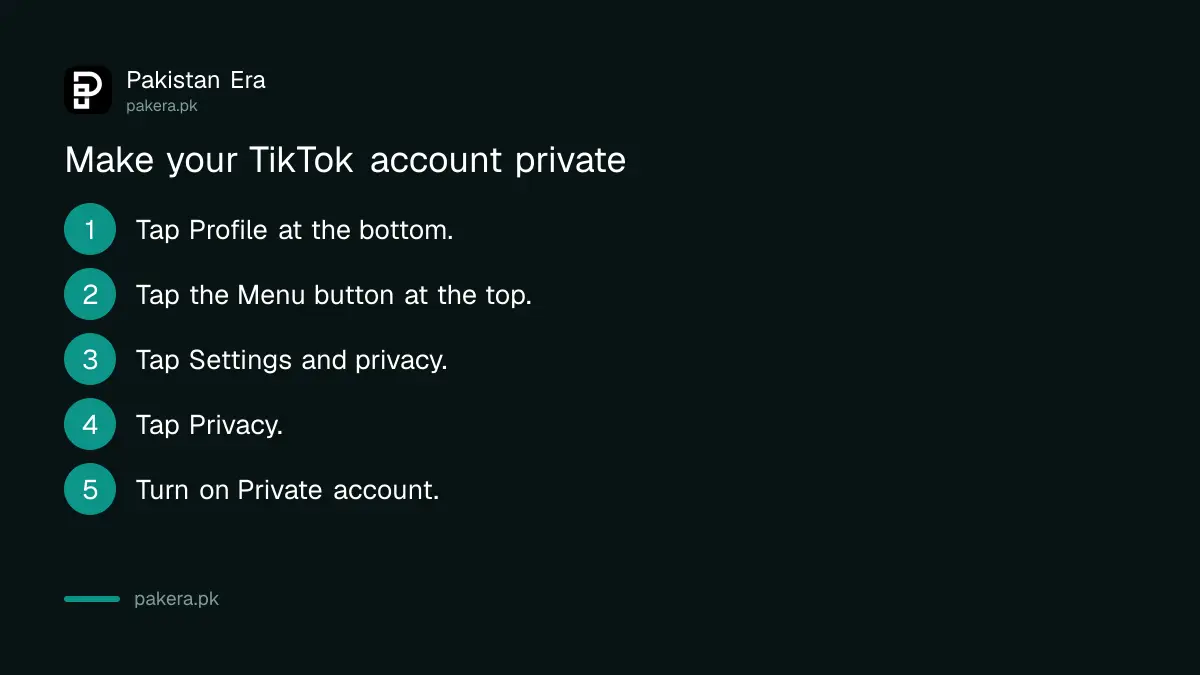
- In the TikTok app, tap Profile at the bottom.
- Tap the Menu button (three lines) at the top.
- Tap Settings and privacy, then tap Privacy.
- Turn Private account on or off.
Once private, people who were not following you will need to send a follow request. Check your requests often. A stranger with a familiar-looking name is still a stranger.
What a private account hides
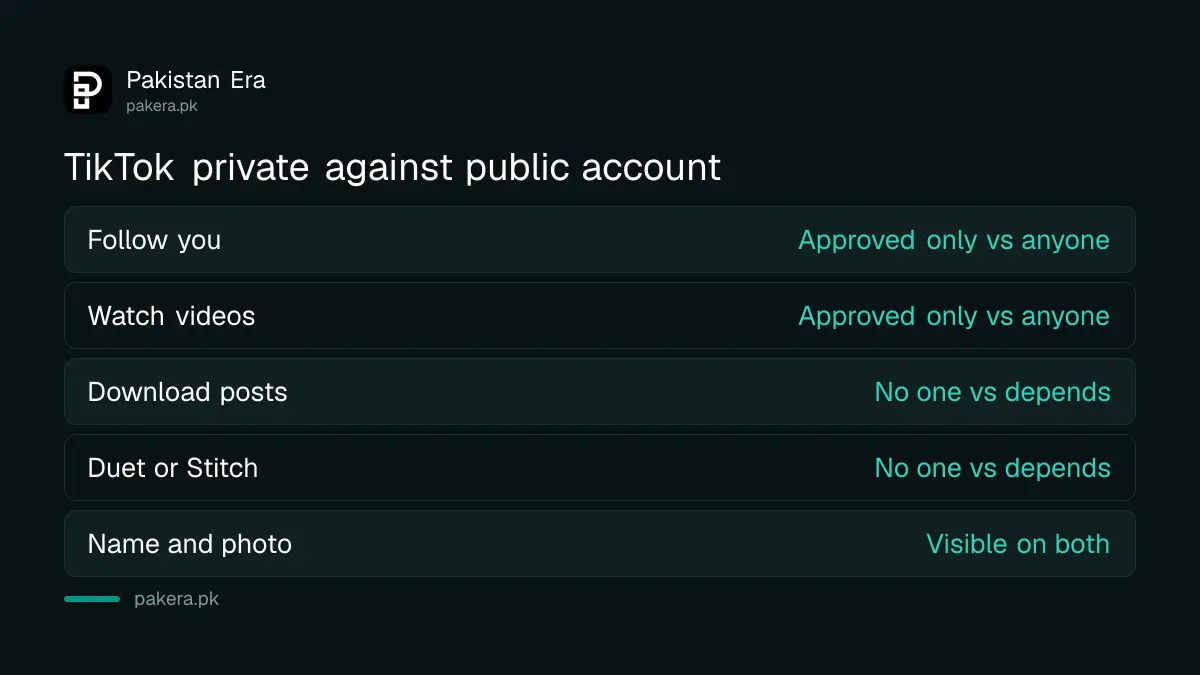
On a private account, you approve who can follow you, watch your videos and LIVE videos, read your bio, see your likes, and see your followers and following lists. TikTok says others also cannot Duet, Stitch, download or make stickers from your posts, or add them to their Stories.
| Who can | Private account | Public account |
|---|---|---|
| Follow you | Only people you approve | Anyone |
| Watch videos and LIVE | Only approved followers | Anyone, on or off TikTok |
| See likes, followers and following | Only approved followers | Anyone |
| Duet, Stitch or download | No one | Depends on your settings |
| Add your posts to their Stories | No one | Depends on your settings |
| See your name, username and photo | Anyone | Anyone |
The download block matters most. On a public account, people may be able to save your videos, depending on your settings, and repost them elsewhere. Going private stops that for new viewers.
What stays visible even when private
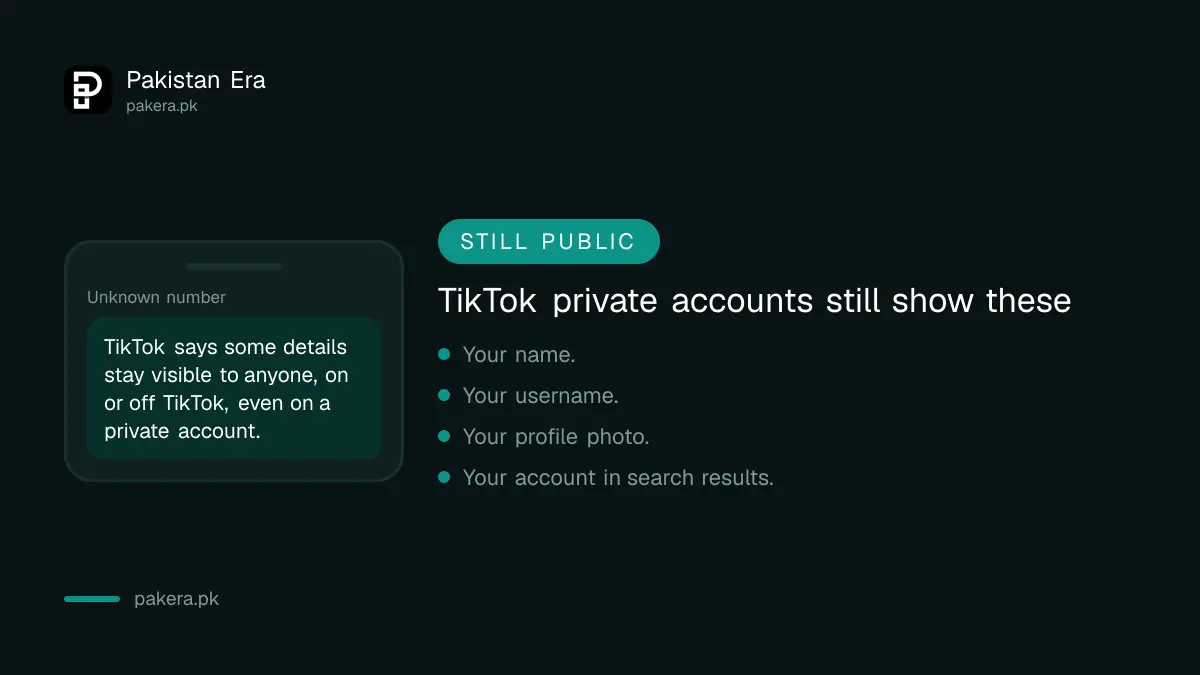
TikTok says your name, username and profile photo are always visible to anyone, on or off TikTok. People can also still search for your account. So a private account hides your videos, not your identity.
- Profile photo: anyone can see it. Use a photo that does not show your face, home or school if you want to stay hard to find.
- Name and username: anyone can see them. Do not use your full real name if privacy matters to you.
- Search: people can still find your account by searching.
- Existing followers: TikTok's page does not say that going private removes people who already follow you. Check your followers list and remove anyone you do not know.
Your username is easy to change. TikTok allows it once every 30 days, and our guide to changing a TikTok username has the steps.
What a public account exposes
On a public account, TikTok says your posts may be seen and shared by anyone, on or off TikTok, even without a TikTok account. Your content may also appear in search engines, blogs, social media posts and news sites. That reach is the point for creators, and the risk for everyone else.
If you earn from TikTok, private mode is not practical. LIVE gifts, brand deals and the For You feed depend on strangers finding you. Our page on TikTok LIVE requirements shows why reach matters there.
A middle route exists. TikTok says you can limit the audience of each post separately in its video settings. So a creator can stay public and still make one family video visible to a smaller group.
Private mode for children and teenagers
For a child's account, go private and then add parental controls. Private mode stops strangers from watching, but it is not a screen time limit. TikTok's Family Pairing tool, run from a parent's phone, adds those controls.
Set both up together. Our TikTok Family Pairing guide covers screen time and message limits. For other apps a child uses, see making an Instagram account private.
If someone already has your videos and is misusing them, private mode will not pull them back. Report the account in the app. For threats or blackmail, the NCCIA, Pakistan's cybercrime agency, takes complaints, and our guide to NCCIA office numbers lists how to reach it.
Common questions
How do I make my TikTok account private?
Tap Profile, the Menu button at the top, Settings and privacy, then Privacy, and turn on Private account.
Can people see my profile photo on a private TikTok account?
Yes. TikTok says your name, username and profile photo are always visible to anyone, on or off TikTok.
Can people download my videos if my TikTok is private?
No. TikTok says people cannot download, Duet, Stitch or make stickers from posts on a private account.
Can people still find my private TikTok account?
Yes. TikTok says other people can still search for your account, but only approved followers see your videos.
Do my old followers stay after I go private?
TikTok's page does not say followers are removed. Remove anyone you do not want from your followers list yourself.
Can I hide just one TikTok video?
Yes. TikTok says you can restrict each post's audience separately in its video settings.
How we verified this
What we checked, where we read it, and what we could not confirm.
We read TikTok's help page on choosing between a private and public account on 5 November 2026. The steps, and what each mode shows and hides, come from that page. TikTok's page does not say whether existing followers are kept, so we tell readers to check their list. We did not switch an account for this guide, and menu names can differ slightly between app versions.
About the author

Senior Writer, Public Services and Technology
Shahid joined us in 2024 as an author. He is a senior contributor to Pakistan's leading technology websites. He writes detailed articles, mostly covering his expertise in the latest tech, mobiles, apps, gadgets, and step-by-step guides. His ideology is to help people understand the latest trends and explain complex methods through very easy-to-understand guides.