How to Unlink Instagram From Facebook in Accounts Center in Pakistan
Unlink Instagram from Facebook in Pakistan from Accounts Center in 5 taps, stop cross-posting and shared login, and disconnect a Facebook Page the right way.
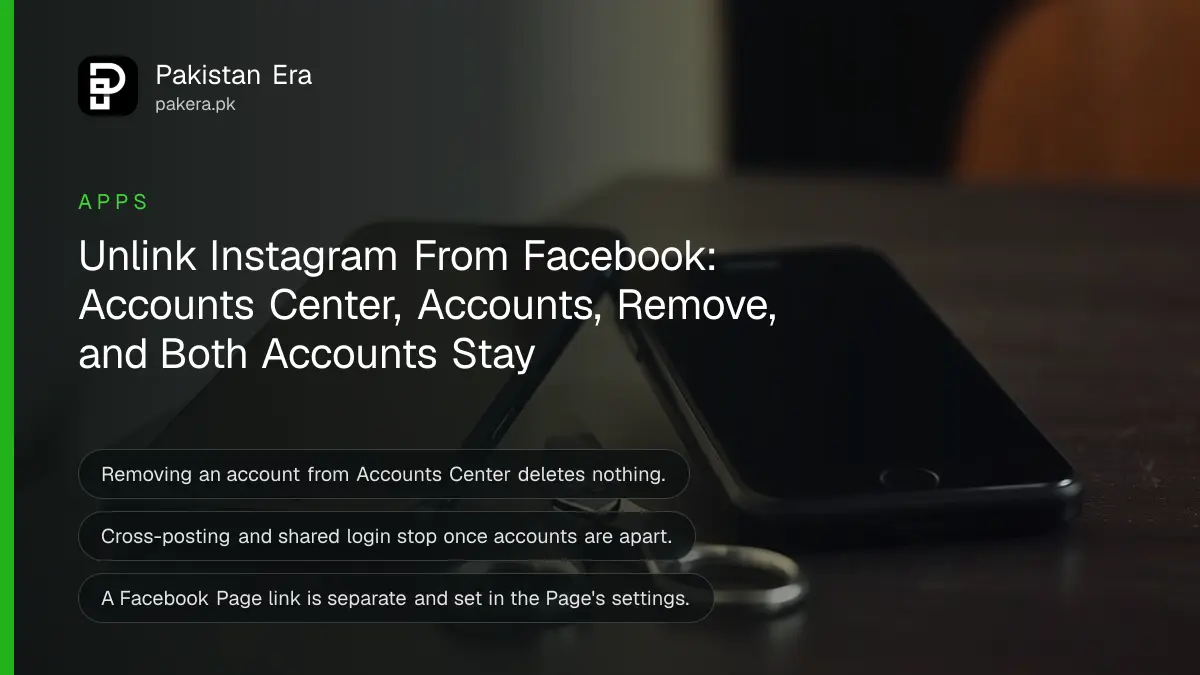
To unlink Instagram from Facebook, open Instagram, go to Settings, then Accounts Center, then Accounts, and tap Remove next to the Facebook account. On a computer, open Facebook, click your profile picture, Settings and privacy, Settings, Accounts Center, Accounts, then Remove. It takes under a minute and does not delete either account.
People in Pakistan usually do this for one of three reasons: a parent, spouse or relative can see one account from the other, stories keep posting to both apps, or an old Facebook account someone else controls is linked to their Instagram. Removing it from Accounts Center fixes all three.
What unlinking Instagram and Facebook does
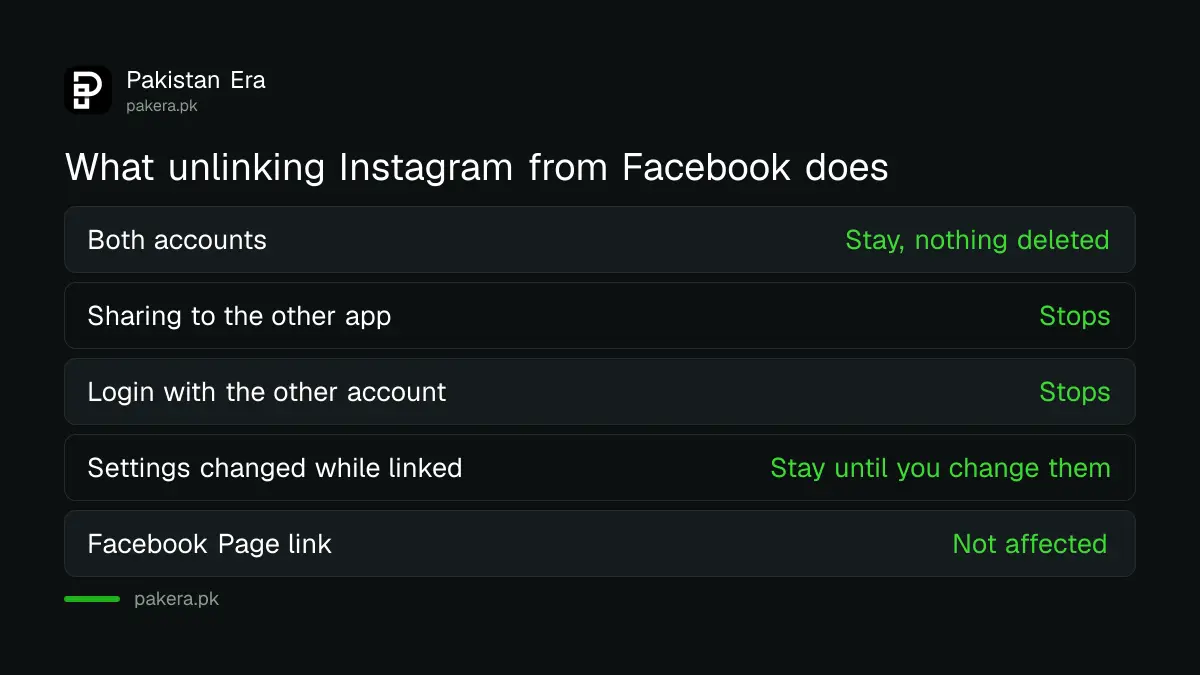
Accounts Center is the menu where Meta joins your Facebook, Instagram and Threads accounts. Accounts in the same Accounts Center can share stories and posts, log in with each other, and share some settings. Removing one moves it into its own separate Accounts Center.
| After you remove the account | What changes |
|---|---|
| Your Instagram and Facebook accounts | Both stay. Nothing is deleted. |
| Sharing stories and posts to the other app | Stops, because it works only inside one Accounts Center |
| Logging in to one with the other | Stops; use each account's own password |
| Settings you changed while linked | Stay as they were until you change them |
| A Facebook Page linked to your Instagram | Not affected; that link is separate, see below |
How to unlink Instagram from Facebook in the Instagram app
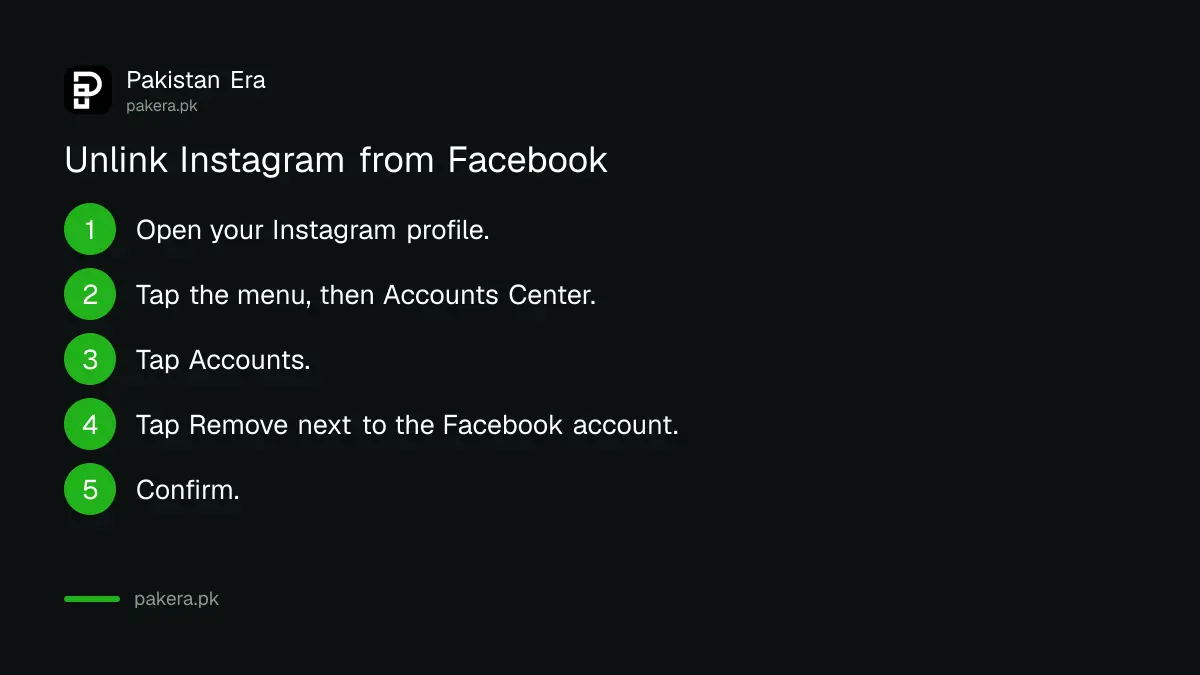
The Instagram route is the quickest on a phone. You remove the Facebook account from Instagram's Accounts Center, and that also removes it from Facebook's side, because both apps show the same Accounts Center.
- Open Instagram and tap your profile picture at the bottom right.
- Tap the menu (three lines) at the top right, then Accounts Center.
- Tap Accounts, or Manage accounts if that is what you see.
- Find the Facebook account and tap Remove.
- Read the notice and confirm.
Some accounts now show Meta Account settings instead of Accounts Center, as Meta moves people over. There, go to Manage account, tap Manage next to the profile, then Move out of this Meta Account.
How to unlink from Facebook on a computer
On a computer the route starts in Facebook's settings. It reaches the same Accounts Center, so removing Instagram there has the same effect as doing it from the Instagram app.
- Log in to Facebook and click your profile picture at the top right.
- Click Settings and privacy, then Settings.
- Click Accounts Center, then Accounts.
- Click Remove next to the Instagram account and confirm.
An Accounts Center can hold only one Facebook account. If the wrong Facebook account is linked to your Instagram, remove it first, then add the right one from Accounts, Add accounts.
Unlink Instagram from a Facebook Page
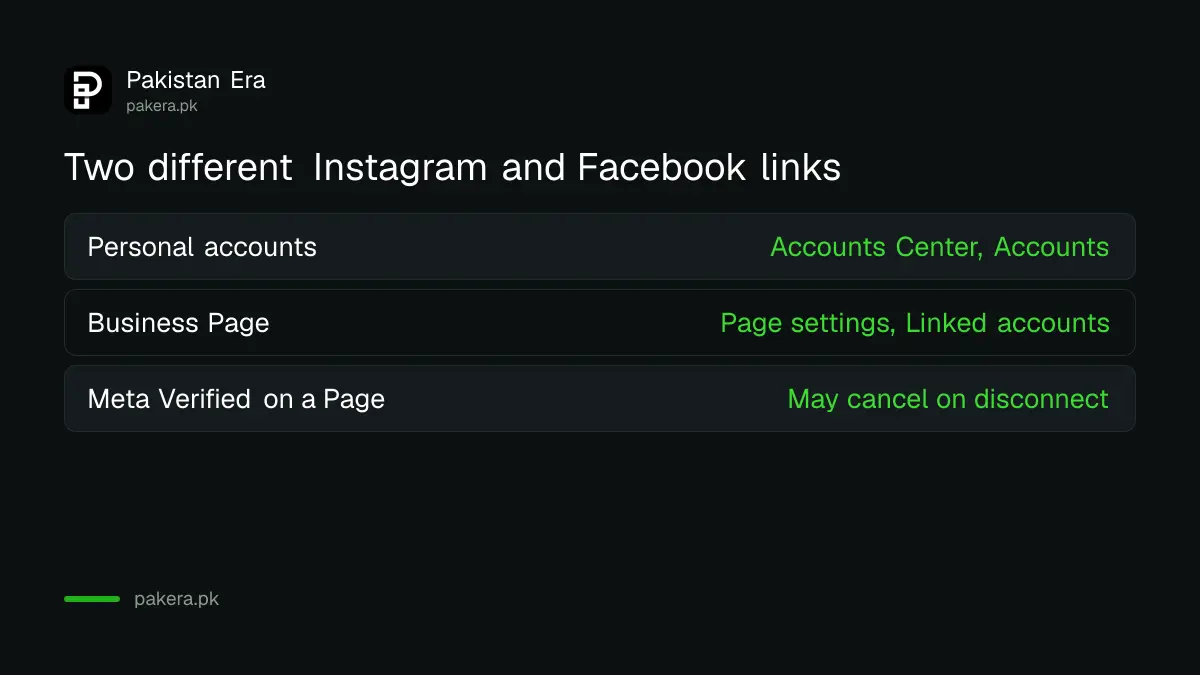
A Facebook Page linked to Instagram for ads or messages is a different connection. It is managed in the Page's own settings, under Linked accounts. Removing your personal Facebook account from Accounts Center does not disconnect a Page.
- On a computer, click your profile picture, then See all profiles, and switch to the Page.
- Open the Page's Settings.
- Under Permissions, click Linked accounts, then Instagram.
- Click to disconnect the account and confirm.
Meta warns that disconnecting a subscribed Facebook Page and Instagram account can cancel an active Meta Verified subscription. Check that first if you pay for the badge. The badge rules are in Meta Verified price and blue tick.
Privacy checks after you unlink
Unlinking stops cross-posting and shared login, but people can still find each account on its own. Check each account's privacy, contact details and active status separately, because they no longer share settings once they are apart.
- Make Instagram private if you want only approved followers. See making Instagram private and restricting someone.
- Hide your online status on both apps, using hiding active status on Instagram and Messenger.
- Remove your phone number from Facebook if you do not want people to find you by it.
- Check that each account has its own password and two-factor login.
- Your name and username on Instagram are now edited from Instagram alone, as in changing your Instagram username and name.
Want to leave one of the apps for good instead? Deleting or deactivating Instagram and deleting a Facebook account cover that, and unlinking first keeps the other account safe.
Common questions
Does unlinking delete my Instagram or Facebook account?
No. Both accounts stay as they are. Removing an account from Accounts Center only moves it into its own separate Accounts Center.
Will my Facebook friends still see my Instagram after unlinking?
They can still search for it like anyone else. Unlinking stops sharing between the two apps; make Instagram private to control who sees your posts.
Why can't I add my other Facebook account to Accounts Center?
An Accounts Center can hold only one Facebook account. Remove the current Facebook account first, then add the other one.
Does unlinking stop my stories showing on Facebook?
Yes. Sharing stories and posts to Facebook works only for accounts in the same Accounts Center, so it stops after you remove the account.
Will unlinking cancel Meta Verified?
Disconnecting a subscribed Facebook Page and Instagram account can cancel an active Meta Verified subscription, Meta says. Check your subscription before you unlink.
How we verified this
What we checked and where we read it.
Last checked 24 November 2026. Steps come from the Facebook Help Centre pages Add or remove your accounts and profiles from an Accounts Center or Meta Account, Connect or disconnect an Instagram account and your Page and Logging in across your accounts in the same Accounts Center, plus Meta's Accounts Center help on what happens to a removed account. Menu names differ slightly between accounts already moved to Meta Account settings.
About the author

Technology Journalist & Multimedia Producer
Ahmad Ali is a technology journalist and multimedia producer at Pakistan Era, joining the team in October 2026. He covers consumer technology and digital life for Pakistani readers, combining research with hands-on product testing.